
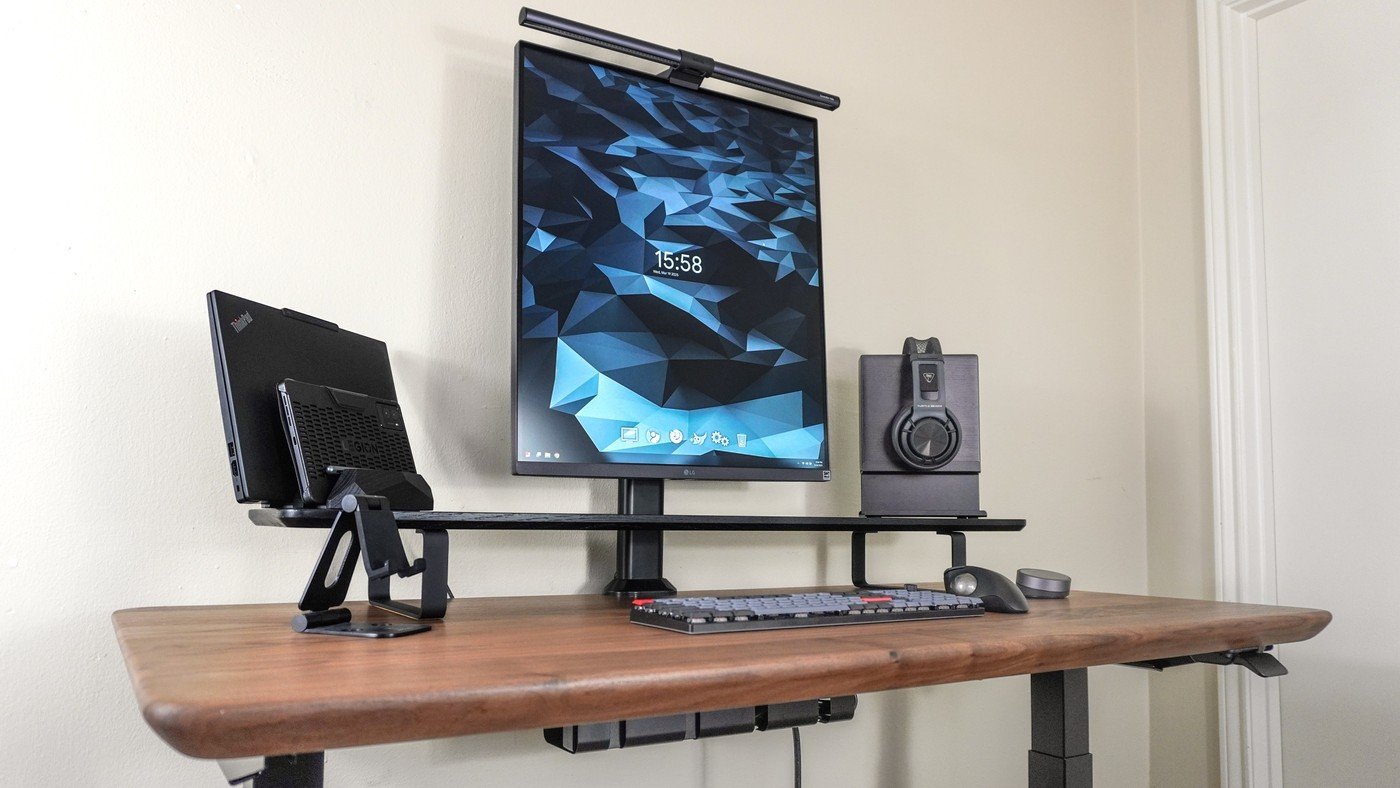
A productivity-focused desk example shows how the shape of a monitor and the movement of a pointing device affect the space left for working.
Choose a different screen shape
Tom's Guide's distraction-focused setup uses an LG DualUp rather than a conventional broad monitor arrangement. A taller display leaves additional room to the sides for other equipment. The writer also uses a desk shelf, creating space beneath it for the keyboard and smaller accessories rather than distributing everything across the main surface.
Use accessories with a purpose
The same setup includes a vertical laptop dock and a trackball, which does not need the sweeping movement area of an ordinary mouse. That can help in a restricted workspace, although the article describes the writer's preference rather than a universal replacement for every user. A monitor light bar provides task lighting without a separate lamp base. The useful small-desk lesson is to match each accessory to a real task before adding more hardware.
Use vertical capacity for an actual editing task
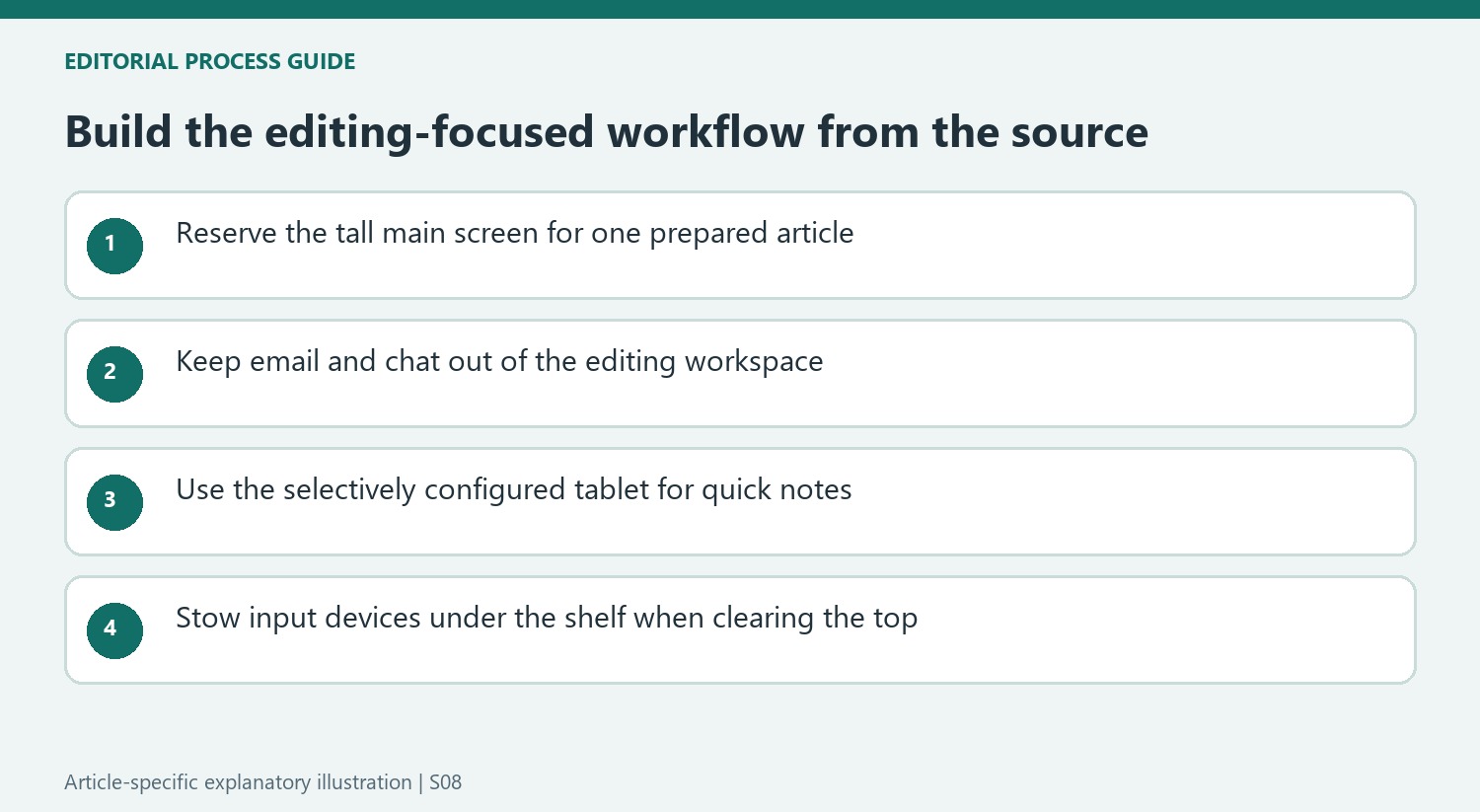
The LG DualUp in the reported setup has a 28-inch panel with an unusual 16:18 shape. Tom's Guide chose it for editing long documents, rather than for games or widescreen video. A taller Hemudu clamp stand supported the display, while a shelf created a place to tuck away the keyboard and pointer. A vertically stored ThinkPad connected through the monitor's USB-C input, leaving the surrounding surface available. The writer also kept email and chat closed and used a tablet with selected applications and notifications disabled for quick notes. Those software choices matter alongside the furniture: a tall monitor can still become cluttered if every additional window remains open. Copy the task separation before buying the same accessory list.
Make the display shape serve one type of work
The LG DualUp is the defining choice in the source's workstation. Its 16:18 format supplies a tall, broad area without the dividing bezel of two stacked displays. The writer deliberately chose it for editing already drafted articles, rather than for the side-by-side reference browsing used at another station. That distinction explains why an unconventional shape can suit this setup even if it would frustrate a different daily workflow.
The display also offers a built-in KVM function for multiple computers, but the writer intentionally left that possibility unused. He similarly omitted the webcam normally fitted to other workstations. Those omissions are part of the design: this particular desk was meant to narrow the range of activities available at one moment. Borrowing its focus does not require copying a feature-rich monitor and then enabling every extra function it supports.
Give accessories a storage role rather than a decorative one
The desk shelf provides a place to tuck the keyboard and trackball when a clear top is needed. On one side, a vertical dock holds the laptop and a small tablet; on the other, a broad headphone stand gives the headset and its receiver a defined location. These arrangements make the accessories useful because they remove competing objects from the immediate working area, rather than simply matching the walnut desk's appearance.
The trackball also changes the space calculation. Unlike a mouse that must travel across a working patch, it can remain in one position, and the writer maps repeated commands to its extra buttons. That is his chosen input method after years of use, not a guarantee that every user will prefer it. Test comfort and button assignments independently before deciding that the same device is necessary for a visually similar desk.
Configure the computer and tablet with the same intention
The source's less powerful ThinkPad was a deliberate alternative to a machine capable of running distracting games. The tablet was configured selectively, without copying the full collection of phone apps or allowing its usual notifications. It served as a place for a quick handwritten note, reducing the temptation to open another browser tab. The focus therefore depends on software choices as well as the visible number of screens.
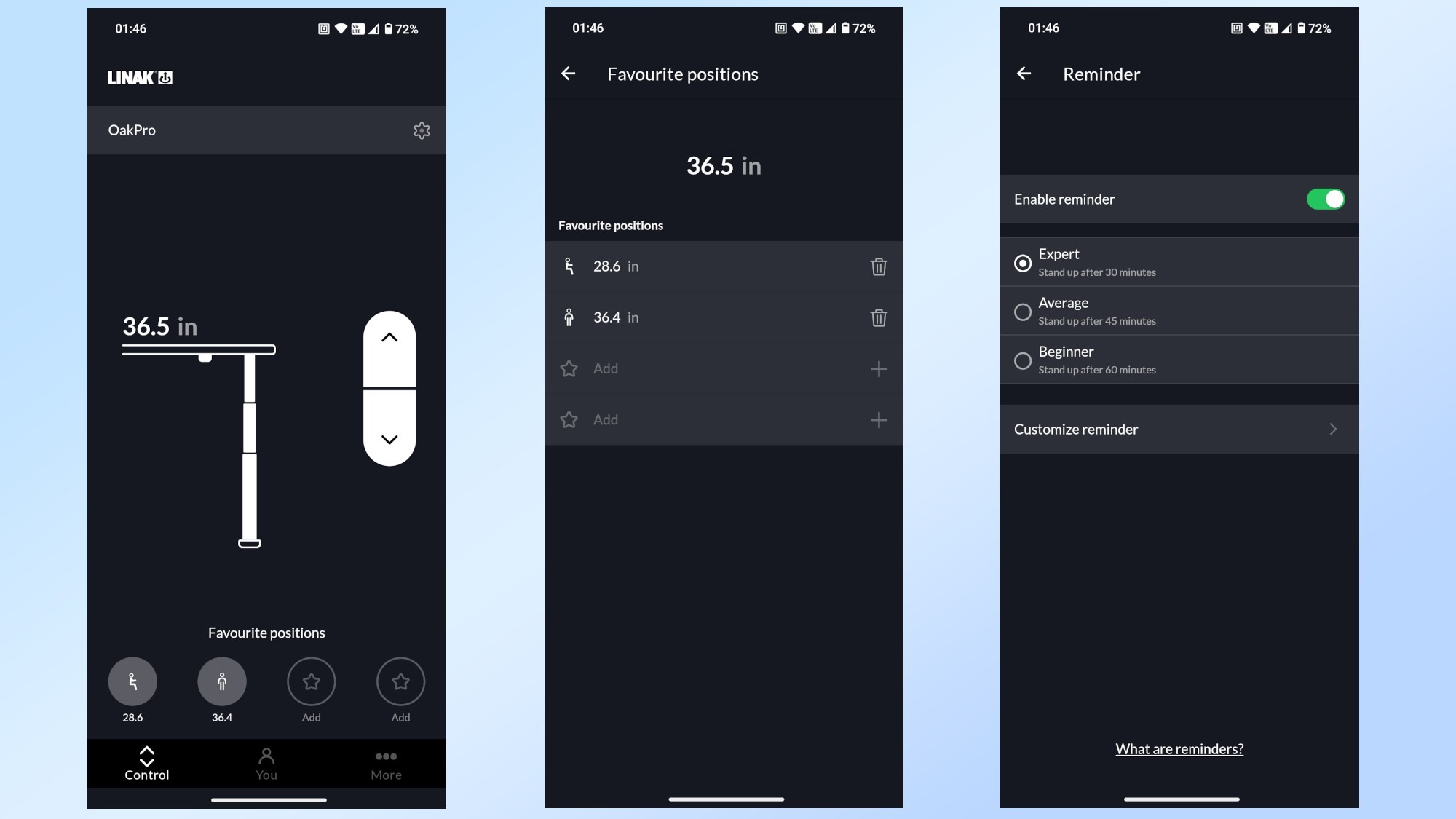
Height changes also remain available without adding a large control panel: the Oakywood desk uses a paddle controller, with preferred heights configured through the LINAK app. These are details of the reported equipment, not a shopping requirement for a focused station. Start with a representative task and identify which open windows, devices and stored accessories it genuinely needs. A quieter setup can then be tested by removing competing activities before replacing an otherwise usable desk.
References
- I built a completely distraction-free desk setup with these 10 gadgets — and now I’m truly locked in. Tom's Guide; Anthony Spadafora.


Bir Cevap Yaz
E-posta adresiniz yayınlanmayacak. Gerekli alanlar * ile işaretlenmişlerdir.