
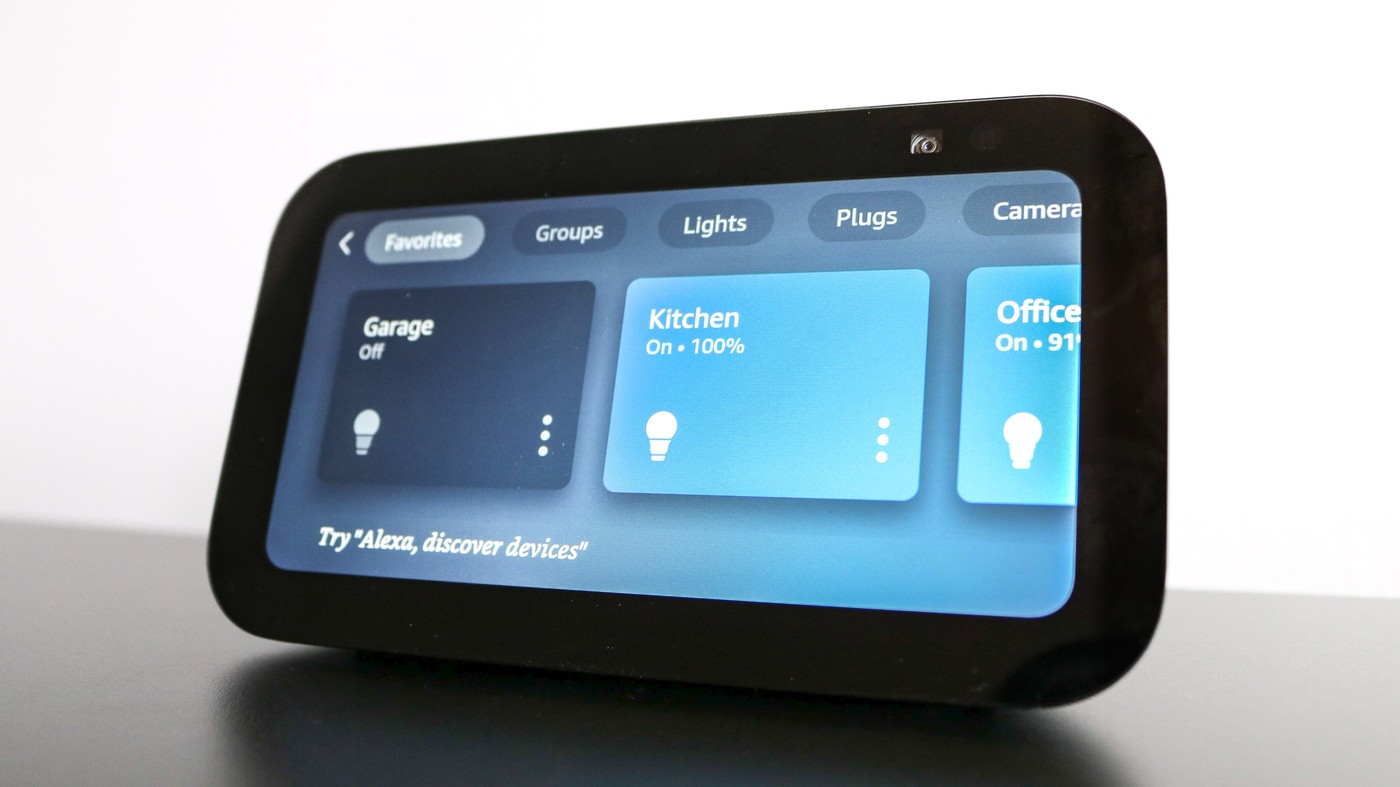
The Echo Show 5 offers a compact way to add quick information and smart-home controls without committing to another full-size computer screen.
Use the otherwise awkward spaces
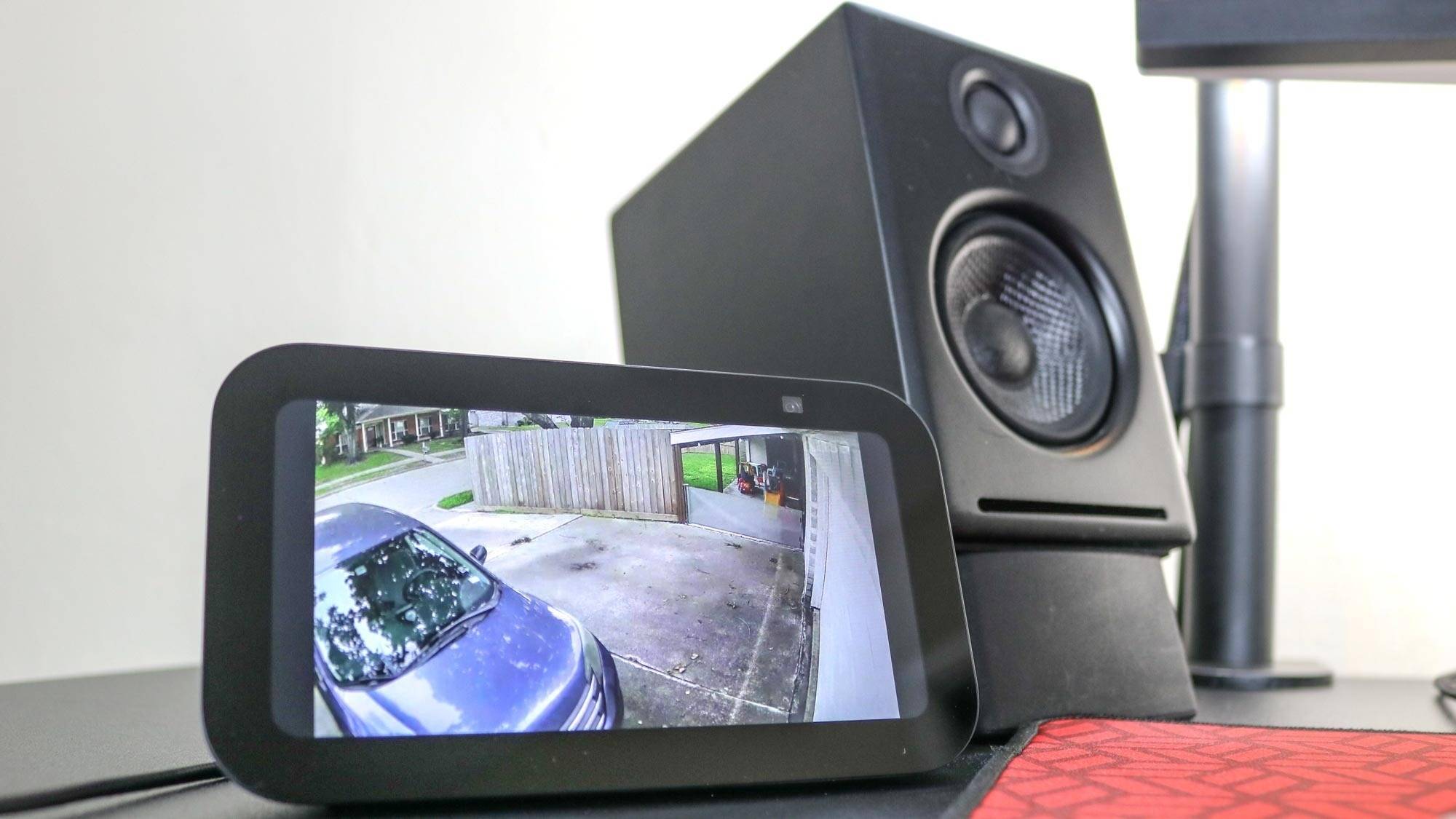
Tom's Guide describes the small display as suitable for a desk corner or the space below a monitor. Its touchscreen and voice assistant can handle timers, weather and compatible smart-home controls. The writer particularly valued checking security-camera feeds without repeatedly reaching for a phone, although that use depends on the connected home system.
Keep the extra screen deliberate
The article also notes a physical camera shutter and a microphone-off control, practical details when the device is used in a work area. A larger smart display may offer more substantial speakers or viewing space, but it also occupies more of the desk. Treat the Echo Show as an optional tool with a defined purpose rather than another surface for constant distraction. The original promotional price in the source was time-limited and is not a current offer.
Assign the screen a limited information role
The source gives the Echo Show 5 dimensions as 5.8 by 3.6 by 3.2 inches, with a 5.5-inch touchscreen and a 2MP camera. Its compact body was the reason it could move from a position beneath a display to a desk corner without dominating the workspace. The writer used compatible Eufy and TP-Link cameras as well as discussing Ring doorbells, showing that the proposed role extends beyond one brand's cameras. Compatibility still needs checking for the devices already installed. The physical shutter is particularly useful when a camera-facing desk also serves as a private work area. Treat the screen as a place for a timer, a quick answer or a deliberate camera check, rather than an always-open entertainment panel.
Choose the location around quick interactions
The writer first used a larger smart display below a monitor, later replaced it with a portable touchscreen and then missed the immediate access to a voice assistant. The smaller Echo Show 5 solved a different problem: it could sit at the desk's edge without displacing the computer display. That history explains the choice more clearly than treating another screen as an automatic upgrade to every workstation.
For a similar arrangement, check whether its intended controls remain visible and reachable from the working seat. A place beneath a monitor can be convenient but may compete with a shelf, keyboard parking area or speaker. A corner position preserves the middle of the desk but still needs the space occupied by the display's depth and lead. Test the intended spot with the dimensions before assuming that a small screen requires no practical planning.
Check the desired camera feeds before committing to the role
The source uses the display for short checks of security cameras and the door, rather than as a second computer monitor. It cites a particular collection of Eufy and TP-Link devices in the writer's home alongside the possibility of Ring doorbells. That is evidence about the reported ecosystem, not a promise that every camera from those companies exposes the same features to Alexa. Confirm the exact model and supported functions in the current system.
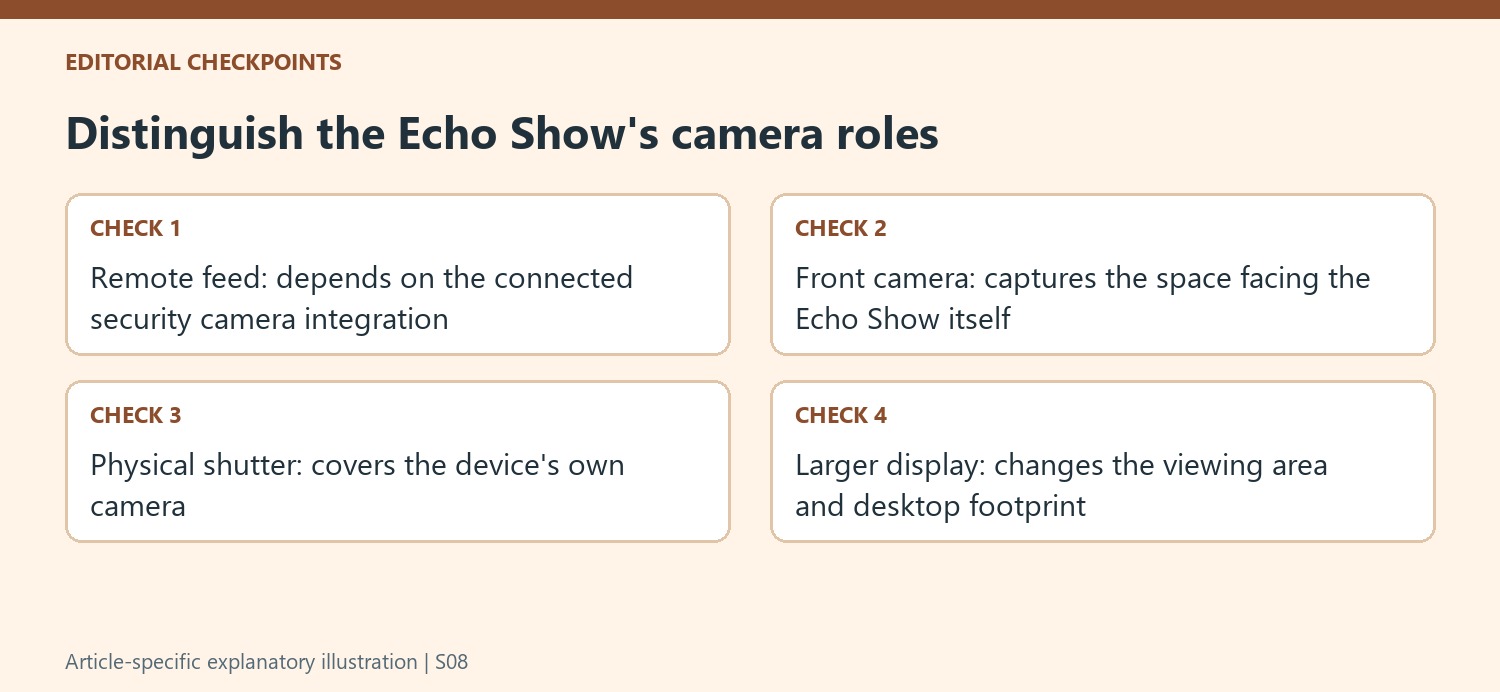
Also distinguish seeing a remote camera feed from using the Echo Show's own front camera. The latter can support calls or a view of the home office, while the former depends on the connected security equipment. Decide which function is actually needed before enabling it. The physical camera shutter and microphone-off control then have a concrete purpose in the desk routine, rather than being decorative specifications on a product listing.
Compare size and function without turning an old deal into a recommendation
The article contrasts the small display with a larger Echo Show 8 offering more viewing space, stronger speaker provision and a different camera specification. A larger model may suit entertainment or more sustained viewing, but those uses also change how much space and attention the device asks for. For a work desk, assess whether timers, weather and a deliberate camera check cover the requirement before making room for a more substantial screen.
The original story was written around a temporary discount, and its price comparison belongs to that publication moment. Check current specifications, availability and any required services separately from the historical deal. The useful lesson is the allocation of a limited role to a small device: convenient information and selected controls can remain near the keyboard without making another always-open feed the center of the workstation. Its value depends on those chosen interactions actually being useful in daily work.
References
- This smart display has earned a permanent spot on my desk — and it’s 50% off right now. Tom's Guide; Anthony Spadafora.


Bir Cevap Yaz
E-posta adresiniz yayınlanmayacak. Gerekli alanlar * ile işaretlenmişlerdir.