
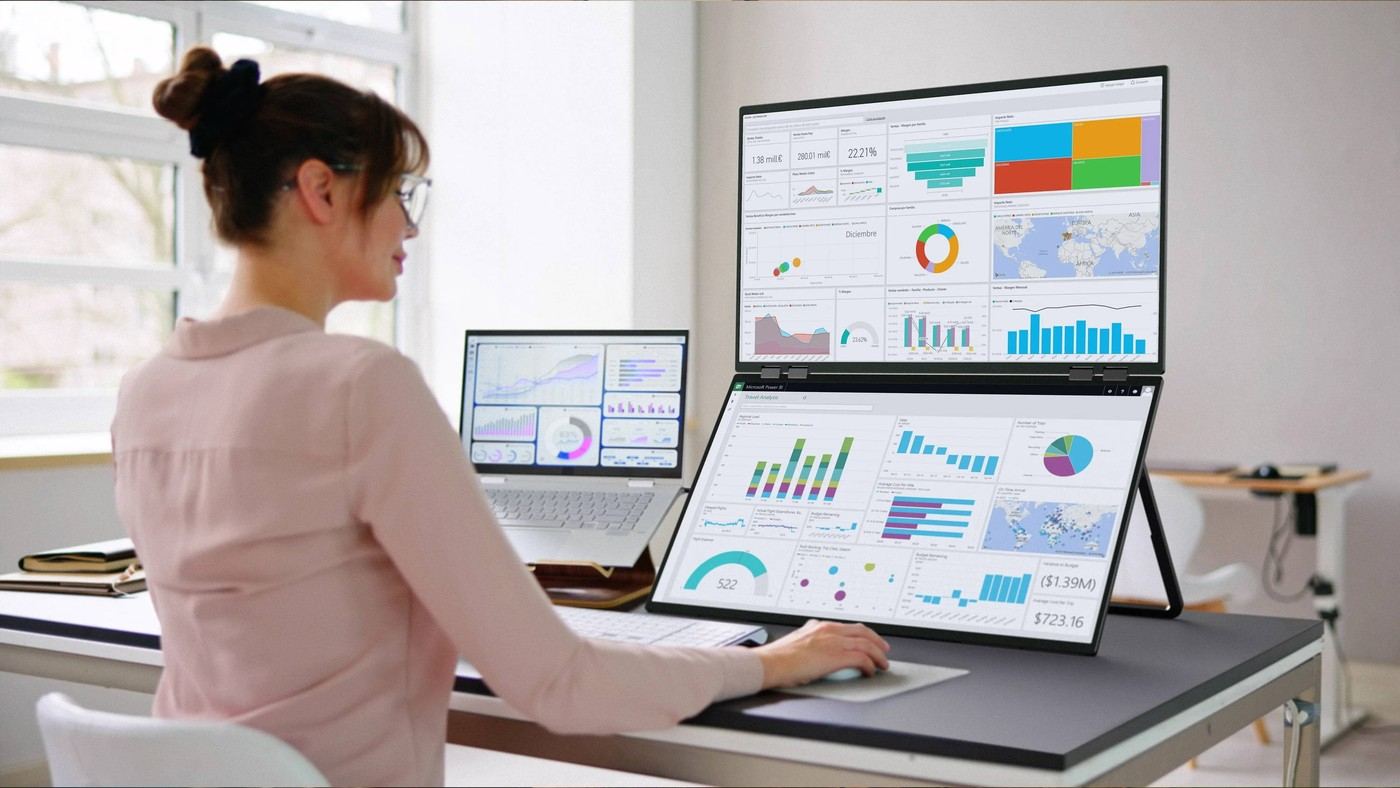
Uperfect's foldable dual-screen design puts the second panel above the first rather than spreading a workstation sideways.
Use the vertical dimension
The Delta Mega described by TechRadar combines two 23.8-inch full-HD panels in a folding assembly. Its hinges support different positions, including a vertical stack, and the built-in stand provides height and angle adjustment. For a desk already crowded across its width, the design offers another way to arrange windows without placing two broad stands next to each other.
Review the connection choices
The reported connection options include USB-C and HDMI, with built-in speakers and a headphone port. A compatible USB-C connection can simplify cabling, although the article does not establish that every computer will support every function through one port. The displays are not touchscreens. The source also notes that buying two ordinary full-HD monitors can cost less, so the main reason to consider the folding design is its integrated layout and flexibility rather than an assumption of lower expense.
Distinguish a product announcement from a tested setup
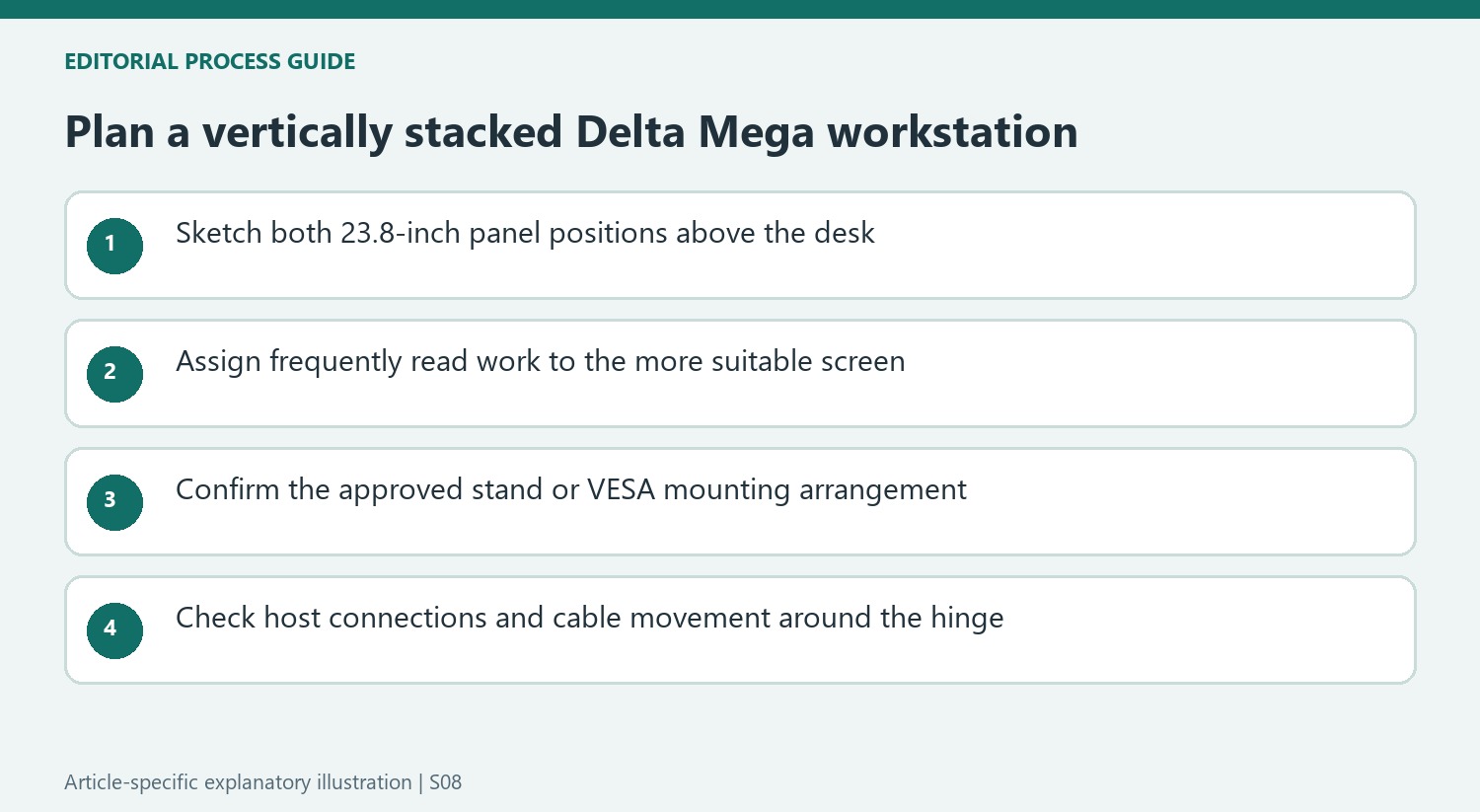
TechRadar reports the Delta Mega's specifications and manufacturer-described folding options; the article is not a long-term desk test. Each panel is specified at 100Hz, and VESA support provides an alternative to its integrated stand. Those details are useful when comparing arrangements, but they do not establish how comfortable the upper screen will be at a particular chair height. Mark out the intended lower and upper viewing areas before choosing a vertical pair. Keep frequently read work in the more comfortable position and reserve the other panel for material that is checked intermittently. A compact stand footprint can free surface space while still leaving a physically tall display assembly to accommodate.
Translate two screen diagonals into a usable arrangement
A pair of 23.8-inch panels stacked vertically occupies a different shape from two monitors placed side by side. The announcement's appeal is the reduction in horizontal spread and separate supporting furniture, not a disappearance of the display area. Before selecting the Delta Mega, sketch the intended lower and upper positions against the normal chair and desk. Leave room for the actual hinge and stand rather than marking only the visible rectangles.
Which applications should occupy those positions is a separate decision. A frequently read editor or document may deserve the easier viewing location, with a status window or occasional reference above. A vertical pair is not automatically better for long sessions just because it clears some worktop width. The source describes possible programming and editing uses, but does not measure viewing comfort for a particular person or report a comparison of those task arrangements.
Distinguish folding range from everyday stability
TechRadar reports a hinge system with a 360-degree folding range and describes the displays opening, folding or flipping. Those capabilities explain why the assembly can take different forms, including presentation-oriented positions. They are manufacturer-described options in this article. Obtain the current product instructions before choosing a position, and use the stand or approved VESA support in the way specified rather than assuming every angle is equally suitable under every condition.
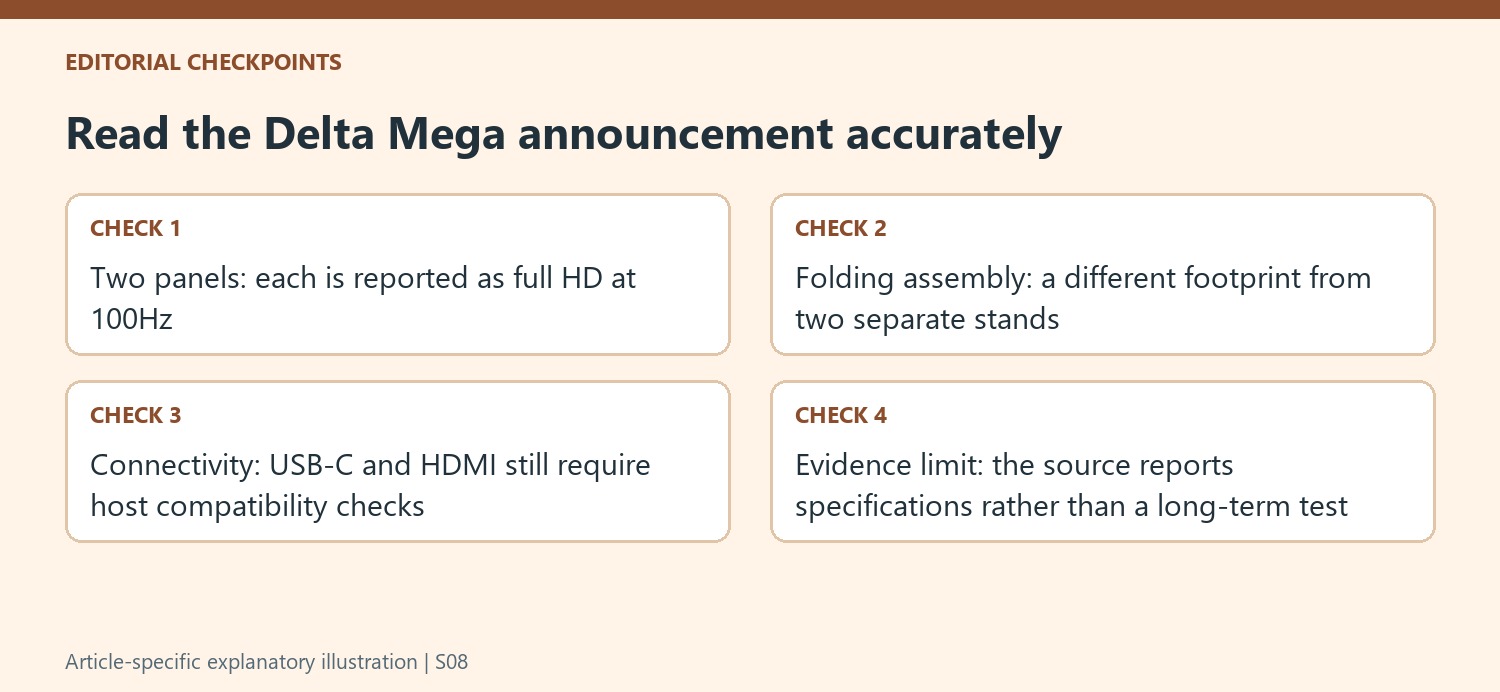
For a potential VESA installation, check the combined load, mounting pattern and permitted support instead of selecting an arm from one panel's screen size alone. Folding and adjustment can also change the position of the cable exits. Route leads so the allowed movement does not pull at connections or trap a cable near the hinge. These are planning checks prompted by the folding design, not evidence that the source independently tested every installation method.
Confirm the signal path and the reason for the premium
The announced USB-C option can reduce the visible connection burden when the computer and display support the required signal. An HDMI connection may call for a different arrangement. Identify the intended host ports, display mode and power requirements from the current documentation before assuming a single cable will supply everything. The built-in speakers and headphone socket add audio options, but neither makes these panels touchscreens; the article explicitly states that touch input is absent.
The review-style comparison in the existing article should also remain grounded in what this source actually is: a report of a new product's specifications and listed price. It does not establish that the folding system outperforms two ordinary full-HD monitors. Compare the complete arrangements, including stands and available desk width, while treating the reported discount as historical. The additional value being considered is the integrated folding form and its positioning flexibility, rather than an unsupported promise of lower cost or better image quality.


Bir Cevap Yaz
E-posta adresiniz yayınlanmayacak. Gerekli alanlar * ile işaretlenmişlerdir.