
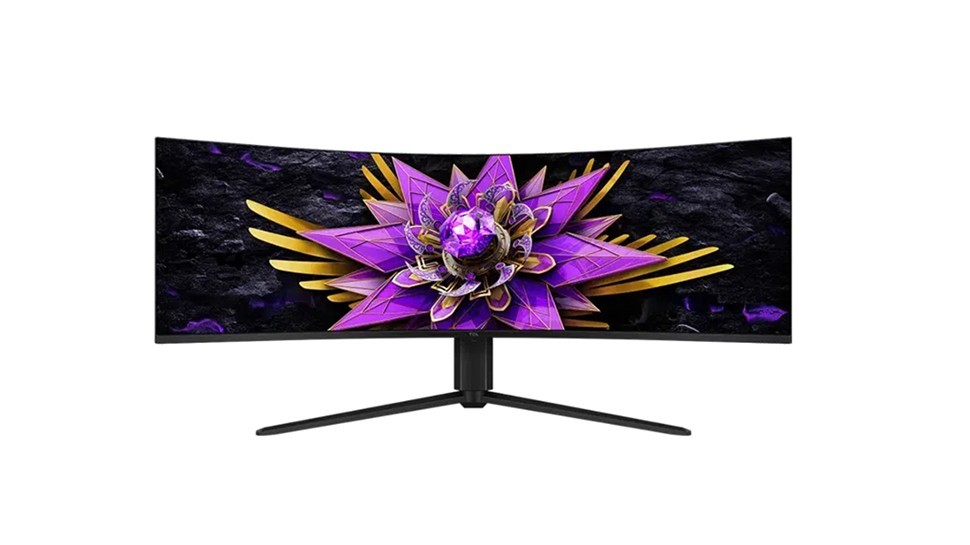
A 57-inch curved TCL display illustrates how a seamless workspace changes the space demands of a dual-screen desk.
One panel, substantial width
TechRadar describes the TCL 57R94 as a 32:9 display with a 7680 by 2160 resolution, providing a dual-4K workspace without a central bezel. Its curved shape is intended to keep the edges at a more consistent viewing distance. This is an alternative to a conventional monitor pair, but the physical size means the desk itself becomes an important part of the decision.
Think about cables and power
The reported ports include HDMI 2.1, DisplayPort 1.4 and a USB-C connection with 90W power delivery. The panel also includes USB connections, a headphone jack and speakers. These features may consolidate some equipment that otherwise occupies the desktop. The source had no confirmed price or availability at publication, so neither should be treated as settled. Plan around the actual width of the furniture and the equipment being connected before assuming that a single screen will make the workstation smaller.
Match the advertised workspace to the computer
The announcement specifies a 1000R curve and a 120Hz refresh rate, alongside the unusually wide resolution. It also lists 2304 local-dimming zones and broad DCI-P3 coverage. These are reported product specifications, rather than measurements from an independent desk test in this source. Their presence does not answer whether a particular computer and chosen connection can run the desired resolution and refresh rate together. Check that compatibility before designing the whole workstation around one input. The article's prediction about likely expense was also speculation at publication. A useful comparison is the full arrangement: furniture width, display support, computer output and everyday window management, rather than the screen count alone.
Measure the full curved installation rather than counting screens
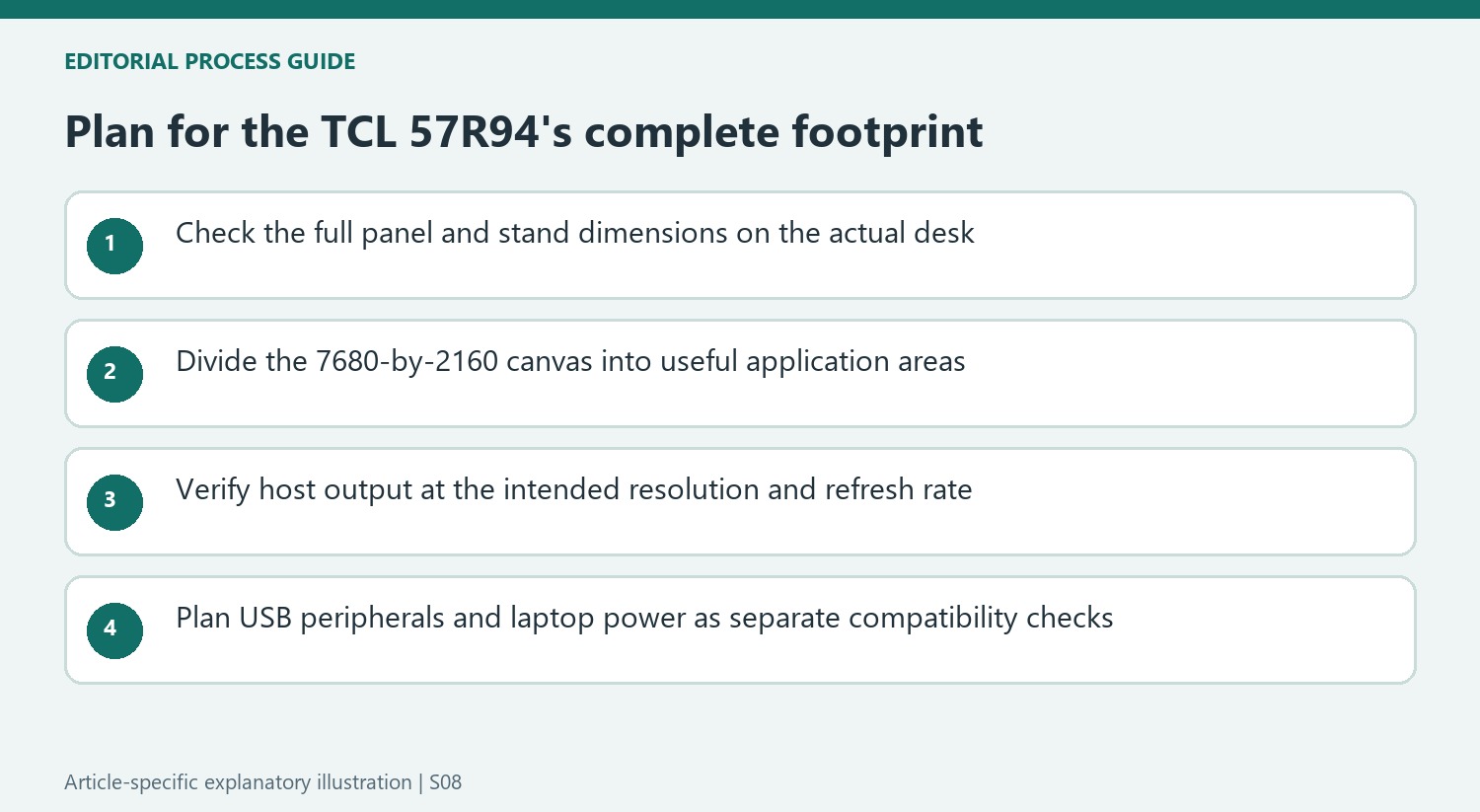
Replacing two displays with one 57-inch panel removes the meeting point between them, but it does not automatically produce a smaller desk installation. The 1000R curve brings the outer areas around the user, while the stand and panel depth still occupy physical space. Check the actual dimensions, support footprint and desk depth in the current documentation. The diagonal and 32:9 ratio alone do not establish whether the existing furniture can accommodate it.
The same distinction applies to working distance and window placement. A seamless 7680-by-2160 canvas can hold several applications, yet the user still needs a sensible division of that canvas. Sketch the primary window and supporting material before relying on the width as a benefit. The announcement's description of the curve is a design explanation, not proof that every person can comfortably read every part of the screen from an unchanged chair position.
Read the display-performance claims as announced specifications
The source lists local dimming, HDR certification and broad color-gamut coverage among the monitor's proposed strengths. It also reports a fast response-time claim and a 120Hz refresh rate. These are product specifications in a news item, not measurements produced by the writer's own image-quality test. Keep that attribution when comparing it with a review that actually measures brightness, uniformity, response behavior or accuracy on a retail unit.
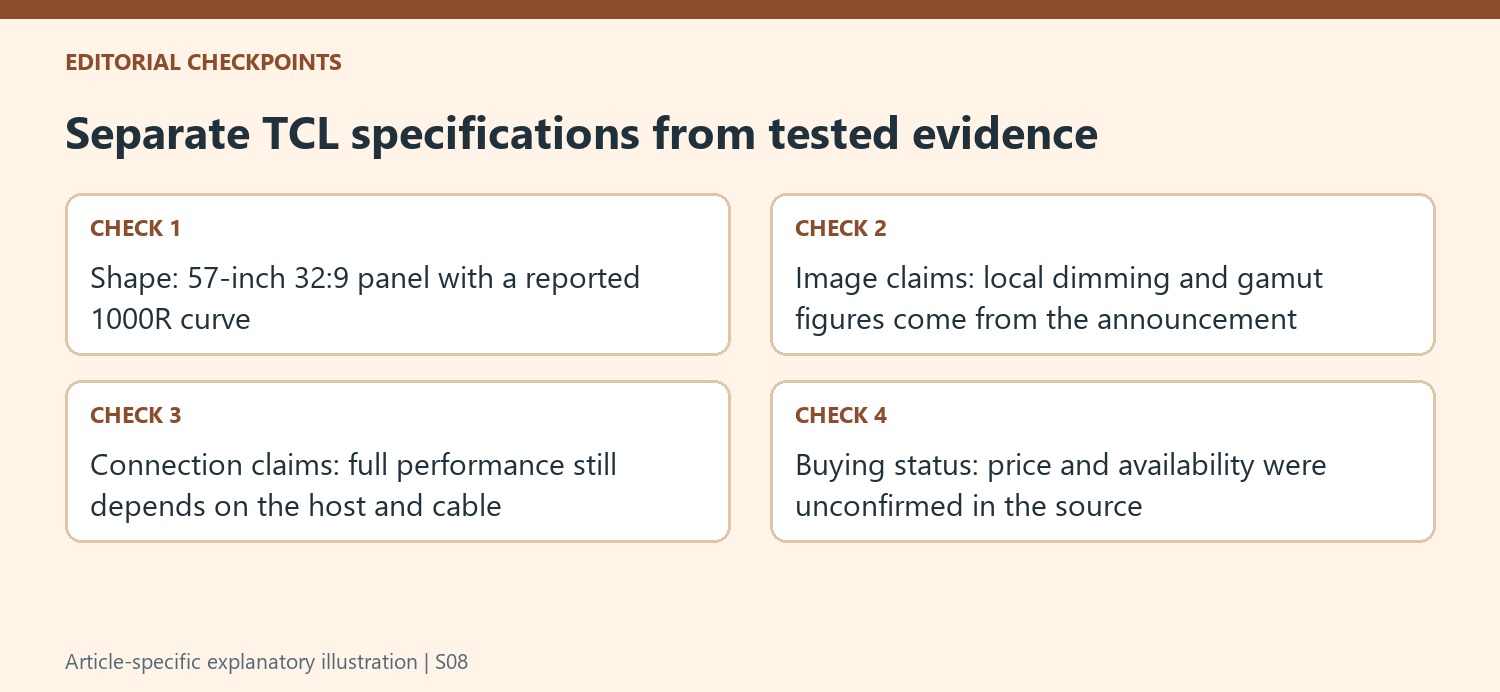
In particular, the number of dimming zones and a stated gamut percentage do not describe every aspect of how an image will look in an application. A color-sensitive workflow may also depend on calibration and the selected mode. The article contains several performance claims, but it does not supply a complete test method for validating them. Use those claims to identify questions for current documentation and independent testing rather than treating the feature list as a finished assessment.
Check the intended host and peripheral connections together
The reported 90W USB-C function could simplify connecting a compatible laptop by combining video and power, while the USB ports can gather peripherals at the monitor. That does not establish that every laptop can output the full resolution at the desired refresh rate through that connection. Compare the actual host's capabilities, cable requirements and supported display modes before designing the station around one convenient-looking socket.
Separate display connectivity from peripheral routing when making that plan. HDMI, DisplayPort and upstream USB serve different functions, even when their leads all terminate at the same enclosure. Built-in speakers may remove a pair of small speakers from the top, but their suitability depends on the listening task. Finally, the announcement had no confirmed sale price or availability. Assess the current complete setup when those details are established, rather than carrying its speculative pricing into a later buying decision.
References
- This 57-inch TCL dual 4K curved monitor brings cinematic width to large desks and multitasking workflows. TechRadar; Wayne Williams.


Bir Cevap Yaz
E-posta adresiniz yayınlanmayacak. Gerekli alanlar * ile işaretlenmişlerdir.