
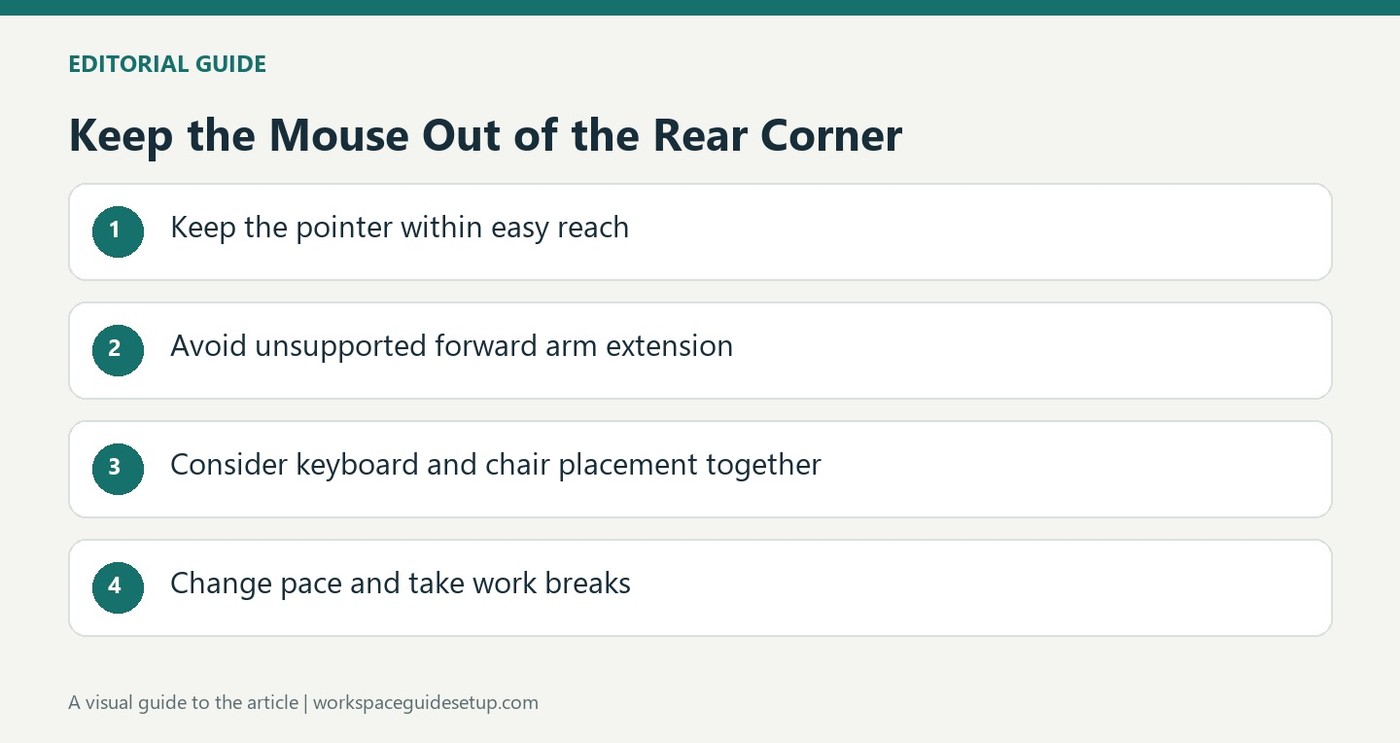
CCOHS describes how a crowded workstation can place the mouse too far back, increasing unsupported shoulder reach.
Notice the position of the arm
On a restricted desktop, the mouse may be pushed toward the upper corner behind the keyboard. The fact sheet describes how that arrangement encourages leaning and holding the arm forward without support. The resulting shoulder and upper-back load is separate from the smaller repeated finger and hand movements involved in clicking and scrolling.
Review the whole working pattern
The guidance recommends considering the monitor, keyboard, chair, desk and work practices together. A better-fitting device can help, but it does not compensate automatically for poor placement or uninterrupted repetition. Suitable positioning, awareness of posture and changes in pace or activity all matter. The source explicitly notes that complete elimination of discomfort is not guaranteed. If the pointer feels difficult to reach, clearing a closer usable space is a more direct starting point than buying another device without changing the layout.
Separate repetitive movement from sustained reaching
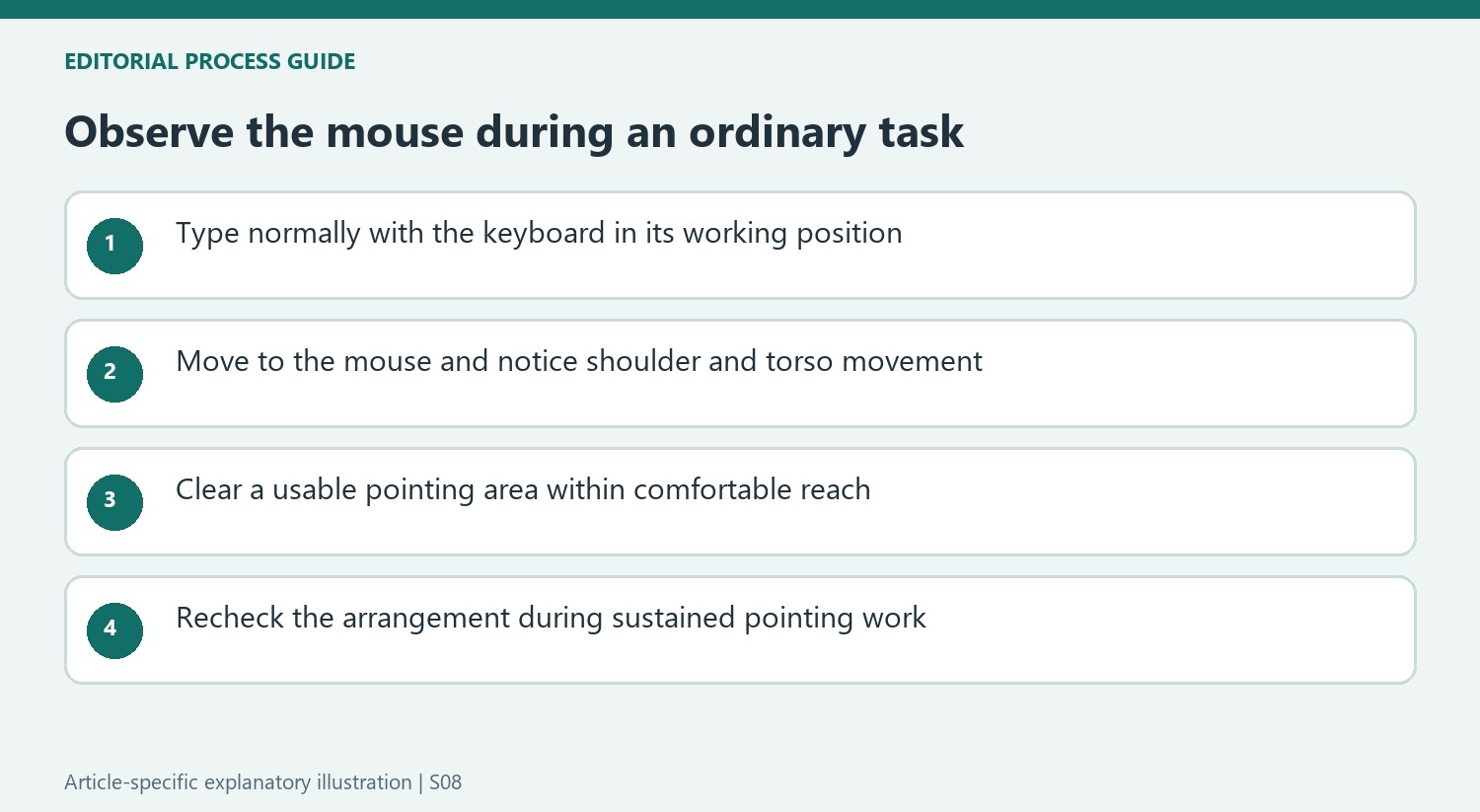
The fact sheet explains two different problems that can occur together. Repeated clicking and scrolling load small hand and finger muscles, while a mouse parked behind the keyboard can require the shoulder and upper back to hold the arm forward. A compact device addresses neither issue automatically if it is still placed beyond easy reach. Reassess the layout while doing a typical task, not only while resting both hands in front of the keyboard. Notice whether the torso comes away from the backrest when the mouse is used. That observation helps identify a placement issue that might be hidden by an otherwise orderly-looking corner arrangement.
Inspect the transition from typing to pointing
A workstation can look centered while the user types yet become awkward as soon as the hand moves to the mouse. The CCOHS example places the mouse high beside the keyboard toward the rear of the desk, where using it requires a sustained forward reach. Watch that transition during a familiar task. If the shoulder moves forward and the torso leaves the backrest, examine the pointer's location rather than judging the arrangement from the keyboard position alone.
A corner can make this easy to miss because there is plenty of visible surface beyond the keyboard. Available surface is not necessarily convenient working space. Identify a closer usable area that does not require competing supplies to be moved every time the mouse is needed. This is an application of the fact sheet's placement concern, not a claim that any one desk shape is inherently harmful or that a particular distance will fit every user.
Keep reach and repetition as separate parts of the assessment
The fact sheet describes precise pointing, scrolling and clicking as repeated demands on small muscles, while holding the arm forward adds another load at the shoulder and upper back. Moving the mouse closer can address the latter without eliminating the former. Likewise, reducing the number of clicks would not automatically correct a workstation that still requires reaching. Review the physical arrangement and the way the task is performed as connected but distinct issues.
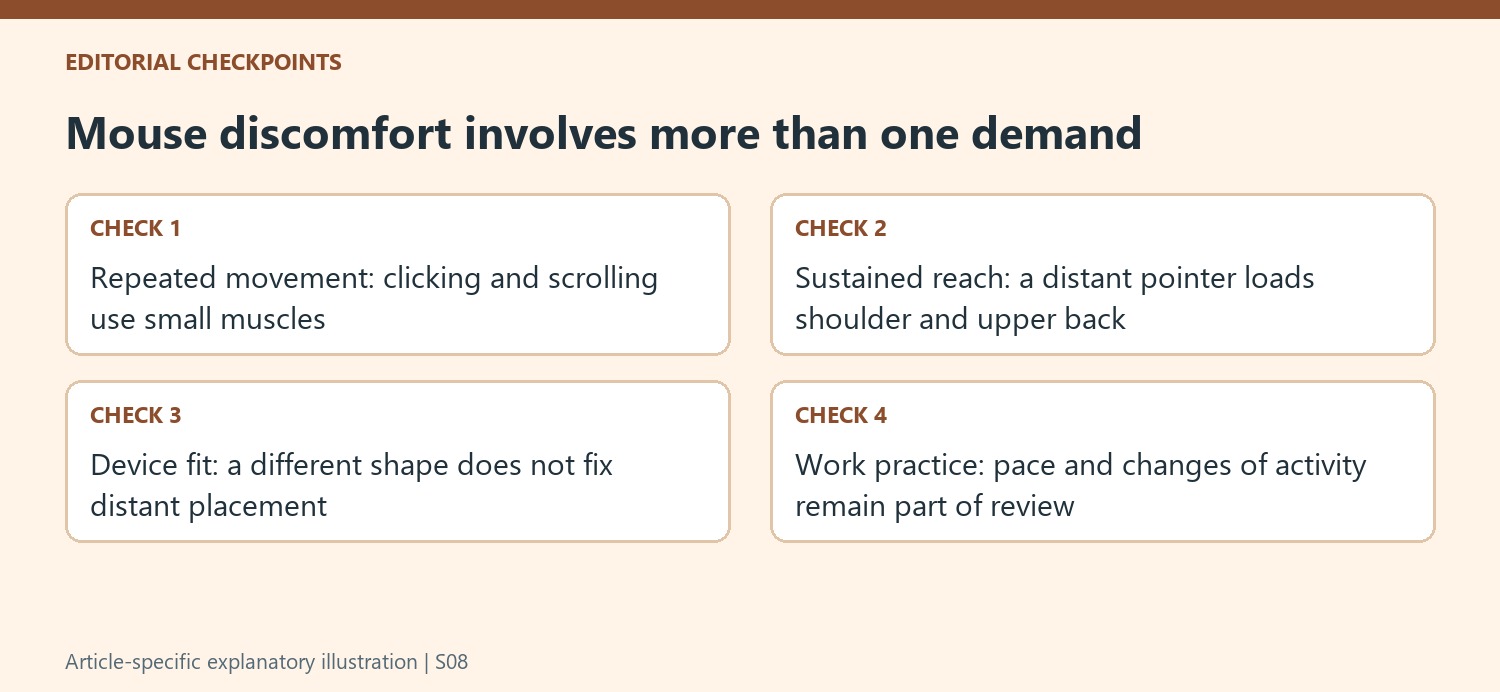
This distinction helps avoid an incomplete purchase decision. A different pointer may fit the hand better, but if it remains in the same distant location, the sustained reaching pattern may remain. A new keyboard may create additional room beside it, yet that room is useful only if the mouse is actually positioned there. Assess any device change while working, including where the forearm, shoulder and torso settle during the most frequent actions.
Review pace and support alongside the equipment
CCOHS explicitly includes work practices with the monitor, keyboard, chair, desk and footrest in its assessment. The arrangement should permit ordinary work without forcing an unsupported hold throughout long pointing tasks. Where possible, changes of activity and appropriate breaks belong in the plan as well. An orderly cable layout or a clear desktop is not a substitute for considering how long the same small movements and stationary positions continue.
The symptoms listed by the fact sheet explain why persistent problems deserve attention, but they are not a checklist for diagnosing a condition from a desk photograph. The source also cautions that completely eliminating discomfort may not be possible. Use its advice to identify practical improvements and reassess the actual task, rather than promising that a new mouse, cleared corner or single posture adjustment will prevent every ache or work-related musculoskeletal problem.
References
- Office Ergonomics - Computer Mouse - Common Issues from Use. Canadian Centre for Occupational Health and Safety.


Bir Cevap Yaz
E-posta adresiniz yayınlanmayacak. Gerekli alanlar * ile işaretlenmişlerdir.