
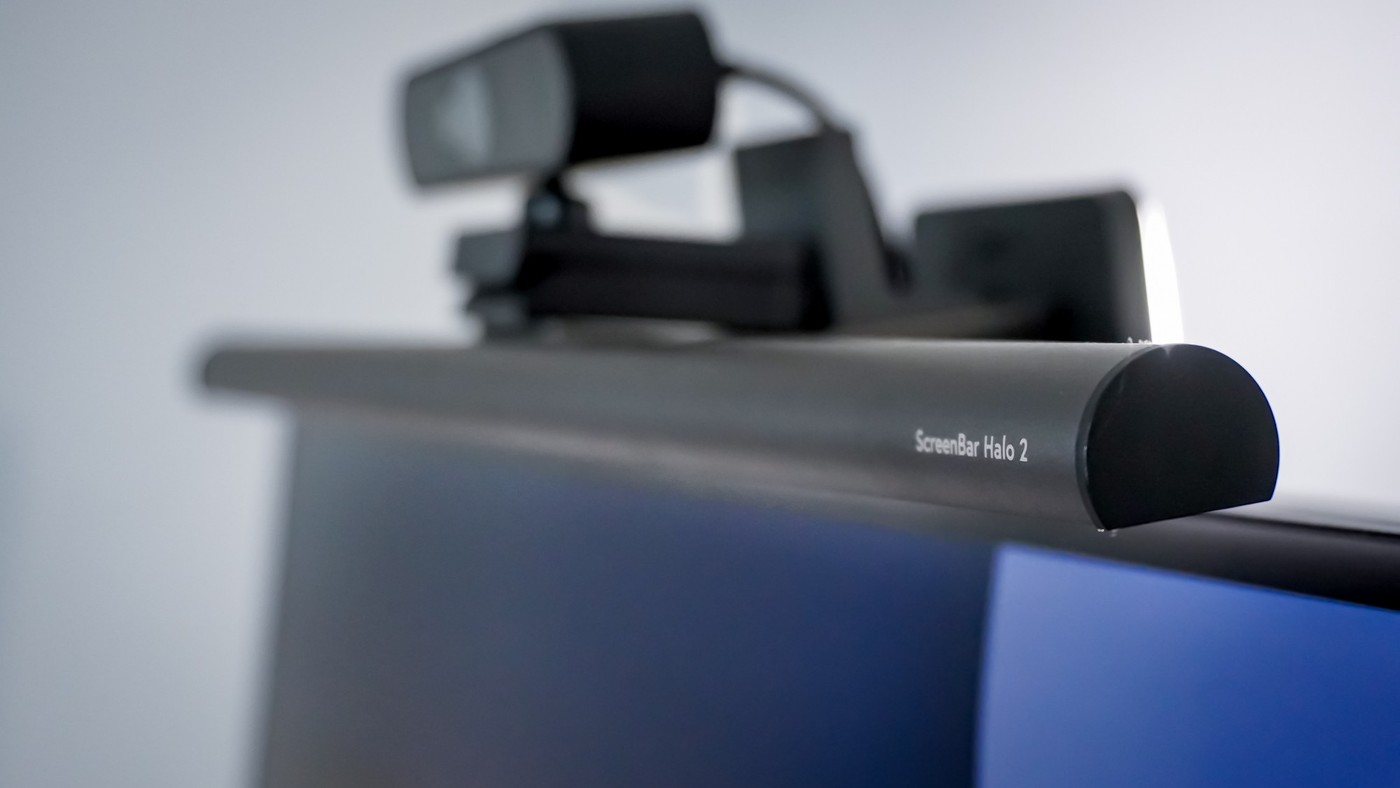
A BenQ light-bar account describes using additional front and rear lighting in a game-room corner away from a nearby window.
Give the light adequate power
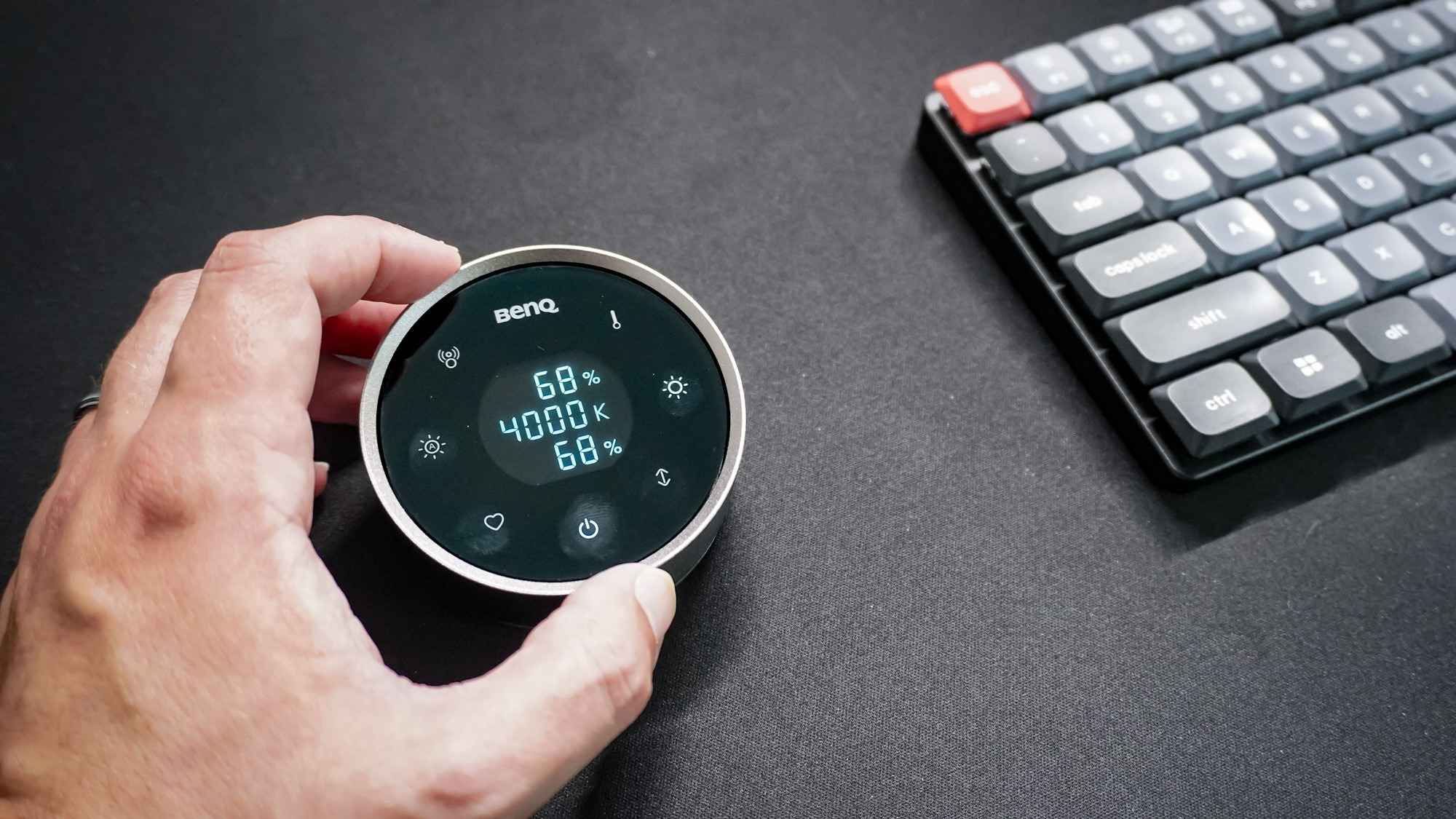
Tom's Guide notes that insufficient USB power can prevent the light from working properly. The Halo 2 includes an AC adapter, avoiding the assumption that any available monitor port will be enough. Its wireless controller has a rechargeable battery and adjusts brightness and color temperature without reaching over the display.
Reserve the top of the screen
The kit also includes a webcam mount, useful when the lamp and camera would otherwise compete for the same location. A redesigned clamp is intended for flat and curved screens. The reviewer used the motion sensor to switch lighting off when leaving and on when returning, without relying on Wi-Fi. Before fitting a comparable accessory, check the display shape, the camera arrangement and the cable route as one combined installation.
Distinguish motion control from automatic dimming
The Halo 2's ultrasonic sensor detects whether someone is at the desk, while automatic dimming is a separate function selected on the controller. Tom's Guide describes the latter as adjusting lighting to the surroundings, rather than simply turning it on when someone approaches. The controller displays brightness information and color temperature in Kelvin, letting the user change the character of the light without reaching behind the monitor. The wider rear light also illuminates the wall behind the screen. These features are useful in the reported window-distant corner, but they remain optional refinements. First decide whether the desk needs front task light, rear ambient light or both, then compare the controls needed for those roles.
Give front and rear light distinct roles
In the reported setup, the desk sits away from a nearby window, so the writer values illumination even during the day. The front light is intended for the working surface, while the rear light illuminates the wall behind the display. Decide which problem is present before choosing a product for both functions. A dark keyboard area and a dark wall are different conditions, and either may already be addressed by another suitable lamp in the room.
The source's favorable comparison with the original Halo describes the writer's experience of broader, brighter illumination. It should not become a universal prescription for a particular brightness at every desk. Check the surface, screen reflections and surrounding room as the controls are adjusted. Color temperature changes the character of the light, while brightness changes its intensity; choosing one does not automatically settle the other.
Install the camera and light as one arrangement
A top-mounted light bar and webcam compete for space when considered independently. The included camera mounting kit is therefore a functional part of the reported upgrade, helping keep a camera near the center rather than forcing it to one side. Confirm the actual monitor shape, mounting instructions and camera fit before installation. A redesigned clamp intended for flat and curved displays still needs to be used within its documented compatibility limits.
Include the light's supply lead and the webcam cable in the same routing plan. The AC adapter addresses the source's concern about insufficient USB power, while the controller has its own rechargeable battery. Those are separate power requirements. Leave the access needed to charge or disconnect equipment without pulling on the monitor-mounted assembly. The source's installation example is useful precisely because it treats calls, illumination and display accessories as parts of one desk.
Choose automation only after confirming the basic light works
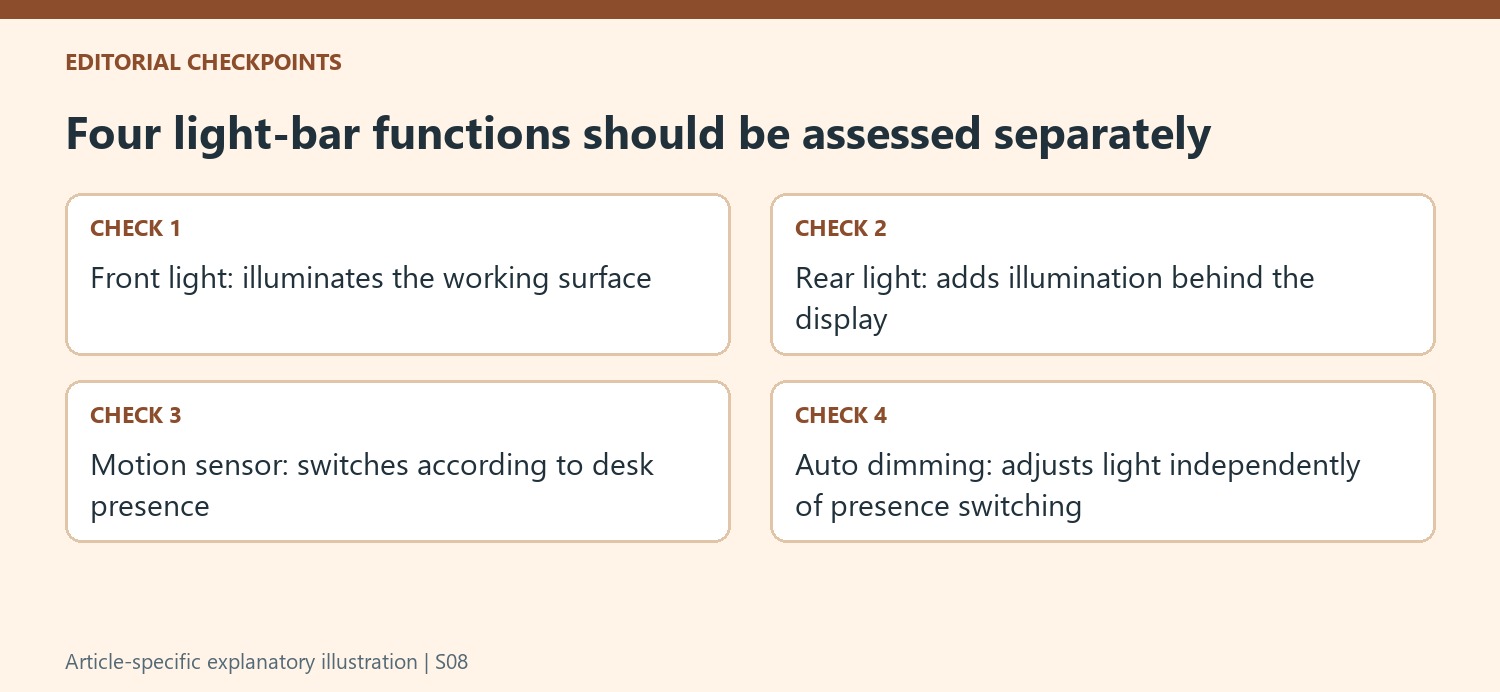
The motion sensor switches the light according to presence, whereas automatic dimming responds to lighting conditions. The writer particularly values returning to an already illuminated desk without an app or working Wi-Fi. Consider whether that behavior suits the room and normal movement before paying for it. Someone who prefers manual control, or who only needs a simpler task light, may not receive the same benefit from the additional sensor.
The article is an account of initial use, with comparisons to other bars the writer had tried, rather than a promise about every long-term installation. It also distinguishes this task-focused product from RGB gaming lights and recommends exploring a cheaper bar if the category is unfamiliar. Compare the complete current kit and desired controls instead of assuming the most elaborate model is necessary. A useful outcome is adequate, controllable desk lighting that coexists comfortably with the screen and camera.
References
- I tried this futuristic monitor light bar and now my desk lights itself every time I sit down. Tom's Guide; Anthony Spadafora.


Bir Cevap Yaz
E-posta adresiniz yayınlanmayacak. Gerekli alanlar * ile işaretlenmişlerdir.