
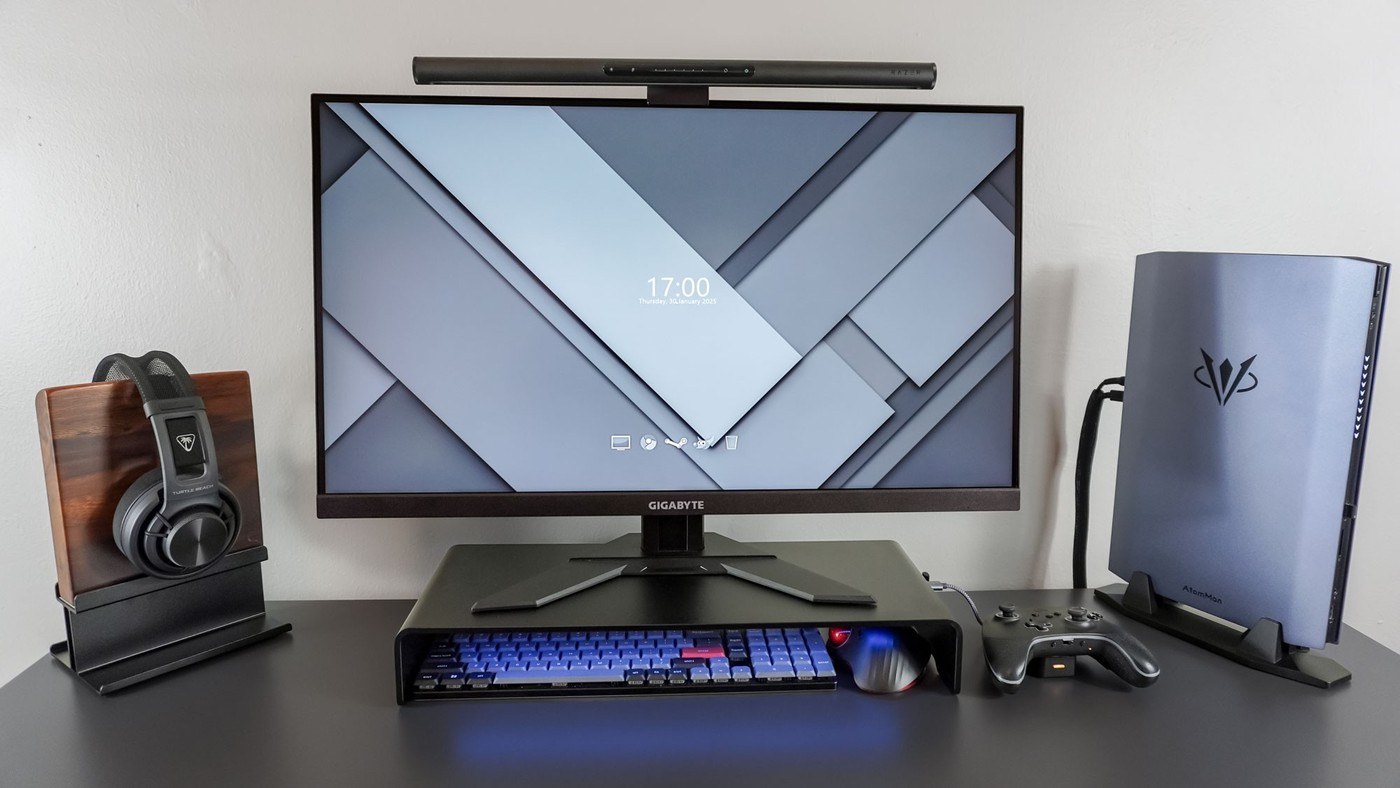
Razer's Monitor Stand Chroma combines elevated screen placement with storage space and accessible peripheral ports.
Make the space below useful
The Tom's Guide review describes placing a Gigabyte monitor on the aluminum stand, creating room below for a keyboard and trackball. A laptop can also fit beneath the shelf, although a larger 16-inch machine may project beyond it when the desk sits against a wall. Measuring that clearance matters as much as checking the monitor's weight.
Separate video from charging
A USB-C input connects the laptop to the stand, while HDMI connects the external screen. Side USB ports make wireless receiver dongles and other accessories easier to reach. The important limitation is power: this is a hub, not a full laptop-charging dock. The laptop still needs its own power supply. That distinction changes the cable plan for a supposedly tidy single-shelf workstation and should be checked before buying.
Measure the monitor base rather than weight alone
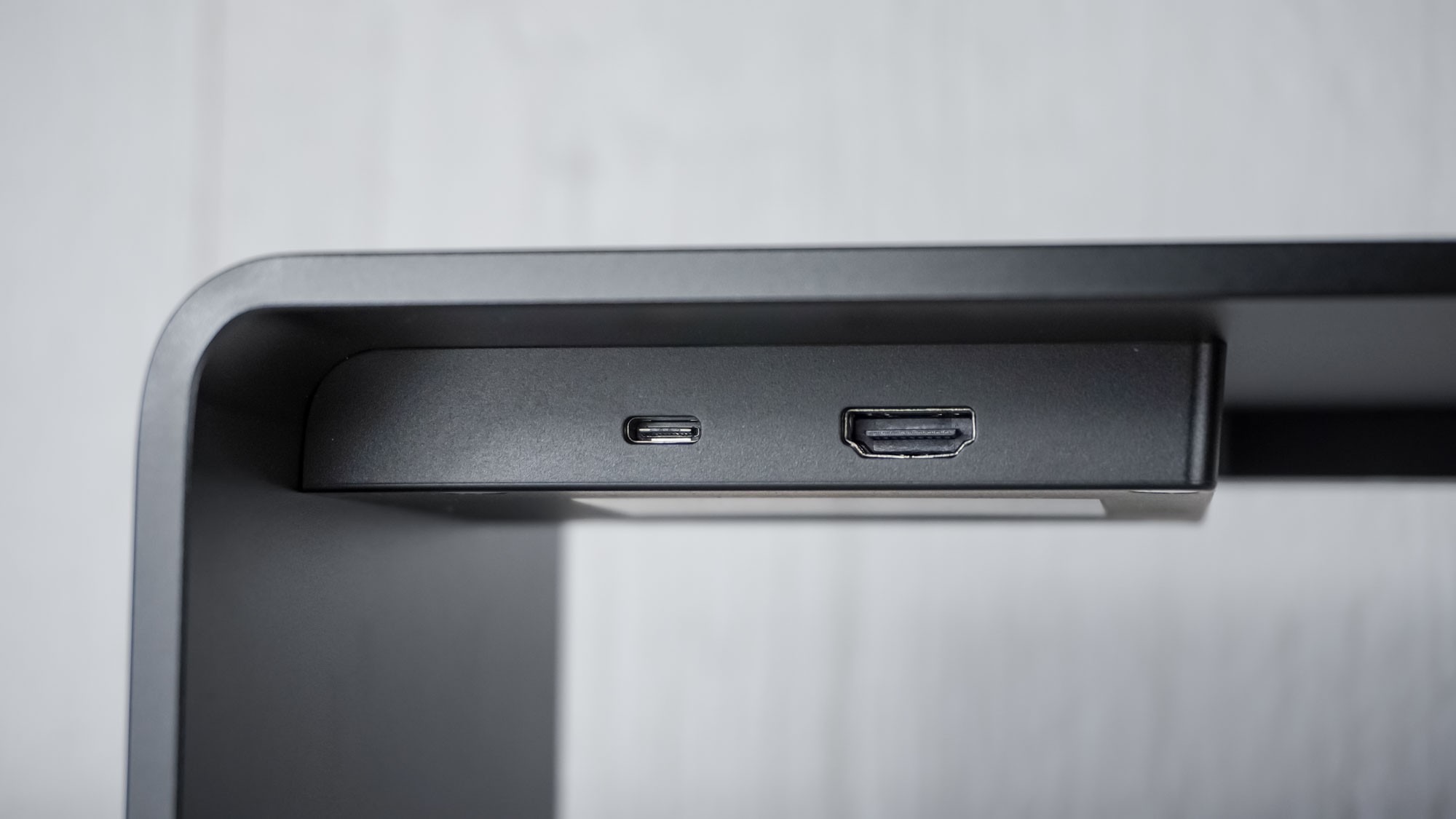
The stand is listed at 19.7 inches wide, 8.27 inches deep and 3.09 inches high, with a 44-pound capacity. A monitor may fall below that weight yet still have a base too large for the shelf, especially with a very wide display. The source makes that distinction when discussing larger screens. It also describes the side button as remappable through Razer Synapse: instead of changing lighting, it can open an application or website. That is a useful optional control, but it does not change the hub's charging limitation. Check the support footprint first, then treat software shortcuts and decorative lighting as secondary reasons to choose this particular shelf. Leave enough clearance behind the shelf for the upstream USB-C cable and the separate connection to the monitor.
Treat the shelf height as a real change to the display
A fixed riser raises whatever monitor base rests on it, which is useful only when the resulting viewing position suits the user. The writer tried the accessory in more than one arrangement, including using it as a shelf while keeping another support. That flexibility explains its appeal, but it does not mean every monitor should be lifted by the same amount. Check the screen position from the normal chair before adding a shelf beneath it.
The under-shelf space is likewise conditional on the equipment dimensions. A keyboard and trackball could be stored in the reported arrangement, while a larger laptop might project beyond the available depth. Decide whether that space is for temporary storage or for a device operating in place. Follow the device's ventilation requirements, and include the rear cable exits when judging fit rather than measuring only the closed case or keyboard width.
Map the video path independently from power
The stand's USB-C upstream connection and HDMI output let a compatible computer send an image through the hub to the display. That is different from a dock supplied with enough power to charge the computer as well. Keep the laptop charger in the cable plan for this product. A desk may still look organized with two intentional leads, while expecting an unsupported single-cable charging arrangement can leave the battery draining during work.
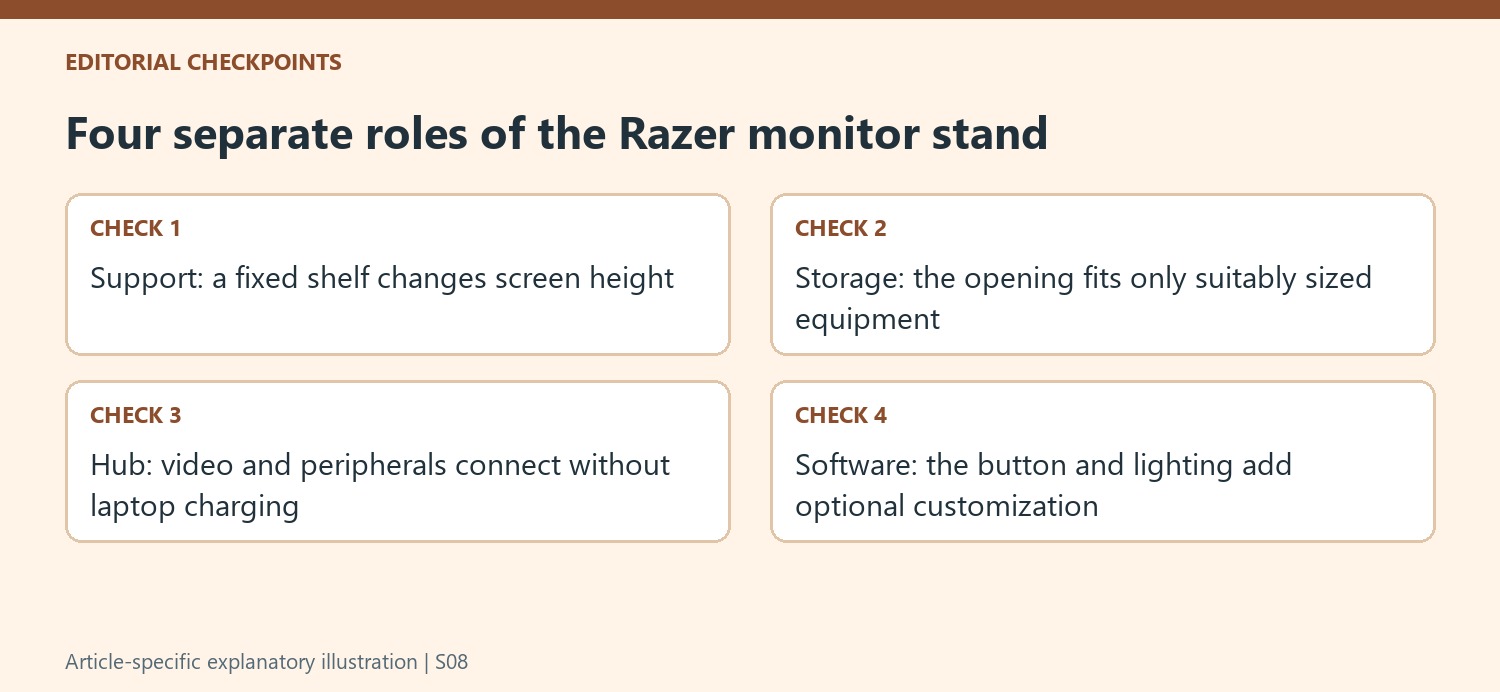
The accessible USB ports can gather wireless receiver dongles, a storage device or other supported accessories. Decide which connections are permanent and which will be unplugged often, then leave the relevant area reachable. The source's examples include charging or connecting a controller and reading removable storage. They illustrate convenient access rather than a promise that every combination of attached devices can draw unlimited power or achieve any requested data speed.
Evaluate the programmable button after the physical fit
Through Synapse, the side button can be reassigned from lighting presets to launching an application or website. The writer experimented with opening a preferred browser destination and Steam's large-screen interface. These are software-dependent conveniences, not new video or charging capabilities. Check current software support on the intended computer if the button is a deciding feature, and keep the normal application controls available when the customization is absent.
The RGB strip adds another optional reason to choose the accessory, with further effects managed through Razer software. Neither lighting nor a shortcut compensates for a monitor base that overhangs the support or a screen raised above a useful position. Compare the finished arrangement against a plain shelf and any separately needed hub. That keeps the premium tied to functions the actual workstation will use rather than to an assumption that combining features automatically saves space or cost.
References
- I added Razer’s new monitor stand to my desk setup — and this underrated feature is a game changer. Tom's Guide; Anthony Spadafora.


Bir Cevap Yaz
E-posta adresiniz yayınlanmayacak. Gerekli alanlar * ile işaretlenmişlerdir.