
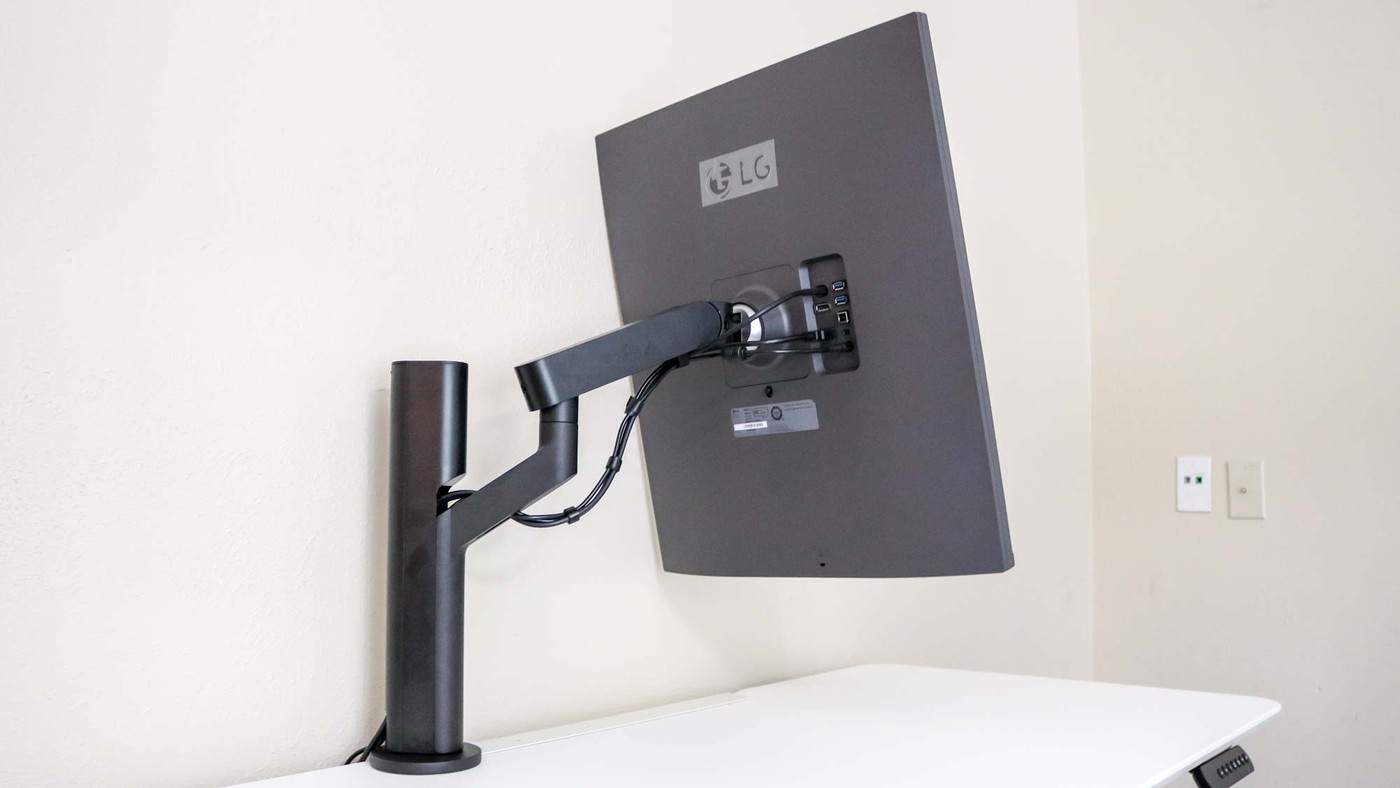
A monitor arm can recover desk space and add positioning flexibility, but the mount must suit both the display and the furniture.
Compare the movement you need
Tom's Guide's monitor-arm roundup describes options for single, paired and stacked screens. The Herman Miller Jarvis offers broad movement with clamp and grommet mounting hardware, while the Ergotron LX is available with different pole heights. The latter distinction matters if an ordinary arm cannot lift the display far enough for the intended workstation.
Check the limits before fitting
Screen size, supported load and desktop thickness vary between products. The roundup notes that the Vari Dual-Monitor Arm fits desktops no thicker than 2.25 inches, illustrating why a suitable screen specification is only part of compatibility. Built-in clips or removable cable covers can simplify routing after the height is set. Choose the actual adjustment range and mounting method first, rather than assuming that every arm can reach the same position.
Separate pole height from the arm's lift travel
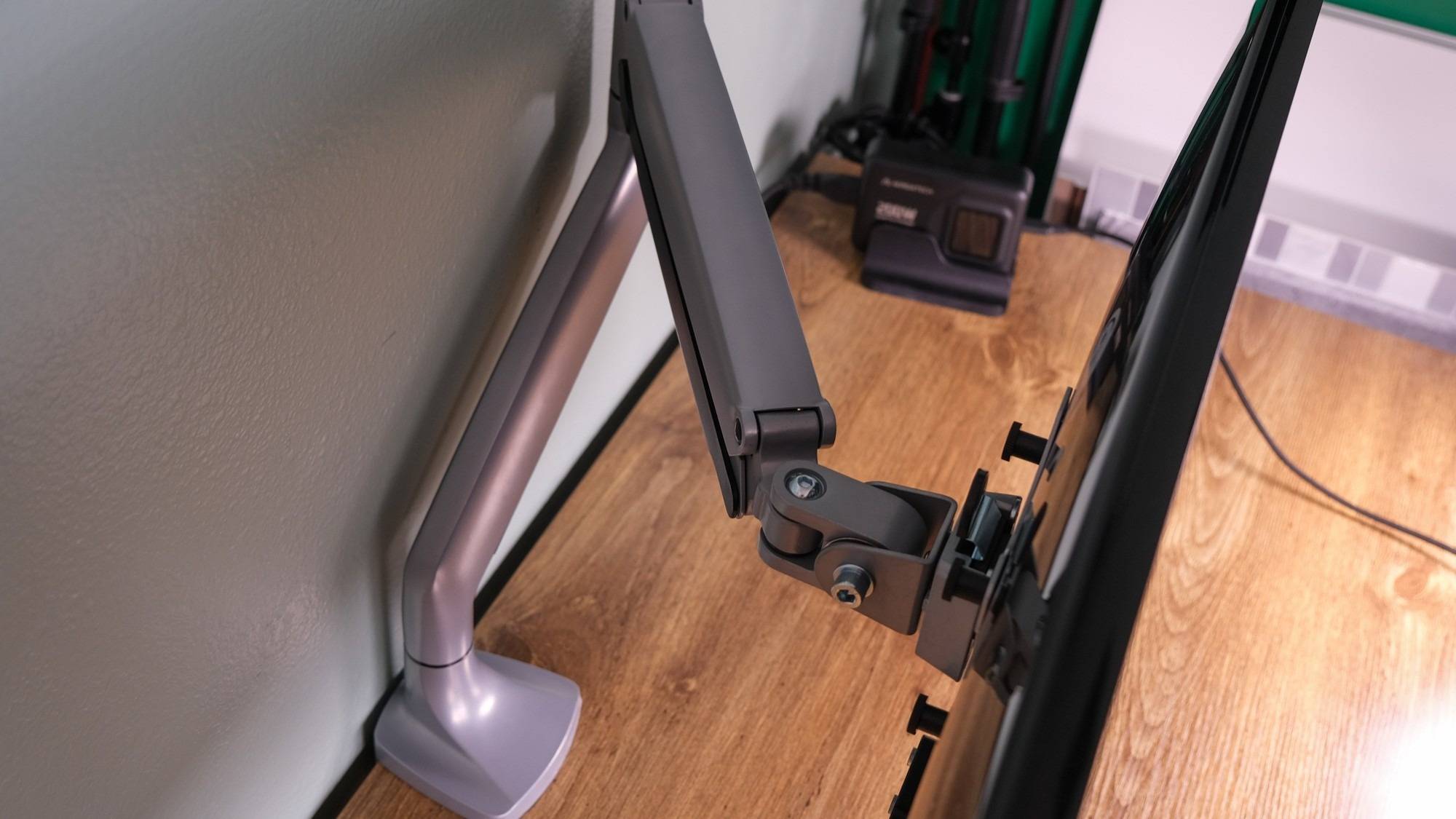
The roundup states that both Ergotron LX pole variants provide 13 inches of lift, even though the taller pole allows the assembly to begin higher. This distinction matters when comparing standing and seated positions: a taller starting point and a broader movement range solve different problems. A stacking arm adds another requirement because both screens must fit within its usable vertical arrangement. The source identifies a separate Ergotron dual-stacking model for that purpose. Do not assume that a regular dual arm can be rearranged into every possible stack. Compare the intended screen positions with the model's actual reach, mounting options and per-screen limits before routing the cables permanently.
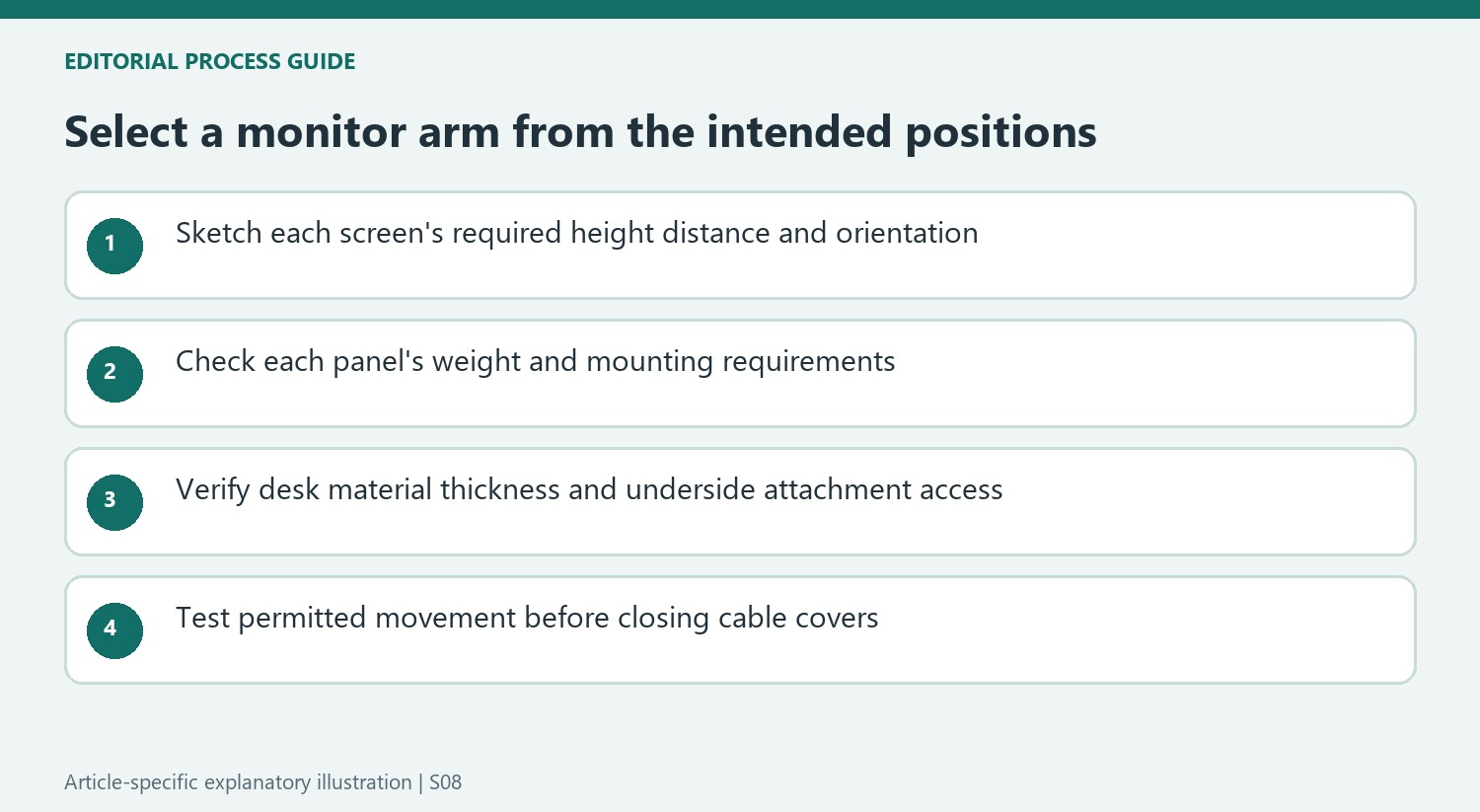
Choose the desired screen positions before the arm category
The roundup separates single, dual, triple and stacked arrangements because they ask different things of the support. Draw where each screen needs to sit relative to the main typing area, including any position used for calls or shared viewing. A mount holding the correct number of panels can still fail to reach those positions. The source's lower-cost dual-arm example, for instance, links the arms in a way that limits setting different heights.
The triple-monitor example introduces a different constraint: the center display sits on a pole and has less forward-and-backward movement than the side panels. Check how that would affect the preferred viewing distance before choosing one assembly over separate arms. These details explain why counting screens or joints is insufficient. The intended arrangement must fit the actual movement available to each panel, not just the mount's overall width.
Treat the desk attachment as part of compatibility
The reviewers tested clamp installations, although several products also include grommet hardware. Those are different attachment routes, and neither is appropriate merely because the monitor meets the load rating. Verify the desktop's thickness, material and underside access against the current instructions. A rear support rail or an unsuitable surface can rule out an otherwise attractive clamp position before the screen is attached.
The Vari thickness limit in the roundup is a concrete reminder to measure the furniture. So is the distinction between a tall pole and a longer lift range. An arm mounted higher can provide a different starting position without offering greater travel. When using a standing desk, evaluate the combined desk-and-arm adjustment rather than assuming the support alone must cover every seated and standing position or that a tall pole automatically makes the whole setup suitable.
Read real-world tests alongside the published ratings
The guide describes assembly, joint stability, movement and cable-management access as part of its evaluation. It also sometimes reports successfully mounting a screen larger than a product's stated size range. Such an experiment should not replace the maker's limits when selecting a support. Check the exact monitor weight without the original stand, its mounting interface and any special requirements for a curved or unusually wide panel.
A premium finish, USB hub or easy-to-remove cable cover can improve the experience after those checks pass. Decide which extras address an actual need, then compare the complete installation cost. Route display and power leads through their intended channels while preserving enough slack for permitted movement. The result should be an arm that can hold the required position repeatedly, with reachable connections and a mounting method appropriate for the desk rather than simply the most elaborate model in a ranking.
References
- Best monitor arms: take your desk setup to the next level. Tom's Guide; Anthony Spadafora; Christian de Looper.


Bir Cevap Yaz
E-posta adresiniz yayınlanmayacak. Gerekli alanlar * ile işaretlenmişlerdir.