

A light-bar review distinguishes useful downward task illumination from decorative RGB light that may barely reach the wall.
Fit the light to the curve
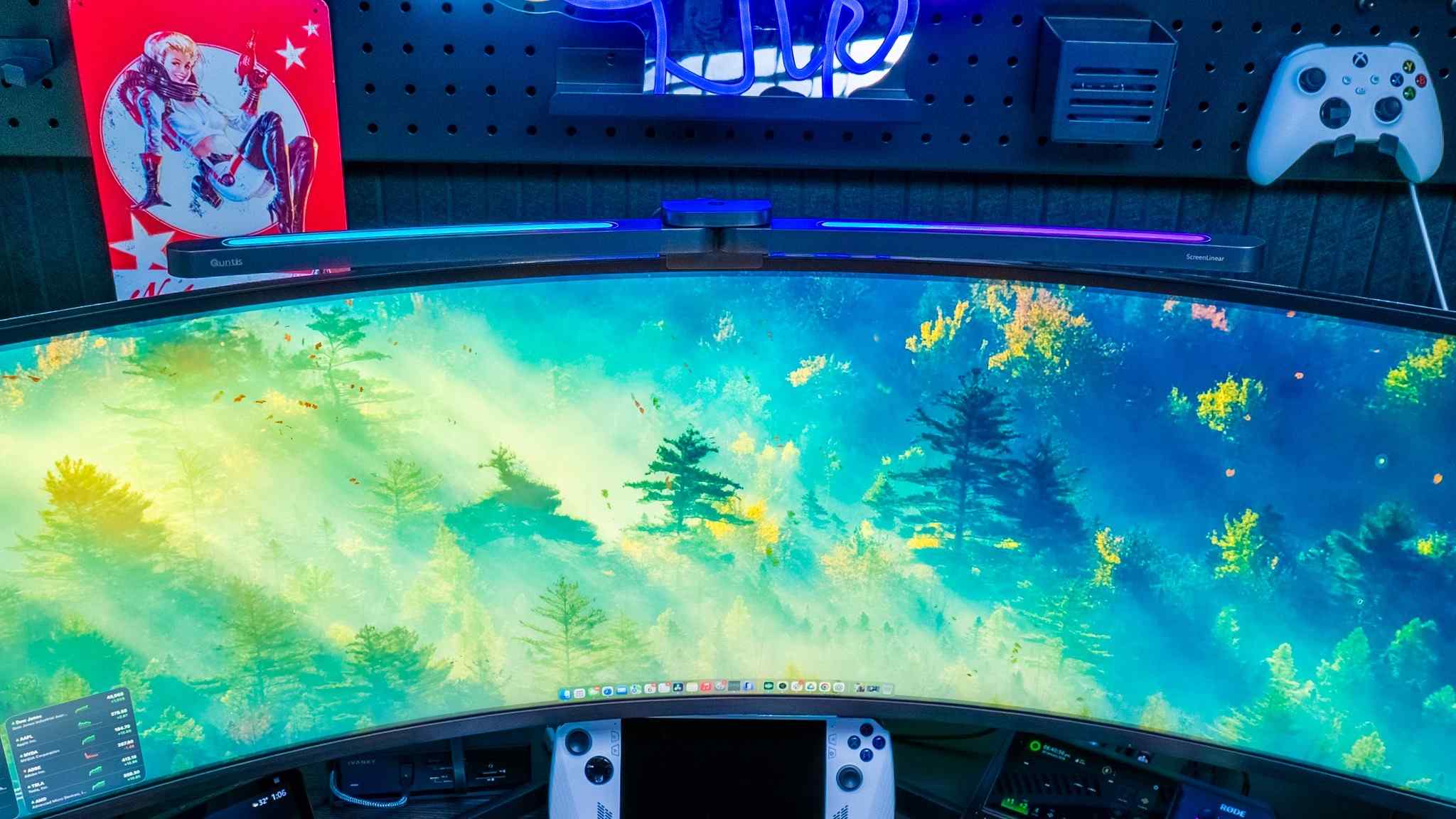
In Tom's Guide's account, the lamp uses curved arms and a folding clip to follow a large Samsung display without adhesive. It directs task light toward the desk and keyboard rather than relying on a lamp placed to one side. The source describes the product as intended for larger curved screens, so its fit should be checked against the particular monitor rather than assumed.
Treat rear lighting as a separate effect
The wireless puck controls the task light and the RGB light independently. The reviewer found the RGB illumination less effective at lighting the wall because it pointed more upward than backward. The controller also uses replaceable AAA batteries rather than USB charging. These details affect everyday use even when the main desk illumination is satisfactory. Reports of reduced fatigue in the article describe the reviewer's experience, not a guaranteed medical outcome.
Check the mounting and power details first
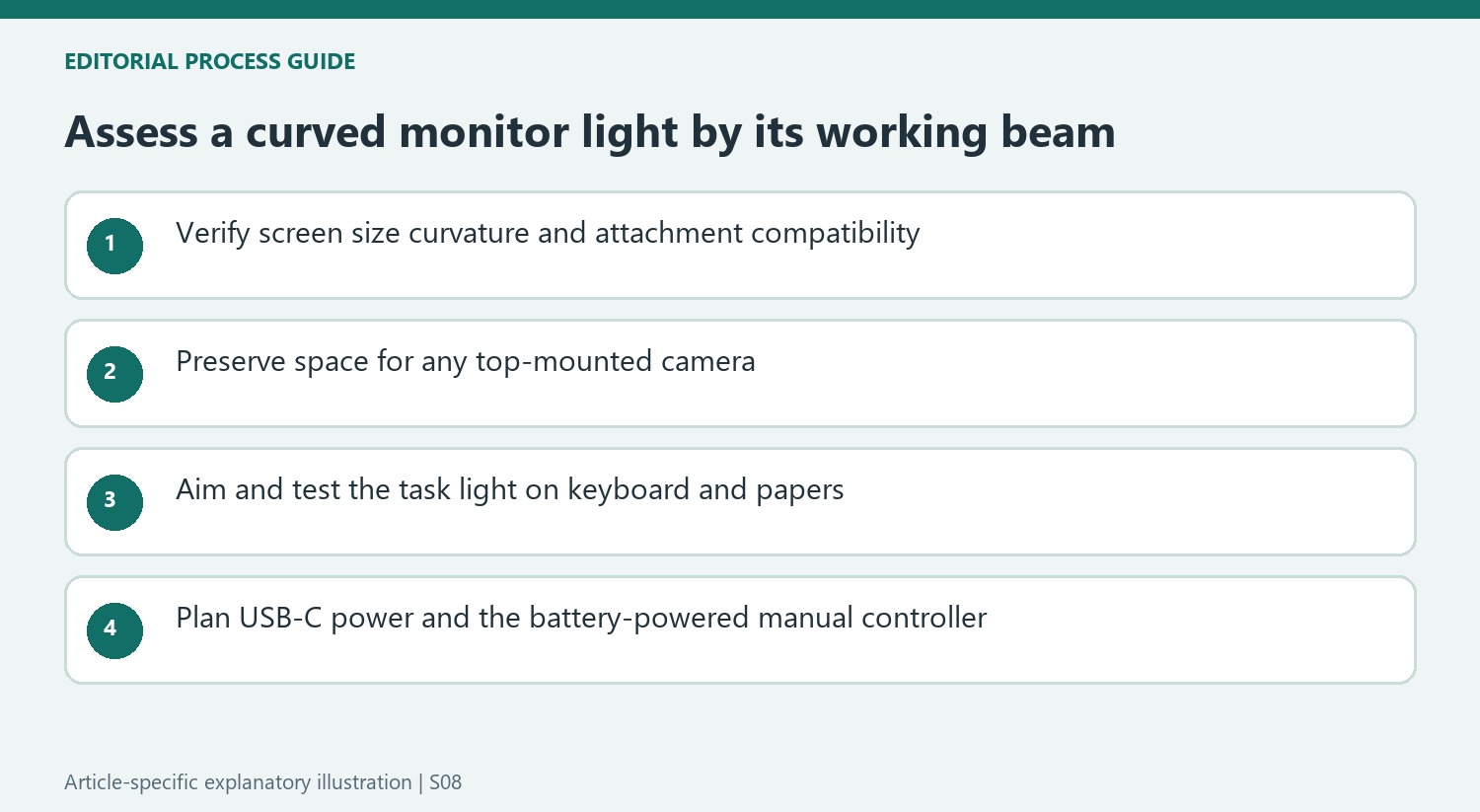
The tested Quntis model extends to about 25.74 inches and uses folding support rather than adhesive. Its detachable USB-C lead provides power, while the wireless controller handles the front and decorative lights independently. That means the accessory still needs a cable route even though everyday adjustment is wireless. The article also notes the absence of Wi-Fi and smart-home integration, so it should not be chosen on the assumption that it will join existing room-light automations. Assess whether a manual puck fits the routine. Most importantly, compare where the working light actually falls on the keyboard and papers, rather than judging its usefulness from the RGB effect visible across the room.
Check fit with the actual curved screen
The source tests a large Samsung ultrawide and describes a lamp intended for larger curved displays. That is a more specific use case than simply clipping any light to any monitor. Compare the current lamp's supported screen size, curvature and attachment requirements with the actual panel. The folding support and curved arms help explain the reviewed fit, but their presence does not establish compatibility with every rear enclosure or top-edge shape.
Plan the lamp alongside any existing webcam or other top-mounted accessory. Check that the attachment sits as instructed and that the light can reach the intended surface without being obstructed. The source's adhesive-free fitting is a feature of the tested mechanism, not permission to force it onto an unsuitable monitor. Once fitted, examine the keyboard and paper area from the normal seat rather than judging success only by how neatly the bar follows the screen's outline.
Evaluate the working beam independently from the RGB effect
The reviewer found the downward task light more useful than expected, particularly in a dim room. The decorative output had a different result because its direction was largely upward, limiting the wall effect in his setup. These findings can coexist: an accessory can illuminate the desk effectively while making a modest contribution to the background. Decide which of those jobs matters before allowing the RGB feature to determine the purchase.
Test front-light brightness and warmth while looking for useful coverage and unwanted reflections. The source reports adjustable controls, but a setting that suited the reviewer's dark working area is not automatically the right one elsewhere. Its account of less fatigue is a personal observation, not a medical result. Use that experience as a reason to inspect the lighting arrangement, while keeping the decision grounded in what is visibly illuminated at the actual workstation.
Include ordinary control and power habits in the decision
The wireless puck allows the front and decorative lights to be changed separately, which can be convenient when one effect is useful and the other is not. Wireless adjustment does not mean the lamp itself operates without power cabling. Leave a route for its detachable USB-C lead and a suitable source of power, checking the current instructions rather than assuming an unused monitor socket is necessarily the appropriate supply.
The controller's replaceable AAA batteries also belong in the ownership routine. The source specifically wished for rechargeable control and smart-home integration, so the tested product should not be described as offering either. If room lights are normally managed together through an automation system, consider whether a separate manual puck is acceptable. Historical sale pricing can explain the experiment, while the stronger comparison is current compatibility, usable beam placement and the controls that will actually be used each evening.
References
- I was skeptical about monitor light bars until I tried this one — and now I'm never going back. Tom's Guide; Paul Antill.


Bir Cevap Yaz
E-posta adresiniz yayınlanmayacak. Gerekli alanlar * ile işaretlenmişlerdir.