
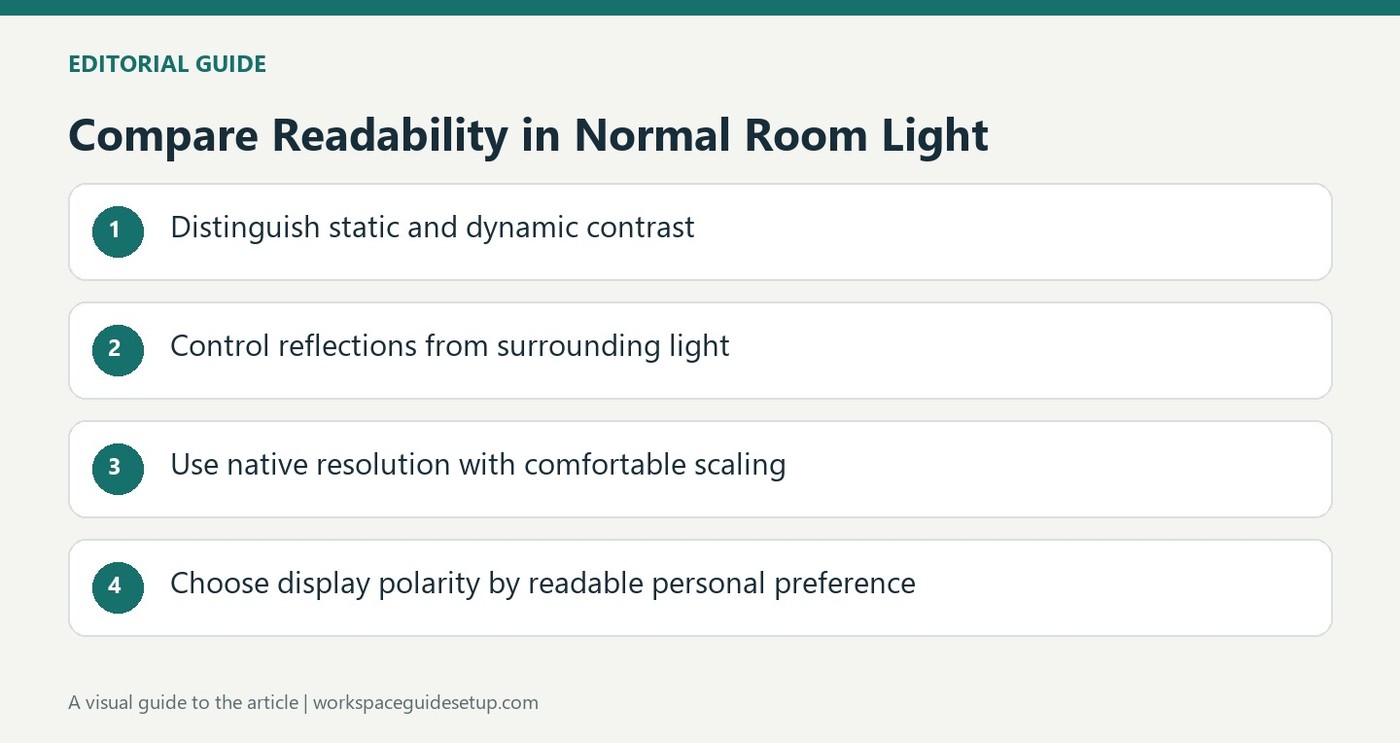
CCOHS notes that reflections change the contrast users actually see, making readable text and comfortable scaling more useful than isolated numbers.
Compare the actual reading conditions
The fact sheet explains the difference between dark text on a light background and light text on a dark one, noting that preference remains important. Reflections in a normally lit office reduce the contrast a user actually sees compared with a specification measured in a dark room. A dramatic advertised contrast figure therefore does not automatically describe the experience of reading an ordinary document.
Balance resolution with scaling
A higher-resolution monitor can show more detail, but interface elements may become smaller unless scaling is adjusted. The guidance recommends a comfortable size and generally using the display's native resolution. HDR is more relevant to suitable image and video material than to basic word processing. When evaluating screen comfort, consider the text size, viewing distance, surrounding light and task together instead of treating resolution, dark mode or brightness as an isolated cure.
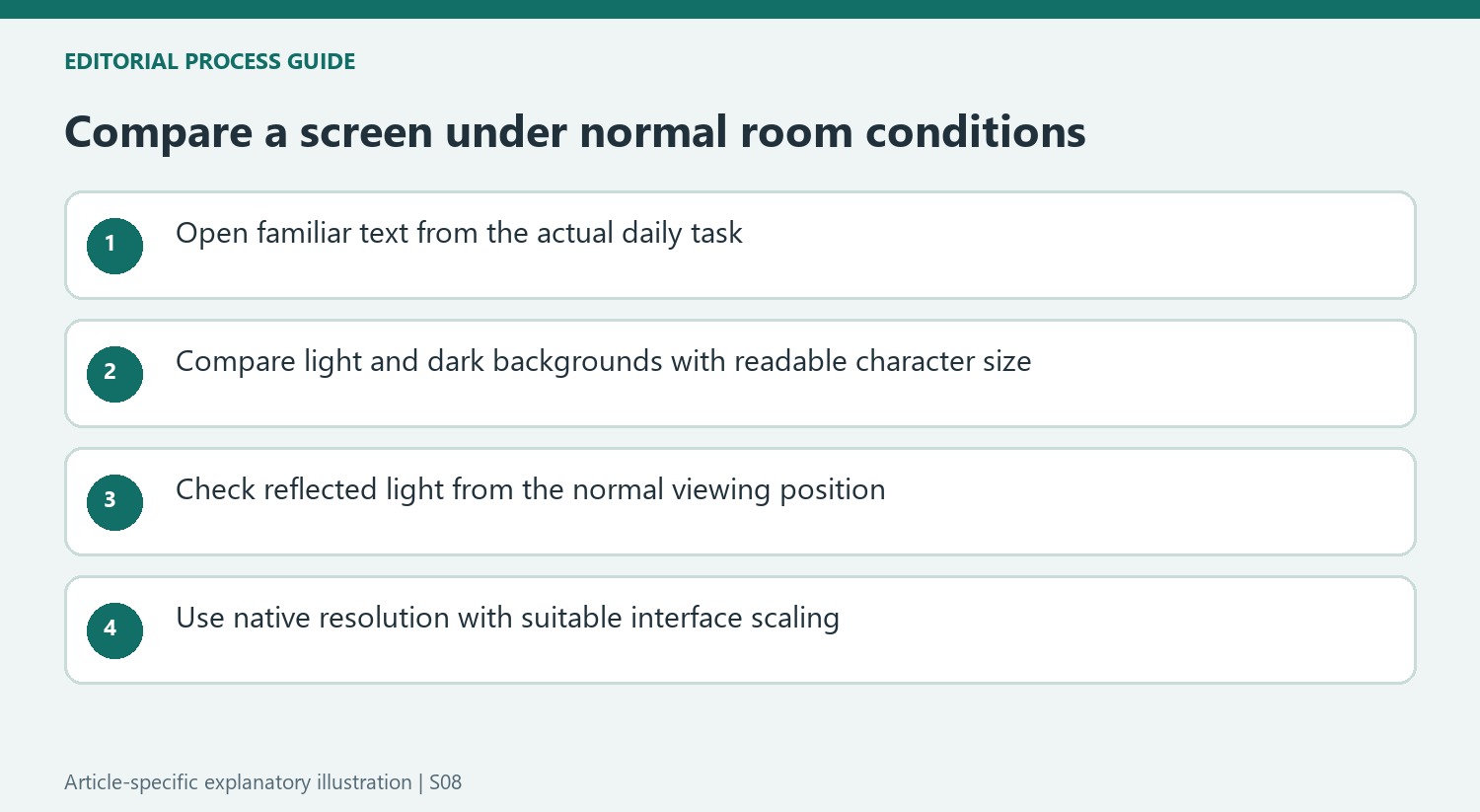
Separate static contrast from dynamic scene changes
CCOHS explains that static contrast compares light and dark within one image, whereas dynamic contrast can compare the brightest and darkest output across different scenes. A much larger dynamic figure therefore is not a direct description of how ordinary document text will look at one moment. Reflected room light further changes what reaches the eye. Compare a familiar document under normal lighting, with readable scaling and the preferred background, rather than ranking monitors on the largest advertised number. The fact sheet also notes that HDR benefits depend on compatible content. For daily writing and spreadsheets, legibility and a comfortable arrangement remain more immediate checks than an HDR badge alone.
Compare polarity using the document actually read
Dark characters on a light background and light characters on a dark background are different display polarities, not two automatic rankings of quality. The fact sheet leaves the final choice to the user while noting that reflections can affect their appearance differently. Open a familiar document and inspect its smaller characters under normal room light. An appealing theme in a screenshot may be less readable when the same screen reflects a window or an overhead fixture.
Keep the task in that comparison. Reading a dense spreadsheet, editing a photograph and watching a video do not use contrast in exactly the same way. If a background choice makes fine text difficult to distinguish, adjust it together with character size instead of selecting the darkest or brightest possible theme on principle. The source's emphasis is legibility in the real setting, which is more useful than claiming that one polarity prevents every form of discomfort.
Avoid comparing unlike contrast measurements
A static ratio describes light and dark within one picture under the stated test conditions. A dynamic ratio can compare separate scenes while the display changes its light output. Those are different measurements, so the larger dynamic figure is not a direct estimate of how black text will look beside a white document background at a single moment. Check which kind of number is being quoted before using it to rank two products.
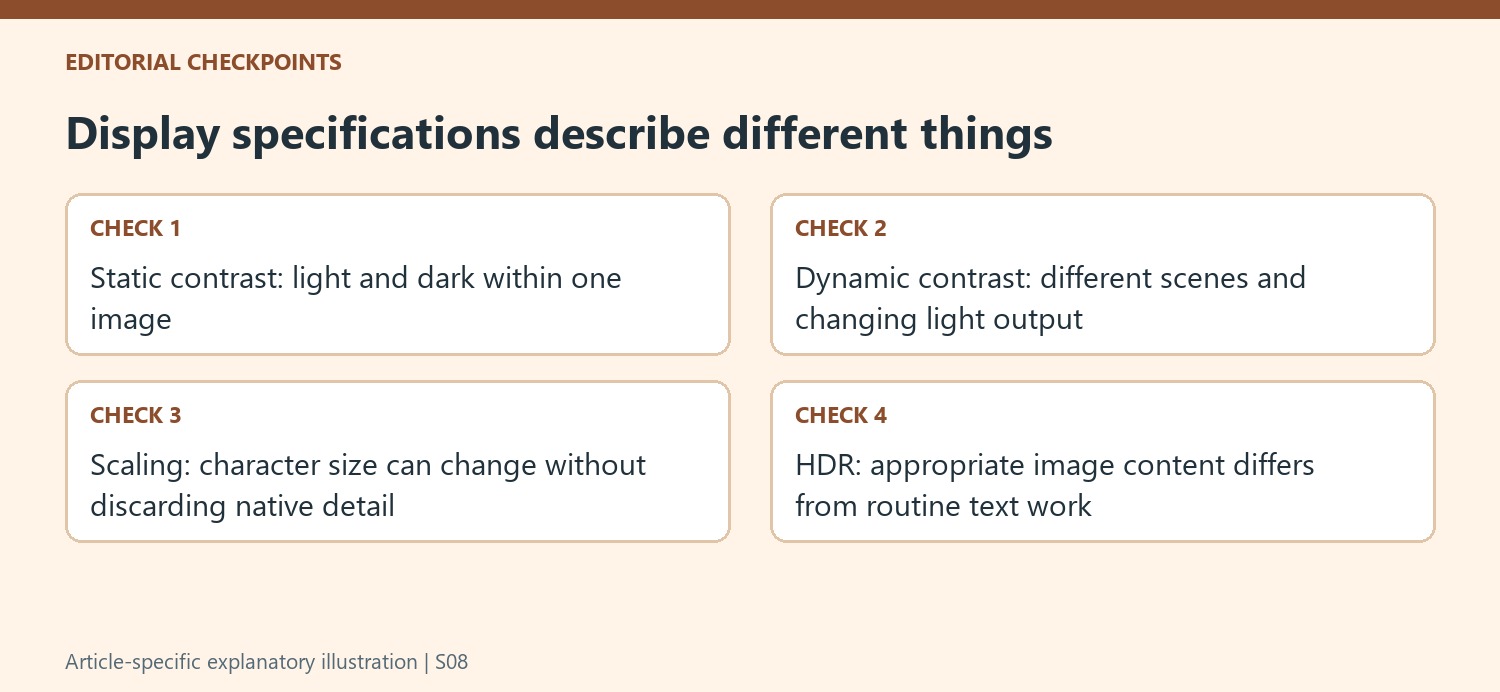
Room reflections further separate laboratory ratios from ordinary reading conditions. The guidance explicitly explains that surrounding light reduces the contrast reaching the viewer. A practical comparison therefore includes the normal seat, likely light sources and the actual material on screen. If changing the screen's position or managing a reflection improves readability, that observation is relevant even when the monitor's advertised contrast specification has not changed at all.
Use resolution and scaling as separate controls
More pixels can improve detail, particularly on larger displays, while also making interface elements appear smaller if scaling is left unsuitable. The fact sheet generally recommends the display's native setting and using computer controls to obtain a comfortable scale. Check menus, document text and the applications used most often after making changes. Increasing detail should not require moving the face progressively closer just to read an ordinary line of text.
HDR introduces another distinction because its benefits depend on suitable content and a compatible display. The fact sheet places its strongest relevance with image and video material rather than ordinary word processing. For everyday office work, start with readable characters, appropriate distance and manageable reflections. High resolution, a particular polarity and a large contrast claim can all be useful information, but none independently describes the complete reading experience that the source asks the user to assess.
References
- Office Ergonomics - Computer Monitors and Display Colours. Canadian Centre for Occupational Health and Safety.


Bir Cevap Yaz
E-posta adresiniz yayınlanmayacak. Gerekli alanlar * ile işaretlenmişlerdir.