
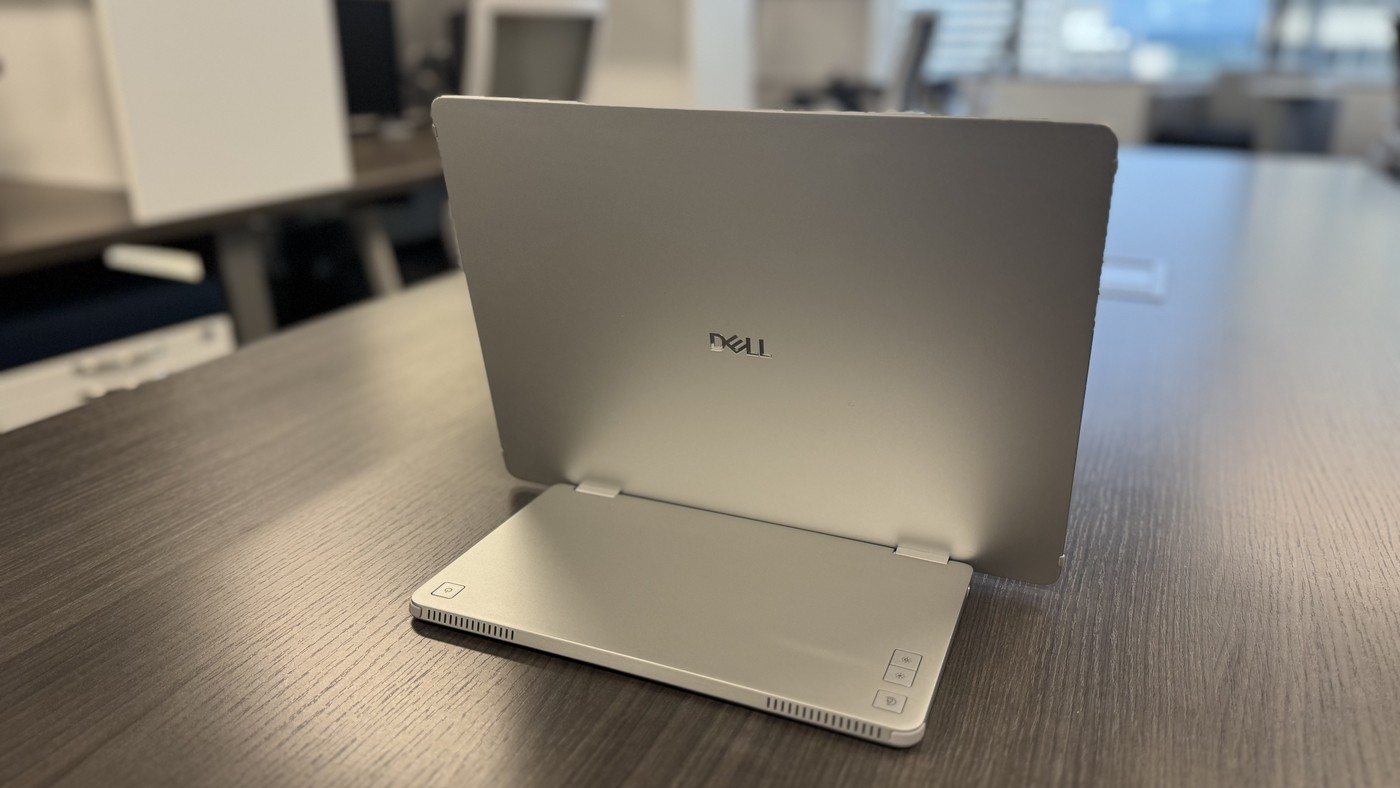
TechRadar's Dell Pro 14 Plus review describes a fourteen-inch display with an integrated fold-out stand. USB-C ports sit on either side, helping connection from different angles. The reviewer liked its simple setup and the ability to use the screen in portrait orientation.
An anti-glare surface and rubber edging support ordinary mobile work, while the panel remains a modest secondary workspace rather than a dock. Check the stand position and host compatibility before connecting. Opposite-side ports are useful when the available laptop connector determines where the screen can sit.
Read the detailed resolution instead of the shorthand
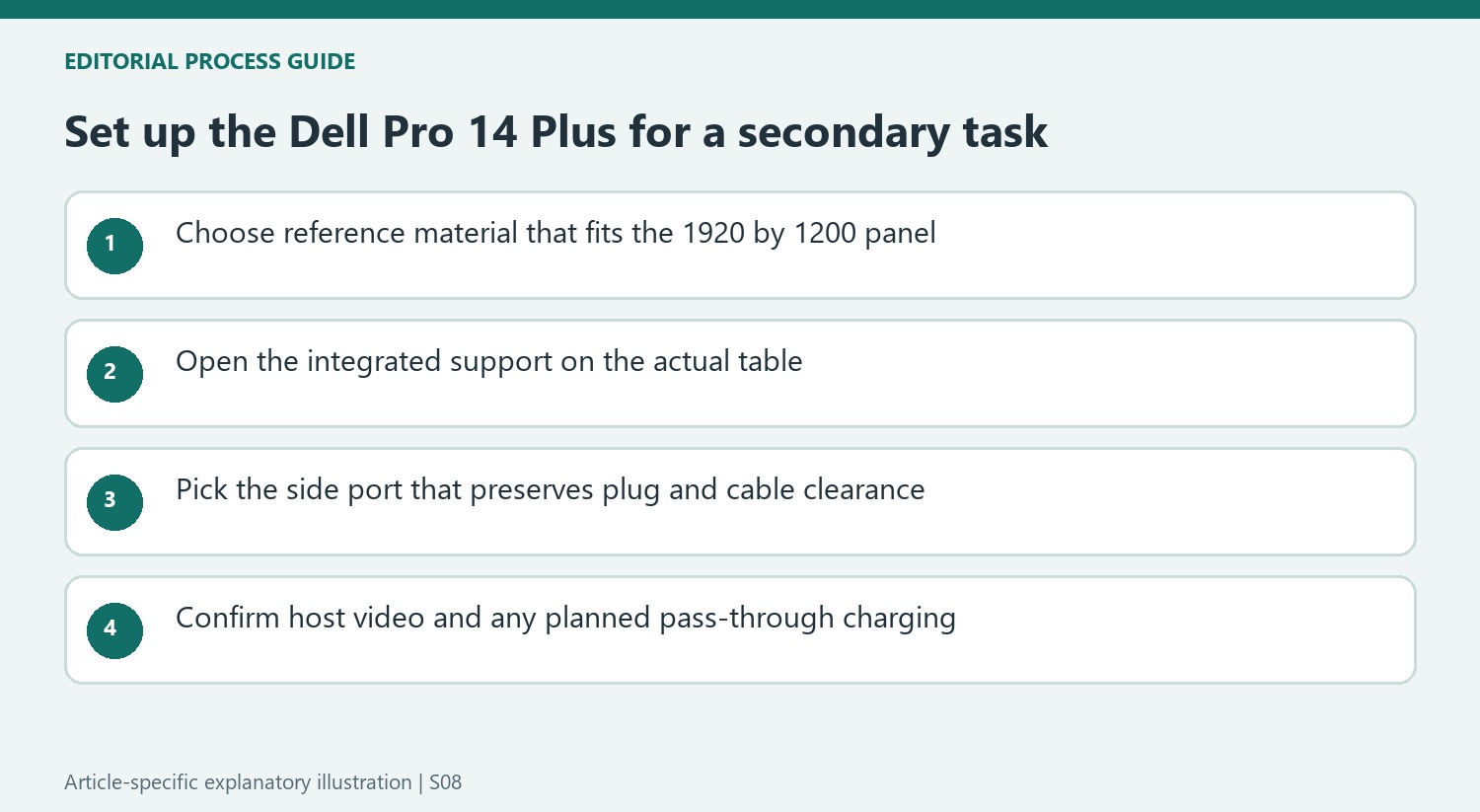
Although the source occasionally calls it a 1080p display, its detailed specification gives a 1920-by-1200 resolution. That slightly taller shape is useful to distinguish when comparing portable screens. The stated refresh rate is 60Hz and brightness is 400 nits. Those figures describe a straightforward auxiliary panel rather than a replacement for a specialist creative or high-refresh display.
Check both directions of the cable route
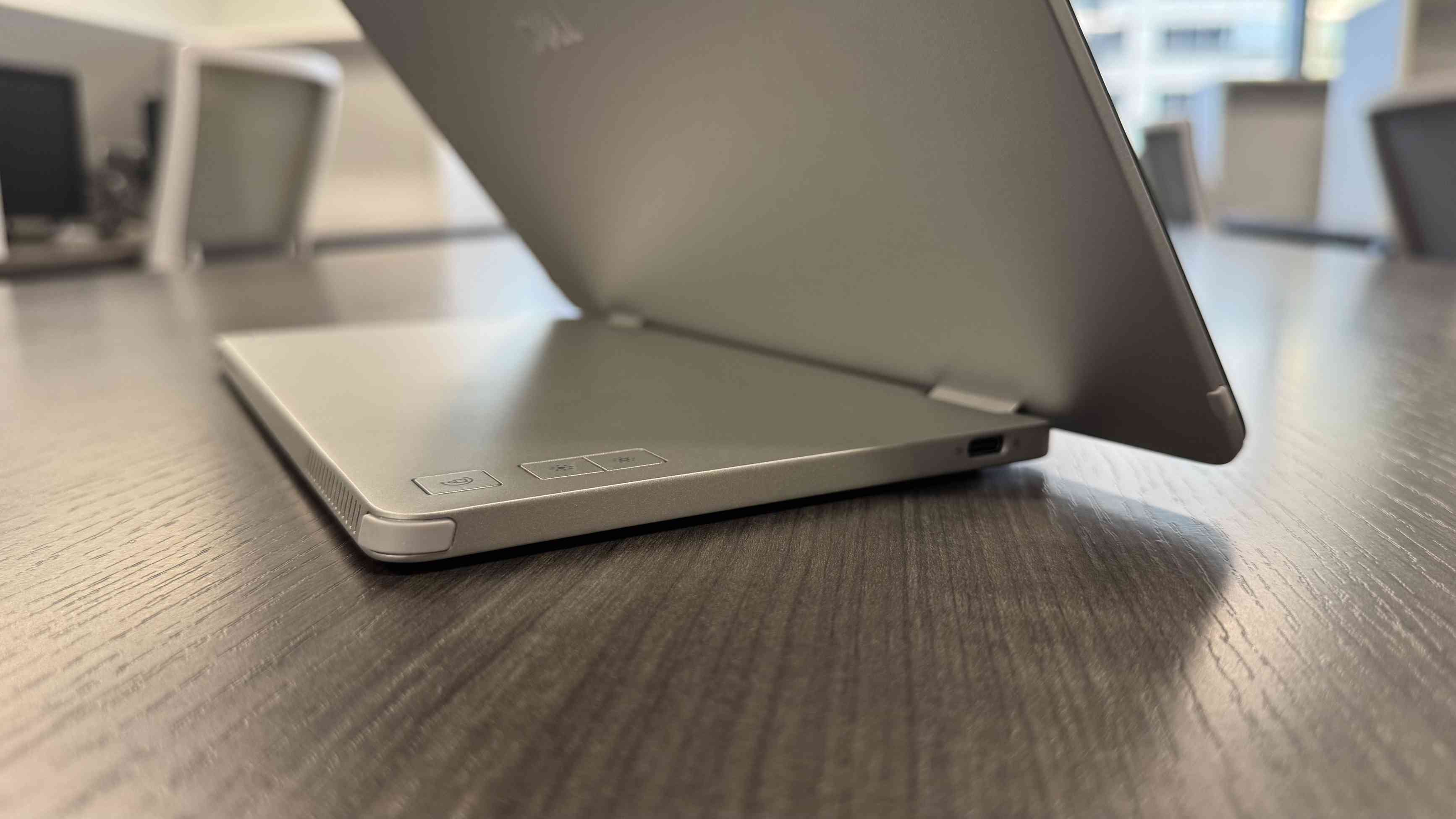
USB-C ports on opposite sides make it easier to position the screen to either side of a laptop. They also help when the display changes to portrait orientation. Select the connection that leaves the plug clear of the table and fold-out support, then confirm the computer supplies the required video signal. The source lists power pass-through, but that is distinct from providing a full dock of peripheral connections.
Give supporting information its own place
The reviewer used the small panel for communication, project tools and reference information while keeping primary work on the laptop. That explains the appeal of its simplicity. There are no built-in speakers, camera or microphone to relocate, so existing laptop equipment keeps those roles. A compact second screen is most useful when it has a defined purpose and does not simply reproduce everything already open on the main display.
Measure the useful secondary workspace rather than the diagonal alone
The detailed 1920-by-1200 specification is the clearer reference than the review's occasional 1080p shorthand. It describes a somewhat taller shape than a conventional Full HD portable display. Check how the applications intended for the second screen fit at a readable scale. A communication list or reference document may benefit from that shape differently from a wide editing timeline, and the small diagonal should not be mistaken for the workspace of a full-size office monitor.
The source's strongest recommendation is for a deliberately secondary role. Keeping messages, metrics or project information visible can free the laptop for focused work without requiring the portable screen to become the main display. Choose one or two such uses before travel and test them in the intended orientation. This also avoids assuming that every extra window should move onto the smaller screen simply because another surface is available.
Check the stand and connector clearance in both orientations
The integrated folding support simplifies the kit, while opposite-side USB-C ports allow a choice of cable direction. That flexibility is especially useful when the laptop's available port is on an inconvenient side. Try the complete arrangement on the actual table, leaving room for the support and the plug. A neatly aligned picture is less useful if its cable must cross the typing area or presses against the surface after the display is turned.
Portrait use changes the edges that are closest to the table and the neighboring computer. Select the connection route accordingly and verify the supported stand position from the current instructions. The aluminum and plastic construction with rubber edging is described as practical for mobile use, not proof against every travel hazard. Include appropriate protection and avoid carrying the screen by a cable or folding support when moving between rooms.
Keep the simple connection simple by confirming the host
Two USB-C sockets do not make the monitor a general-purpose dock. The source specifies video-capable USB-C and power pass-through, so confirm that the laptop and chosen cable support the required functions. If pass-through power is part of the plan, provide a compatible supply and compare the host's needs with the current limit. A successful display image alone does not establish the charging behavior expected over a long working session.
There are no built-in speakers, microphone or camera to relocate, so the laptop or existing accessories retain those jobs. This reduces feature complexity but does not remove the need to hear calls or position the laptop camera sensibly beside the second panel. The 60Hz refresh rate and stated brightness suit a conventional auxiliary-display comparison. Judge the purchase by its complete carried weight, easy repeatable placement and useful reference task, with current price and warranty checked separately from the historical review.
References
- I tested the Dell Pro 14 Plus - and came away thinking it's the iPad mini of portable displays. TechRadar; Collin Probst.


Bir Cevap Yaz
E-posta adresiniz yayınlanmayacak. Gerekli alanlar * ile işaretlenmişlerdir.