
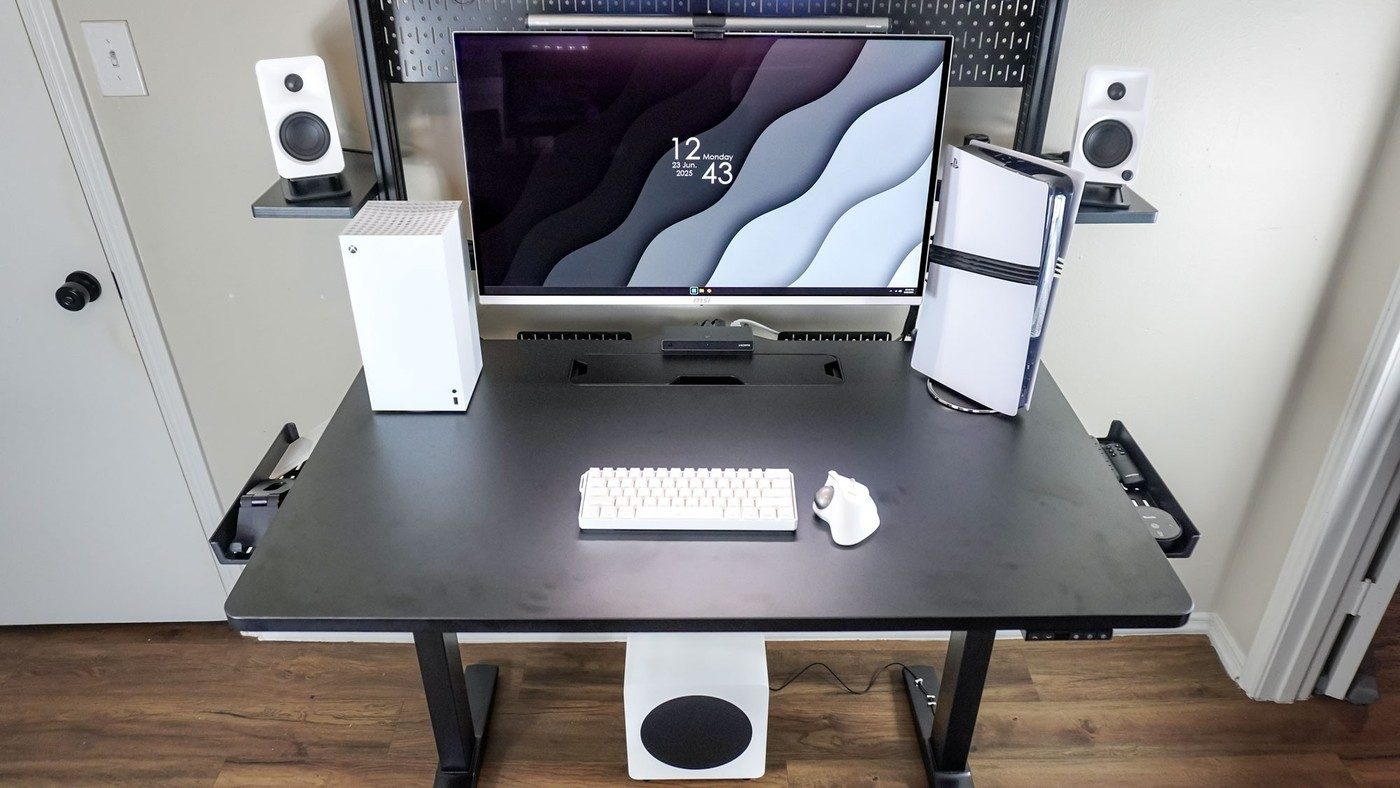
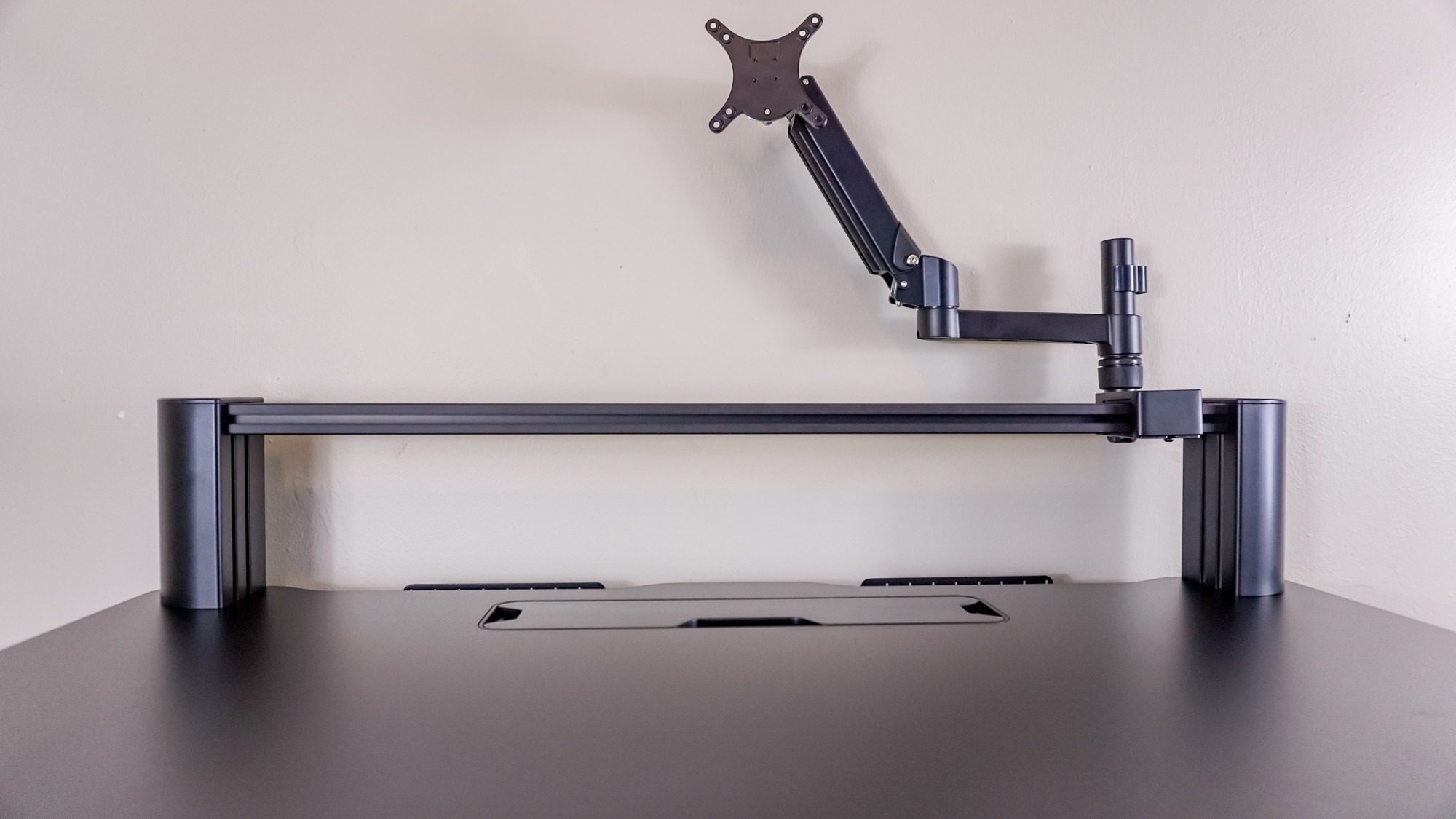
Corsair attaches its supplied arm to a T-channel rail that permits sideways adjustment within the furniture system.
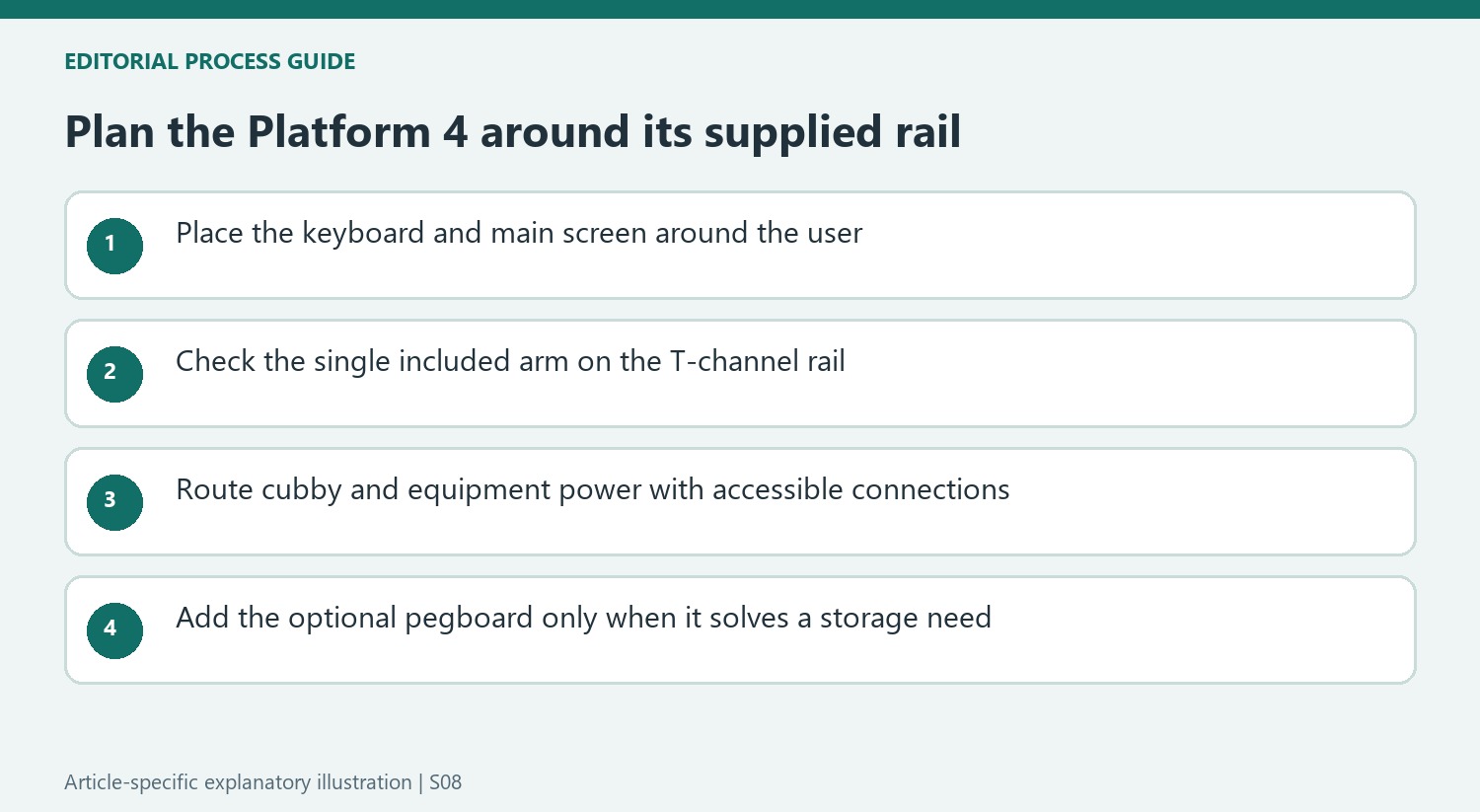
Position the hardware together
Tom's Guide describes assembling the frame and legs before fitting the metal cable tray behind the desk. A T-channel rail then sits along the rear and supports the included monitor arm. The arm can slide sideways on that rail instead of depending on a separate clamp at a fixed spot. This makes the monitor position and the under-desk cable area parts of one furniture system.
Distinguish included and optional storage
The wide tray accommodates power adapters and a surge protector, while a small compartment above provides accessory storage and USB ports. Those ports still require a connection to a computer or suitable power adapter. The prominent multiframe pegboard, shelves and hooks are optional additions. The review found that accessory more awkward to assemble than the desk itself. Check the complete package and installation instructions before assuming every pictured organizer is included.
Match the rail system to the desk's scale
The Platform 4 top is 48 inches wide and 30 inches deep, and the review treats it mainly as a single-display arrangement. The broader Platform 6 provides a different package for multiple screens. A sliding arm location is helpful, but it does not create unlimited room on the smaller desk or change the support's capacity. The source also lists two height presets, which may be enough for one user but restrictive for a shared workstation. Make those functional comparisons before adding the optional pegboard. The rail, display support, controller and cable tray already form a substantial system whose useful range should be understood before expanding it.
Use the rail to establish the primary screen position
The supplied monitor arm attaches to the T-channel rail and can slide laterally. That changes how the screen is positioned compared with a conventional clamp fixed directly to the rear edge. Decide where the main display should sit relative to the keyboard and chair, then check how the rail and arm achieve it. Lateral flexibility does not mean every panel weight, attachment or orientation is automatically supported; current component instructions remain the compatibility reference.
The Platform 4 package also differs from the wider Platform 6. The review's 48-inch surface and single included arm should not be described as the larger model's dual-monitor bundle. Measure the complete screen and peripheral arrangement rather than relying on the family name. The 30-inch depth helps explain the workstation's proportions, but the useful space still depends on the selected screen support and how far the input devices need to sit from the front edge.
Distinguish supplied organization from optional structure
The wide metal cable tray, small side trays and top storage cubby form part of the reviewed desk's organization. The cubby's USB connections need the appropriate connection to a computer or power source; their presence does not create a self-powered hub. Plan those leads along with the monitor and desk power. Keep plugs reachable, and apply the connected equipment's ventilation requirements before using any tray for more than cables and approved power accessories.
The Multiframe pegboard is an additional structure with its own cost, assembly and space requirements. The source found its T-nut assembly more involved than the desk itself, so it deserves separate planning. The shelves and hooks can organize equipment, while any current compatibility claim should be verified for the exact parts ordered. The reviewer's unusual shelf orientation and other experiments are observations from his setup, not substitutes for the maker's approved mounting instructions.
Evaluate the daily controls and the complete delivered package
Two height presets can be enough for one person's sitting and standing positions but leave less stored flexibility for shared users or different activities. Consider the actual routine before assuming every height-adjustable desk offers the same controller experience. The source describes extended use, largely for gaming with some work, which gives the observations context. Its report should not be transformed into a guarantee of identical comfort or stability for every arrangement.
The desk arrived in a heavy package, making handling and assembly part of the purchase decision. Arrange appropriate assistance and follow the supplied sequence for the chosen version. Historical sale prices do not establish today's delivered total, particularly after optional pegboards or extensions are added. Compare the base surface, included arm, usable storage and controller with the complete setup needed. That is a clearer way to value the rail system than adding accessories simply because the ecosystem offers them.
References
- I’ve spent almost a year testing the Corsair Platform 4 — and it’s my gaming desk setup endgame. Tom's Guide; Anthony Spadafora.


Bir Cevap Yaz
E-posta adresiniz yayınlanmayacak. Gerekli alanlar * ile işaretlenmişlerdir.