

Tom's Guide compares replacement monitor stands with arms for VESA-compatible displays. A stand can improve height adjustment while keeping a conventional footprint. An arm adds the ability to pull the screen forward, push it back or move it sideways across the desk.
That reach may allow a side-mounted clamp to hold the display near the workspace center. Confirm mounting pattern, load limits and desk suitability before choosing either type. The best support depends on the movement actually needed, not simply the number of adjustment joints.
Decide whether the screen needs to move forward
The comparison describes a stand as a useful option when the main deficiency is a fixed display height. An arm becomes more useful when the screen must move toward the user, retreat or swing aside. That extra reach can make a side-mounted clamp practical, but its movement also needs free space. Mark the positions actually needed instead of selecting an arm solely for its number of joints.
Include the weight in the stability check
The source notes that an overloaded arm may droop and that many models provide a tension adjustment with an Allen key. That adjustment does not increase the stated load limit. A clamp-on stand offers another compromise, freeing the area formerly occupied by a broad base while retaining a comparatively fixed position. Check the monitor's mounting interface and weight before comparing these options.
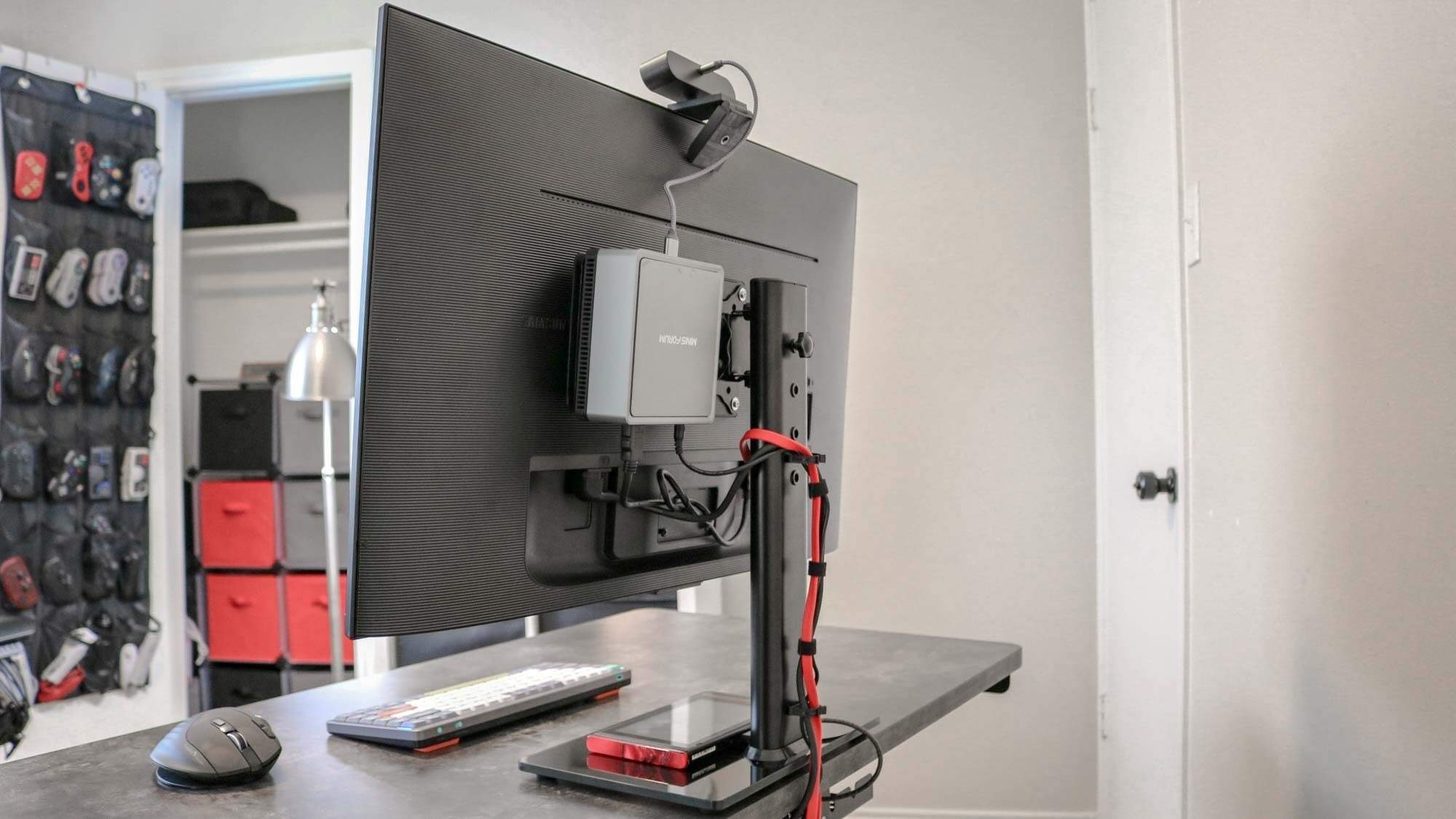
Leave enough cable for the full route
An arm can require longer display leads because the cable follows its joints before reaching the computer. The article specifically describes installations delayed by an HDMI or DisplayPort lead that became too short once routed neatly. Test the full intended movement before tightening cable clips. A good-looking stationary arrangement is incomplete if bringing the display forward tugs a connector or prevents the screen from reaching its useful position.
Separate a replacement stand from a shelf beneath the original base
The comparison focuses on supports that attach to a compatible display, not simply a wooden riser placed under its existing feet. Establish whether the monitor offers the required mounting interface and whether the original stand can be removed according to its instructions. That determines which choices are actually available. A replacement stand may add suitable height adjustment while keeping the screen in a relatively fixed location, avoiding movement that the workstation does not need.
An arm becomes more useful when a screen must move closer for one task, retreat for another or swing aside to clear the surface. Mark those positions before choosing a mounting point at the rear or side. A side clamp can free a valuable central area, but its reach has to return the display to the useful viewing position. It also needs room to move without striking the wall, neighboring screen or equipment.
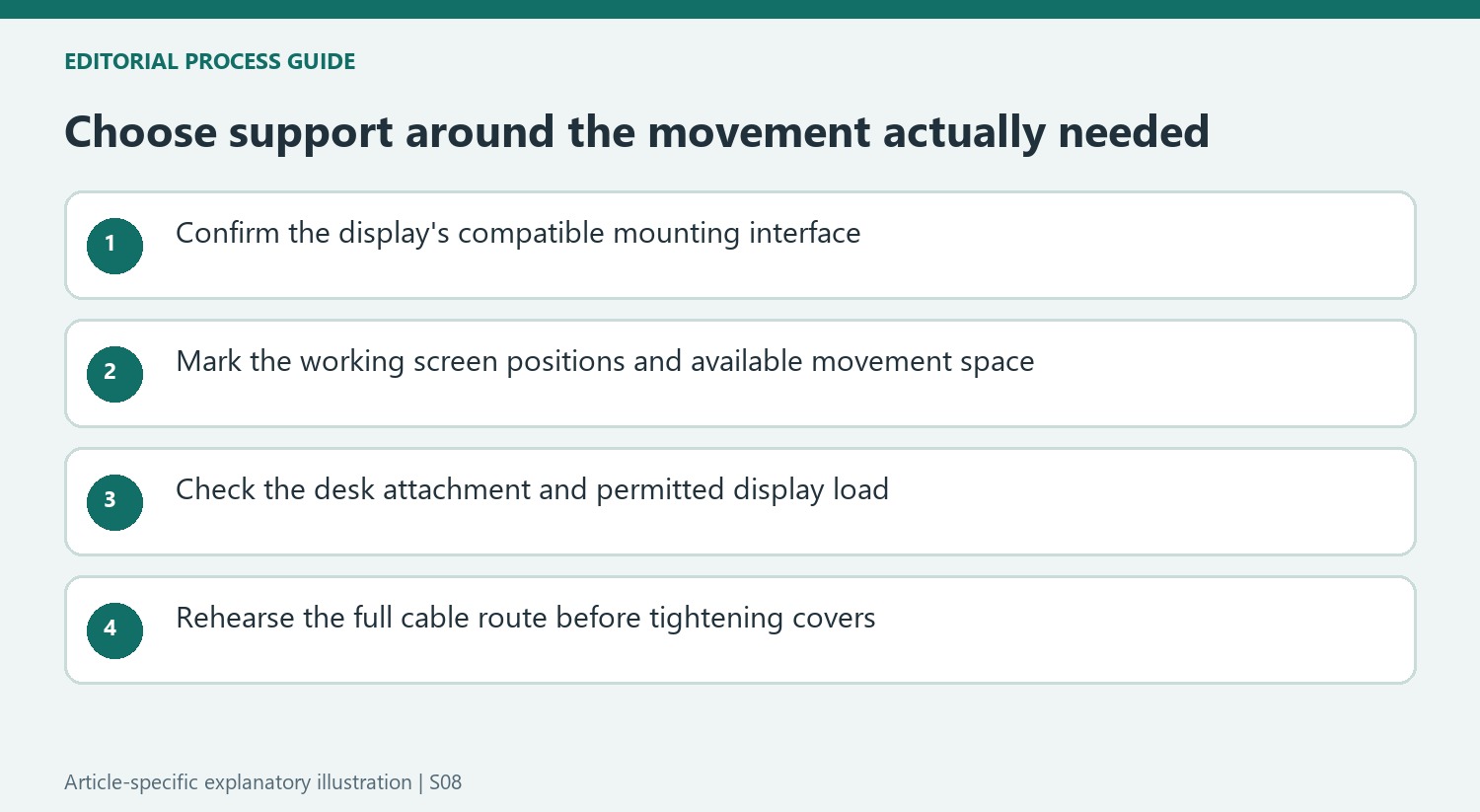
Judge stability within the allowed equipment range
The source's broad stand-versus-arm stability comparison has exceptions because attachment, load and construction all matter. A clamped support behaves differently from a freestanding base, and a gas-spring arm must be adjusted for its permitted display. Follow the current tension-setting procedure and any stated minimum as well as maximum load. Tightening a mechanism cannot legitimize a monitor outside the support's approved range.
A clamp-on pole stand can provide a useful middle route when the main aim is to remove a broad base rather than move the screen frequently. That choice still requires appropriate desk material and thickness. A conventional freestanding base may be simpler when the furniture cannot accept a clamp, and its area can sometimes accommodate a small compatible device without blocking access. Compare the actual occupied space rather than treating every visible base as wasted space.
Plan cable length for movement rather than straight-line distance
A cable following an arm travels along joints and covers before reaching the computer, so the distance between sockets alone understates the required length. The source writer describes discovering this after making an installation look tidy. Rehearse the full permitted screen positions first, including the one farthest from the computer. Keep the leads loose enough for movement without leaving a loop that catches in the mechanism or interferes with normal desk use.
Include longer compatible leads in the budget if needed, rather than assuming every supplied monitor cable can follow the new route. Then compare the completed stand and arm arrangements on the functions actually required: suitable height, stable support, access and useful surface area. An inexpensive replacement can be enough for a fixed screen, while a moving workflow may justify the extra installation and cable planning of an arm. Neither category settles the result without those checks.
References
- Monitor stand vs monitor arm: how to pick the right one for your display. Tom's Guide; Anthony Spadafora.


Bir Cevap Yaz
E-posta adresiniz yayınlanmayacak. Gerekli alanlar * ile işaretlenmişlerdir.