
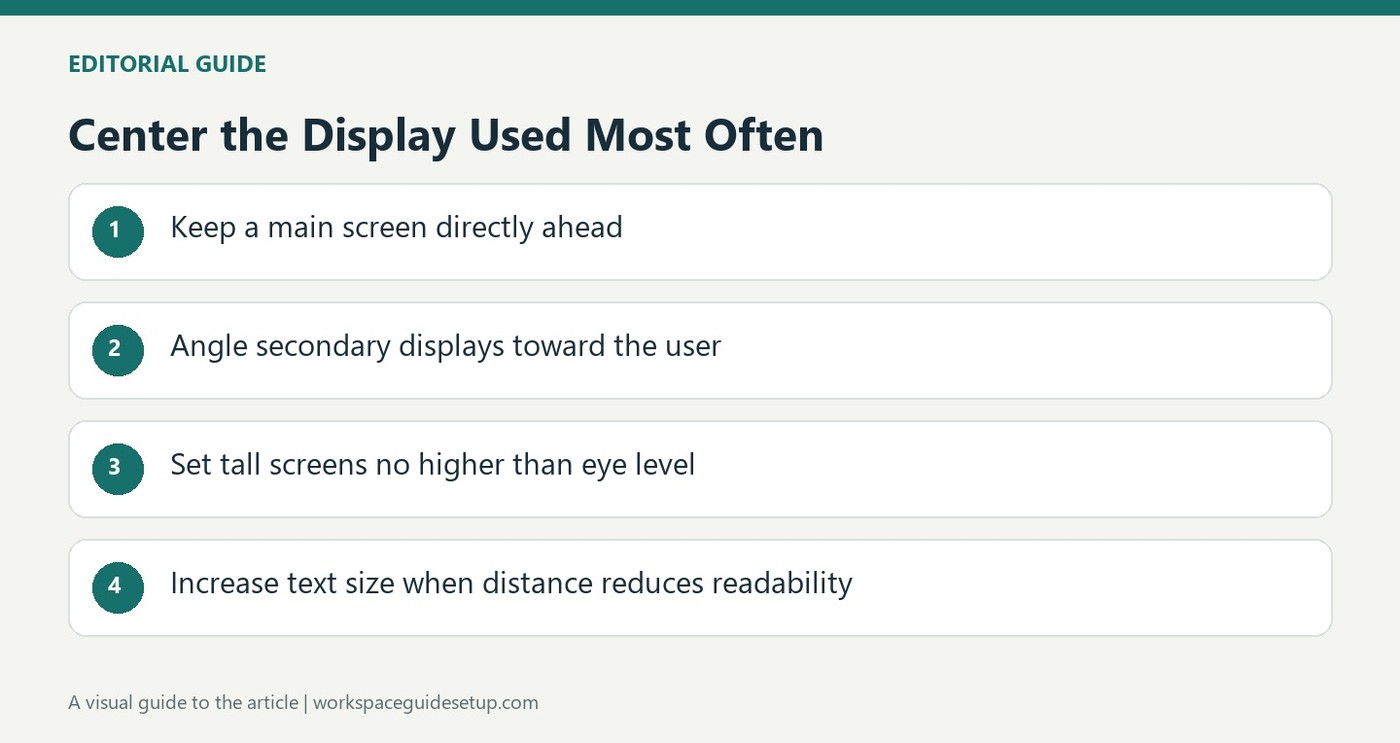
Canadian workplace guidance treats monitor position as an adjustable starting point rather than a single measurement for everyone.
Avoid lifting the chin
The Canadian Centre for Occupational Health and Safety explains that a screen placed too high can encourage uncomfortable neck and shoulder positions. Its guidance favors a natural forward and downward line of sight. A tall or portrait-oriented display should not put its top above the user's eyes, and people using progressive or bifocal lenses may prefer a slightly lower position.
Balance height with readability
Viewing distance is part of the same adjustment. The fact sheet suggests roughly an arm's length as an initial estimate, tailored to the user and the task. If text becomes difficult to read, increasing its size is preferable to automatically pulling the screen closer. For multiple displays, frequently used screens should be arranged to reduce twisting, with comparable heights. The guidance emphasizes individual needs rather than treating a diagram as an inflexible rule.
Let actual screen use determine the center
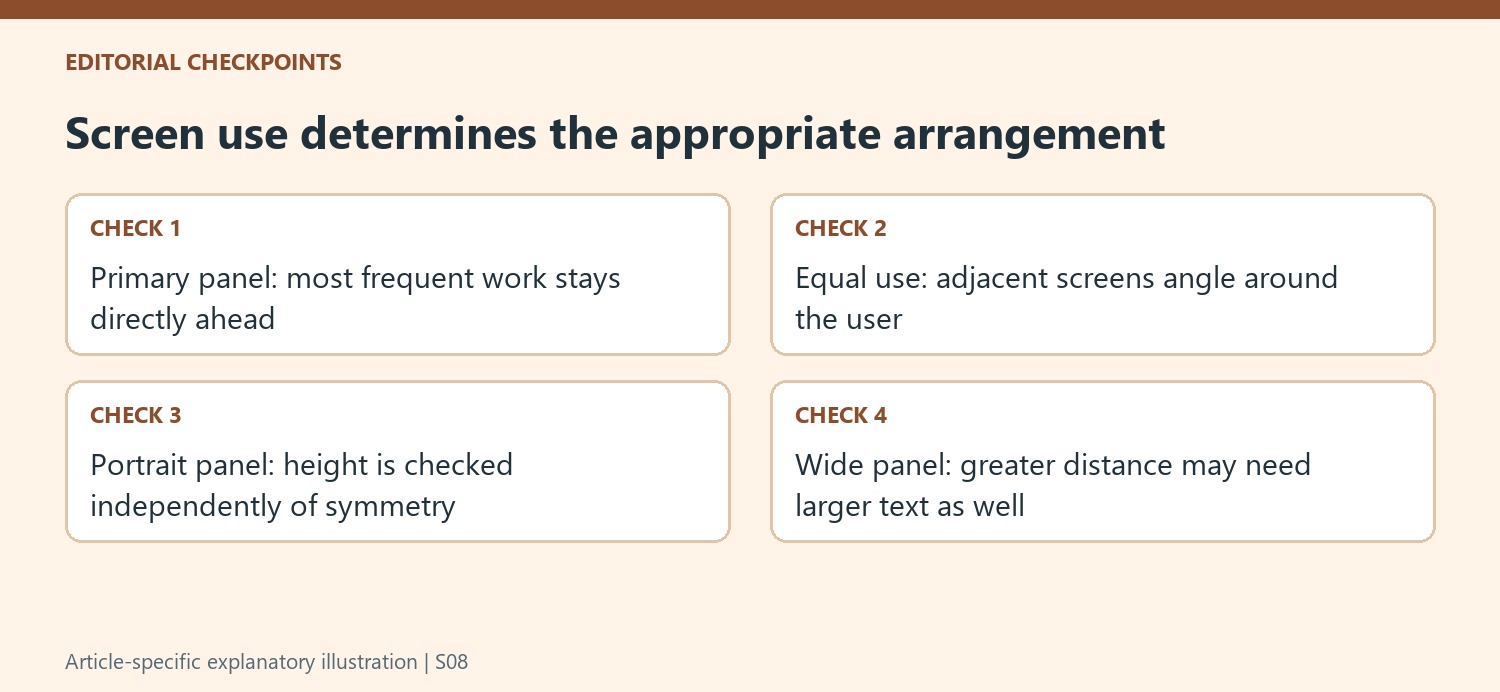
CCOHS distinguishes between equally used displays and a main display with an occasional companion. For equal use, the screens can meet ahead of the user in a shallow semicircle. When one dominates the work, that panel belongs directly ahead and the other sits to one side at an angle. This avoids centering the desk on a gap merely for visual symmetry. Wide panels may also need a greater distance to reduce repeated neck rotation. If doing that makes text hard to resolve, adjust text size rather than automatically moving the whole screen closer. Recheck the result in the normal working posture, including any corrective lenses used for the task.
Start from the user's normal working posture
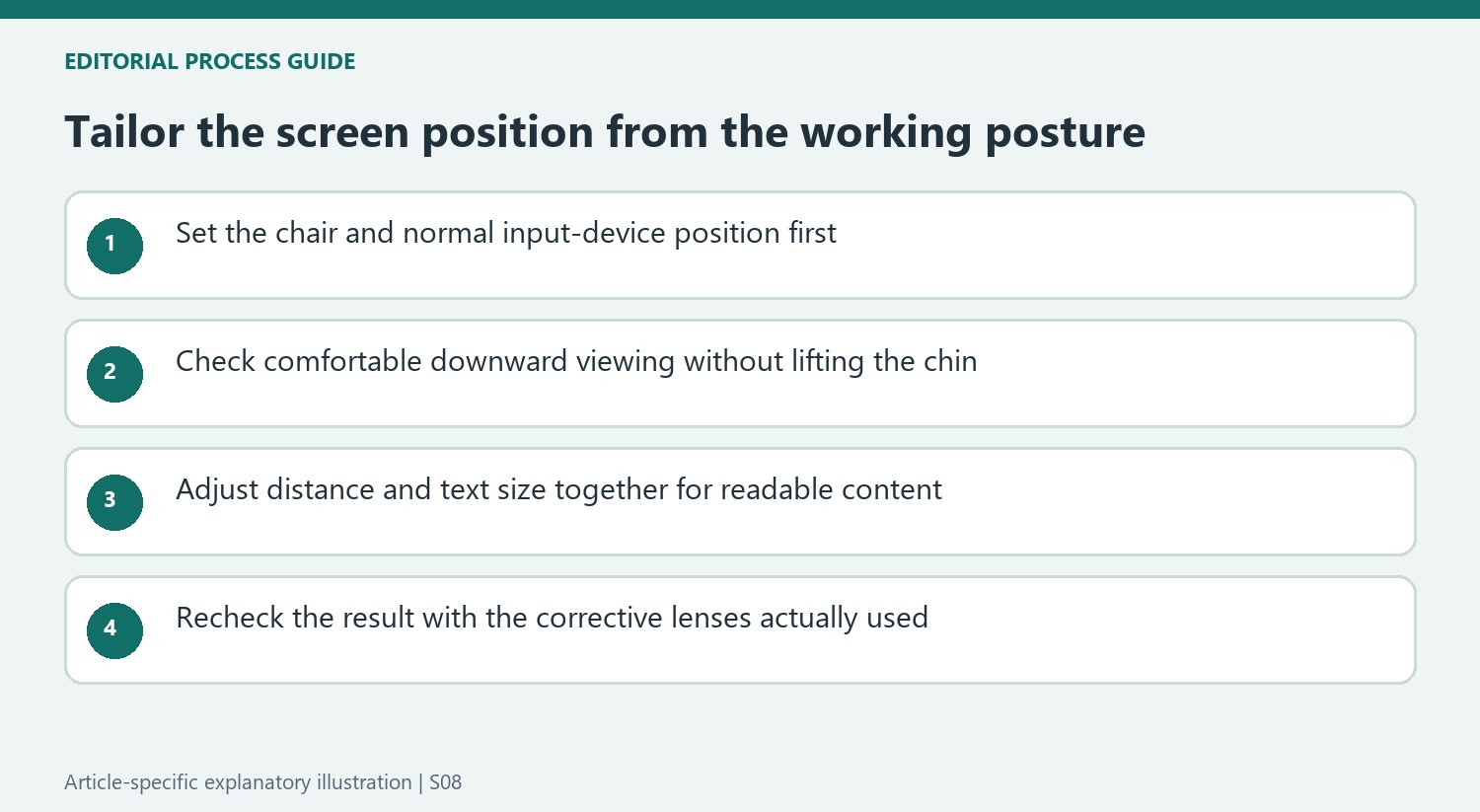
CCOHS frames viewing angle and distance as related variables rather than one fixed measurement for all people. Set the chair and normal working position first, then examine the screen from that position. If reading requires lifting the chin, leaning forward or turning the upper body, the display's relationship to the user deserves attention. A neat line of identical monitor tops can still be unsuitable when the actual eye positions and tasks differ.
The fact sheet discusses a naturally forward-and-downward gaze and notes variation in the research. Its angles are starting points for adaptation, not targets to achieve regardless of comfort or readability. Check the part of the screen used most often as well as the top edge. A particularly tall panel can place some content outside the easier viewing area even when its stand appears similar to another monitor's.
Recheck a portrait or wide display after changing distance
A tall portrait monitor should not push its top above the user's eyes merely to align its lower edge with adjacent equipment. The source also notes that a wide panel may require a greater distance to reduce repeated neck rotation. Those are different geometric consequences of screen shape. Compare the content locations in the actual applications rather than assuming that a larger diagonal is only a visual upgrade with no effect on placement.
Moving farther away can make small text harder to read, so the guidance favors adjusting text size rather than automatically returning to an excessively close position. Examine both readability and posture after each change. Corrective lenses add another consideration because the region used for close work can encourage a backward head tilt if the monitor is too high. A slightly lower screen may help, but the arrangement should be tailored to the actual lenses and task.
Let time spent on each screen determine its location
For equally used displays, CCOHS describes placing their edges together ahead of the user in an angled arrangement. When one screen dominates, it goes directly ahead and the secondary screen sits to the side. Determine that usage pattern from a typical work session, rather than choosing visual symmetry first. A calendar checked occasionally has a different role from a document read continuously while typing.
After placing the displays, review the input area and chair movement as well. A useful screen position should not require reaching sideways for the keyboard or abandoning back support to read small details. The source also retains eye rest breaks as part of the wider picture. Reassess the setup when the main application, monitor orientation or corrective lenses change, because a position that once supported the work can become less suitable without any furniture having moved.
References
- Office Ergonomics - Positioning the Monitor. Ccohs; Government; Canadian Centre; Safety.


Bir Cevap Yaz
E-posta adresiniz yayınlanmayacak. Gerekli alanlar * ile işaretlenmişlerdir.