
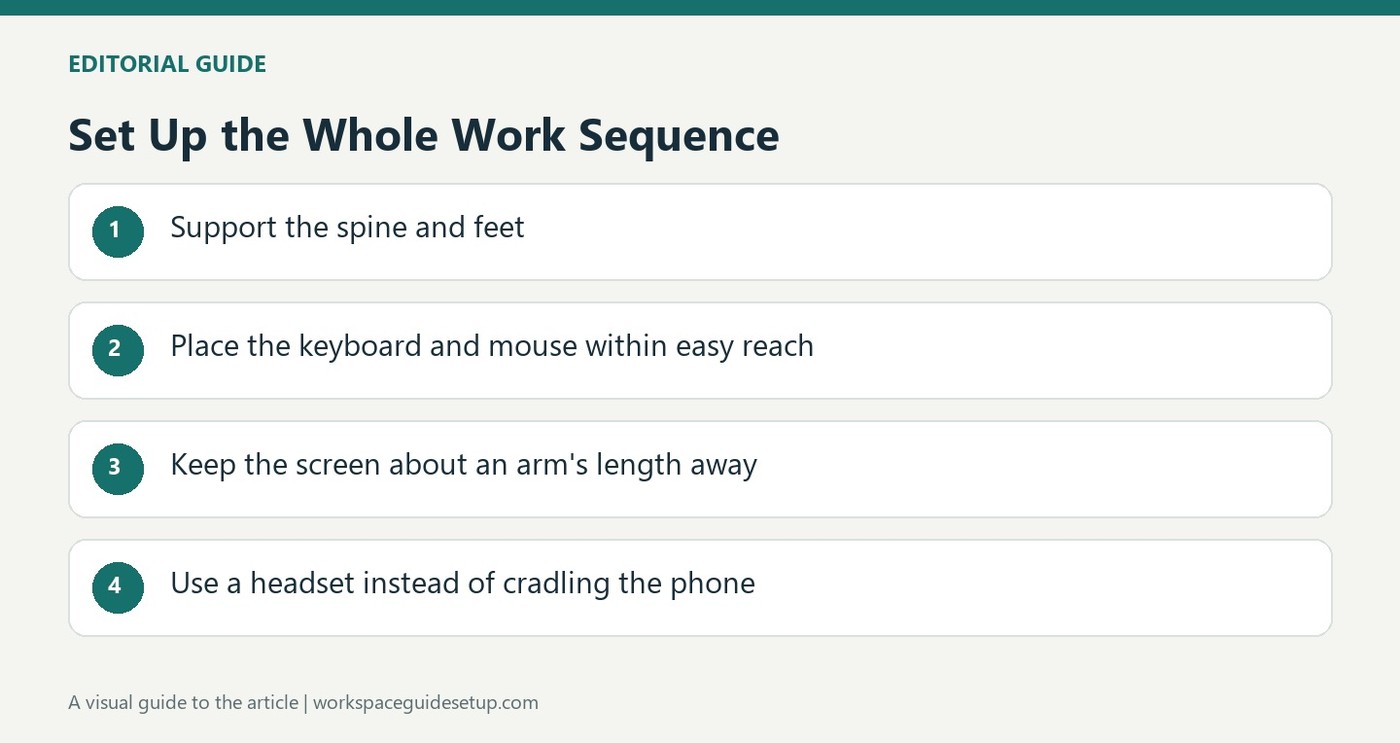
Mayo Clinic places the display behind the keyboard and describes a practical viewing range alongside chair and input-device adjustments.
Set up support and easy reach
The chair should support the spine and let the feet rest on the floor or a suitable footrest. Keep the leg space under the desk clear. The keyboard belongs directly ahead, with the mouse close by on the same surface, shoulders relaxed and wrists aligned with the forearms. Frequently used objects should be reachable without repeated stretching.
Place the display after the seated position
The guide recommends a screen about an arm's length away, with its top at or slightly below eye level. Bifocal wearers may prefer it lower. For extended laptop use, a stand plus separate input devices can avoid the compromise between a low display and cramped typing. A hard desktop edge may need padding to reduce contact pressure. Even a suitable arrangement should be accompanied by regular changes of position and opportunities to stand or walk.
Make frequently used items reachable without leaning
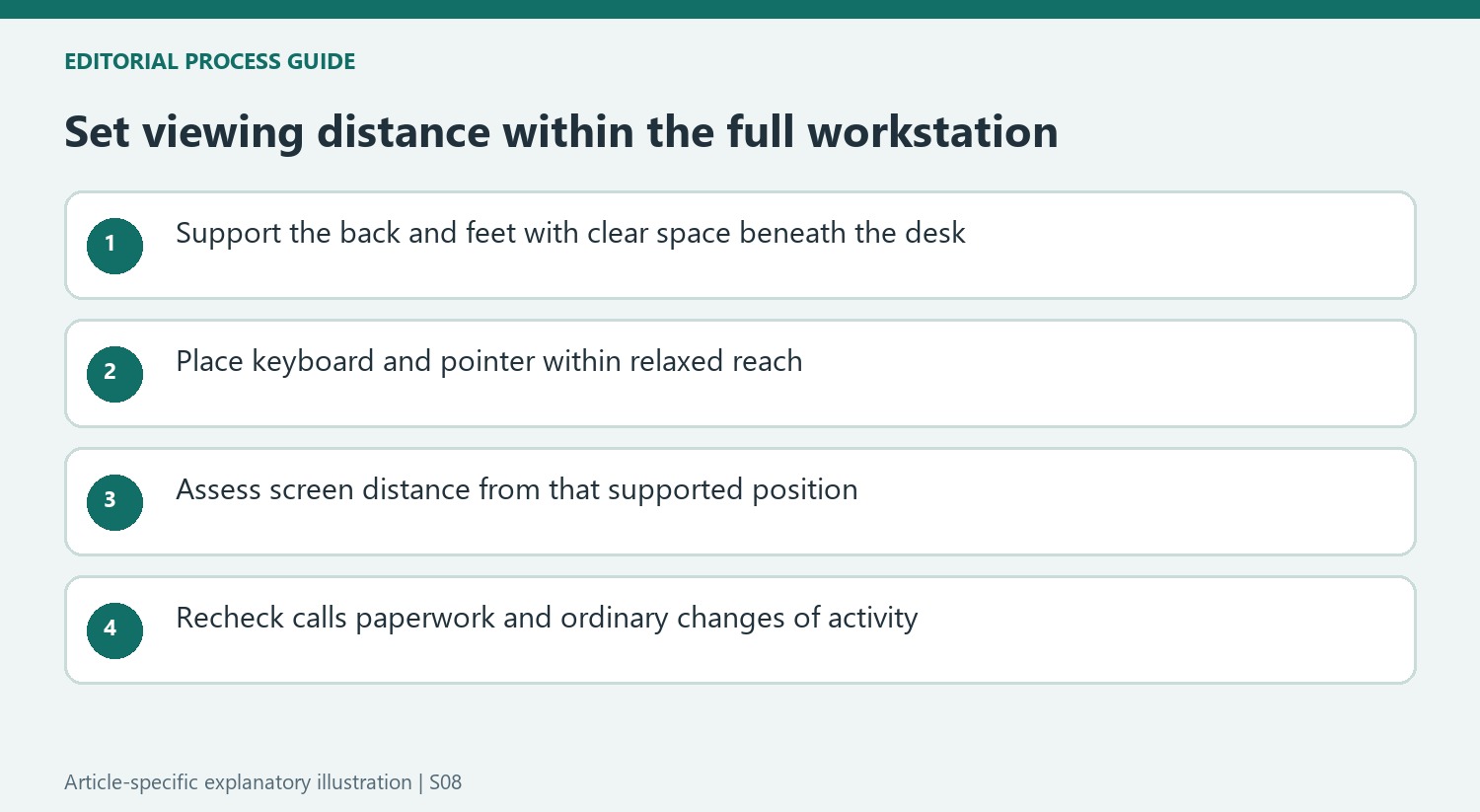
Mayo Clinic includes the phone, stapler and printed documents in its ergonomic assessment, rather than limiting the setup to electronic equipment. Objects used repeatedly should stay close, while reaching for something farther away is an opportunity to stand. For calls made while typing or writing, the guide recommends a headset or speaker instead of trapping the telephone between the head and neck. These details matter after setting monitor distance because an apparently correct screen position can coexist with repeated awkward movements elsewhere on the desk. Review one ordinary work sequence from start to finish, including calls and paperwork, to check whether the arrangement remains usable beyond the first minute.
Establish support before using arm length as a reference
Mayo Clinic describes the display position within a workstation that already supports the back, feet and arms. Begin with a chair position that can be maintained, then assess the screen from there. If objects under the desk prevent the feet or legs from settling comfortably, clear that space rather than moving the monitor to match an awkward sitting position. The screen distance is one part of a coordinated arrangement, not a substitute for it.
The keyboard and pointing device should remain easy to reach on the same surface. Raising the chair to suit a high desk also changes foot support and eye height, so check those relationships again after adjustment. Likewise, a hard front edge may create contact pressure even when the monitor seems properly placed. Observe the ordinary working posture instead of evaluating each device independently from a specification or a tidy photograph.
Separate the laptop display from the typing position when needed
The guide identifies the familiar laptop compromise: placing its built-in keyboard conveniently can leave the screen low, while lifting the screen also lifts the attached keys. For prolonged desk work, a suitable stand with separate keyboard and mouse can separate those tasks. Choose the input positions first and then place the display so it is readable without bending forward, following the equipment's own mounting and ventilation requirements.
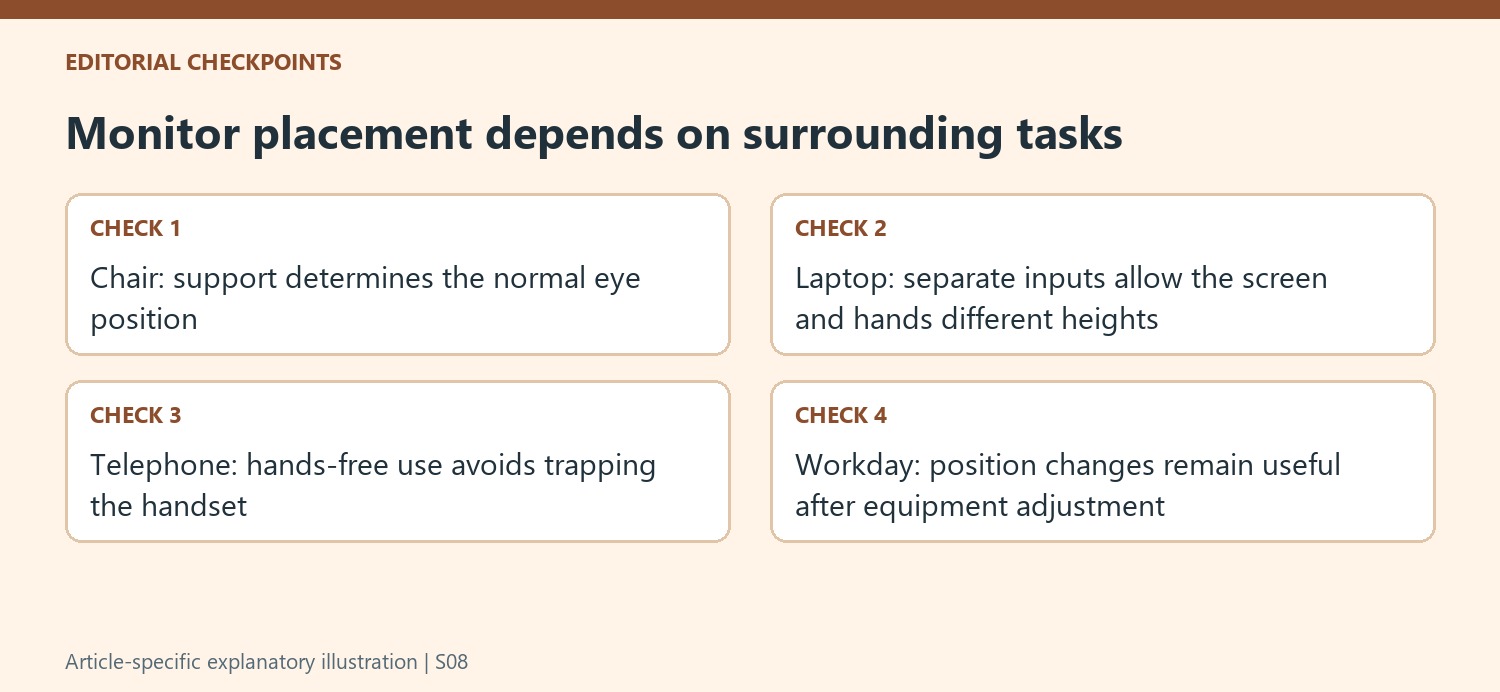
A separate external display is another arrangement to consider, but its position should reflect the task it actually carries. Keep the primary view directly ahead rather than making the user work continuously on a side screen while the unused laptop occupies the center. Include frequently consulted documents nearby as well. The source's wider point is that equipment spacing and posture interact throughout ordinary work, not only during a short period of typing.
Include calls and movement in the final check
The phone recommendation is especially practical for a desk where calls overlap writing or computer use. A headset or speaker frees the hands without holding the handset between head and neck. Decide where the phone and related controls can remain accessible without pushing the mouse or printed notes out of reach. This keeps an apparently successful monitor adjustment from being undermined by another repeated part of the same work routine.
Finally, the guide emphasizes changing position, standing or walking when possible and moving the hands and arms during the day. A carefully arranged station does not make hours of unbroken sitting the desired outcome. Reassess the setup after normal use, including the moments when another object is needed or a different task begins. The aim is a supported, adaptable arrangement with opportunities to move, rather than one posture held rigidly because it resembles an illustration.
References
- Office ergonomics: Your how-to guide. Mayo Clinic.


Bir Cevap Yaz
E-posta adresiniz yayınlanmayacak. Gerekli alanlar * ile işaretlenmişlerdir.