
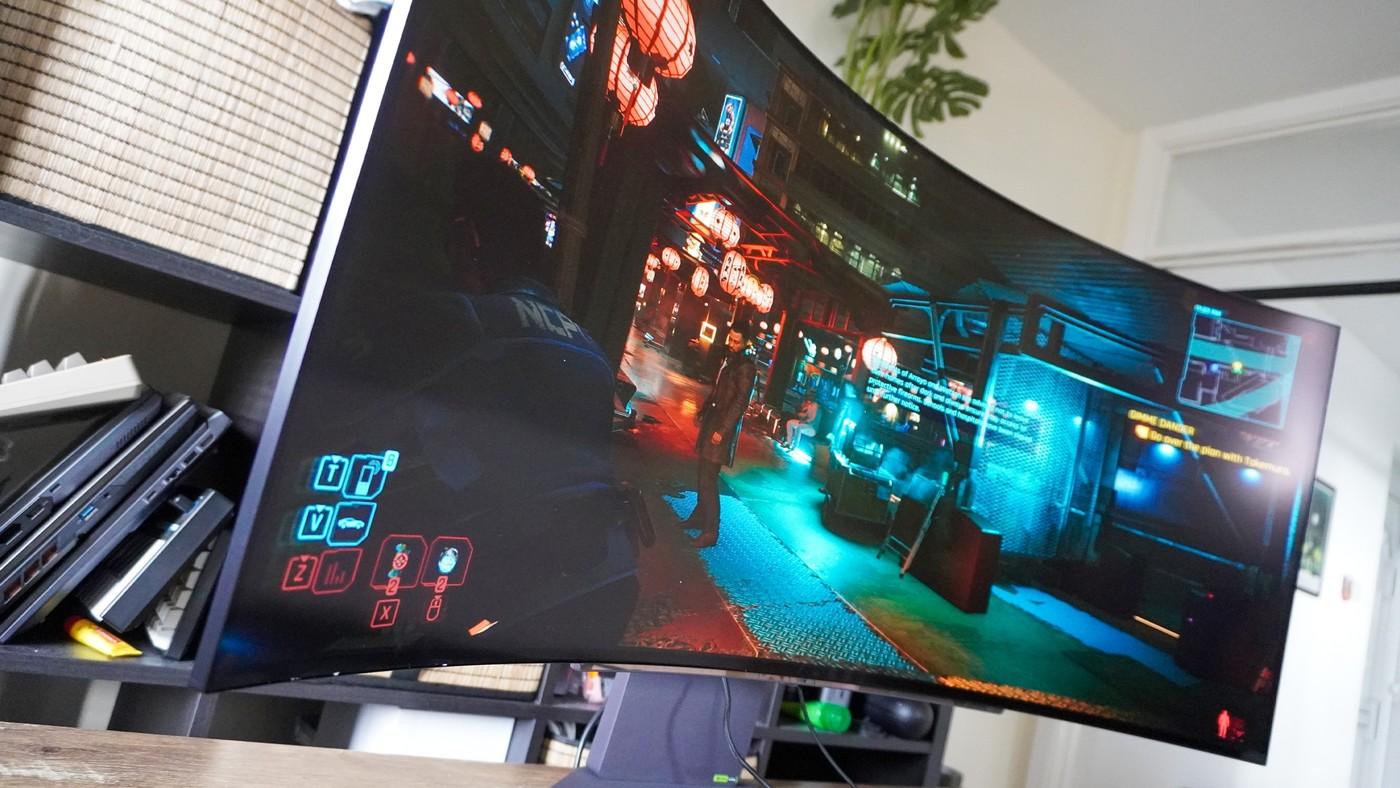
Tom's Guide describes the LG UltraGear 45GX90SA as a forty-five-inch curved OLED with webOS. The reviewer highlights the eight-hundred-R curve and strong brightness in testing. Its size and built-in media features make it a possible shared work, gaming and entertainment screen.
Plan the viewing position for the actual activities instead of treating it as a small monitor with more pixels. Measure the panel and support against desk depth, and consider reflections from room lighting. A broad screen still needs comfortable access to the keyboard and controls.
Measure the support and the room together
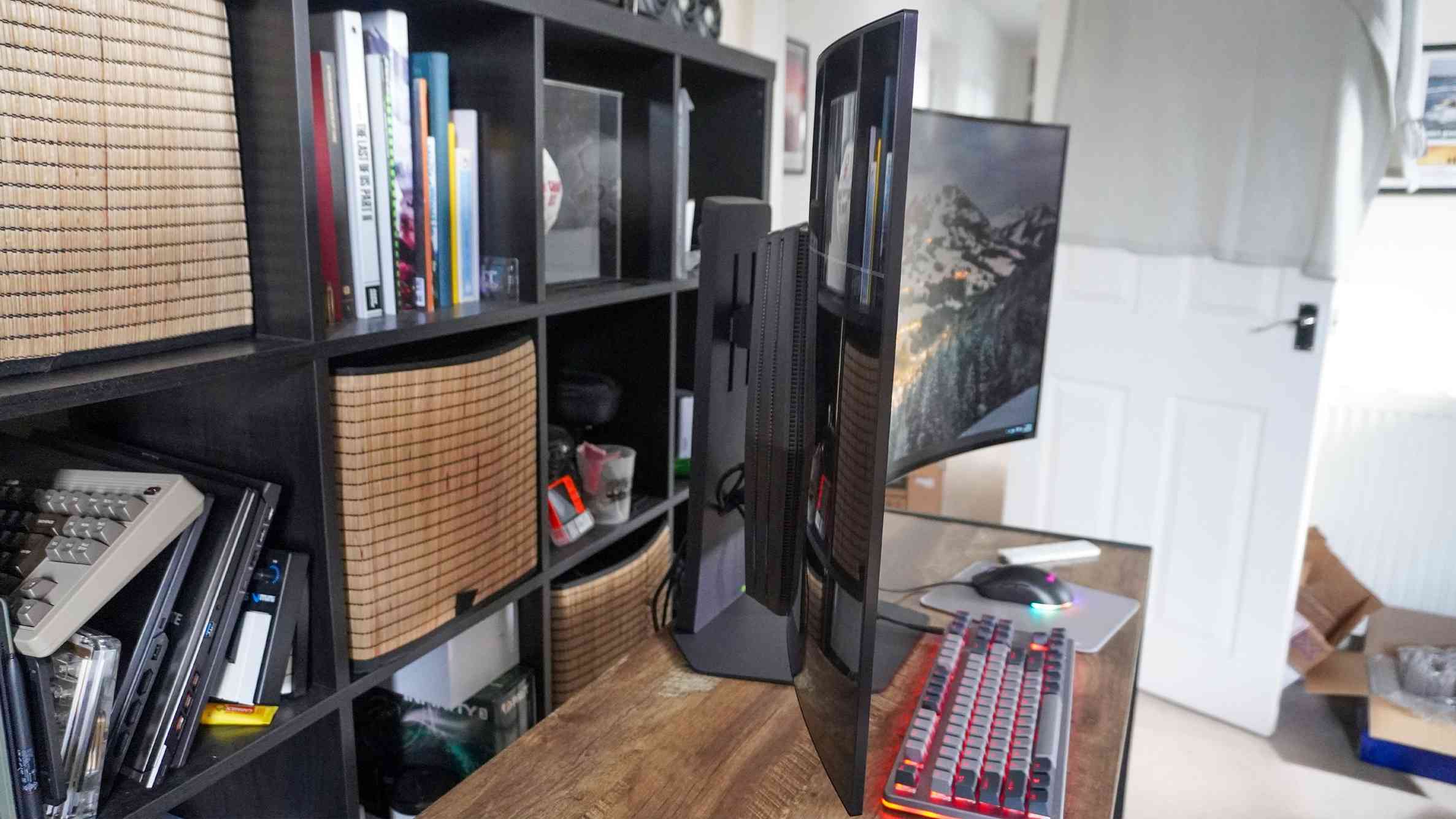
The review lists dimensions of 39.1 by 26.1 by 13.3 inches and a weight of 41.7 pounds. Those figures explain why handling and installation need more thought than with an ordinary small desktop display. The writer specifically recommends two people for setup. Include the support depth when measuring the desk, rather than comparing only the panel's width with the furniture.
Separate entertainment from the computer session
webOS lets the screen run streaming applications without leaving the connected PC operating just to play a show. The included remote also provides a simpler route to settings and services than reaching for the monitor's controls. The reported benefit in a small apartment was using one substantial display for several roles, rather than adding a separate television to the same room.
Account for sound as part of the arrangement
The reviewer found the built-in speakers clear enough but lacking bass, so a large panel did not automatically deliver a complete television-like audio experience. Decide whether the current headphones or external speakers will cover that limitation. Additional audio equipment may occupy some of the space saved by combining work and entertainment screens. Judge the full arrangement, not the curved OLED panel in isolation.
Plan work and entertainment as two viewing arrangements
The source's central benefit is that one substantial screen served both desk work and television-like viewing in a small apartment. Those activities do not necessarily use the same body position or surrounding equipment. Check where the user sits for each one and whether the screen can be viewed comfortably without moving essential work tools repeatedly. Combining two functions saves another panel only when the resulting arrangement remains practical for both.
The deep curve and broad panel also occupy more physical space than the diagonal alone suggests. Include support depth, cable clearance and the normal keyboard area when measuring the furniture. Follow current handling instructions and arrange appropriate assistance, as the reviewer specifically highlights the weight during setup. A screen that replaces a television can still impose substantial demands on the desk and on any proposed alternative support.
Separate smart-platform convenience from display performance
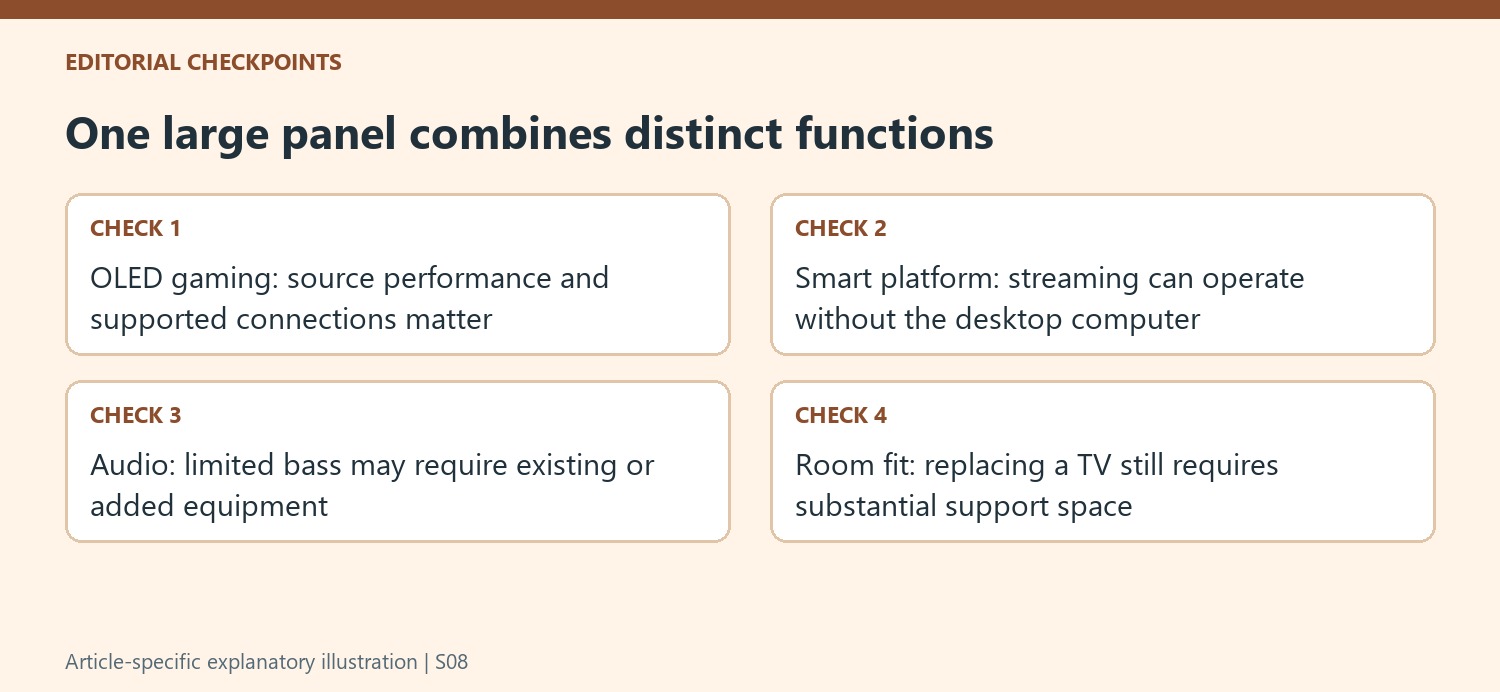
The webOS feature lets the reviewer stream without keeping the connected desktop computer running. That is a distinct convenience from the OLED panel's gaming characteristics. Check whether the required applications and services are supported in the intended region and whether the remote will be convenient from the chosen seat. An ordinary monitor with a playback device remains another possible arrangement, so the smart functions should be valued for the way they will actually be used.
The high refresh rate and response-time specification also require the right source, connection and application to matter. The source combines measured results with subjective enjoyment of games and shows; those are different kinds of evidence. Keep the reviewer's favorable impressions attributed to that experience rather than turning them into a universal claim of ideal image quality for every professional task or every unit of the model.
Include sound and controls in the space-saving calculation
The built-in speakers were a clear reservation despite the reviewer's enthusiasm for the screen. He describes limited bass rather than obvious distortion, which helps explain why adding external audio may be desirable for films or games. Decide whether existing headphones or speakers are sufficient and where they will go. Their cables and footprint are part of the combined workstation, not an unrelated purchase after the panel is installed.
The remote can simplify settings and streaming selection compared with reaching behind a large display. Give it an accessible place and confirm how daily switching between computer and smart functions works in the current configuration. Compare the entire current cost with the devices it would replace, including audio and any required mounting hardware. The review demonstrates a compelling one-screen arrangement for a particular apartment, while the practical result still depends on the user's room, applications and viewing habits.
References
- I just tested this 45-inch OLED gaming monitor — and it's so good it could be your next TV. Tom's Guide; Jason England.


Bir Cevap Yaz
E-posta adresiniz yayınlanmayacak. Gerekli alanlar * ile işaretlenmişlerdir.