
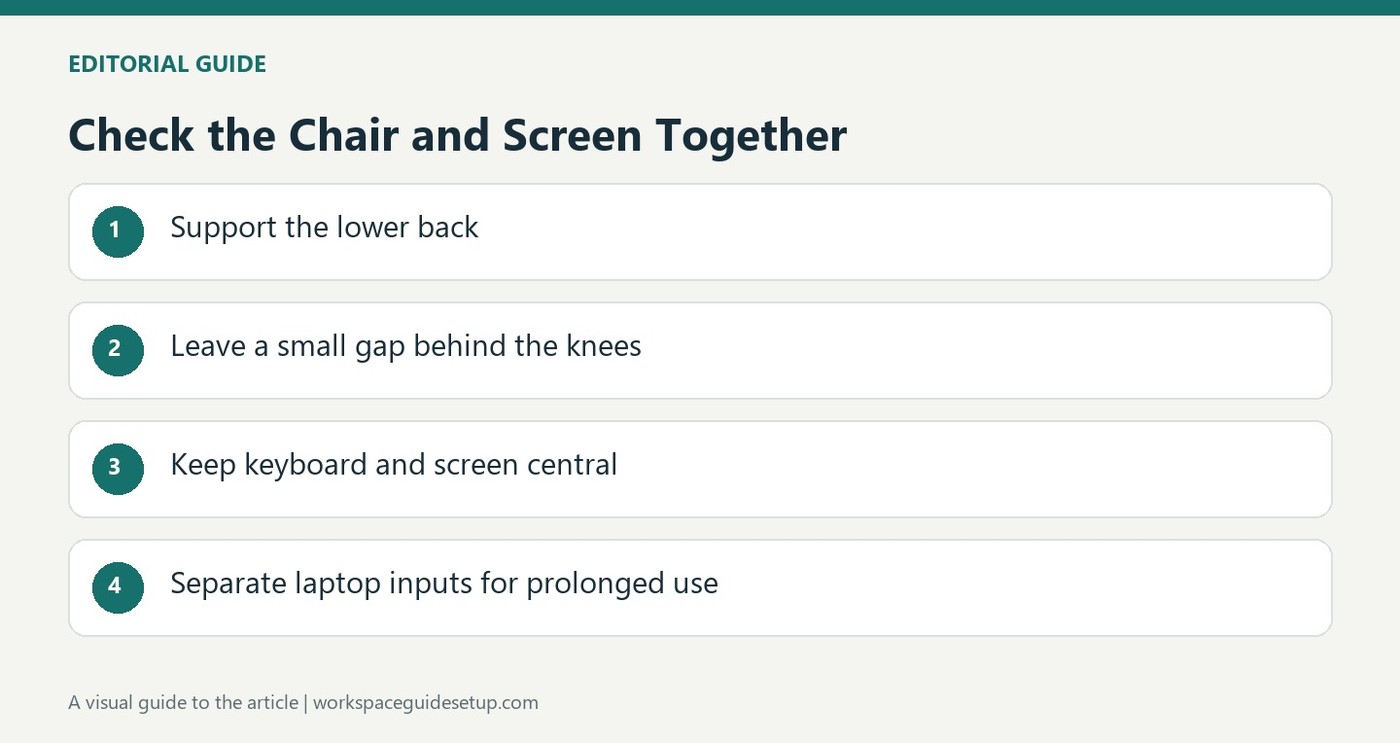
HSE recommends approximately an arm-length viewing position within a centered setup that avoids twisting the body.
Line up the daily working area
The screen and keyboard should be central so the user does not twist the back to work. The top of the display is around eye level, with roughly an arm's-length viewing distance. The keyboard sits just below elbow height, the mouse is in line with the elbow, and the shoulders remain relaxed rather than lifted to reach the surface.
Support the body and separate laptop components
The chair should provide lower-back support and support the thighs, with a small gap behind the knees rather than pressure from the seat edge. A cushion can help where extra support or seated height is needed. For prolonged laptop work, the guidance suggests separate keyboard and mouse devices so the screen can be elevated on a riser, or a separate display can be used. The arrangement should be taught and adjusted for the individual user.
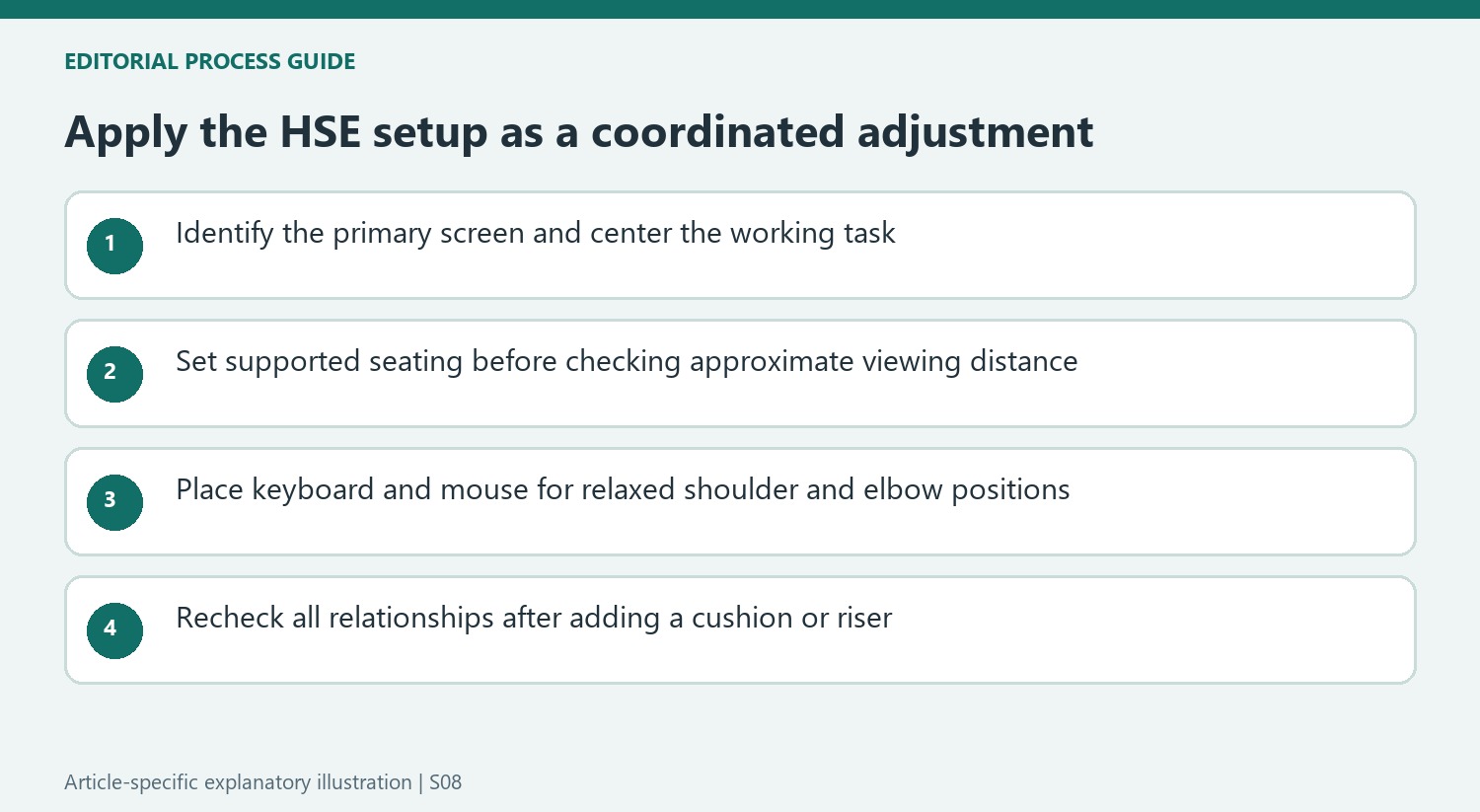
Check the seat before moving the screen closer
HSE describes a small gap of two to three centimeters between the front of the seat and the back of the knee, while the seat supports both the front and back of the thighs. That detail helps distinguish a monitor-distance problem from a chair position that cannot be maintained comfortably. A cushion may supply additional back support or raise the seated position, but the keyboard and mouse relationship must then be checked again. The source also treats guidance and training as part of a proper display-screen setup. A photograph or diagram is therefore a starting point for adjustment, rather than proof that the same measurements suit every person.
Check the alignment before changing the viewing distance
HSE places the screen and keyboard centrally as part of avoiding a twisted working position. If the main display is off to one side, bringing it closer may not address the basic problem. Identify the view used for most of the task and line the input area up with it. Then assess the approximate arm-length distance from the position in which the back and thighs are supported.
This is especially useful at a desk holding several devices. The most visually central object is not always the one used most frequently. A laptop placed in front while a large external panel carries the actual work can lead to repeated sideways viewing. Use the guidance to examine how the task is performed, rather than arranging the equipment symmetrically and assuming that symmetry guarantees a suitable posture.
Adjust the seat and input area as one system
The source describes relaxed shoulders, a keyboard just below elbow height and a mouse in line with the elbow. A chair-height change made for screen viewing affects all of those relationships. Recheck whether the arms can remain close and the shoulders relaxed after the change. The keyboard should not require shrugging simply because the monitor's top now appears level with the eyes.
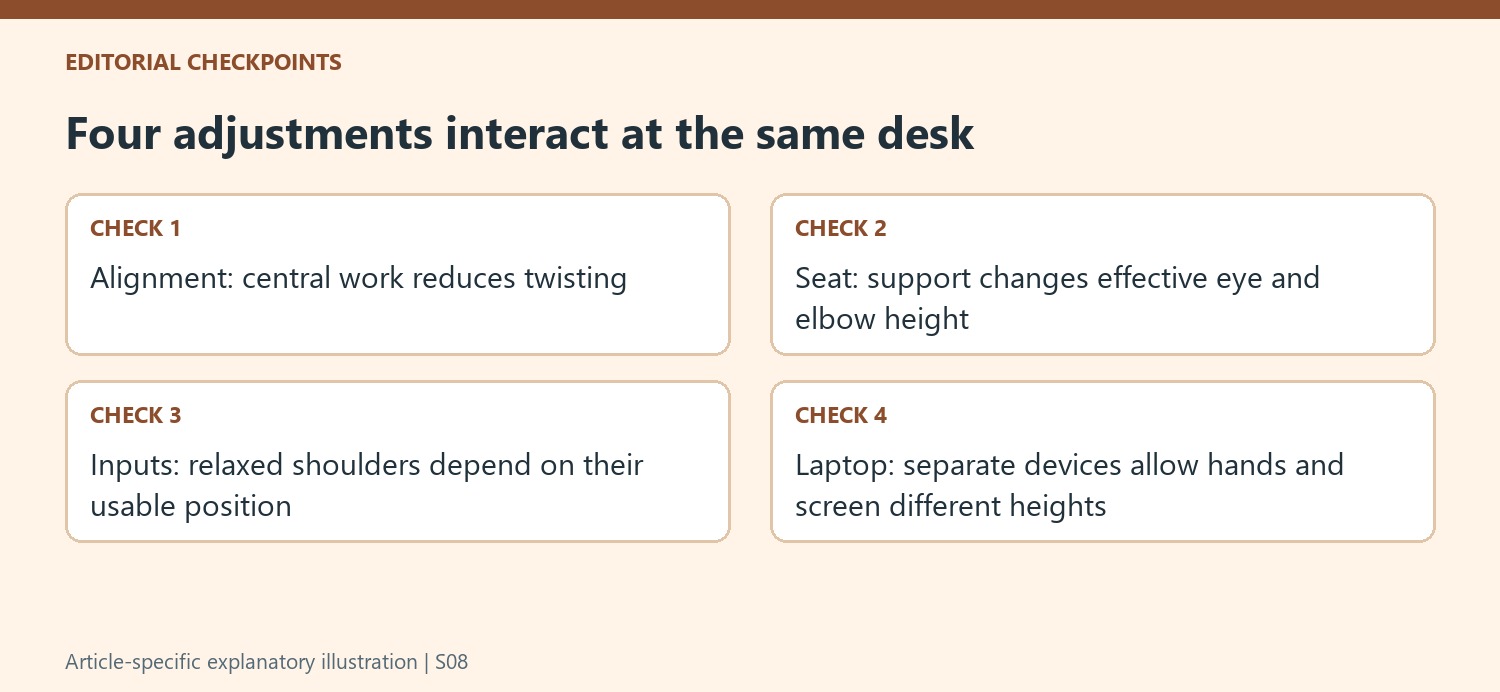
Seat support and the small gap behind the knees are also part of the example. A cushion can sometimes assist with back support or seated height, but it changes the effective relationship between the user and desk. Observe the resulting position rather than treating the added cushion as automatically completing the adjustment. Keep the under-desk area usable so the person can approach the work surface without perching forward or rotating around stored objects.
Adapt prolonged laptop work rather than preserving a compact shape
HSE suggests separate input devices so the laptop screen can be elevated, or a separate display can be used. The point is to allow screen and hands to occupy suitable positions independently. A riser by itself lifts the attached keyboard as well, so it does not complete the arrangement for continuous typing. Plan where the external keyboard and mouse will sit before deciding the laptop's final height and location.
The page also places training and information alongside the setup illustration. That means users need to understand how to make and reassess adjustments, especially at a shared station, rather than inheriting one photographed arrangement unchanged. Use the diagram as a starting point and revisit it when equipment or tasks change. A distance that seems wrong may reflect alignment, seat support or input height, so those relationships deserve attention before moving the screen alone.
References
- Working safely with display screen equipment. Health and Safety Executive.


Bir Cevap Yaz
E-posta adresiniz yayınlanmayacak. Gerekli alanlar * ile işaretlenmişlerdir.