
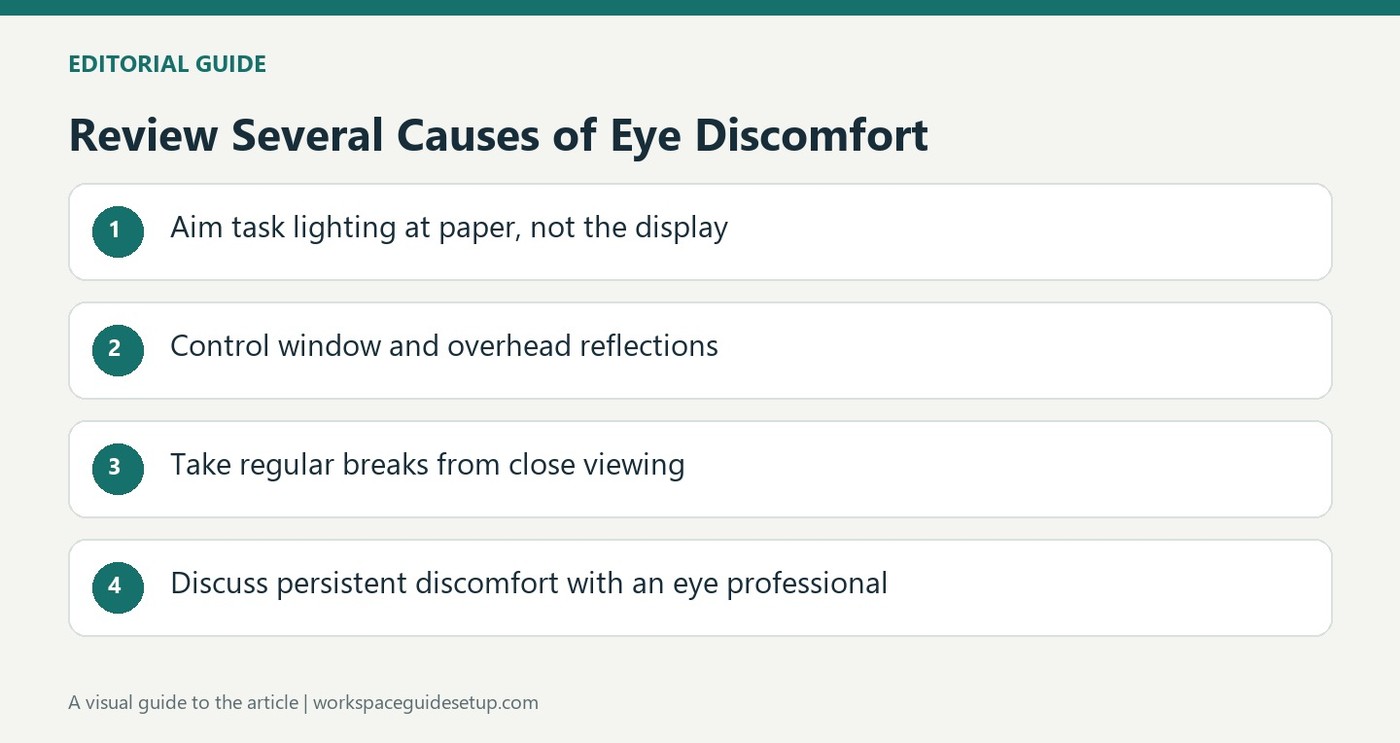
CCOHS includes viewing distance among several interacting factors, including reflections, readability, dry air and uncorrected vision.
Aim task lighting at the work
A screen produces its own light, while paper documents need separate illumination. The fact sheet recommends directing a task lamp toward the document rather than the monitor, avoiding a bright reflection on the display. Adjustable blinds, diffused overhead light and less reflective surrounding finishes can help manage glare without forcing the user to lean into an awkward position.
Check readability and take visual breaks
Brightness and contrast should suit the user, and blurred or tiny characters deserve attention instead of compensation through strained posture. CCOHS generally favors controlling the lighting and monitor position before adding a separate anti-glare screen, which can affect image quality. It also describes regular look-away breaks and the 20-20-20 approach. Persistent discomfort warrants an eye examination, because uncorrected vision and environmental factors such as dry air may be involved alongside the workstation arrangement.
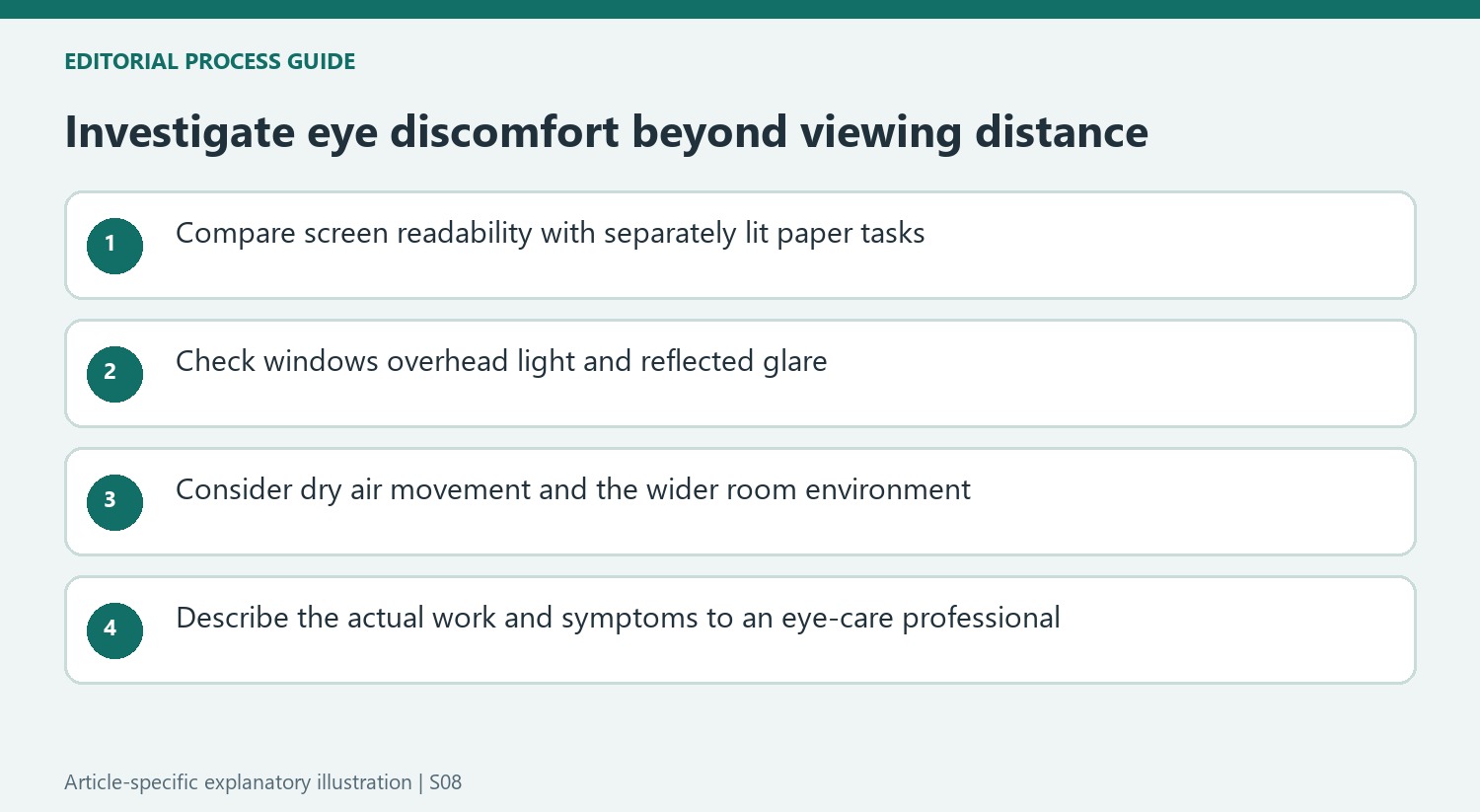
Look beyond the display for persistent discomfort
The fact sheet identifies humidity, air movement and indoor-air problems among possible contributors to eye discomfort. Moving a screen farther away will not necessarily address those conditions. CCOHS also recommends telling an eye-care professional about the actual work tasks when discussing vision correction. That can be more useful than describing the problem only as computer fatigue. The 20-20-20 suggestion means looking about 20 feet away for 20 seconds at least every 20 minutes; it is a reminder to interrupt sustained close viewing, rather than a substitute for an assessment. Keep equipment changes, lighting adjustments and appropriate professional advice as complementary parts of the response.
Compare the screen and paper as different lighting tasks
The fact sheet points out that a monitor emits light while a paper document must be illuminated from elsewhere. A desk combining both therefore needs more thought than simply increasing overall room brightness. Direct a suitable task light toward the page without reflecting it in the screen, then check whether the contrast between the two feels excessive. The right arrangement makes each task readable without forcing the person to adopt a new posture to escape glare.
Windows, overhead fixtures and reflective surrounding surfaces can all appear on the display. Check those reflections from the working eye position and at the normal times of use, using adjustable blinds or suitable light placement where available. A separate filter is not the first solution suggested by CCOHS, because placing material between the viewer and screen can compromise image quality. Address the source and geometry of the reflection before assuming another screen accessory is required.
Treat environmental factors as a separate line of inquiry
Dry air and air movement are among the listed contributors, so a screen-distance change may leave an important cause untouched. In a workplace, indoor-air concerns can involve the people responsible for the building, ventilation and maintenance as well as individual users. Report the actual conditions and symptoms rather than trying to solve a shared environmental issue only by repositioning one monitor or buying a desk lamp.
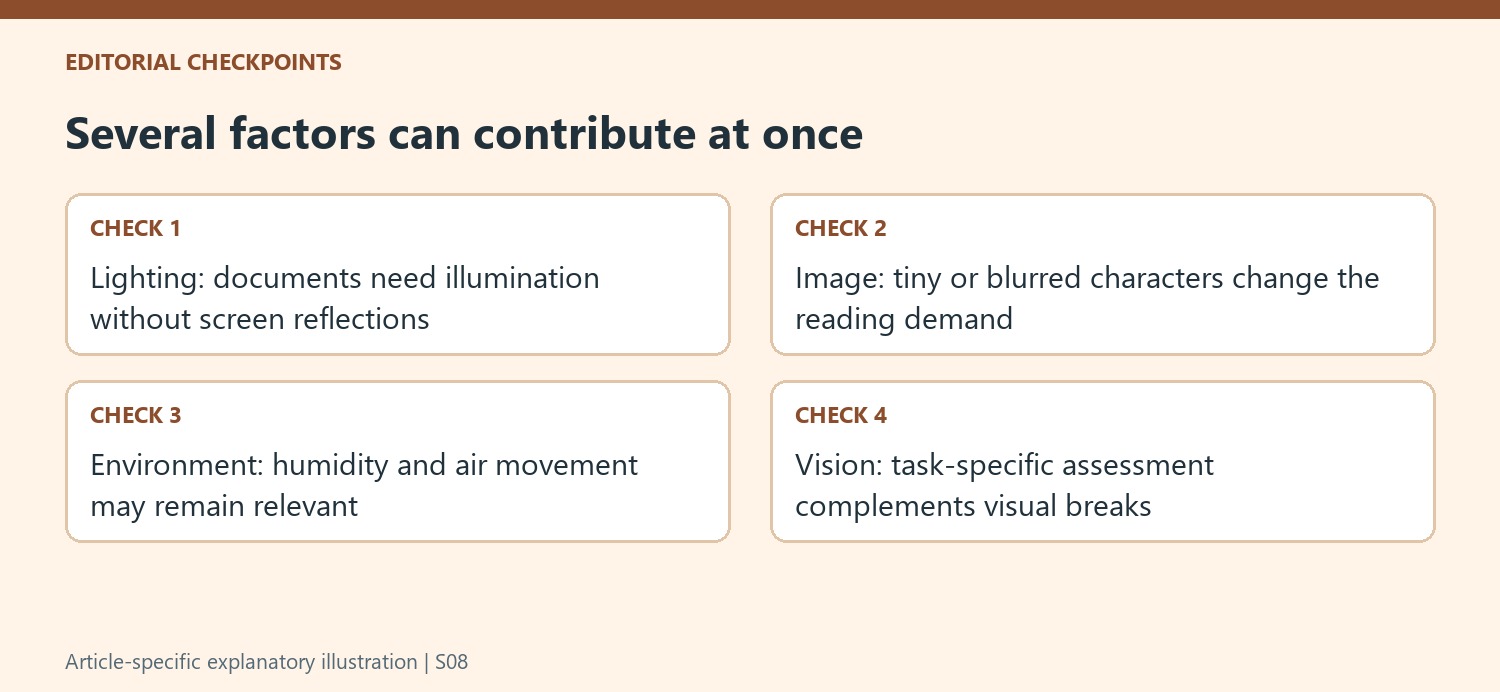
At the same time, inspect the displayed image itself. Blurry text, small characters and unsuitable brightness or contrast can make reading difficult even when the desk looks well organized. Adjust the relevant settings and assess the result during ordinary work. Keep those checks distinct from claiming that every symptom has a single equipment cause; the source expressly describes combinations of lighting, posture, vision and air conditions.
Give an eye-care assessment the context of the work
The fact sheet recommends explaining actual job tasks to the eye-care professional, including sustained screen use and the distances involved. That information can help discussions about suitable vision correction, rather than treating a generic computer-glasses label as sufficient. The source mentions changes in near focusing with age and several possible lens arrangements, whose suitability belongs in an individual assessment.
Regularly looking away, focusing farther off and blinking interrupts the fixed close-viewing pattern described in the guide. The familiar 20-20-20 prompt is one way to remember such interruptions, not evidence that every other workstation issue has been resolved. If discomfort persists, combine appropriate professional advice with the practical lighting, image and environmental checks. The useful response identifies the factors present at the actual desk instead of repeatedly changing viewing distance without examining anything else.
References
- Office Ergonomics - Eye Discomfort in the Office. Canadian Centre for Occupational Health and Safety.


Bir Cevap Yaz
E-posta adresiniz yayınlanmayacak. Gerekli alanlar * ile işaretlenmişlerdir.