
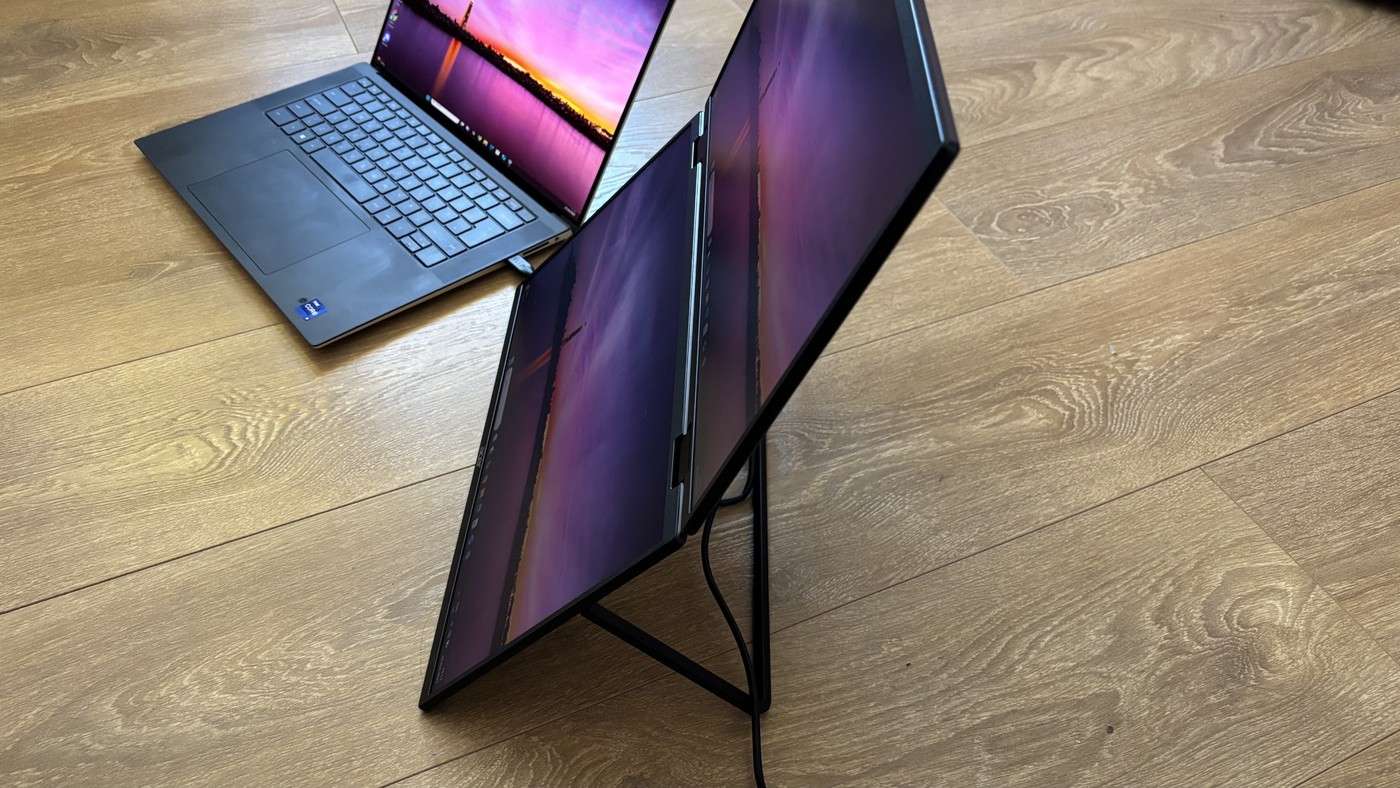
TechRadar's Acer PD3 review describes opening the dual-screen monitor like a laptop and using it horizontally or vertically. The reviewer found its stand stable. However, the ports sit underneath that support, so accessing a connector means pulling the stand out.
VESA compatibility offers a permanent mounting alternative, while the two-hundred-and-fifty-nit brightness limits very bright environments. Plan how often cables will change before positioning it. The folding form supports temporary work, but the connector arrangement still influences the practical desk layout.
Budget space for the power adapter
The Acer assembly weighs 2.33 kilograms before adding the supplied 45W power supply. The reviewer found it practical between established workspaces but less appealing on a train or in a coffee shop. That distinction follows from its size and need for an outlet. Include the adapter and a suitable working surface when deciding whether this is genuinely useful travel equipment.
Choose orientation before arranging documents
Each of the two 18.5-inch panels has a 1920-by-1080 resolution. The folding structure can create horizontal or vertical working arrangements, which changes where reference material and the main task will sit. Try the layout with a typical email, document or editing application. A second panel adds capacity, but placing frequently read material too high can make the arrangement less convenient.
Leave access beneath the stand
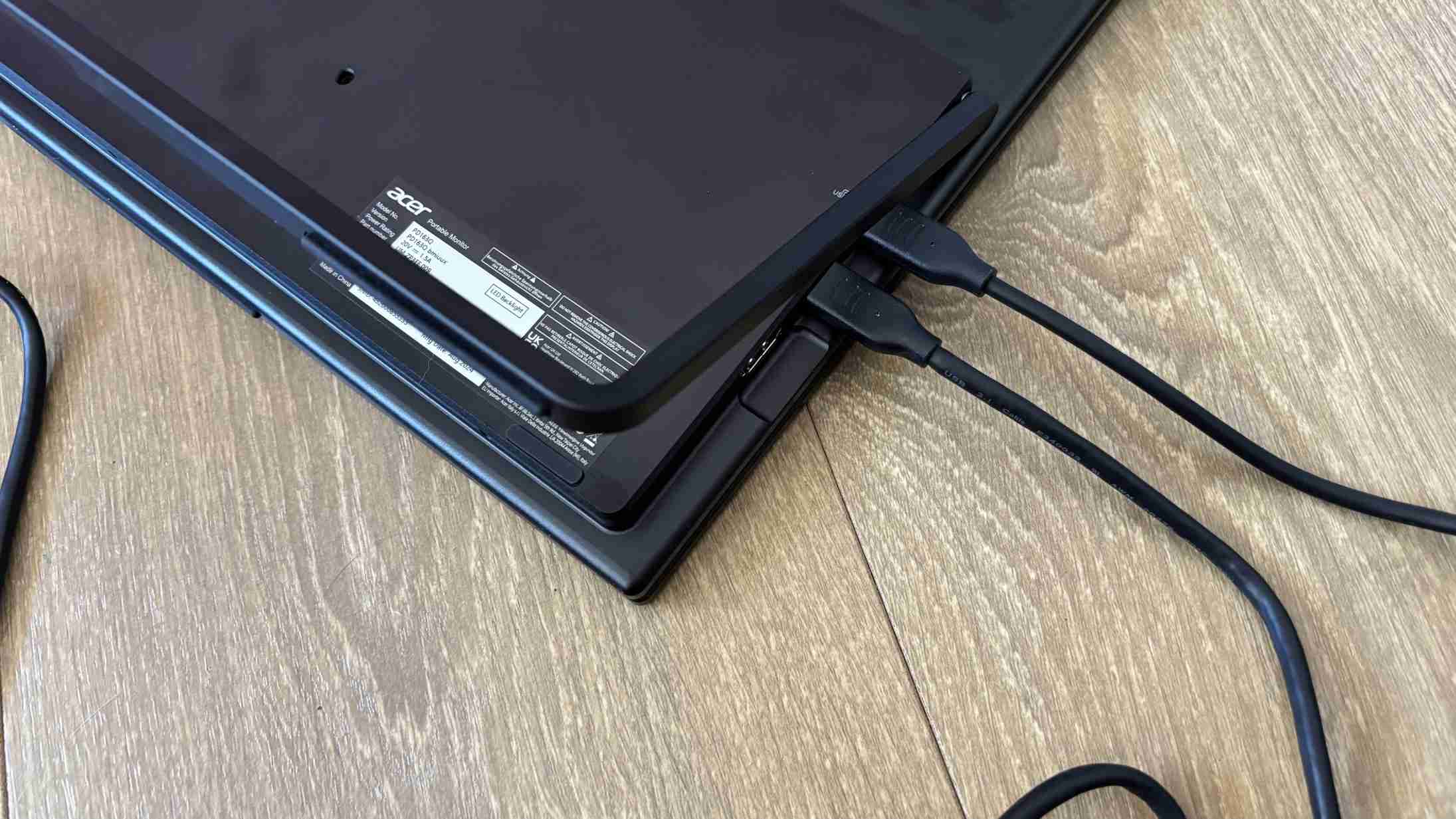
The source's connector criticism matters particularly when the screen moves between computers. HDMI, two USB-C ports and an audio connection are available, but the stand must move to reach them. Connect the intended leads before settling the panel into a tight position against a wall. If choosing VESA support instead, check hardware suitability and the cable path rather than assuming the folding stand's footprint tells the whole story.
Compare transport between desks with use while travelling
The review makes a useful distinction between carrying the assembly to an established workspace and opening it during a journey. The writer found the former practical but was less comfortable using the large arrangement in a train seat or coffee shop. Identify which kind of mobility is needed. A folding product can be transportable without fitting the small surface or outlet access available during a commute.
The 45W adapter adds both a packing item and a power requirement at the destination. Confirm where it will connect before treating the display as an immediate extension of a laptop on battery. The assembly's own weight also needs to be combined with the computer, charger and other equipment. Compare that complete bag with the benefit of two panels, rather than using the word portable as if it established a lightweight travel setup by itself.
Plan the folding layout around the applications
Two attached full-HD panels can place a main document and reference material in different positions, but orientation determines how often the user looks upward or sideways. Try the intended applications in the proposed arrangement and keep frequently read material in a useful viewing zone. A stacked pair may save horizontal width while using more vertical space, whereas another orientation can demand a broader clear area around the laptop.
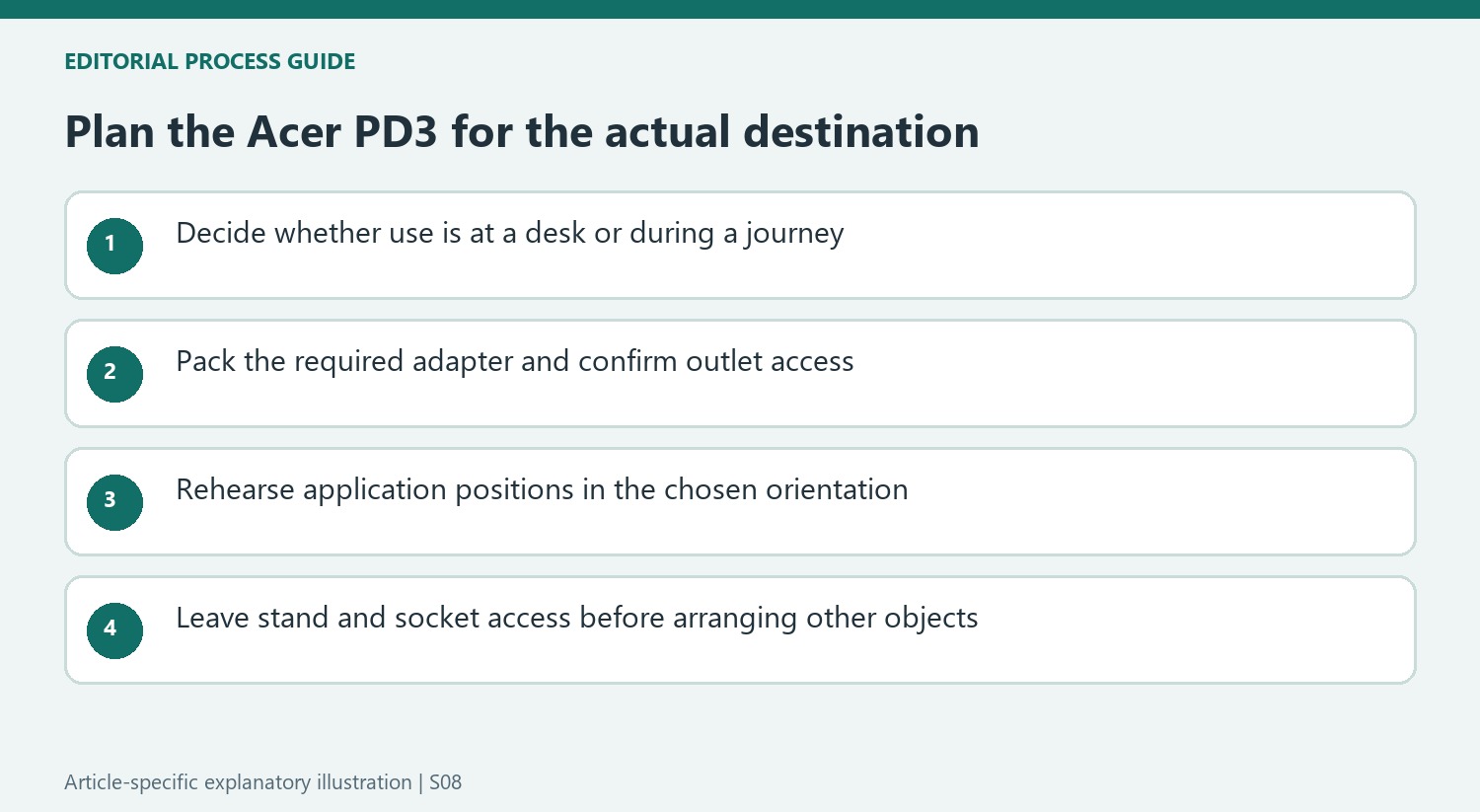
The stand and hidden connector location make access part of that rehearsal. Leave enough space to open the support and reach the sockets without tipping the assembly or pulling its leads. If the arrangement moves between hosts, label or identify the cables that carry power and video. Plug-and-play success with the reviewer's computer does not establish the behavior of every USB-C socket, operating system or alternative connection path.
Read the image and mounting observations within their limits
The reviewer liked the colors and overall image while finding the brightness comparatively limited beside a brighter laptop. That comparison helps explain why the desk and room matter: the same panel can be adequate indoors yet less suitable in a strongly lit temporary location. The listed brightness is not a reason to promise comfortable use in direct sunlight, and the source does not supply a complete specialist color-measurement report.
The reported VESA option offers another route for a permanent station, but the writer did not test that installation. Verify the current combined load, interface and approved hardware before selecting a support. Include access to the connections and allowed hinge movement in that plan. Compare the result with two ordinary displays or a smaller single portable screen according to the task, preserving the review's central trade-off between quick extra workspace and a substantial, separately powered assembly.


Bir Cevap Yaz
E-posta adresiniz yayınlanmayacak. Gerekli alanlar * ile işaretlenmişlerdir.