
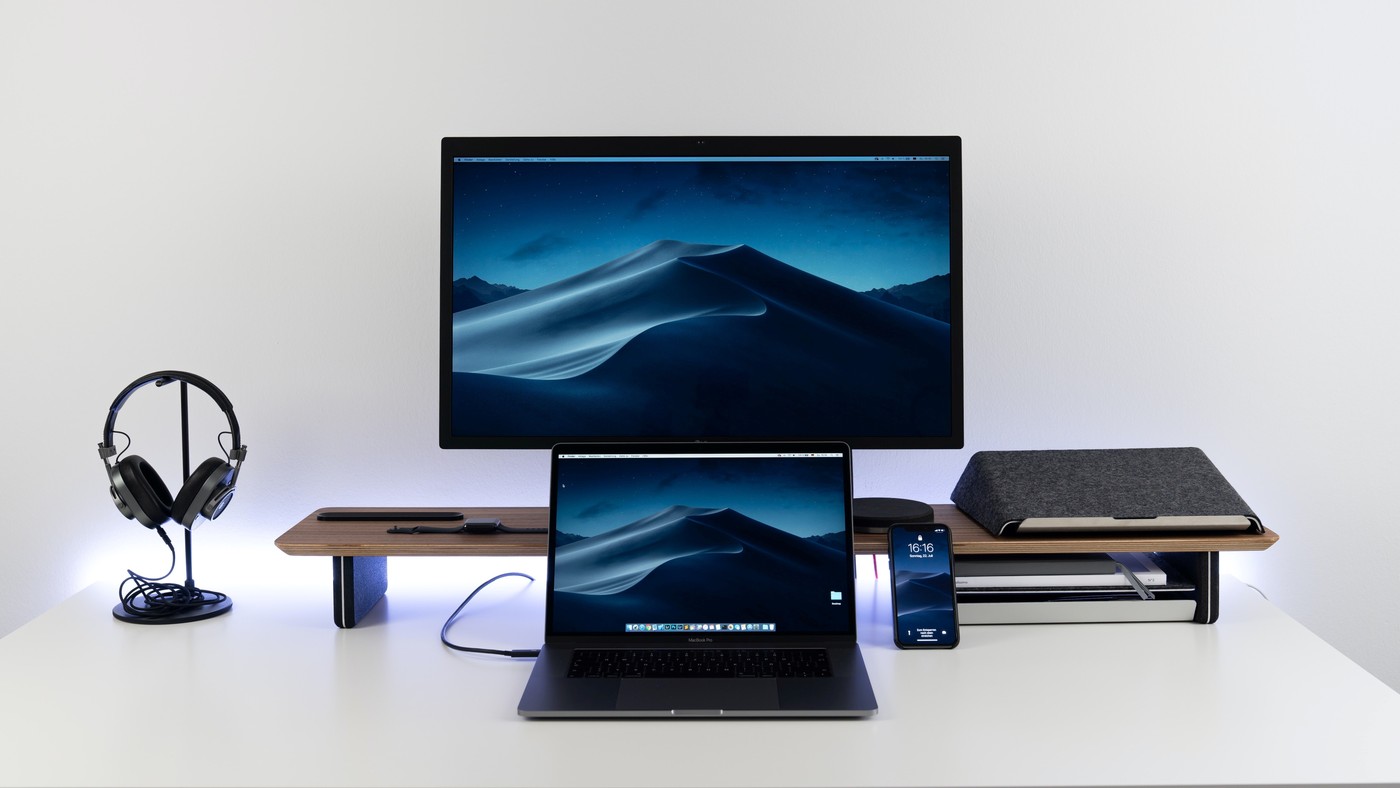
TechRadar's monitor-stand guide includes gas-spring arms, pole-mounted dual arms and raised wooden platforms. The Monoprice Workstream example uses a removable VESA plate and internal cable channels. A Vivo dual mount offers tilt, swivel and rotation, with height changes tied to its central pole.
Check the exact model's weight capacity, mounting pattern and desk attachment requirements. A gas-spring arm and a raised platform solve different placement problems. Choose the support around required movement and the actual display load instead of relying solely on a screen-size label.
Compare how independent the height changes are
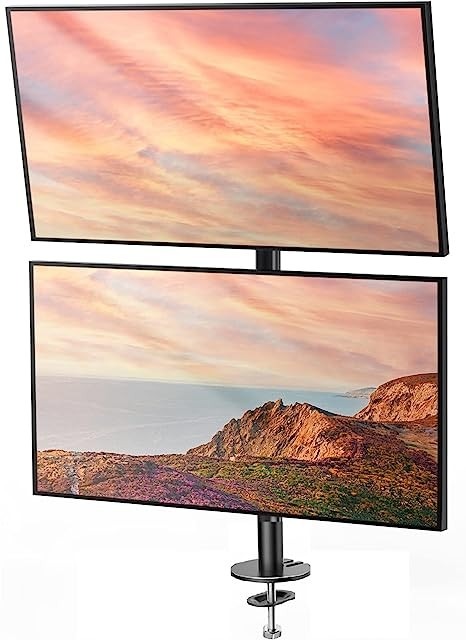
The guide contrasts a central-pole Vivo arrangement with gas-spring models that allow easier independent repositioning. If one screen needs frequent adjustment while the other stays put, that difference may matter more than a broad screen-size claim. A shared pole can work well for a stable layout, but it does not give every joint the same freedom as a separately supported arm.
Inspect the actual cable route at the joints
The Monoprice example has integrated channels but no cover at the bend between sections. A clean appearance behind the screen therefore still needs some attention to the exposed crossing. Other supports use clips on a pole or arms. Test the intended movement before tightening the leads, especially where a display must rotate into portrait orientation or swing away to expose another working area.
Separate a storage riser from a moving mount
The same roundup includes Grovemade's broad wooden platform with a lower aluminum shelf. That creates storage space beneath the displays but does not provide the positioning range of an articulated arm. Its stated platform capacity also cannot be transferred to a different product in the guide. Choose a riser when its fixed elevation and useful lower storage fit the job; choose a mount when adjustable reach is the unmet need.
Choose the kind of support before the product ranking
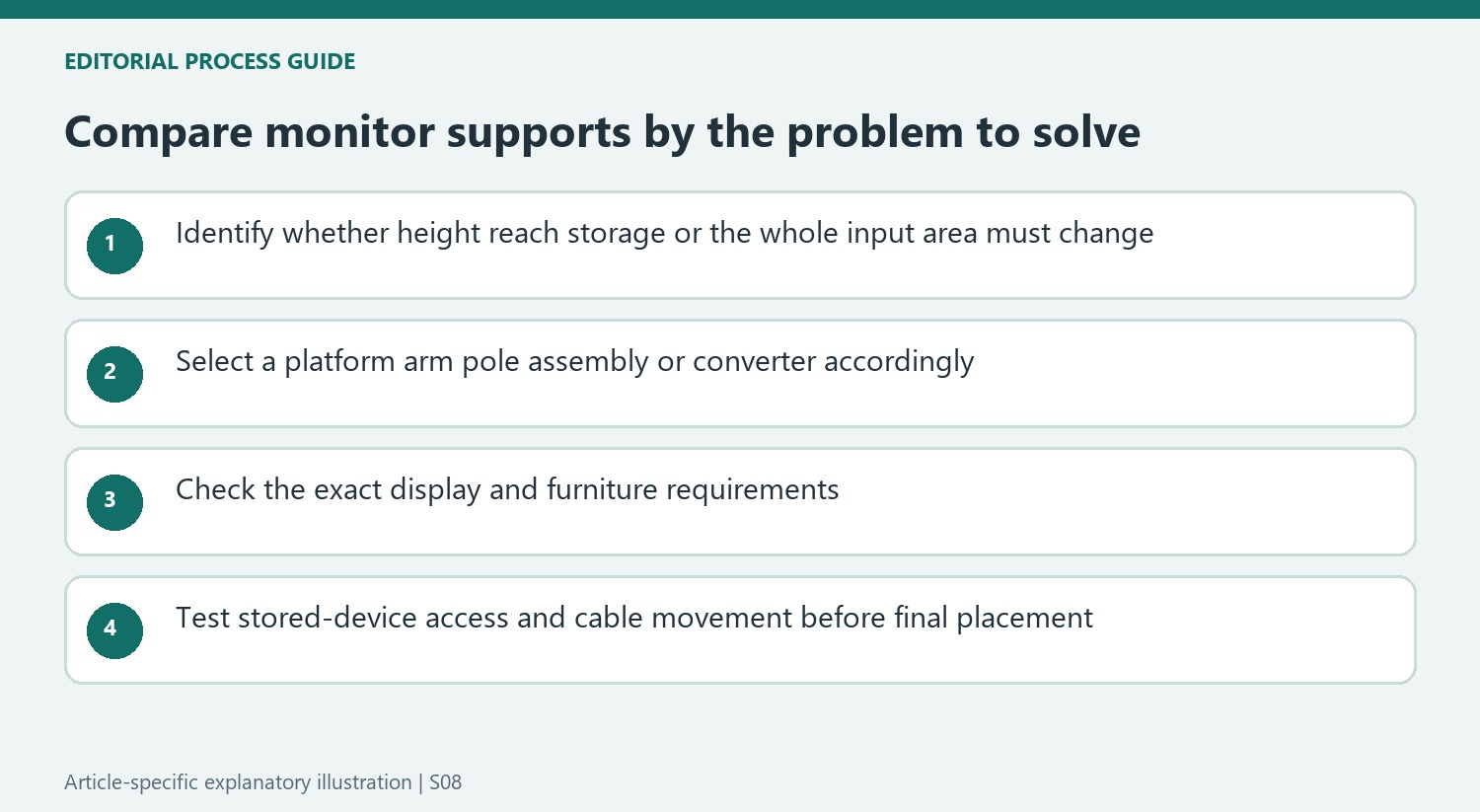
The guide groups together moving arms, pole-mounted assemblies, fixed platforms and a desk converter. Those categories change different parts of the workstation. A platform raises the original display base and may add storage, while an arm replaces that base with a compatible attachment. A converter moves the input area as well as the screens. Decide which relationship needs to change before comparing prices across products that solve different problems.
This prevents a broad monitor-stand label from concealing important differences. A user needing independent screen heights should examine whether both arms can move separately, while someone wanting a stable fixed lift may not need gas springs at all. The source's vertical mount also has a limited top-bracket reach. A stacked layout therefore needs its own position check rather than assuming the upper panel can be brought forward just like a lower articulated screen.
Keep each stated rating attached to its own product
The roundup includes different weight allowances and mounting interfaces, whose numbers cannot be transferred from one entry to another. Check the complete monitor weight and current manufacturer requirements for the exact support selected. The Monoprice gas-spring example targets larger displays, whereas a lightweight plastic platform has a different load and footprint. An accessory's broad appearance or material alone does not establish a suitable match.
Desk and wall attachment requirements are equally specific. A clamp needs compatible furniture and access beneath the chosen edge; a wall support needs the appropriate approved fixing arrangement and usable placement. The source's wall-mount example has limited tilt and no height adjustment, so its rotation should not be mistaken for an ability to correct every screen position. Measure the intended view before choosing an installation that is difficult to move later.
Include stored items and cable changes in the assessment
A lower shelf, drawer or side caddy can be useful only when its dimensions match the objects intended for it. The guide's broad wooden platform and compact metal organizer offer different storage styles. List what will be stored and what must be accessible during work, then keep device ventilation and connector clearance in the plan. Empty under-shelf space is not automatically an appropriate operating location for every computer.
Cable clips and channels likewise differ in how they cross joints and how easily they reopen. Test the full permitted movement before making the routing final, especially if a screen rotates or the desk changes height. The guide evaluates assembly, motion and compactness as well as price; apply the same combined view to the finished station. Historical rankings and prices can suggest candidates, but current compatibility and the actual task determine the useful support.
References
- Best monitor stand of 2025. TechRadar; Collin Probst; Mike Jennings; Anna Sevilla.


Bir Cevap Yaz
E-posta adresiniz yayınlanmayacak. Gerekli alanlar * ile işaretlenmişlerdir.