
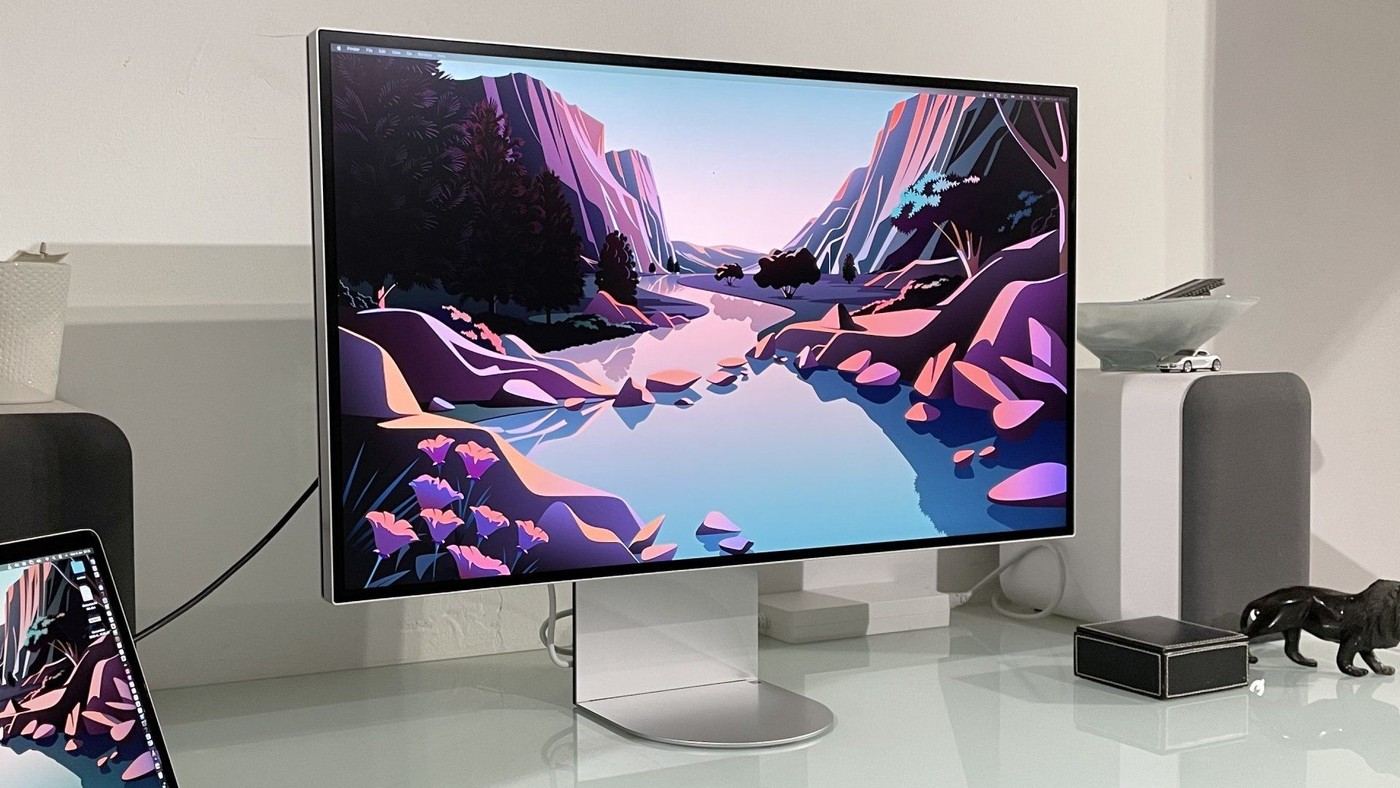
TechRadar's LG UltraFine 6K Evo 32U990A review describes a stand with useful adjustment and a standard one-hundred-millimeter VESA mount. Dual Thunderbolt connections support laptop power and compatible display chaining. Additional DisplayPort, HDMI and USB-C ports broaden the connection options.
The reviewer noticed visible sparkle from the anti-glare coating despite the high pixel density. Assess the surface under your actual room lighting and viewing distance. Connection flexibility and resolution are separate considerations from whether the monitor's position and finish suit everyday reading.
Distinguish pixel density from physical space
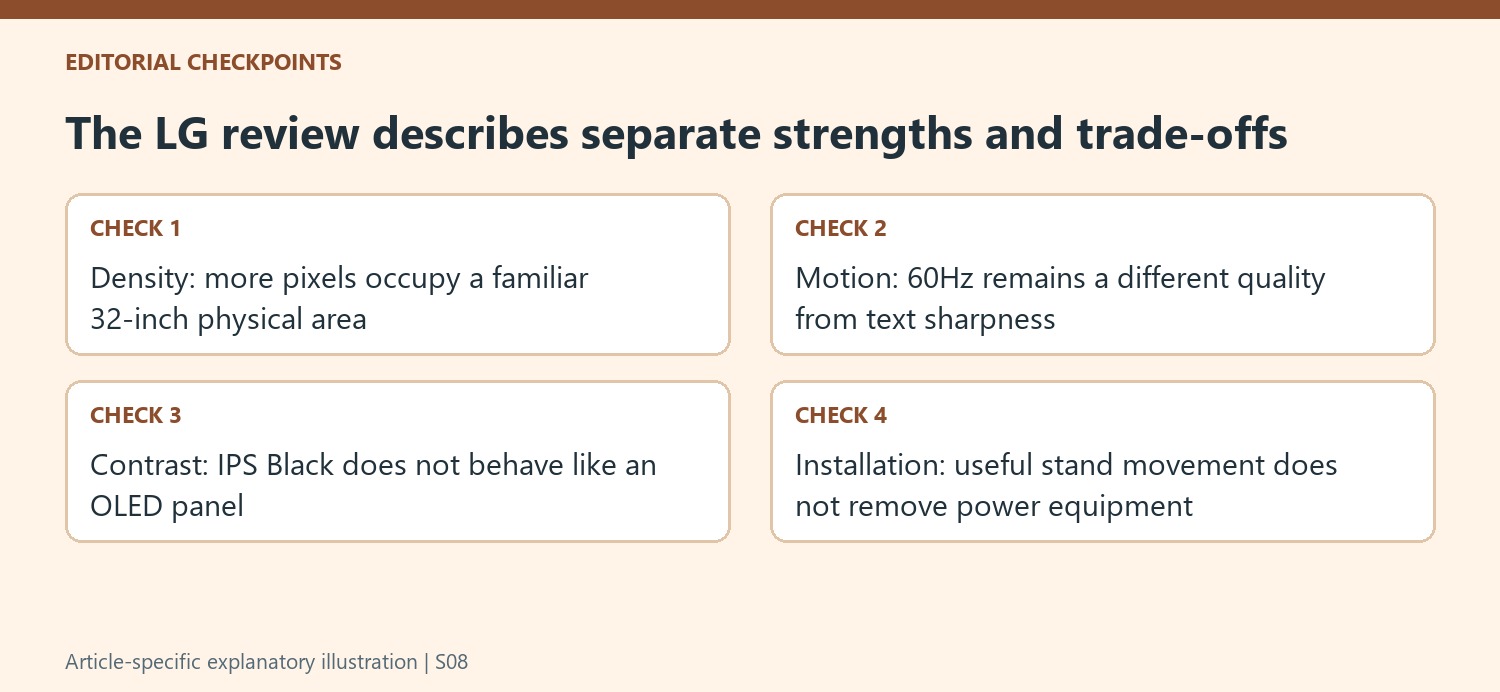
The 6144-by-3456 resolution is packed into a 32-inch panel, giving a reported density of 224 pixels per inch. The monitor therefore sharpens a familiar physical size rather than creating a larger piece of furniture. TechRadar notes that a full-resolution 4K window can leave room for tools around it. That can benefit some production work, but scaling and text preferences still determine usable everyday space.
Compare sharpness with motion and contrast
The source lists a 60Hz refresh rate and a 2000:1 contrast specification for its IPS Black panel. It praises crisp text while finding motion and dark-scene performance less impressive than some OLED alternatives. Those are separate qualities. A reader prioritizing fine text may value the density, while another user may find a faster-refresh screen more comfortable for daily scrolling and movement.
Include the power equipment in the desk plan
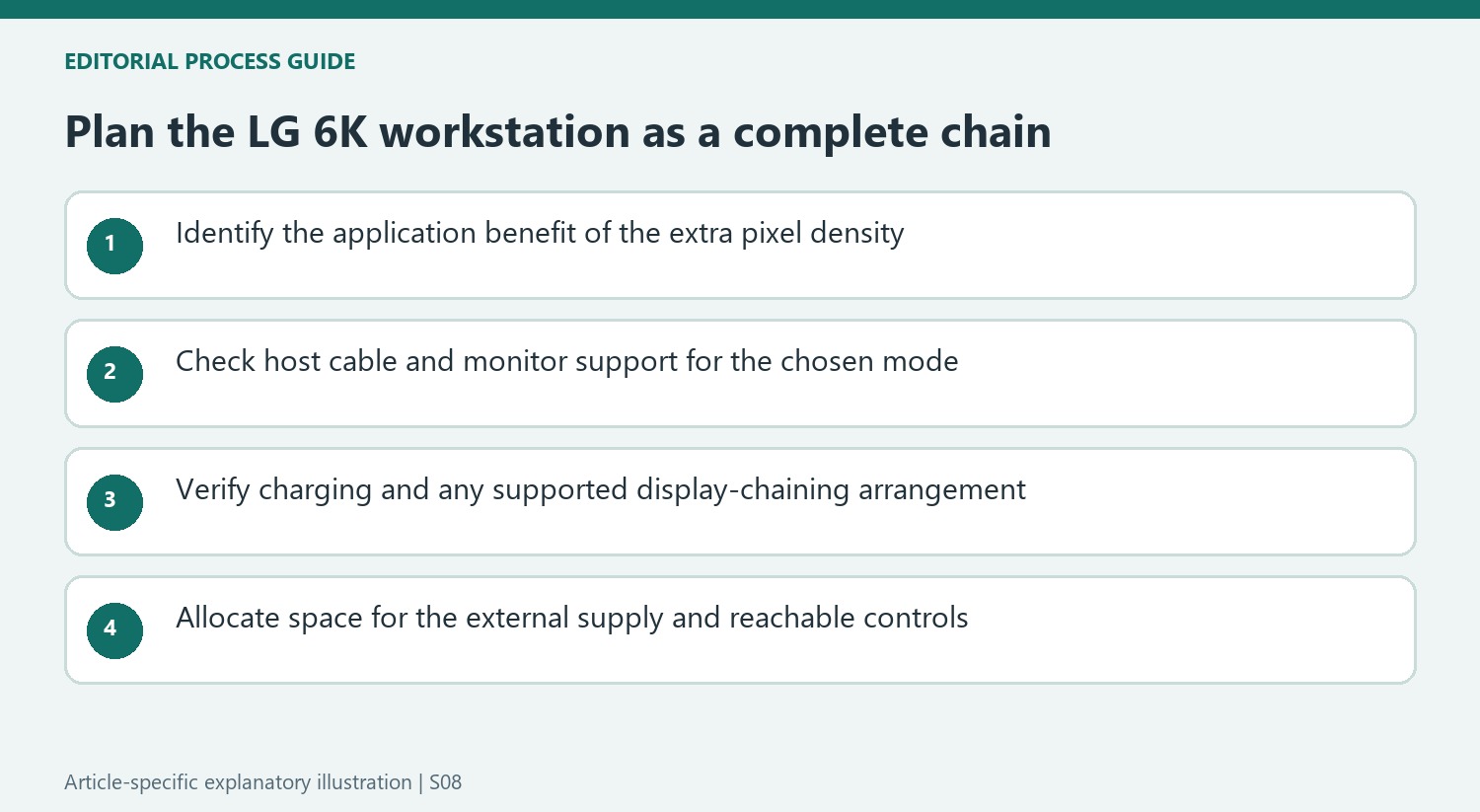
The review describes a substantial external power brick despite the otherwise restrained design. A single laptop cable at the front of the setup does not eliminate that supply or its mains lead. Leave accessible space for it alongside the Thunderbolt and display connections. Check the computer and cable requirements before relying on 6K display chaining, since the presence of multiple compatible-looking sockets alone does not establish the whole arrangement.
Decide what the additional pixels will do in the workflow
The source's example of viewing a full-resolution 4K image with tools around it explains a specific use for the 6K canvas. That is more concrete than assuming every document benefits equally from a higher pixel count. Test the application's scaling and normal text size on the intended system. A 32-inch screen remains the same physical size, so choosing smaller interface elements to expose more workspace may not suit the user's reading preferences.
The reviewer praises crisp text but describes the subjective improvement over a similar-size 4K screen as less dramatic than the raw numbers suggest. Keep that distinction when comparing the price premium. A task relying on detailed imagery and surrounding controls may value the extra density, while routine work may place more emphasis on motion, contrast or simpler connectivity. Resolution is a major strength here without settling the entire selection by itself.
Treat connectivity as a complete supported chain
Thunderbolt connections and power delivery can simplify a compatible laptop station, while HDMI and DisplayPort offer other host routes. Check which connection supports the desired display mode and what power is actually available to the computer. A high-bandwidth label on one port does not establish the capabilities of the laptop, cable and any additional device in between. Verify the proposed chain before expecting a single lead to provide every function.
The same reasoning applies to chaining another display. Confirm supported configurations in current documentation rather than multiplying socket counts. Keep frequently changed accessories reachable and give the substantial external power supply a suitable place with the access and ventilation its instructions require. The minimalist front view hides some of that equipment; it does not remove its footprint or the mains connection from the room plan.
Compare panel trade-offs independently from the stand
The source describes useful stand adjustment and a standard mounting option alongside reservations about black levels, HDR behavior and refresh rate. A comfortable physical position can coexist with image characteristics that suit one task better than another. Check the screen under the actual lighting and viewing distance, including the anti-glare texture the reviewer noticed. Raising or moving the panel will not convert its underlying contrast or refresh capabilities into those of a different technology.
The review mixes reported specifications with its own visual judgments, so keep those forms of evidence distinct. Its criticism of HDR is about the resulting capability, not a claim that the monitor lacks the stated certification. Compare current alternatives by the qualities the work actually requires, including sharpness, color handling, motion and connections. The appropriate choice is a combination of those trade-offs and a usable installation, rather than an assumption that either 6K or OLED alone determines the answer.
References
- LG UltraFine 6K Evo 32U990A monitor review. TechRadar; Jeremy Laird.


Bir Cevap Yaz
E-posta adresiniz yayınlanmayacak. Gerekli alanlar * ile işaretlenmişlerdir.