
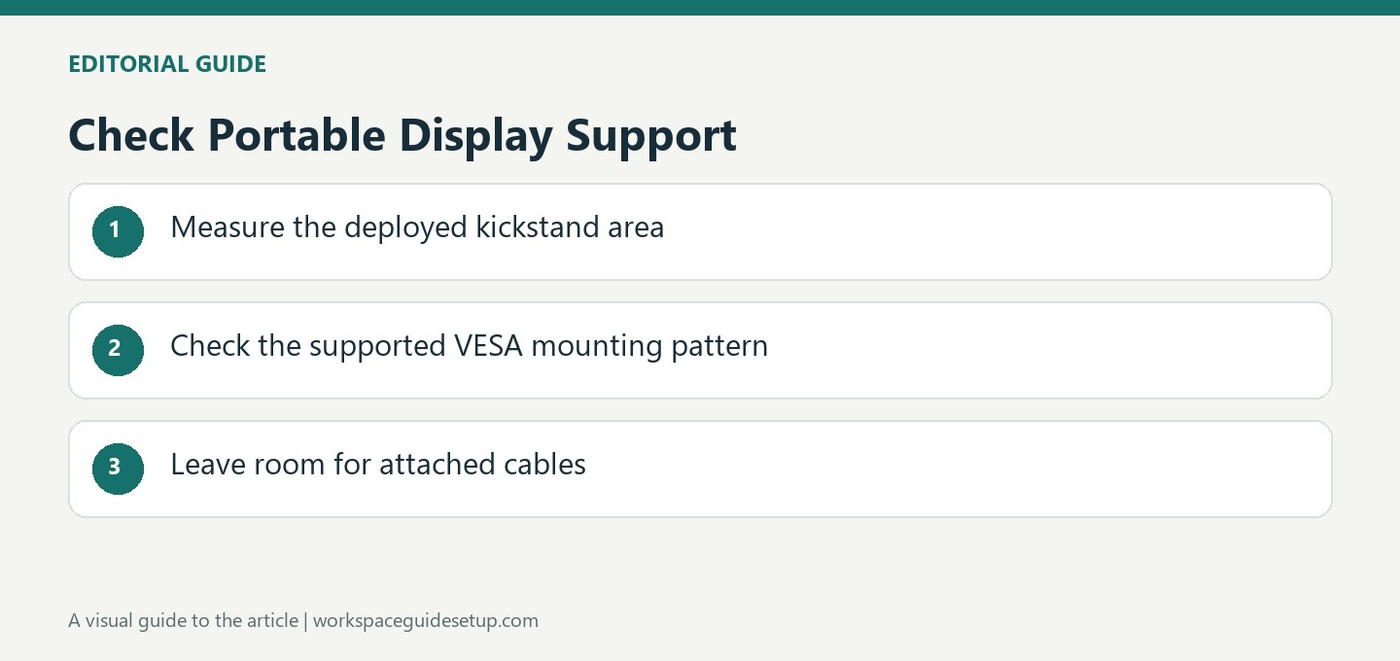
TechRadar describes an eighteen-point-five-inch UPerfect portable monitor with Full HD resolution and a one-hundred-and-twenty-hertz refresh rate. Its adjustable kickstand opens through a broad range, while seventy-five-millimeter VESA support provides an alternative. Dual USB-C and mini HDMI cover different host connections.
Measure its larger tabletop footprint before travel and check the computer's display and power capabilities. The thin panel is easier to carry than a conventional desktop assembly, but it still needs safe support and room for connected cables.
Treat the article as a specification-led offer report
The source lists an 18.5-inch IPS panel, 1920-by-1080 resolution, 120Hz refresh and FreeSync support. It also gives a brightness figure of 350 cd/m². These are reported product details in a deal article, rather than a full independent measurement set. They provide a basis for comparison without guaranteeing the same viewing experience under every room's lighting.
Choose between the kickstand and a permanent mount
The integrated support is described as adjustable through 180 degrees, while the back accepts a 75-by-75-millimeter VESA pattern. A kickstand keeps the screen easy to move between locations; a suitable mount can incorporate it into a more permanent workstation. Both options still need room for the cable exits and a stable position on the actual desk.
Include its size in the packing decision
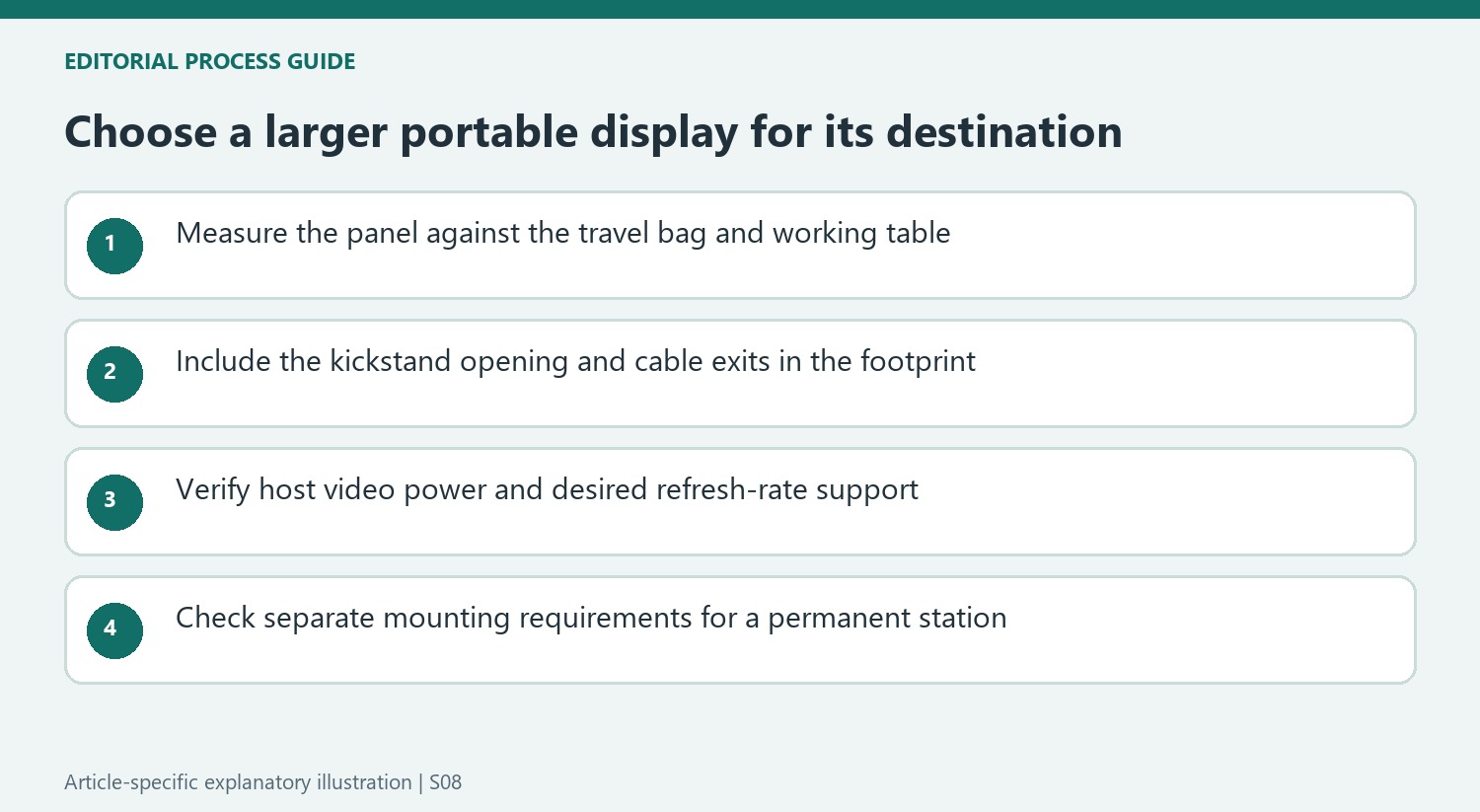
The article reports a 0.2-inch thickness and a 2.43-pound weight. Although slim, an 18.5-inch panel occupies more bag and table area than smaller portable displays. Measure the available working surface and travel storage before choosing it primarily for portability. Finally, ignore the historic discount when planning a purchase and verify the current configuration, included leads and power requirements with the seller or manufacturer.
Decide whether the larger portable format suits the destination
An 18.5-inch panel offers more physical area than a smaller travel screen, but its slim profile does not reduce its width and height when carried. Compare the complete panel with the intended bag and the surfaces available at the destination. A laptop, separate screen and connected leads can occupy a substantial part of a small table even when each device is described as portable.
The built-in kickstand makes temporary placement straightforward in principle, while its opened support needs room behind the panel. Check that depth alongside the cable exits before choosing a location close to a wall or table edge. A stable upright position is more important than reproducing a slim side-view photograph. Follow the product's current instructions for permitted angles rather than assuming a broad hinge range makes every position appropriate for work.
Verify the host connection before relying on one cable
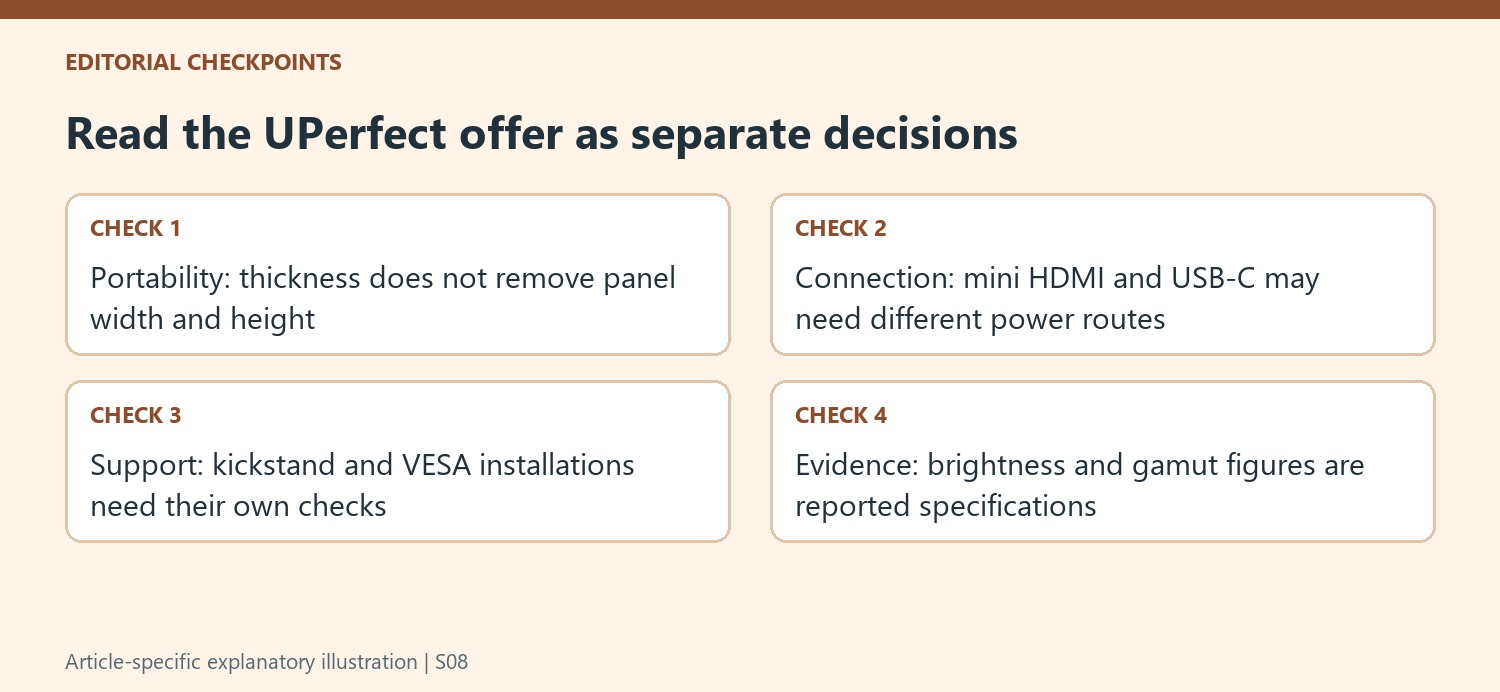
The deal article lists two USB-C sockets and mini HDMI, but their presence does not establish how the actual computer will provide power and video. Confirm which functions are supported on each side of the intended connection and which leads are included. A laptop with the correct USB-C video function may allow a simpler arrangement than a host using HDMI with separate power, whose extra lead and supply need to be packed as well.
The advertised 120Hz and adaptive-refresh features likewise need compatible source output and a supported mode. Keep the desired task in the comparison, whether it is document reading, general reference or occasional gaming. A higher refresh-rate specification does not prove that every connection will operate at that rate, and it does not replace checking the screen's position and readable text size on the actual laptop.
Treat permanent mounting as a separate configuration
A 75-by-75-millimeter interface can allow the portable panel to join a fixed workstation, but the support must suit its actual weight and hardware requirements. Check any minimum load as well as the upper limit if using a gas-spring arm, and use the specified screw depth. The built-in kickstand and an external mount solve different situations, so assess cable access and panel movement again after changing between them.
Finally, the source's brightness, gamut and contrast figures are specification-led descriptions within a sale report. It does not document a full independent measurement procedure or long-term travel test. Use those figures to shortlist the current model and seek the current product details, keeping the historic discount separate from today's buying decision. The useful choice is the screen that fits the destination, supported connection and actual work, rather than the largest advertised area at a remembered sale price.


Bir Cevap Yaz
E-posta adresiniz yayınlanmayacak. Gerekli alanlar * ile işaretlenmişlerdir.