
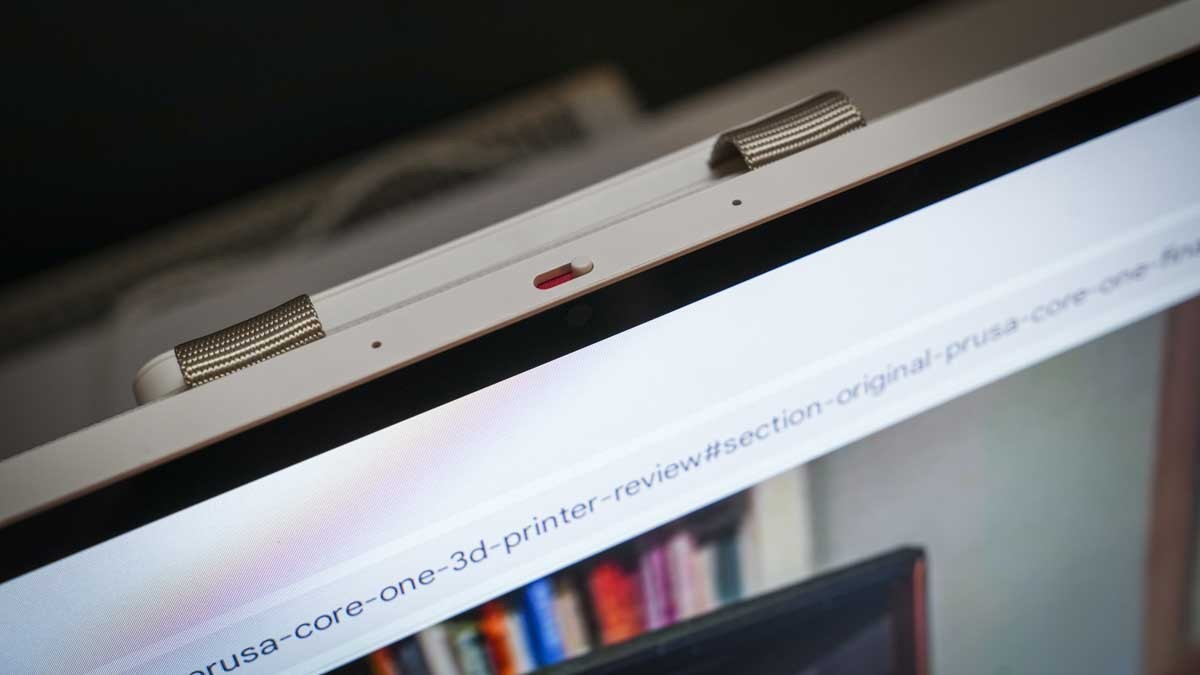
TechRadar's KTC MegPad A25Q5 review describes a roughly twenty-five-inch Android display with a fabric carrying handle. A robust fold-out stand supports landscape and portrait positions. The matte cream body and textured rear give it a different appearance from a conventional business monitor.
The reviewer found some apps less crisp at the large scale, so check the actual software as well as the support. Choose a stable surface with enough space for the orientation change and keep the handle clear of cable tension.
Separate Android touch use from external-display use
The MegPad runs Android 14 with access to the Play Store, so it can operate independently for supported apps and streaming. Connecting a laptop through USB-C changes its role to an external display. The review specifically says the touchscreen function does not carry across to Windows or macOS in that mode. A large touch-capable Android screen therefore is not automatically a touch monitor for another computer.
Plan the power session rather than the whole day
The source describes approximately five hours of battery use as a constraint for extended work away from an outlet. That may cover a meeting or presentation but should not be assumed to cover a complete working day. A side power connection remains part of longer sessions. Include that lead when deciding where the fold-out support and handle can sit without interference.
Test the applications that matter most
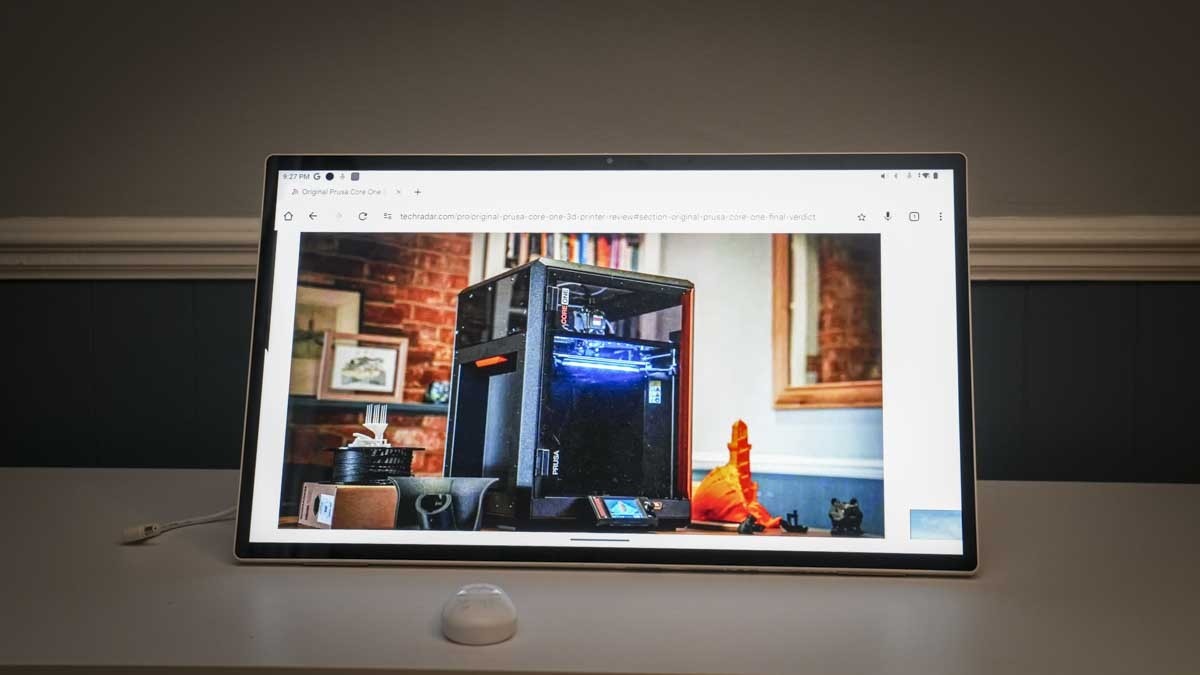
The reviewer found some icons and text soft on the roughly 25-inch, 1080p panel and also noted limitations in color gradation. Those observations matter more for close reading and creative work than for a casual presentation across a room. The included remote can make distant media control convenient, while the camera has a physical privacy cover. Choose the working distance and applications first, then decide whether these extra functions compensate for the display limitations.
Decide which operating role is actually required
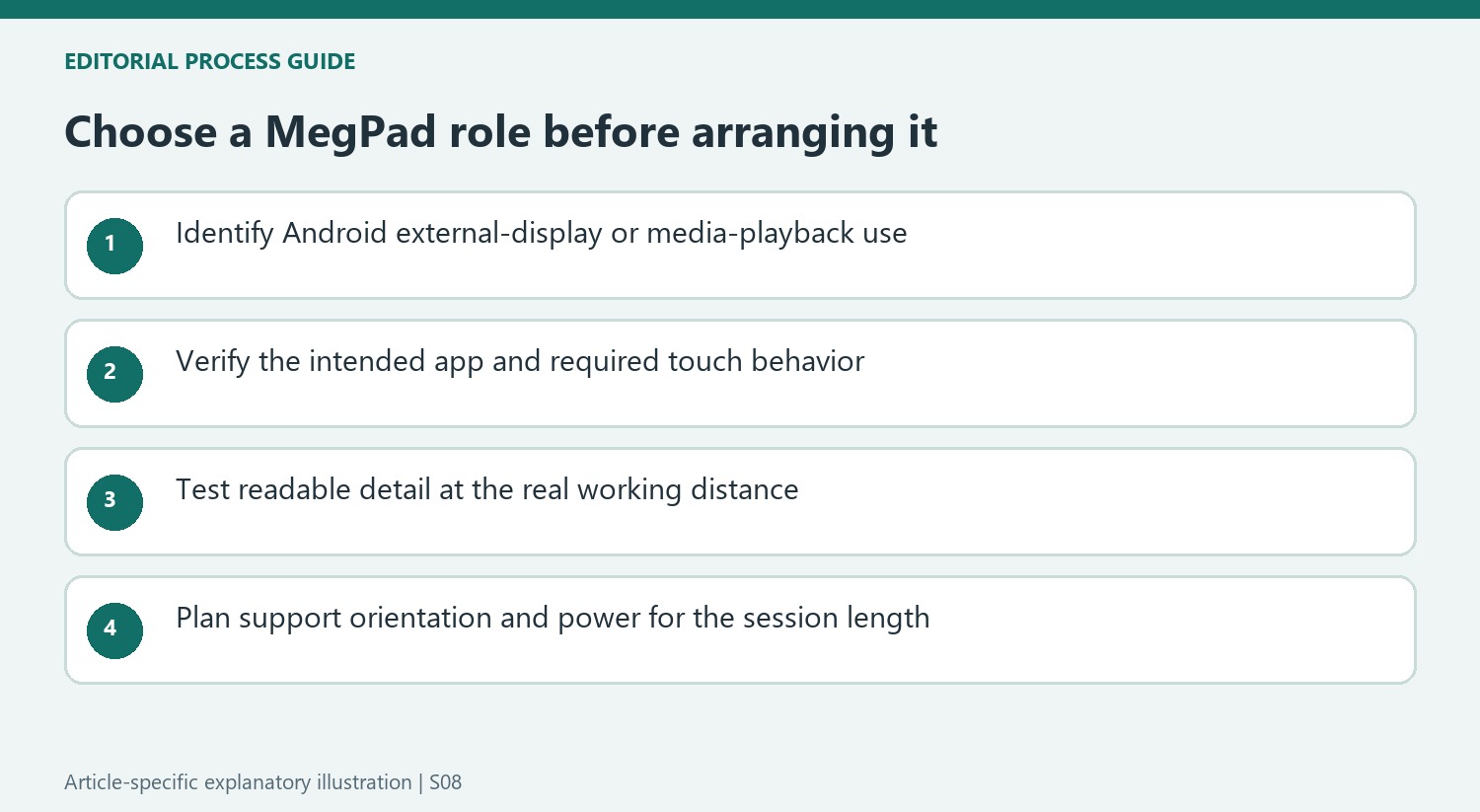
The device combines an independent Android system, external-display input and removable-media playback, but these roles do not have identical controls or capabilities. The review's touch-interface benefit belongs to native Android use. If the main aim is to control a Windows or Mac application through the large screen, verify that requirement carefully because the tested external-display mode did not carry touch control across. A large Android tablet is not automatically an equivalent replacement for a dedicated computer touch monitor.
The included remote has a clearer role when the panel is used for streaming, a presentation or a kiosk-style display at a distance. For close desk work, separate input devices and readable text may matter more. List the intended applications and test them at the actual working distance rather than assuming that enlarging a familiar phone or tablet interface will preserve its appearance and usefulness on a much larger panel.
Read the performance reservations by task
The reviewer found the design and handling appealing while identifying softness in some text and limitations in tonal gradation. Native document applications remained useful, whereas gaming and more demanding visual work exposed other compromises. These are different findings rather than a single verdict that the system is either uniformly fast or unusable. Compare the exact work expected from the device with the parts of the review that examine that work.
The 1080p resolution across roughly 25 inches explains why close viewing can reveal a different pixel density from a smaller high-resolution laptop. Moving farther away may change that impression but also changes the scale at which text is read and touch is used. A demonstration shown to several people across a table and detailed image editing at arm's length place different demands on the same panel. The source's mixed results should remain tied to those tasks.
Plan sessions around the observed battery period
Approximately five hours in the review describes the writer's combination of tests, not a guaranteed duration for every brightness level, application or battery age. Determine whether an outlet is available for longer use, and include the supplied charging equipment when planning a meeting or display session. A carrying handle makes relocation more convenient, but power availability can still decide whether the device is practical at the destination.
The fold-out support and orientation change also need clear surface area and freedom for attached leads. Check the current instructions before moving the panel between landscape and portrait, and keep cables from carrying the handling load. For calls, locate the camera and physical privacy cover in the chosen orientation. These practical checks help decide whether the combined Android and display functions are useful enough to accept the image and processing limits identified in the review.
References
- I reviewed this 25-inch portable monitor - I just wish it lived up to its huge potential. TechRadar; Alastair Jennings.


Bir Cevap Yaz
E-posta adresiniz yayınlanmayacak. Gerekli alanlar * ile işaretlenmişlerdir.