
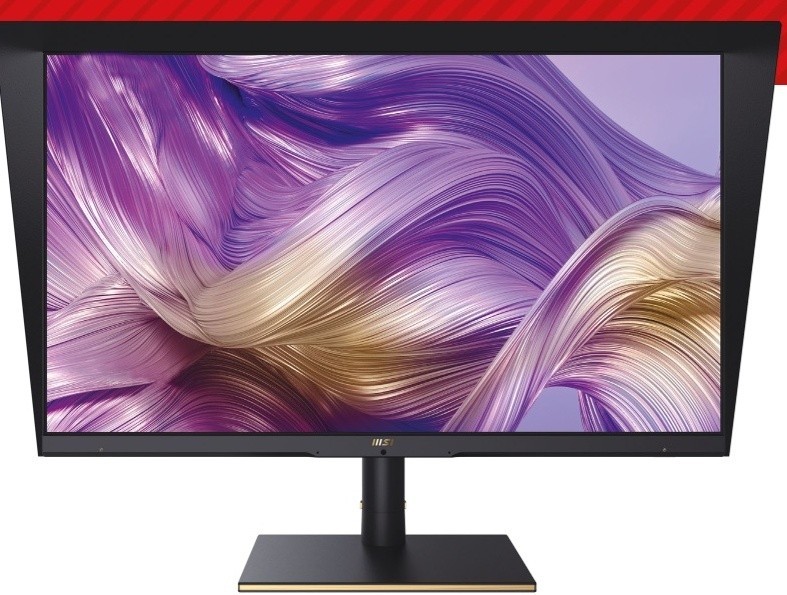
TechRadar's MSI Summit MS321UP review describes a heavy thirty-two-inch screen with one hundred millimeters of height adjustment. The stand swivels thirty-five degrees each way but does not provide a ninety-degree portrait pivot. The reviewer appreciated accessible ports because moving the assembly was cumbersome.
Plan a permanent position with rear access and verify the load before choosing replacement support. The review also notes adjustable brightness and an Eco mode. Set visibility for the room rather than leaving a bright large panel at its maximum setting.
Keep a separate laptop supply available
The USB-C connection delivers only 15W according to the review, so it should not be treated as a full-power replacement for a laptop charger. The monitor can still share peripherals through its KVM when the relevant USB and video paths are connected. That reduces repeated input-device swapping, but it does not remove the need to check charging power for the actual machine.
Use the accessible side ports deliberately
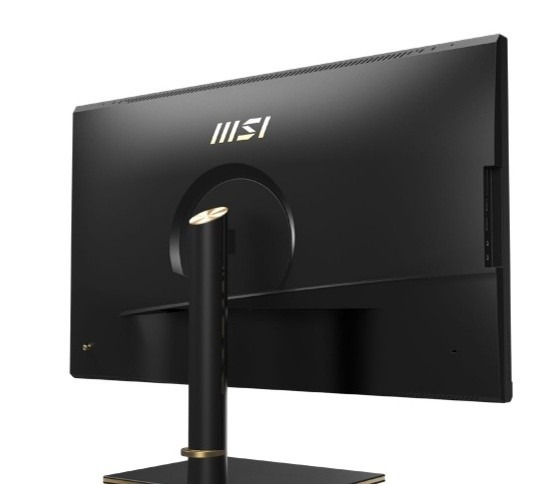
Two USB-A ports, microphone and headphone sockets and a full-size SD slot are placed on the left side. The source notes another USB-A port at the rear and no built-in speakers. Leave clearance on that side if cards or audio accessories are used frequently. Pushing a second display against it may make a useful connection group awkward to reach.
Choose an office brightness instead of a peak figure
The reviewer measured different power consumption at brighter settings and in Eco mode. That illustrates why maximum output is a capability to use when appropriate, rather than a mandatory daily setting. The on-screen menu also provides color profiles, calibration options and design overlays. Explore those tools after setting the screen at a suitable height, while keeping the joystick accessible for adjustments and input changes.
Keep the supplied stand's movement limits explicit
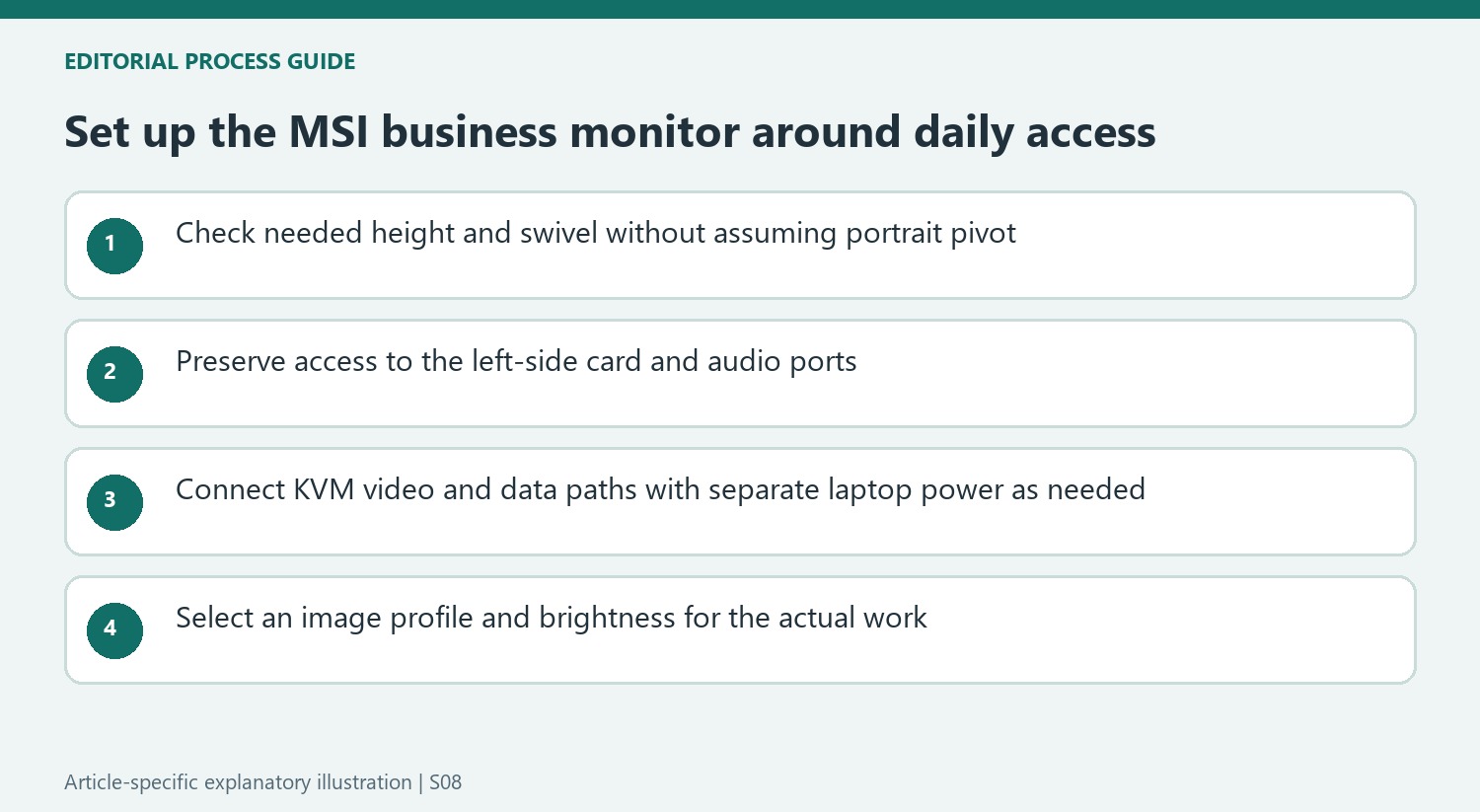
Height and swivel can improve a fixed landscape workstation without providing portrait pivot. The source's 100-millimeter travel and side-to-side swivel should therefore be compared with the actual position needed, rather than treated as a generic claim of full adjustability. If portrait use is important, establish a suitable alternative mounting arrangement from current documentation before purchase. The review does not demonstrate that simply turning the supplied assembly will provide that mode.
The substantial reported weight also makes frequent physical repositioning less convenient. Locate the stand so that the joystick, side ports and ordinary working area remain usable without repeatedly dragging the whole monitor. Check whether a neighboring panel blocks the left-side card and audio connections. An accessible connection group is a real advantage only when the desk layout preserves access to it.
Separate peripheral switching from laptop charging
The KVM can let two supported computers share connected devices when both the required video and USB paths are present. It does not follow that either computer receives suitable charging power from the monitor. With the source listing only 15W over USB-C, keep a compatible laptop supply available and compare the machine's actual requirements. Long connection time does not guarantee that limited input can sustain a demanding workload without battery loss.
The lack of built-in speakers introduces another practical choice. Headphones or external speakers can use the provided audio route as appropriate, but their location and cables remain part of the workstation. The side SD slot may also be used repeatedly in a photographic workflow. List those daily actions before deciding where the monitor and any second screen belong, so the useful hub features do not disappear behind a tightly packed arrangement.
Choose the image mode for the work rather than the product label
The review reports substantially different results across color spaces and profiles. Its reservations about print-oriented Adobe RGB coverage do not erase its more favorable sRGB and Display P3 findings. Match the mode to the actual output requirements, and distinguish reported measurements from a promise that every creative task is covered. The included hood and design overlays are additional tools, not independent evidence that the display meets every specialist print standard.
Brightness also has a practical and energy trade-off in the source's measurements. The reviewer preferred less than peak output and found Eco mode usable in an ordinary office, while automatic brightness changes were distracting to him. Test the relevant settings in the actual room and keep the control accessible. A suitable support position, readable image and convenient switching together explain the monitor's versatility more accurately than selecting the brightest mode or most impressive specification in isolation.


Bir Cevap Yaz
E-posta adresiniz yayınlanmayacak. Gerekli alanlar * ile işaretlenmişlerdir.