
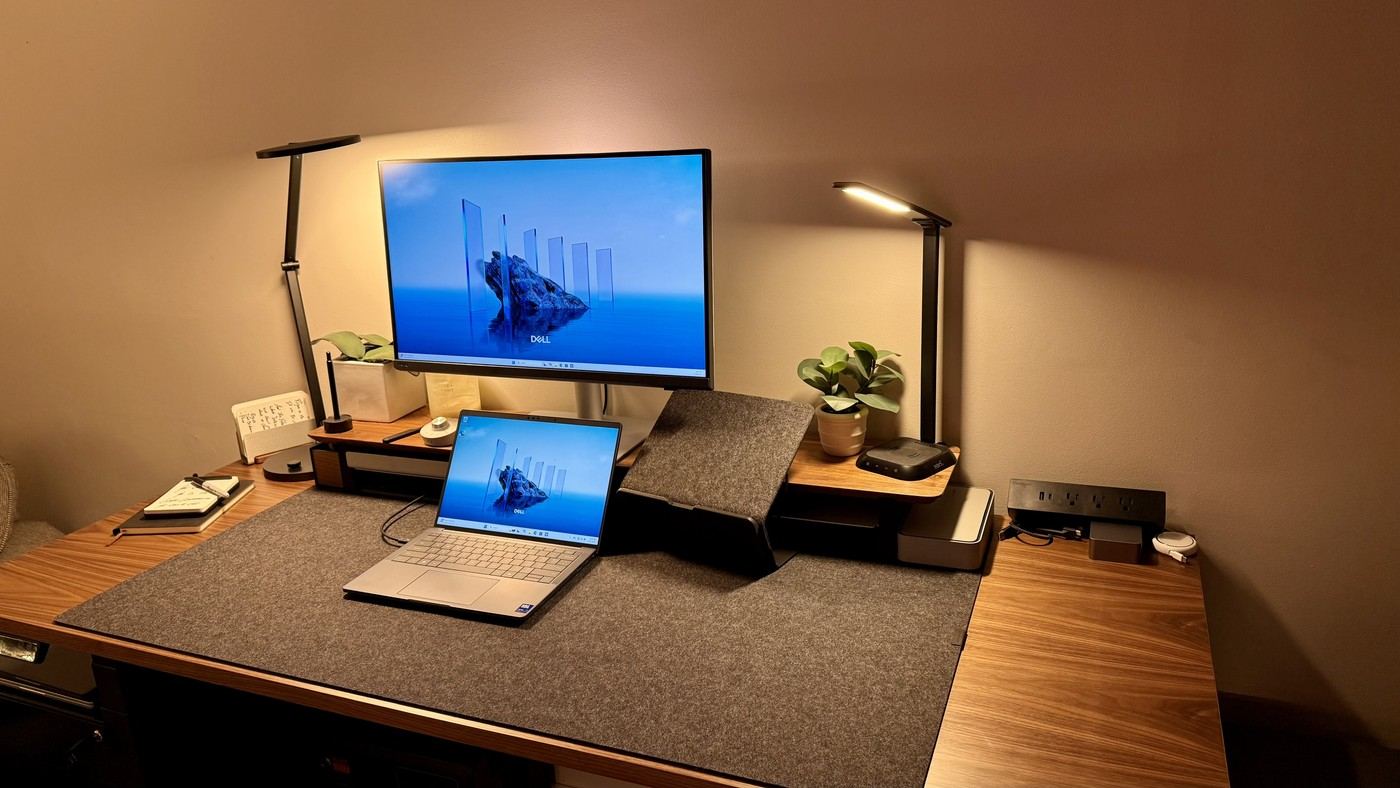
A dual-monitor guide highlights displays and supports that can turn a secondary screen vertically without requiring the same hardware arrangement.
Look at the stand's movement
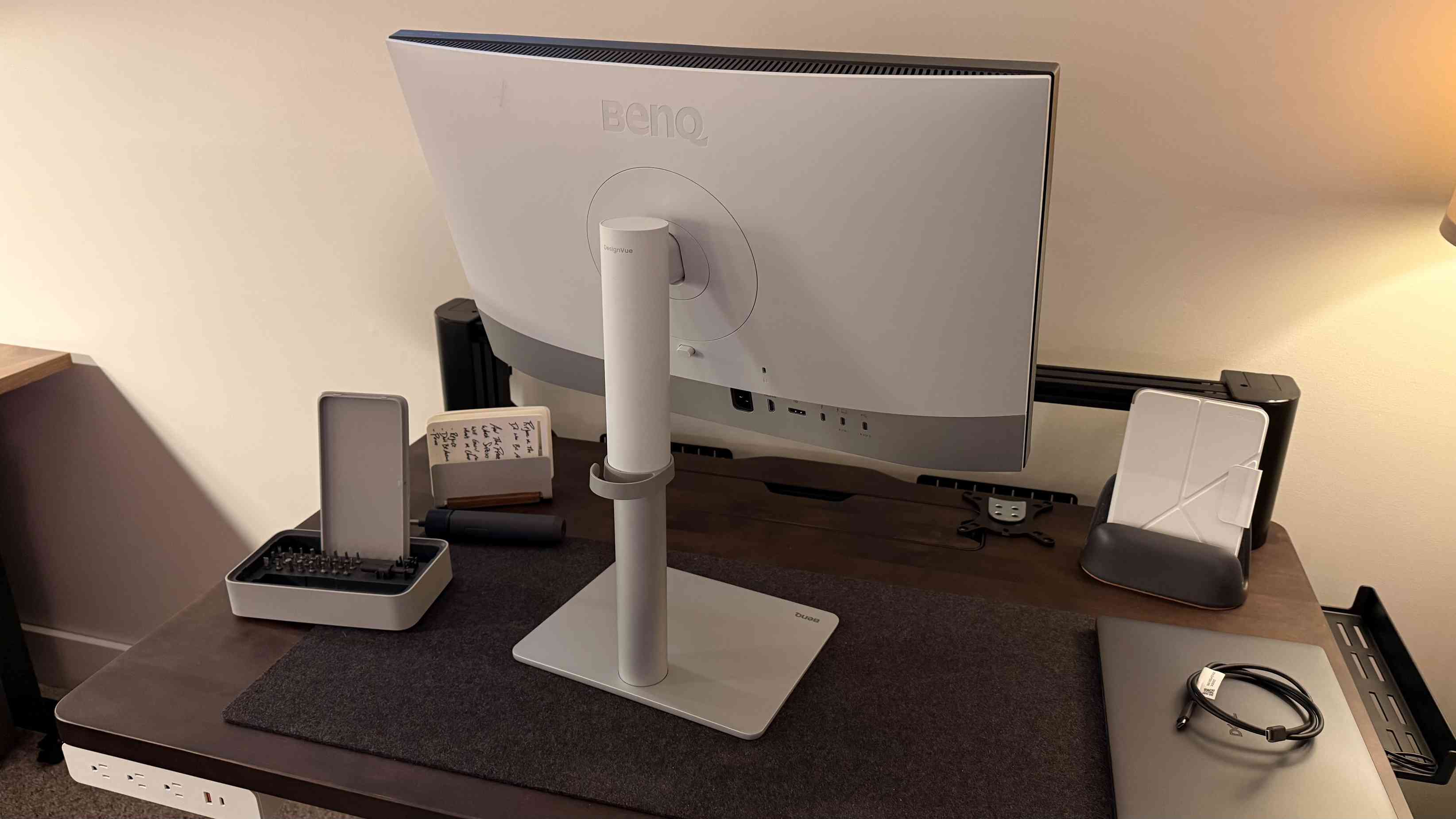
TechRadar describes pairing a landscape screen with a portrait display using the rotating factory stands of the BenQ PD2730S. Its Dell P2725HE recommendation likewise identifies rotation as useful for a vertical secondary screen. The practical distinction is physical adjustment: a display must have a suitable stand or mounting arrangement before changing its orientation becomes part of a usable desk layout.
Portable screens need their own checks
The guide also describes SOTSU's FlipAction Elite 16 inch model with a rear support that pivots for portrait use and an optional base that raises it. Those are product-specific mechanisms, not features shared by all portable monitors. Check computer output support and the intended cables alongside the furniture space. A rotated monitor should serve a clear secondary task, while its height and viewing position remain comfortable for the person using it.
Check the pair rather than one screen in isolation
The guide values stand rotation and height adjustment because those functions make two displays easier to align without immediately replacing their supports. The BenQ example also uses a matte coating, while the broader comparison considers connection hubs and display chaining. Those features answer different questions: a rotating stand controls physical placement, while a compatible signal route determines whether both panels can operate from the computer. Confirm each separately. If the two screens differ in size or finish, test text size and brightness together before settling on a permanent layout. A visually neat portrait companion is useful only when its content is readable from the normal working position.
Match orientation to a specific secondary task
A portrait panel can suit long documents, reference text or other vertically arranged material, while a landscape screen can retain the main working application. Identify that division before rotating a display simply to make the desk look different. The guide's factory-stand examples matter because they can provide the physical change without immediately buying an arm, but the resulting height and text size still need to work from the normal chair.
If two screens carry equally important work, a strongly asymmetrical arrangement may be less useful than one designed around equal viewing. The source discusses multiple display options rather than a single layout everyone should adopt. Try the main applications on the proposed pair and observe how often the user turns between them. That gives a more concrete basis for choosing orientation than the nominal number of windows the combined desktop can hold.
Verify two-display output independently from the stands
Rotation, height adjustment and thin bezels concern physical placement. The computer's ability to drive the required number of displays concerns signal support, and a built-in hub does not by itself establish that support. Check the actual host, output bandwidth, cables and any display-chaining method in current documentation. The guide explicitly distinguishes chaining from separately connecting displays and notes that behavior can differ across systems.
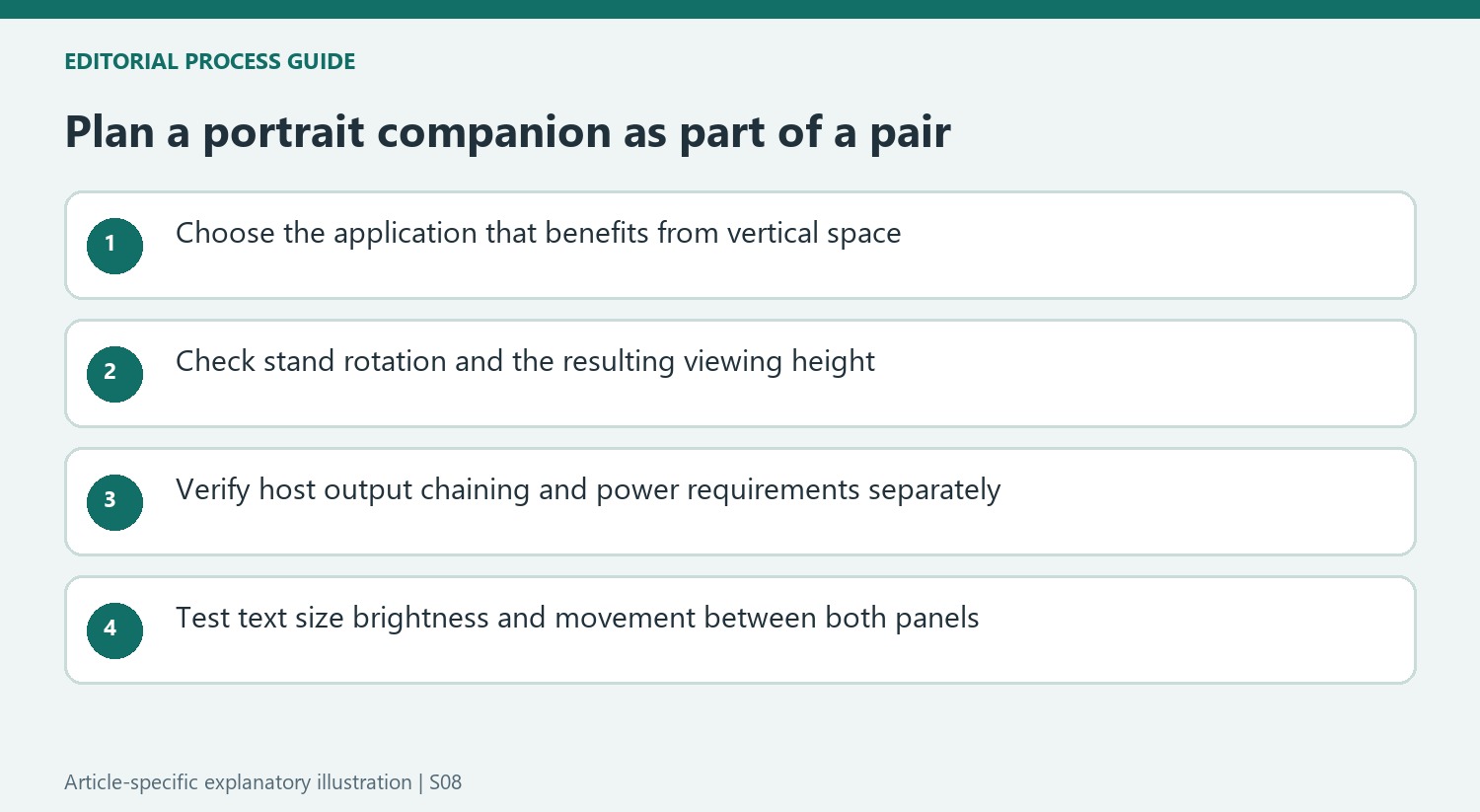
A compatible one-cable laptop arrangement also depends on charging and data needs, not only the picture appearing on both panels. List the shared keyboard, mouse, webcam and other devices if a KVM or hub will be used. Confirm which upstream paths are required for each computer. This keeps a convenient-looking diagram from becoming a purchase plan that omits a necessary power supply, data lead or supported output.
Compare the pair's readability as well as alignment
Displays can line up physically while differing in scaling, brightness, color profile and surface finish. Read the same sort of material on both from the intended seat, and adjust settings so the transition is practical for the task. The guide's discussion of color and calibration is especially relevant when work moves between screens. A matte coating and a rotating stand are useful attributes, but neither guarantees matching image behavior across different models.
Portable companions introduce their own stand mechanisms and support options, as the SOTSU example illustrates. Verify the actual product's movement and optional base instead of transferring that flexibility to every small screen. Compare the complete arrangement with an ultrawide or a simpler second monitor according to the work. Any productivity claims in the guide should remain contextual; adding a screen is most defensible when it solves an identifiable task and fits the available desk.
References
- Best monitor for a dual screen set-up in 2025: Expand your horizons with top picks for every budget. TechRadar; Collin Probst; Steve Clark.


Bir Cevap Yaz
E-posta adresiniz yayınlanmayacak. Gerekli alanlar * ile işaretlenmişlerdir.