
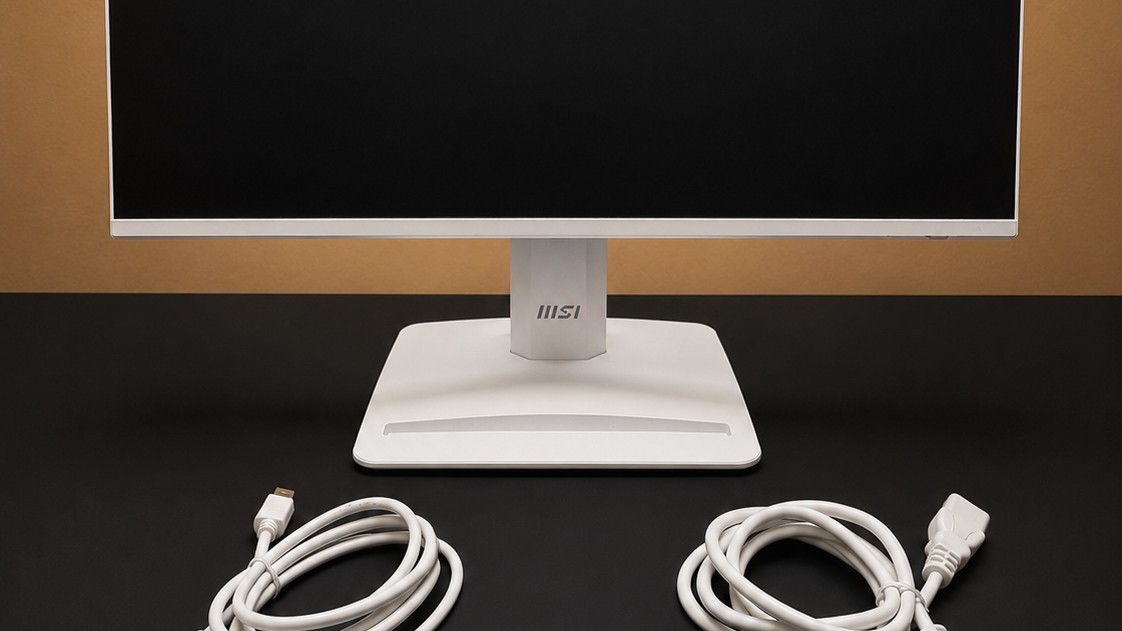
TechRadar's MSI Pro MP243W E14 review describes a twenty-three-point-eight-inch monitor with a tilt-only stand. A clip on the rear stem gathers power and display cables. The reviewer likes its compact footprint and simple assembly, while noting that some alternatives provide height adjustment.
VESA compatibility allows a suitable arm or wall mount instead. Confirm the mounting requirements and desk fit before buying extra equipment. A tidy affordable display still needs a support height that works for the seated user rather than the default stand position.
Reserve a route for a separate laptop charger
The monitor provides HDMI and DisplayPort but no USB-C docking connection. A laptop setup therefore needs a suitable video output and its own power arrangement. The presence of modern refresh-rate features does not change that wiring requirement. Plan the charger, display lead and any adapter before deciding that the small white monitor will produce a one-cable workstation.
Use the base slot without obstructing the controls
The review describes a shallow organizer on the base that can hold small objects or a phone in landscape orientation. That can give loose adapters a defined place, but it is not an enclosed drawer or a phone charger. The rear-right control doubles as a power button and menu joystick, so leave enough room to reach it after arranging the screen and any stored objects.
Compare the stand with the full setup cost
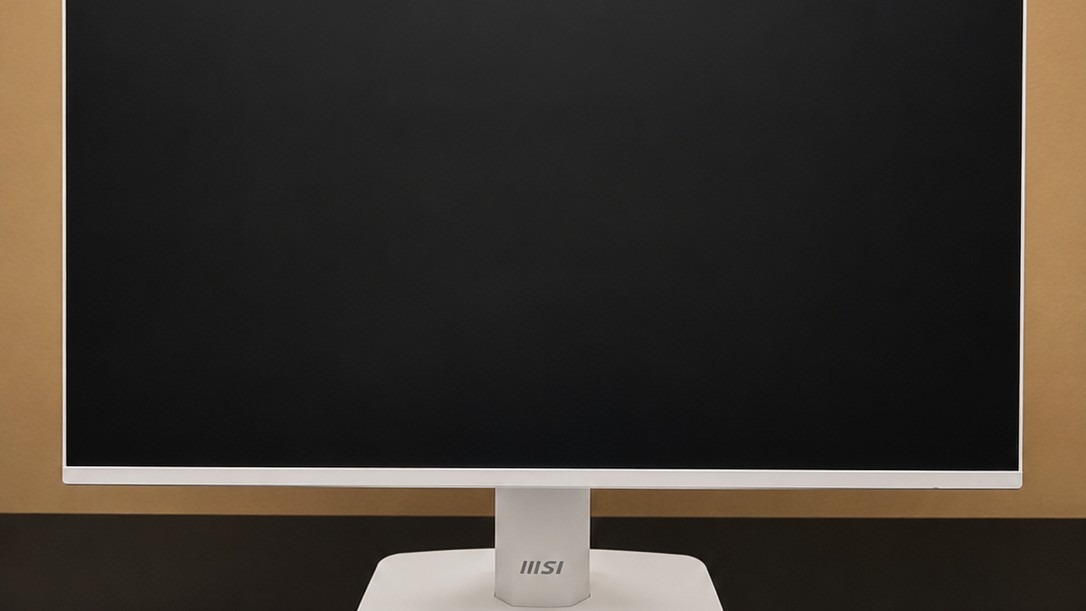
A competing display mentioned in the review adds height adjustment, whereas the MSI prioritizes its white finish, DisplayPort and built-in speakers. If the tilt-only stand would require another riser or arm immediately, include that accessory in the comparison. The reviewer found the speakers sufficient for basic audio but not compelling for music. Decide whether existing headphones cover that role before filling the newly cleared desk with separate speakers.
Budget for the actual viewing height
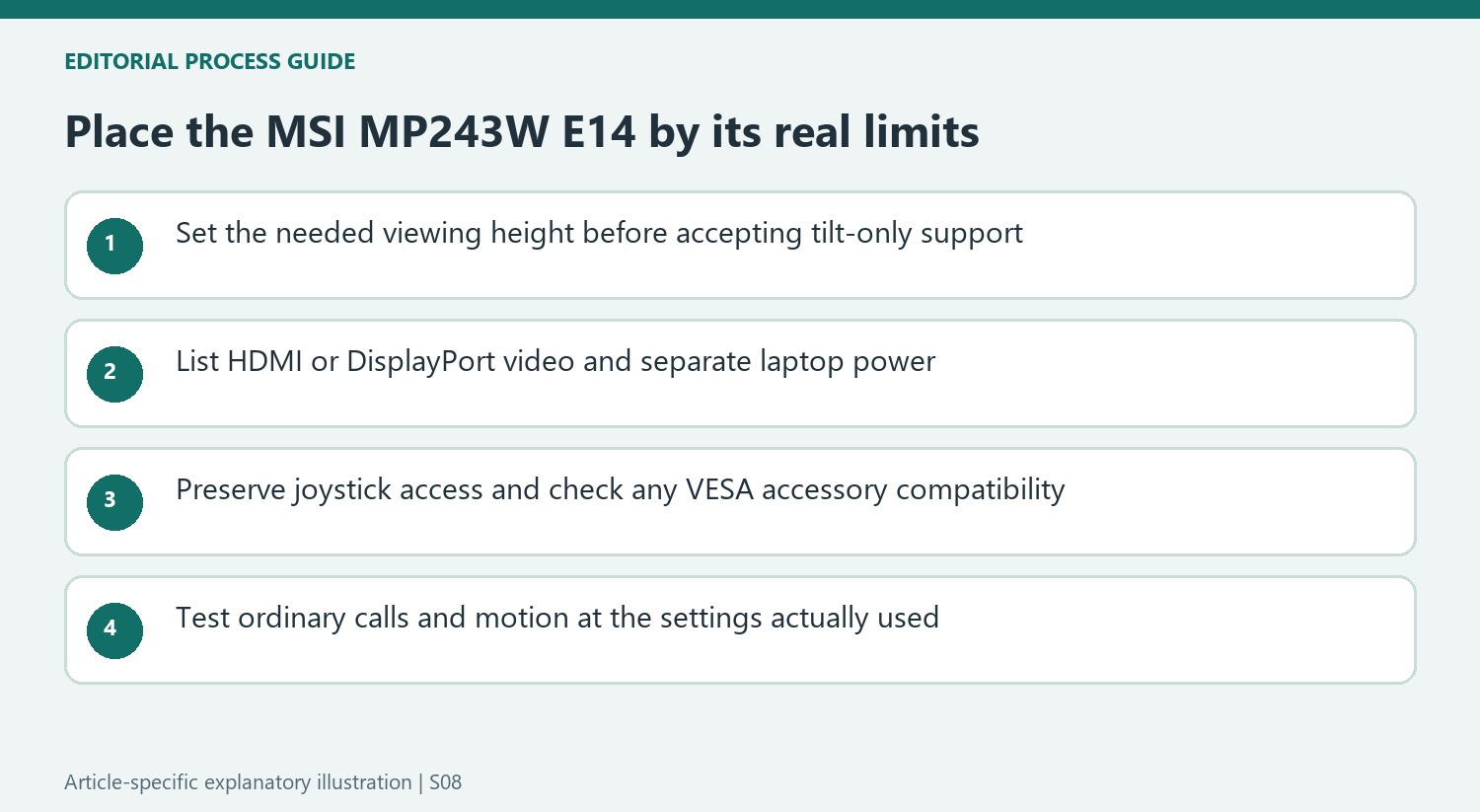
The supplied stand tilts but does not offer height adjustment. Establish the needed screen position from the normal chair before deciding that the compact base is sufficient. A riser or compatible mounting arm may solve a height mismatch, but it adds cost and occupies space differently. Compare that full arrangement with a display whose stand already provides the required travel. A low purchase price alone does not establish the least expensive suitable workstation.
The click-together support and rear stem clip simplify basic placement and cable routing. The base's small storage area and landscape phone slot can also be convenient, but they are not a charging dock or enclosed drawer. Check whether a phone in the slot blocks the lower screen area or interferes with ordinary input devices. These details matter more in a small desk setup, where an accessory that looks useful in isolation can compete with the keyboard's actual working position.
Keep video inputs separate from laptop docking
HDMI and DisplayPort provide the image connections described in the review, while the absence of USB-C changes the expected laptop routine. A USB-C-only computer may require an appropriate video adapter, and its charging supply remains separate. Confirm the desired resolution and refresh behavior through the complete host, adapter and cable chain. A monitor's listed input capability does not mean every device connected through an adapter will automatically expose the same modes.
The rear-right joystick combines power and menu control, so leave access after placing the display or attaching a support. If the VESA points are used for an arm, wall attachment or compatible small-computer accessory, check the exact load, clearance and ventilation requirements. A mounting pattern establishes only one part of compatibility. Route leads so they do not obstruct the controls or place tension on the ports when the display is adjusted within its permitted range.
Read the refresh-rate and speaker findings in context
A 144Hz specification can make desktop motion feel different from a basic 60Hz panel, but it is not a complete measure of gaming performance. The source's brief console experience was playable while less satisfying than a dedicated gaming monitor. Keep that qualified observation rather than promoting a single specification into a broad gaming recommendation. The office-oriented panel should be compared with the actual mix of documents, calls and occasional entertainment expected from it.
The two small speakers offer a convenient meeting-audio option, with limited expectations for music. Test typical call volume and decide whether headphones or external speakers remain useful. Eye-care functions and reminder tools likewise should be described as features rather than medical assurances. The white finish, DisplayPort connection and basic speakers may be attractive, while an alternative height-adjustable stand could matter more to another buyer. Include any support and adapter costs in that comparison.
References
- I tested the MSI Pro MP243W E14 and for the price, it's hard to beat. TechRadar; Collin Probst.


Bir Cevap Yaz
E-posta adresiniz yayınlanmayacak. Gerekli alanlar * ile işaretlenmişlerdir.