
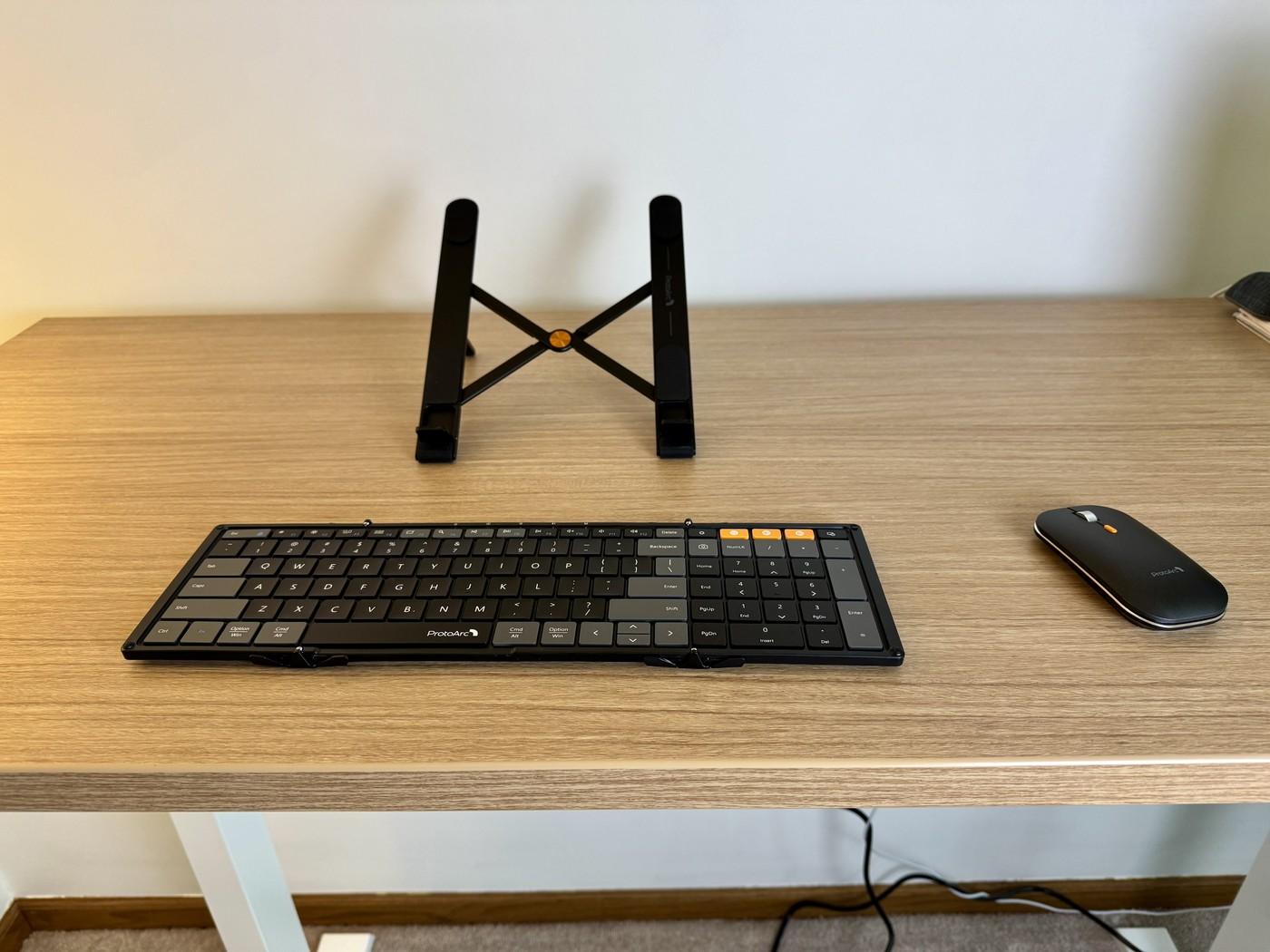
TechRadar's ProtoArc XKM01 CaseUp review describes a carrying case holding a folding keyboard, mouse and laptop stand. The keyboard retains a number pad despite folding for travel. Supported multiple-device pairing allowed the reviewer to move between a MacBook, iPad mini and receiver-connected device.
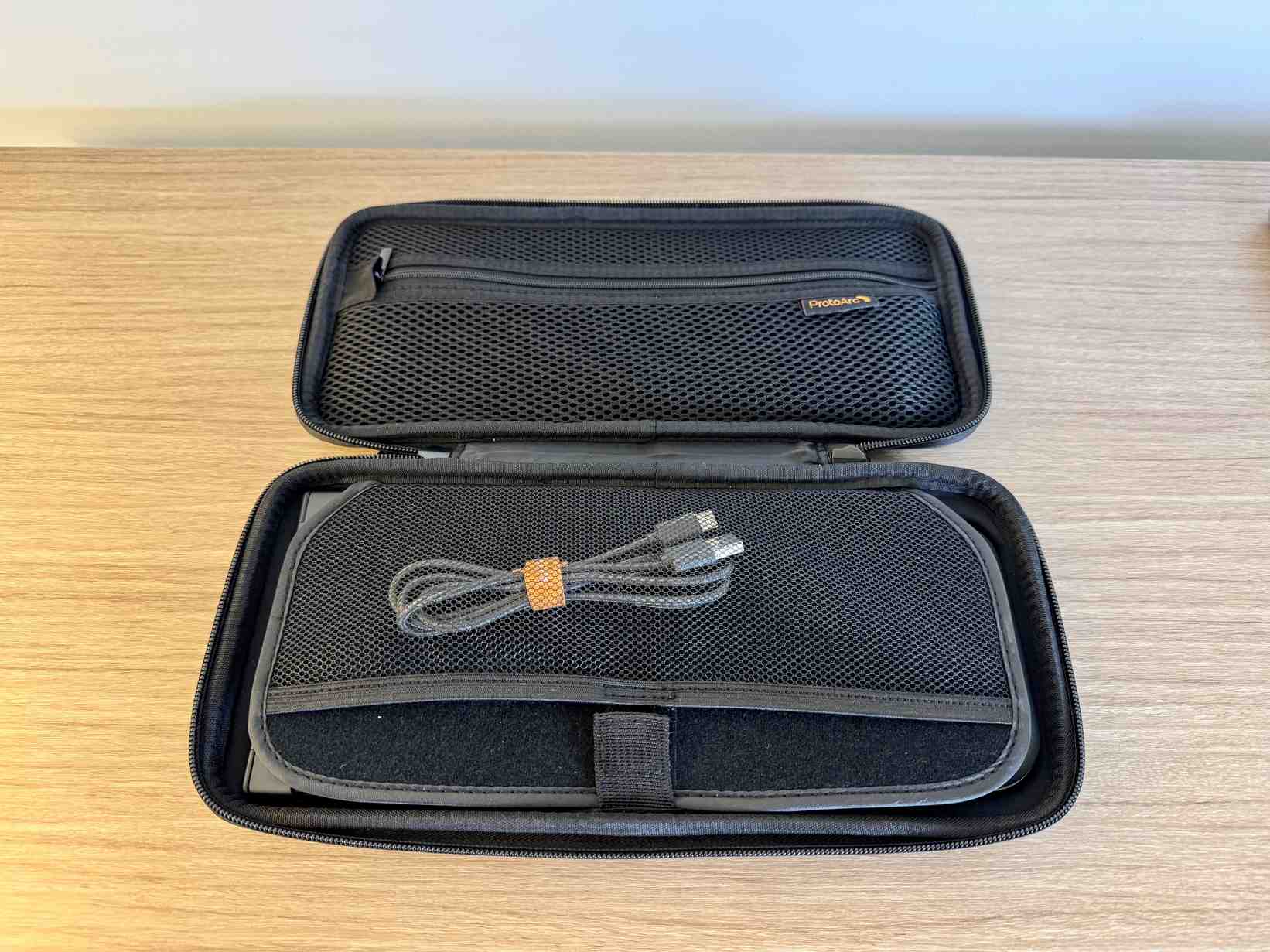
The case was thicker than the reviewer preferred, and the keyboard has no backlight. Think about where the opened keyboard and stand will sit as well as how the closed kit fits in a bag. The integrated carrying arrangement is useful, but it does not remove the need to assess typing space and lighting.
Count the full unfolded width
The folding keyboard expands from about 8.48 inches to 15.21 inches wide, while keeping a number pad. That is useful for numeric input but still needs space beside the mouse. A compact carrying case does not mean the deployed workstation occupies only laptop-sized space. Lay out the keyboard, mouse and stand together before deciding whether a café table or temporary desk is suitable.
Use the kit's pieces independently when needed
TechRadar emphasizes that the accessories can work separately as well as together. The stand was also useful with an iPad, while the keyboard and mouse could pair with the tablet to create a different temporary workstation. That flexibility is more useful than forcing every item into every session. Decide which device is providing the screen and which inputs are needed for the particular task.
Treat the bundle as practical rather than premium
The review describes a comfortable non-mechanical keyboard and a basic mouse with adequate tracking, rather than a replacement for every specialist desktop peripheral. Its value lies in keeping the pieces protected and available in one case. The lack of backlighting still makes the room's light important, and the case's thickness remains relevant to packing. Compare those trade-offs with the convenience of having a repeatable portable arrangement.
Arrange the screen and external inputs as a complete set
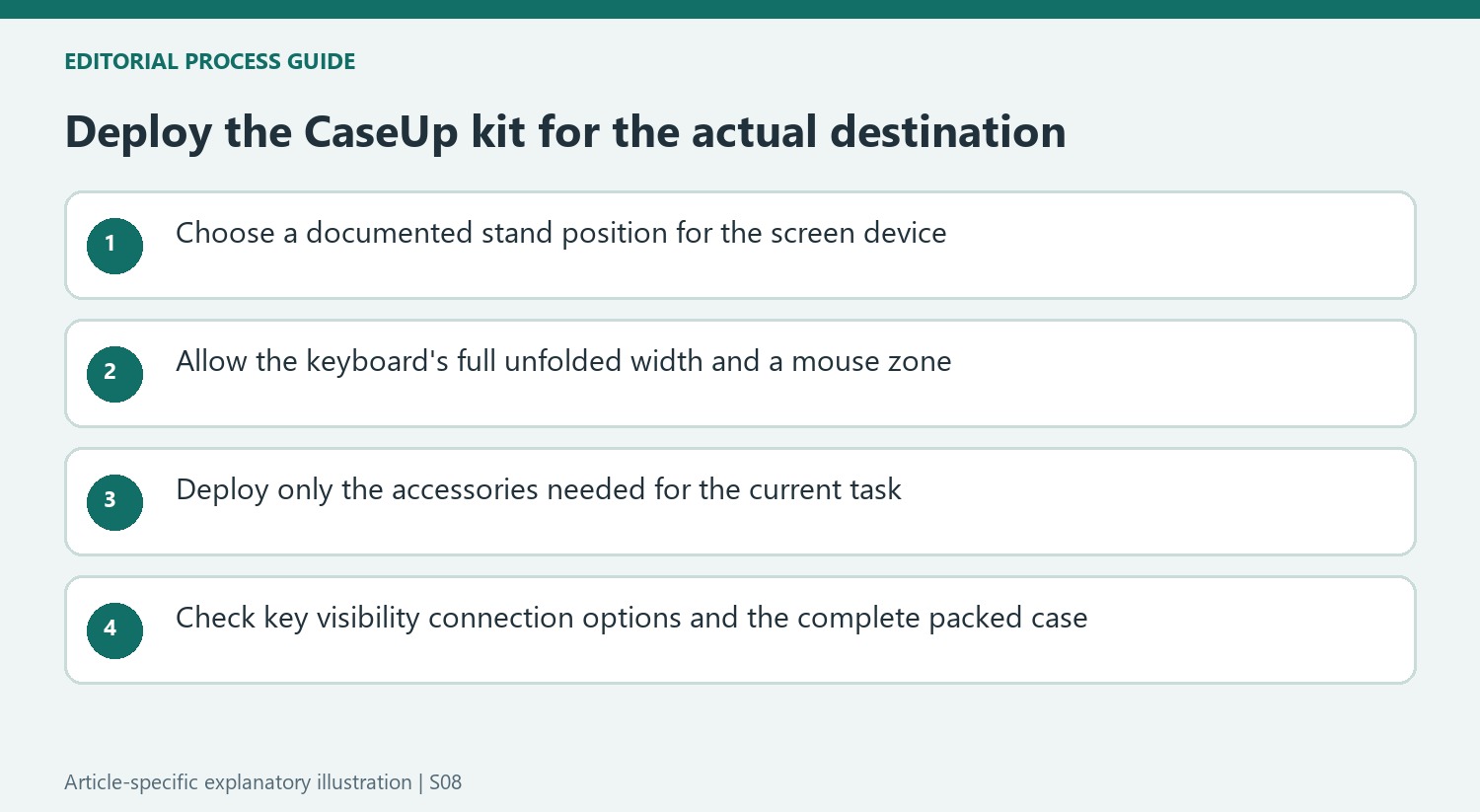
The bundle is useful because it separates screen placement from typing and pointing. Start by choosing a supported position for the laptop or tablet on the stand, then locate the keyboard and mouse within ordinary reach. The expanded keyboard retains a number pad, so allow its full width rather than assuming a folding design occupies very little table space. Check the entire arrangement at the actual destination before concluding that every small cafe surface can accommodate it.
The source describes several creative configurations, but its examples should not replace the current support and device instructions. In particular, stacking another display on a laptop introduces compatibility, ventilation and stability questions not settled by the kit's portability. The reliable starting point is the supplied stand used for its documented role with suitable equipment. Extra screens are optional choices that need their own support and connection plan.
Use only the pieces that solve the current task
The reviewer valued the ability to use each item separately. A tablet session may use the stand and paired inputs, while a brief laptop task may not justify deploying the entire set. Decide which device provides the working screen and which controls improve the task. This keeps the kit's flexibility practical rather than turning the bundle into an obligation to occupy the maximum surface every time it is opened.
The full number pad is a clear distinction for regular figure entry, especially beside a laptop that lacks one. Try that work directly and check the resulting pointer placement. If numeric entry is rare, compare the convenience of the retained keys with the width they require. The source's comfortable non-mechanical typing impression and adequate mouse tracking describe ordinary mobile productivity, not a claim that the bundle replaces every specialized desktop peripheral.
Compare the case with the rest of the carried equipment
A dedicated case can protect the pieces and make them easier to locate together. Its thickness was also one of the reviewer's reservations, so measure it against the actual backpack or briefcase. The folded keyboard dimensions alone omit the mouse, stand and protective arrangement. A complete packing trial is more useful than treating each small item separately and assuming their combined storage will remain equally compact.
The absence of a keyboard backlight makes ambient light part of the destination check. Confirm that the keys are readable where the kit will be used and that the intended computers support the chosen pairing or receiver route. The reported extended team use supports the account's practical enthusiasm without guaranteeing the same experience for every traveler. At current pricing, the strongest value is a repeatable supported arrangement with the right pieces available together when they are actually needed.
References
- I tested this foldable keyboard, mouse, and stand setup and it changed the way I work on the go. TechRadar; Collin Probst.


Bir Cevap Yaz
E-posta adresiniz yayınlanmayacak. Gerekli alanlar * ile işaretlenmişlerdir.