
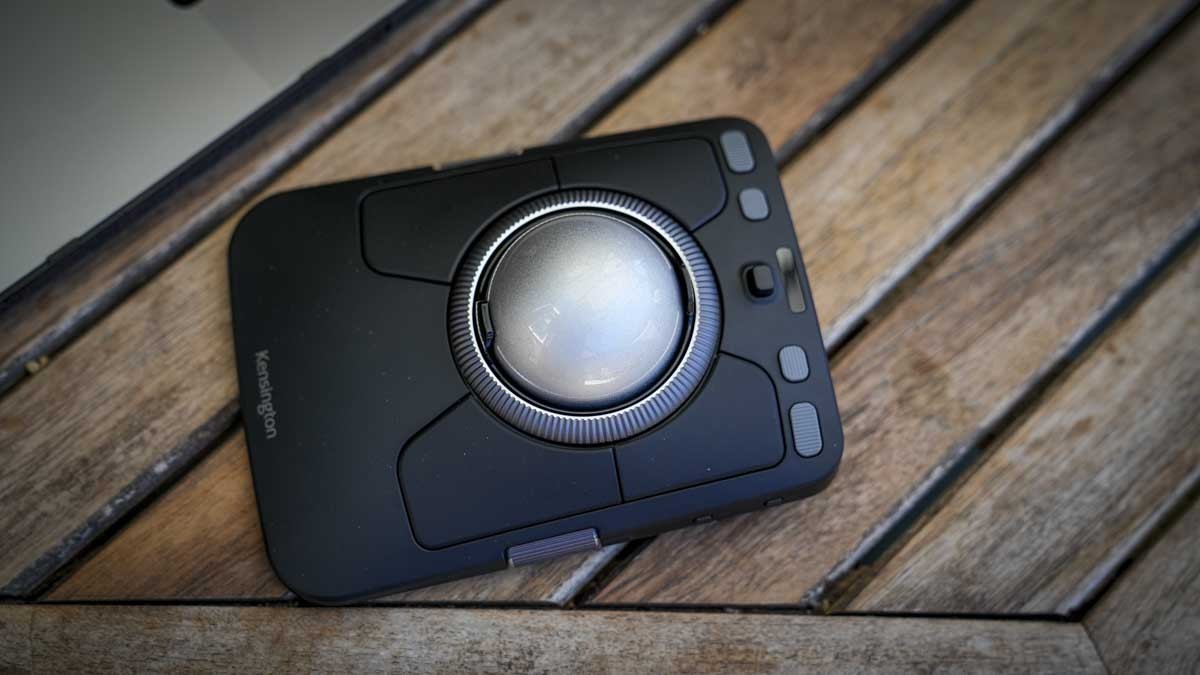
The Kensington TB900 review describes stationary navigation and application-specific editing settings with an initial learning period.
Keep the device still
TechRadar describes the trackball as a fixed pointing device, so it does not need a clear travel area beside the keyboard. The reviewer initially reduced sensitivity through Kensington's Konnect software and used two fingers on the ball for controlled movement. That adjustment illustrates why the first few minutes with a trackball may not represent how it works once configured.
Program for individual applications
In video editing, the reviewer assigned the surrounding buttons to selection and editing actions while using the scroll ring for fine timeline movement. Other mappings suited Word and creative applications. These are the reviewer's chosen settings and results, rather than a universal speed improvement. A keyboard remained necessary for text and some shortcuts. Consider whether per-application controls, stationary operation and the learning period fit the intended work before replacing an ordinary mouse.
Allow time for software and control cleanup
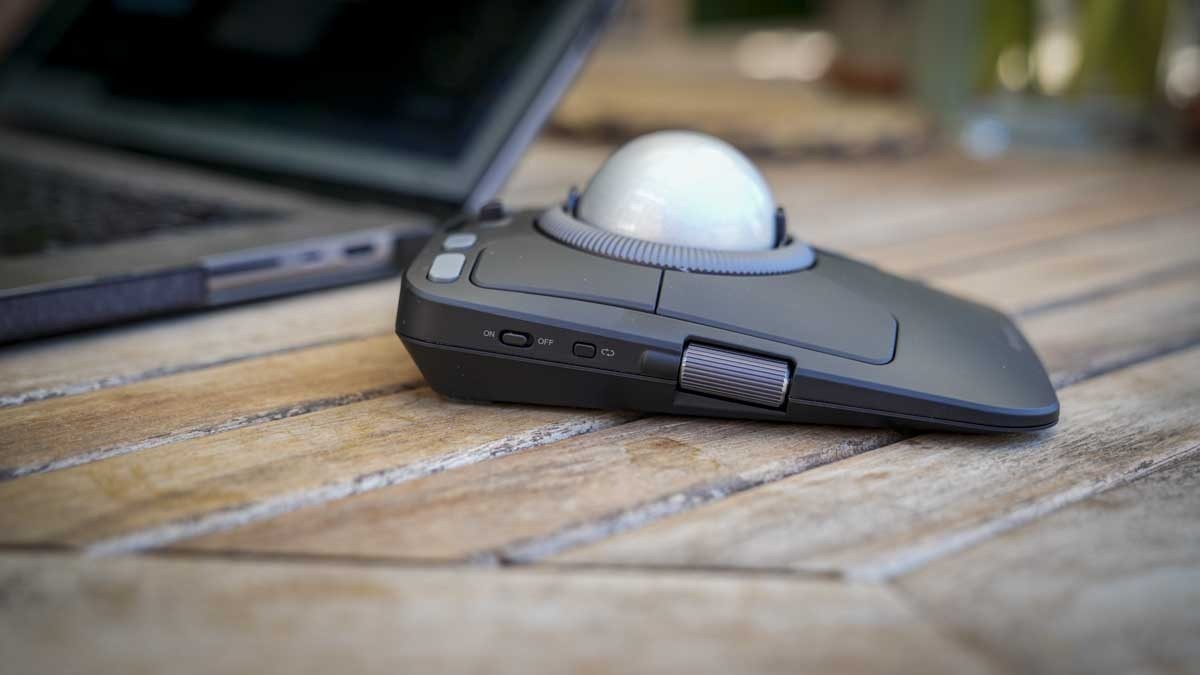
The reviewer found Windows 11 setup simpler than the Mac installation, which required security permissions and restarts. Konnect offers named application profiles and separate button, pointer and scrolling settings. The author also disabled some controls through underside switches because accidental contact triggered unwanted actions, including zoom on the side dials. That makes reducing the active controls a valid part of configuration. The review used a prerelease unit with pricing and availability still unconfirmed. Its removable 55 millimeter ball also lifted out during transport, and no carrying case was supplied, so the substantial desktop device needs care if it will travel between workspaces. Check the ball before repacking.
Plan a fixed place for a substantial controller
The TB900 does not require a clear travel path, yet its fixed footprint is larger than a typical mouse body. Give it a reachable location beside the keyboard with enough room to operate the surrounding controls. The distinction matters on a crowded desk: stationary use can reclaim movement space without making the device itself small. Compare the complete hand-access area rather than only the width of the central ball.
The removable ball also changes transport expectations. The source found it could lift out in a bag and noted that a carrying case was not included. If the controller will move between workspaces, follow the current handling instructions and secure the complete kit appropriately. The review concerns a prerelease sample with price and availability unconfirmed, so present-day purchasing details and any final package changes require their own check.
Tune pointer movement before expanding the command map
The reviewer reduced initial sensitivity and preferred a two-finger technique on the ball. That shows how a short setup trial can differ from a useful configured experience. Start with normal selection and navigation, then adjust the supported speed and scrolling behavior. The heavy ball and surrounding ring provide different physical controls, so evaluate them separately rather than expecting the first default settings to suit both cursor movement and timeline work.
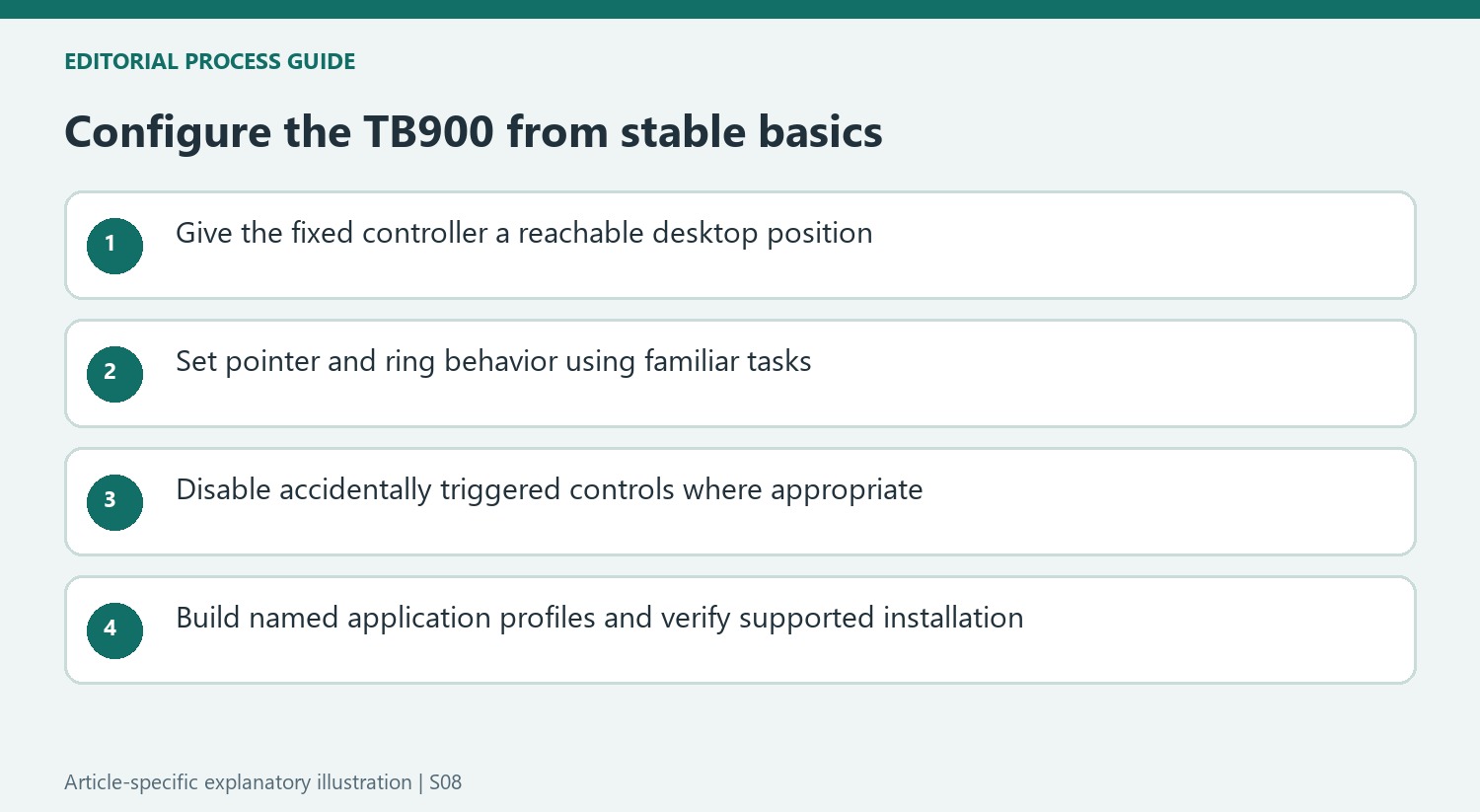
Some side controls were easy to catch accidentally. The source used underside switches to disable unwanted actions, making fewer active controls a legitimate configuration choice. Try this before assigning every dial a complex role. The practical objective is predictable operation, not maximum feature use. A controller that reliably handles a few repeated actions may be more useful than one whose unused dials occasionally zoom the document unexpectedly.
Build application profiles without turning one trial into a guarantee
Konnect separates button, pointer and scrolling adjustments and can change named profiles with the active application. The reviewer configured creative programs and ordinary documents differently, retaining the keyboard for text and some commands. Use the same task-based reasoning while choosing mappings that fit the actual application. The source contains several described assignments from its experimentation, so those should be treated as examples rather than a single mandatory preset.
The quicker editing comparison is one reviewer's practical trial, not a general productivity percentage applicable to all footage or users. Mac setup also involved permissions and restarts that were less troublesome on the tested Windows system. Allow time for the appropriate supported installation before judging the profile functions. The strongest case for the device combines stable placement, suitable movement settings and useful repeated controls, with transport and final-release details kept distinct from the enthusiastic prerelease experience.
References
- I swapped my mouse for Kensington's TB900 trackball in video edits — and it won. TechRadar; Alastair Jennings.


Bir Cevap Yaz
E-posta adresiniz yayınlanmayacak. Gerekli alanlar * ile işaretlenmişlerdir.