
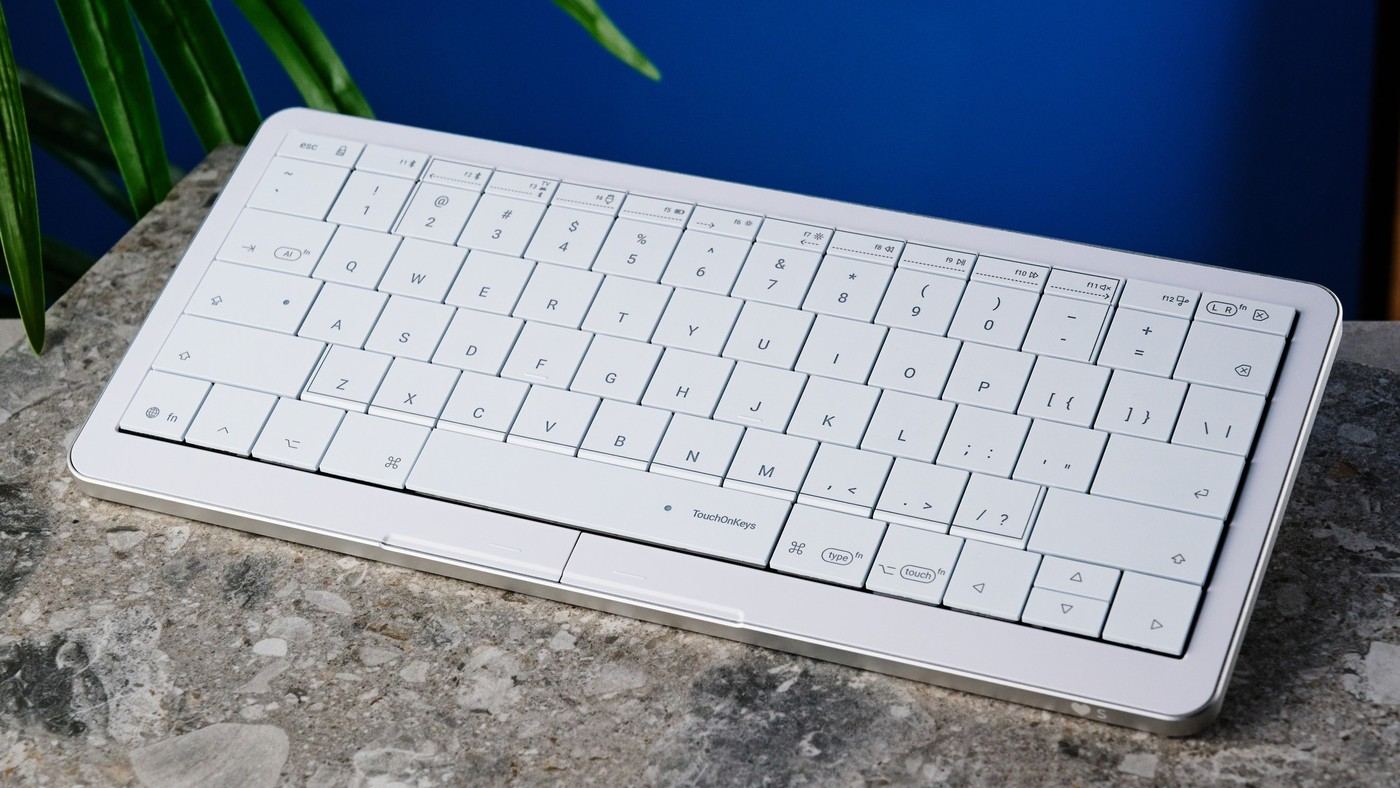
Tom's Guide's Clevetura CLVX S review describes touch-sensitive keycaps that act as a responsive trackpad. The reviewer liked its typing feel, portable build and user-friendly configuration app. Supported gestures include actions familiar to MacBook users.
The review also identifies short battery life, fingerprint-prone keycaps and a high price. Plan charging access and consider whether the combined surface fits your pointing habits. Removing a separate mouse can simplify a small workstation, but only if the touch controls suit everyday tasks.
Understand how typing becomes pointing
A touch-sensitive layer beneath the keycaps detects finger gestures across the same surface used for typing. Two buttons below the spacebar supply mouse-click actions, while gestures can select or move items. The review found that combination responsive, but it still required a learning period. Try the cursor actions used daily rather than assuming that familiarity with a laptop trackpad makes every movement immediately natural here.
Complete the Mac setup before relying on Bluetooth gestures
The source says macOS users need the TouchOnKeys application and an initial USB-C connection to enable the intended gesture behavior. Once configured, those gestures can work wirelessly. That makes software access part of setup on a Mac, not merely an optional lighting tool. Confirm permission to install it if the keyboard will be used with a managed work computer.
Balance portability with the charging routine
The keyboard measures 11.5 by 5.1 inches and is less than half an inch thick, making its combined-input concept appealing for travel. The specification quotes longer endurance with lighting off than on, and the reviewer identifies battery life as a compromise. Keep a defined charging route and choose whether lighting is worth that trade-off. The compact form saves packing space only if its actual pointing behavior suits the work.
Trial the same surface for both jobs
The touch-sensitive layer detects gestures across the keycaps rather than requiring a separate smooth pad beside the keyboard. That can save packing and operating space, but it also changes the familiar movement surface. Try a real document with typing, selection, scrolling and dragging rather than testing the two roles separately. The source's positive result followed an adjustment period, so immediate fluency should not be assumed simply because someone already uses laptop gestures.
The two buttons beneath the spacebar offer another route for clicks. Compare them with gesture actions during the tasks used most often and choose a small reliable routine first. A combined device is most useful when the transitions remain predictable. Someone who still prefers another pointer for detailed work should include that device in the actual footprint comparison rather than claiming the keyboard eliminates every reason to keep one.
Complete the supported host setup before judging gestures
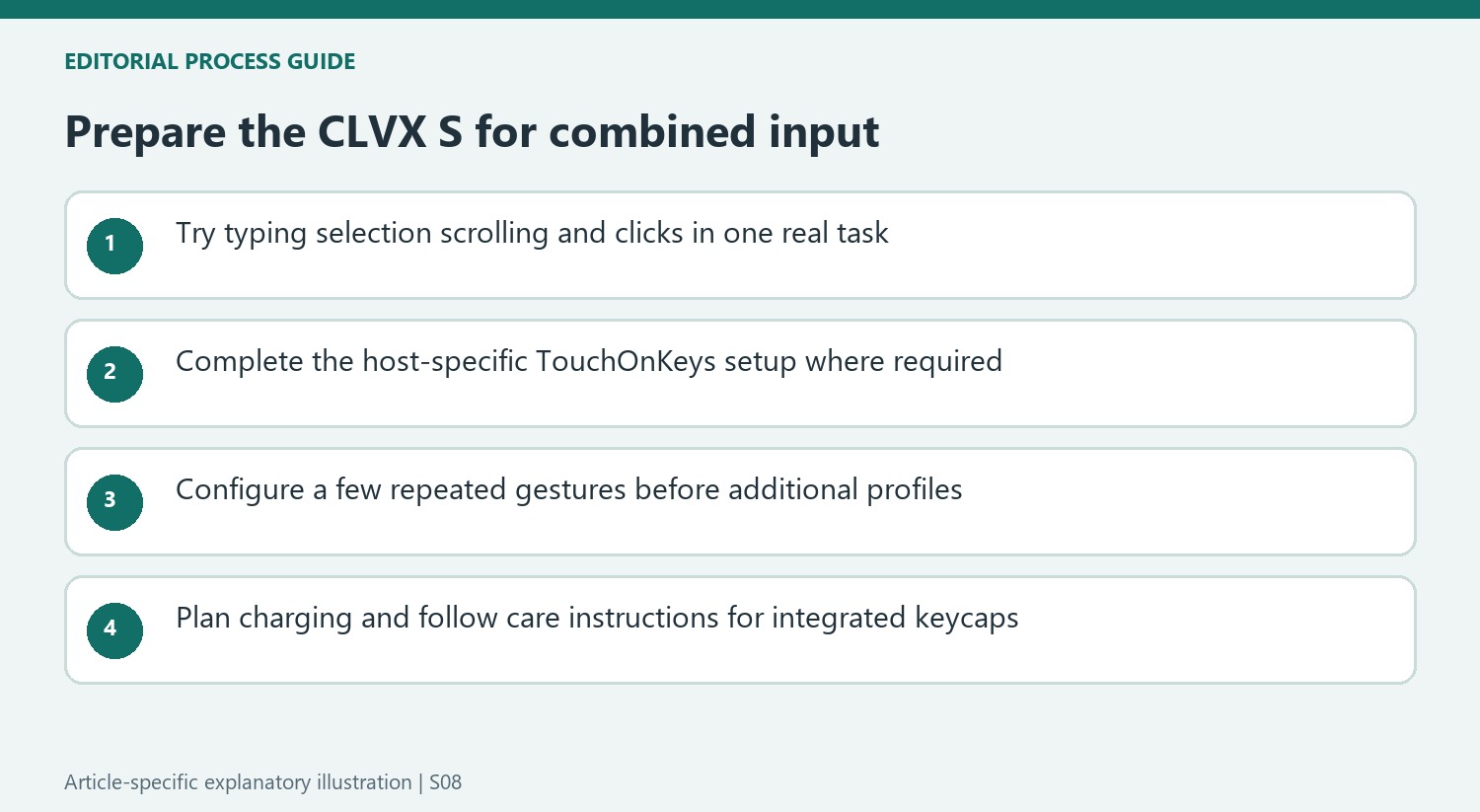
For the reviewed Mac setup, TouchOnKeys and an initial USB-C connection were needed before the intended gestures worked over Bluetooth. That is a specific preparation step, not evidence that the wireless connection is defective. Confirm permission to install the application on a managed computer and follow the current instructions for the actual model. Successful basic typing alone does not establish that the intended gesture configuration has been completed.
Profiles, touch sliders and multi-finger actions can tailor the device, but begin with gestures that support repeated work. Test them in each relevant application rather than inferring universal behavior from a familiar MacBook command. The source describes a responsive experience on its systems without establishing every possible platform-and-application combination. Keeping the initial configuration modest makes it easier to identify a setup omission or an unsuitable mapping before adding more complexity.
Treat the keycaps as part of the sensing system
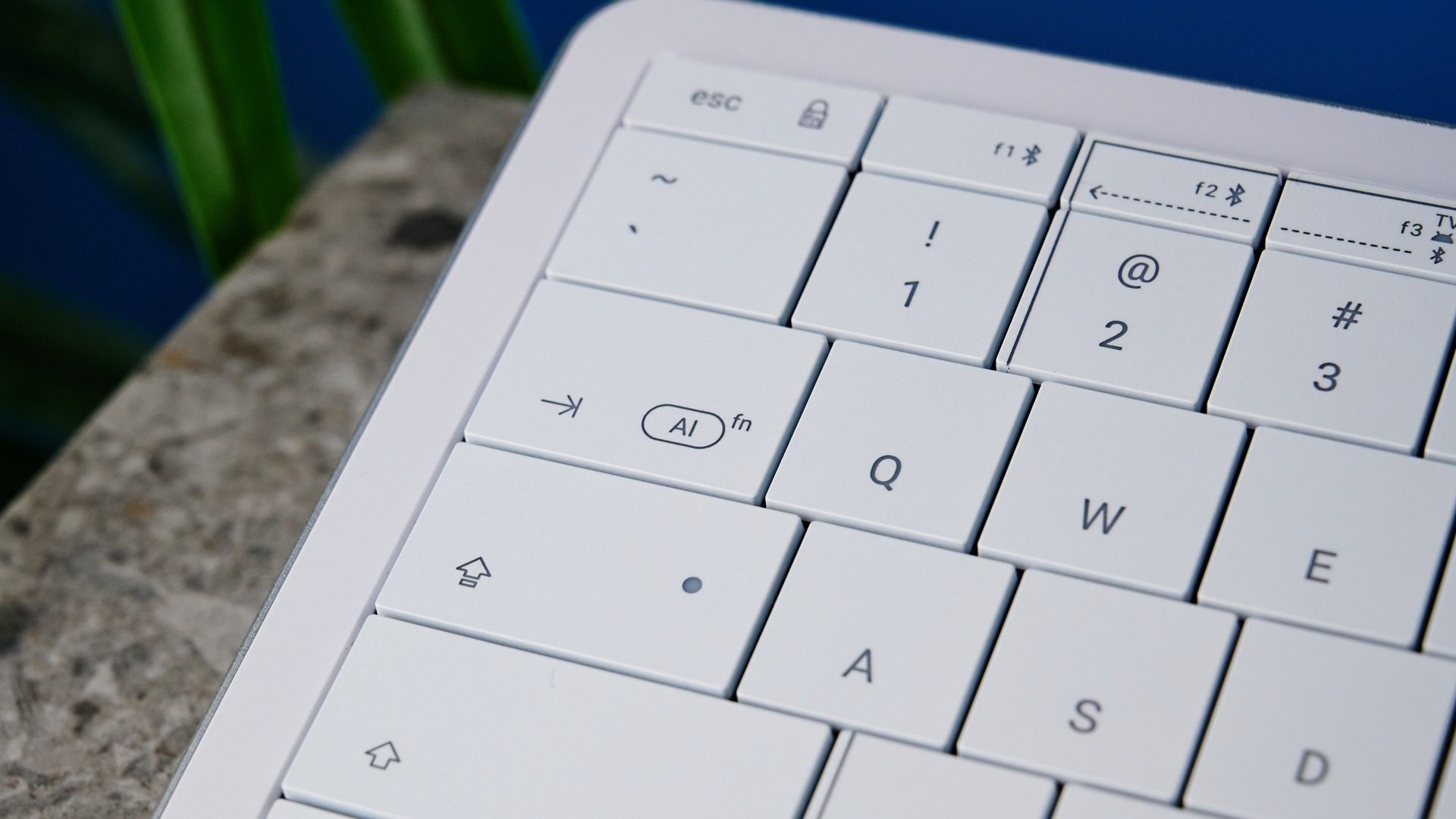
The fingerprint-prone ABS surfaces are a physical compromise in the source's assessment. Unlike many mechanical keyboards, this is not a board on which ordinary keycap replacement should be assumed. The article reports the maker's warning that removal or rearrangement can damage the TouchOnKeys system and affect warranty coverage. Use the current care instructions rather than applying a cleaning or modification method learned from an unrelated hot-swap keyboard.
Lighting also changes the rated battery expectation, with substantially longer endurance quoted when it is disabled. Compare that trade-off with the actual charging opportunities and keep the required lead accessible during travel. The thin aluminum construction, integrated pointing and positive typing result explain the premium positioning, but the current price should be judged against their real usefulness. A compact all-in-one kit earns its place when the supported gestures, charge routine and fixed surfaces are acceptable together.
References
- I tested this magical keyboard with keys that transform into a trackpad, and it will make you want to ditch your mouse. Tom's Guide; Nikita Achanta.


Bir Cevap Yaz
E-posta adresiniz yayınlanmayacak. Gerekli alanlar * ile işaretlenmişlerdir.