
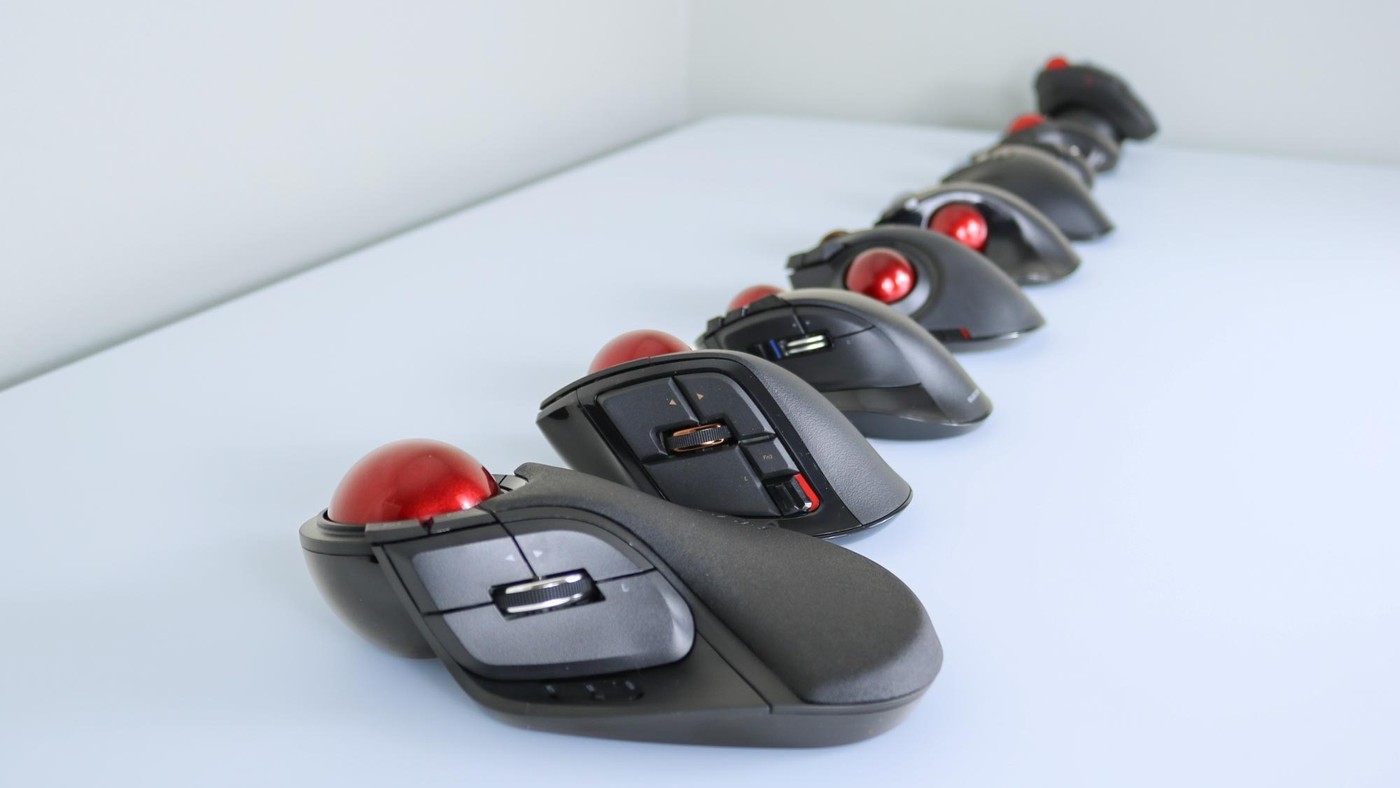
A Tom's Guide writer explains a growing preference for Elecom trackballs after years of conventional mouse use. The article highlights the company's range, durable design and software support, alongside relatively accessible prices. A trackball changes the movement pattern because the device itself does not need the same repeated desk travel.
That can be useful where space is limited, but familiarity and control differ from a flat or vertical mouse. The writer's comfort experience is personal. Compare the chosen model's ball position, buttons and software with your actual work instead of assuming every trackball shares the same feel or learning curve.
Choose between desktop and handheld forms
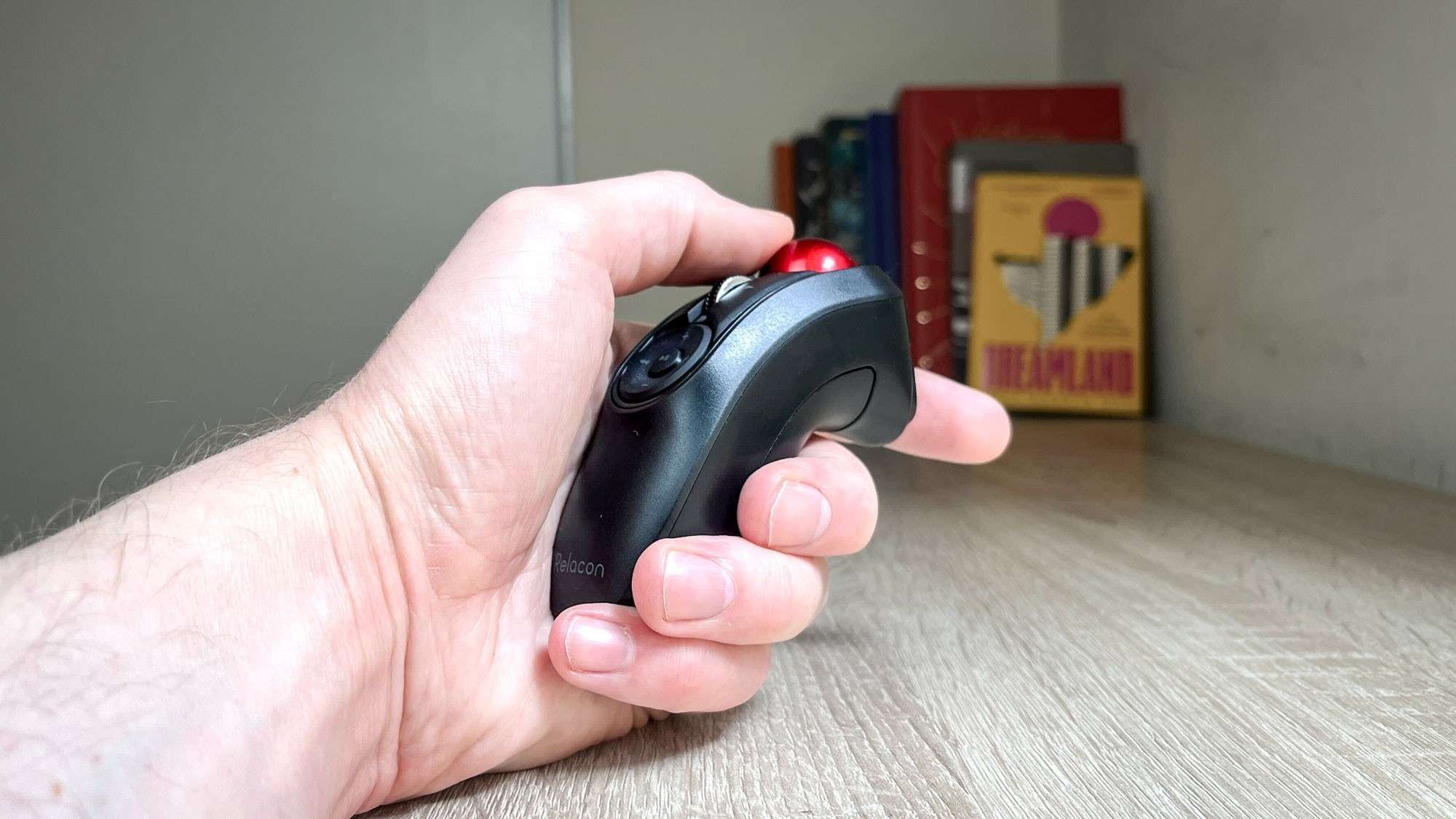
The writer kept an Elecom Huge at the work desk and a Relacon near a living-room computer. The Huge uses a 52 millimeter ball with eight buttons and a scroll wheel; the Relacon is a handheld device with ten assignable buttons. They share a stationary pointing principle but serve different positions and spaces, so their dimensions and control arrangements should be evaluated separately.
Configure commands for the application
Elecom's free Mouse Assistant software supports Windows and Mac. In the source account, it enables changes to buttons and wheel behavior as well as application profiles that switch when software changes. A Photoshop arrangement can therefore differ from one for Premiere. Select commands used repeatedly and test them in the intended application before assigning every available control.
Account for the connection and batteries
The wireless versions described use USB-A receivers. The handheld Relacon also uses two AAA batteries and offers three sensitivity settings. Those details affect compatibility and upkeep even when desk travel disappears. The author's report of months without rattling or flexing describes the tested units; it does not establish that the same shape will fit every hand or that either model eliminates discomfort.
Distinguish a stationary desktop trackball from a handheld one
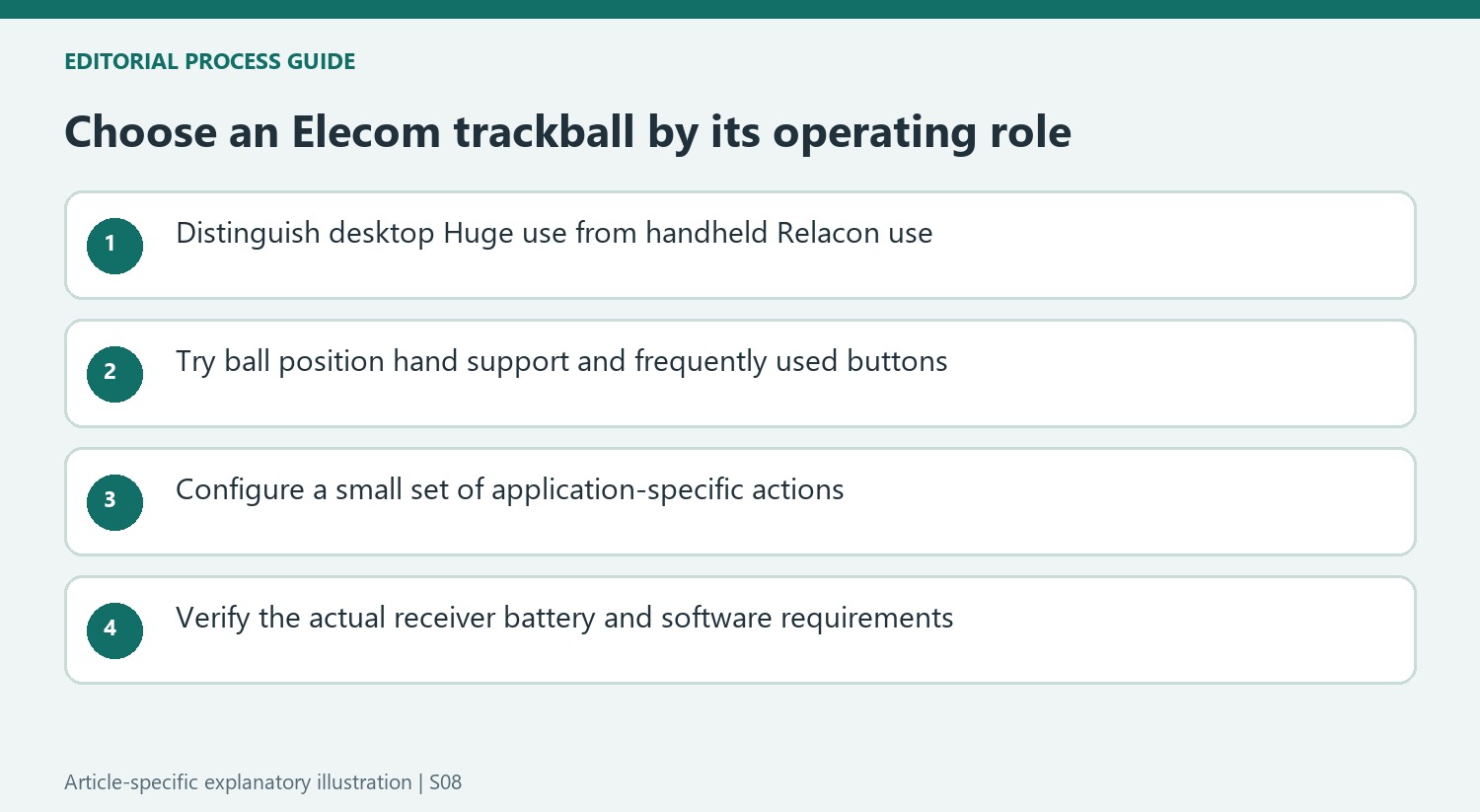
The Huge and Relacon illustrate how different two products can be within the same broad category. One occupies a substantial fixed place beside the keyboard, while the other is held for use near a living-room computer. Compare the intended position and tasks before treating the smaller handheld body as a direct substitute for the desktop model. Their common ball-controlled principle does not make the button layout, hand support or operating routine identical.
A fixed trackball removes the need for broad mouse travel but still needs an accessible area of its own. Leave enough room for the hand to reach the ball and frequently used buttons without leaning around another object. The handheld version has a different requirement for a comfortable grip and a safe place to put it down. Measure those actual uses rather than assuming that a stationary cursor device automatically occupies negligible space.
Build application profiles around familiar actions
Mouse Assistant can reassign buttons and wheel behavior, with profiles that change according to the active application. Start with a small set of repeated commands and verify each one. The source's Photoshop and Premiere examples show why one map need not serve every program. They do not establish that a particular command is the best choice for another user's work or that every Elecom model has the same number of assignable controls.
Check the supported software for the chosen model and operating system before relying on profile behavior. A successful basic pointer connection is not the same as completing customization. Keep the first arrangement simple enough that unexpected actions can be traced to a specific mapping. That makes the additional buttons useful working controls rather than an extensive feature list that requires looking away from the task to remember every assignment.
Keep comfort and durability claims within the tested scope
The writer reports months of daily use without rattling or flexing and prefers the shapes for his own hands. Those observations support his enthusiasm while remaining different from a lifetime durability promise or a universal comfort result. Try the actual ball position and button reach, particularly if moving from a familiar conventional mouse. Learning to control the cursor and finding a suitable physical fit are related but separate parts of the decision.
The wireless examples depend on USB-A receivers, so compare that connection with the intended computers and any required supported adapter. The Relacon's replaceable AAA batteries and sensitivity choices also belong in the ownership routine. Current prices may differ from the source's affordability discussion. Evaluate the complete model, controls and maintenance rather than transferring the writer's brand preference to every product. The strongest reason to switch is an observed improvement in the actual task and arrangement.
References
- I review mice for a living, and this is my favorite mouse company of 2025. Tom's Guide; Alex Wawro.


Bir Cevap Yaz
E-posta adresiniz yayınlanmayacak. Gerekli alanlar * ile işaretlenmişlerdir.