
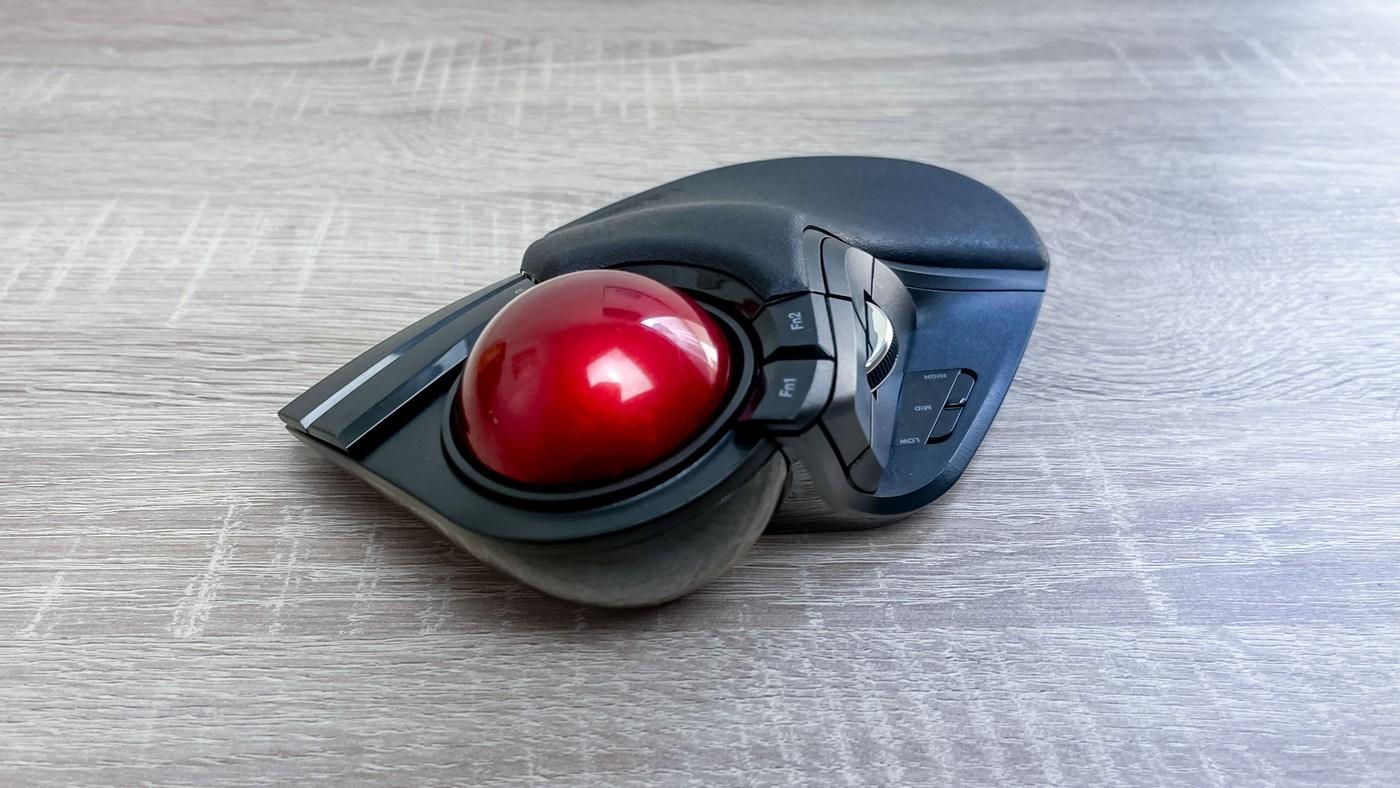
A reviewer with larger hands valued Elecom's broad trackball, illustrating why individual fit matters as much as desk space.
Check the physical footprint
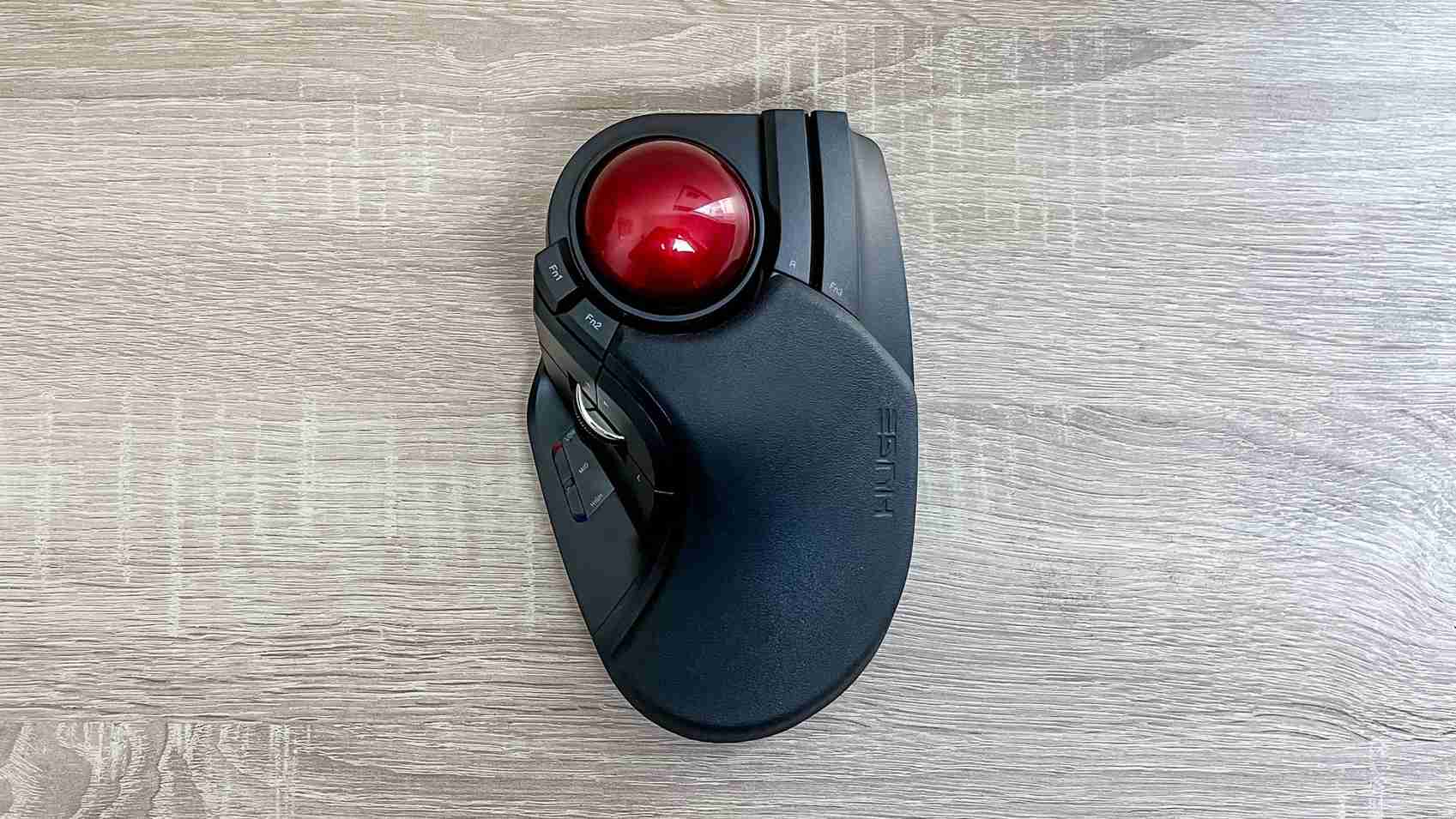
Tom's Guide describes a 52 millimeter ball in a broad, sloped chassis with padding near the hand. The reviewer found this roomier than smaller pointing devices and valued being able to work without a cramped grip. That personal fit is the central finding. A stationary trackball may avoid mouse travel, but this particular product still occupies a substantial fixed area on the desk.
Allow for adjustment and differences
Eight buttons and the scroll wheel can be configured through Elecom's Mouse Assistant software, with several sensitivity settings available. The reviewer still occasionally confused the smaller contoured buttons after weeks of use. Other users had reported different opinions about the support provided, so the article recommends trying it when possible. Do not infer that a larger shell solves every wrist complaint; compare hand size, button reach and a workable return policy alongside the specifications.
Evaluate the whole setup before attributing comfort
The wireless version in the source connects through a USB-A receiver and offers 500, 1,000 and 1,500 DPI settings. Those choices provide a starting point for testing cursor speed without changing the physical layout. The writer had also changed the desk, chair and laptop positioning before settling on this trackball. Consequently, the comfort report cannot isolate the pointing device from the rest of that workstation. Give the smaller ring- and little-finger controls particular attention because the reviewer sometimes pressed them unintentionally. The useful outcome is a combination of suitable hand support, reachable commands and controllable movement, assessed together during real tasks.
Compare the fixed footprint with the hand it supports
The writer's unusually large hands are central to the favorable result. A broad shell and large ball gave more room than smaller devices, but that does not establish the same fit for every person. Try the actual reach to the ball, wheel and buttons rather than selecting it only because a conventional mouse feels cramped. A larger object can solve one user's grip problem while placing another user's controls too far apart.
Stationary operation changes the space requirement without eliminating it. Reserve the full fixed area beside the typing position and leave room for the operating hand. The device may avoid broad desk swipes while still competing with a notebook or other frequently used object. Evaluate the working arrangement from the normal chair, since a large trackball that looks comfortable in a photograph may be difficult to reach when squeezed into the remaining corner of a crowded desk.
Learn the smaller buttons as carefully as the main ball
Eight programmable buttons and the wheel offer useful options for repeated commands. The source also reports confusion and occasional unintended presses on the narrower controls beneath the ring and little fingers. Begin with a small set of useful assignments and try normal document work. More buttons are not automatically more efficient when their location or current function remains uncertain during an ordinary task.
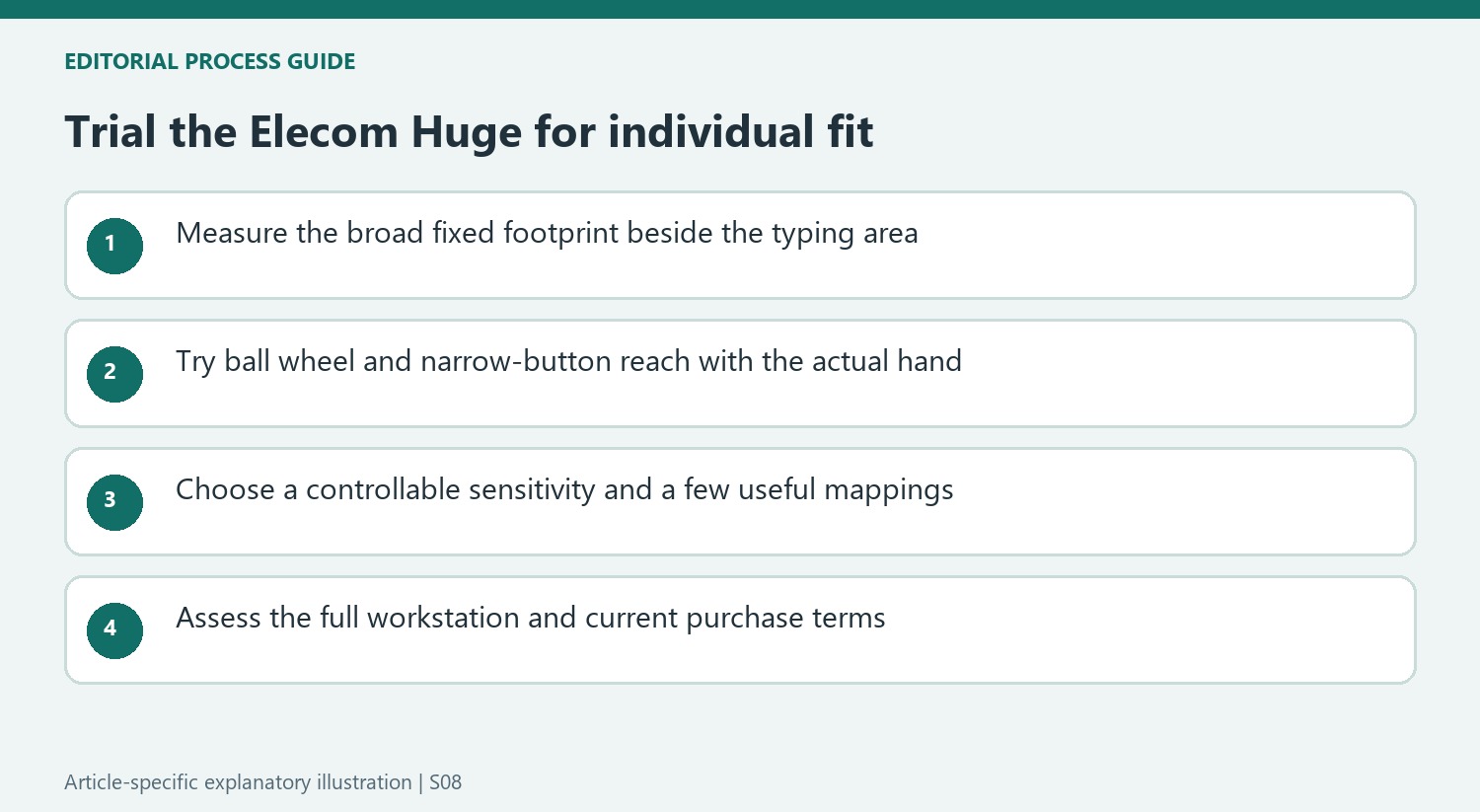
The three stated sensitivity choices provide a starting point for comparing full-screen movement with small selections. Try the actual display and software rather than assuming the highest value is the correct one. Mouse Assistant supplies another layer of customization, which should be checked for the chosen system and model. Reliable basic movement and familiar commands form a clearer test of usefulness than assigning every available button at the beginning.
Read the comfort story as a workstation experience
Before settling on the Huge, the writer had already changed the desk, chair and laptop support. Those changes form part of the reported environment, so the article cannot isolate the trackball as the sole cause of improved comfort. Preserve that context when considering a replacement pointer. The useful evidence is a sustained positive personal experience with a shape that addressed his particular sense of cramped hand space.
The source also acknowledges other users' differing opinions and recommends trying the device where possible. Check the current return terms, connection requirements and price rather than assuming a historical offer remains available. The reviewed wireless version uses a USB-A receiver, which needs a suitable route on the intended computer. A good decision combines hand fit, controllable movement and reachable commands with a workable overall workstation, without turning one person's relief into a universal medical promise.
References
- This $50 trackball mouse is the most comfy I've ever used — here's why. Tom's Guide; Alex Wawro.


Bir Cevap Yaz
E-posta adresiniz yayınlanmayacak. Gerekli alanlar * ile işaretlenmişlerdir.