

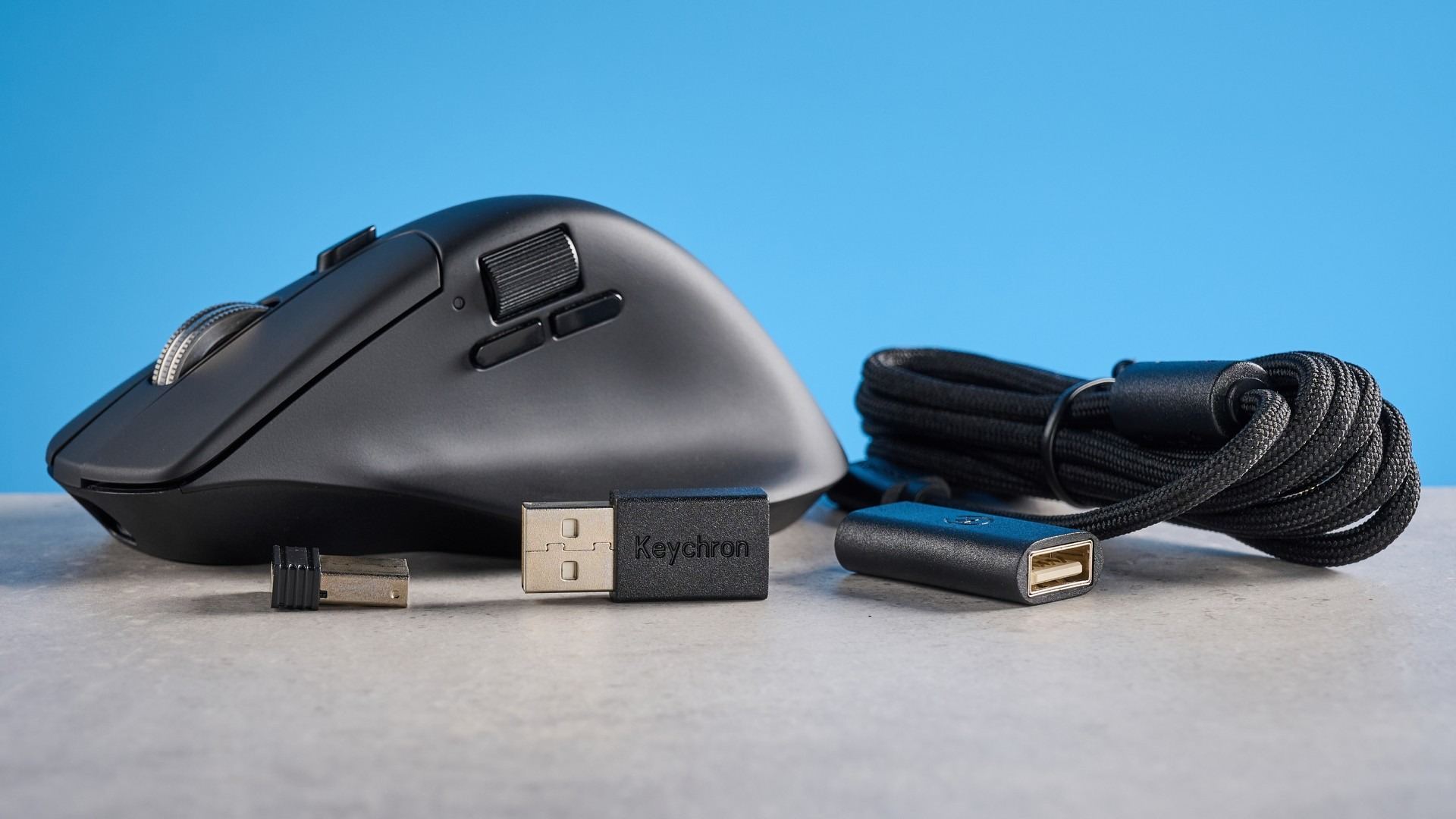
Tom's Guide's Keychron M6 8K review focuses on a combination often split between productivity and gaming mice. The right-handed body includes a thumb rest, a tilting main wheel and a separate thumb wheel. Its sensor reaches 26,000 DPI, and the mouse supports 8,000Hz polling for users who want to explore faster reporting.
The reviewer praised the comfortable shape and detailed companion software but found battery life underwhelming. There is no left-handed version. At a desk used for spreadsheets and games, the extra scrolling controls may be as relevant as the sensor specifications. Check that the wheels match the applications you use and account for charging frequency rather than assuming the maximum polling setting suits every task.
Use the two scrolling systems deliberately
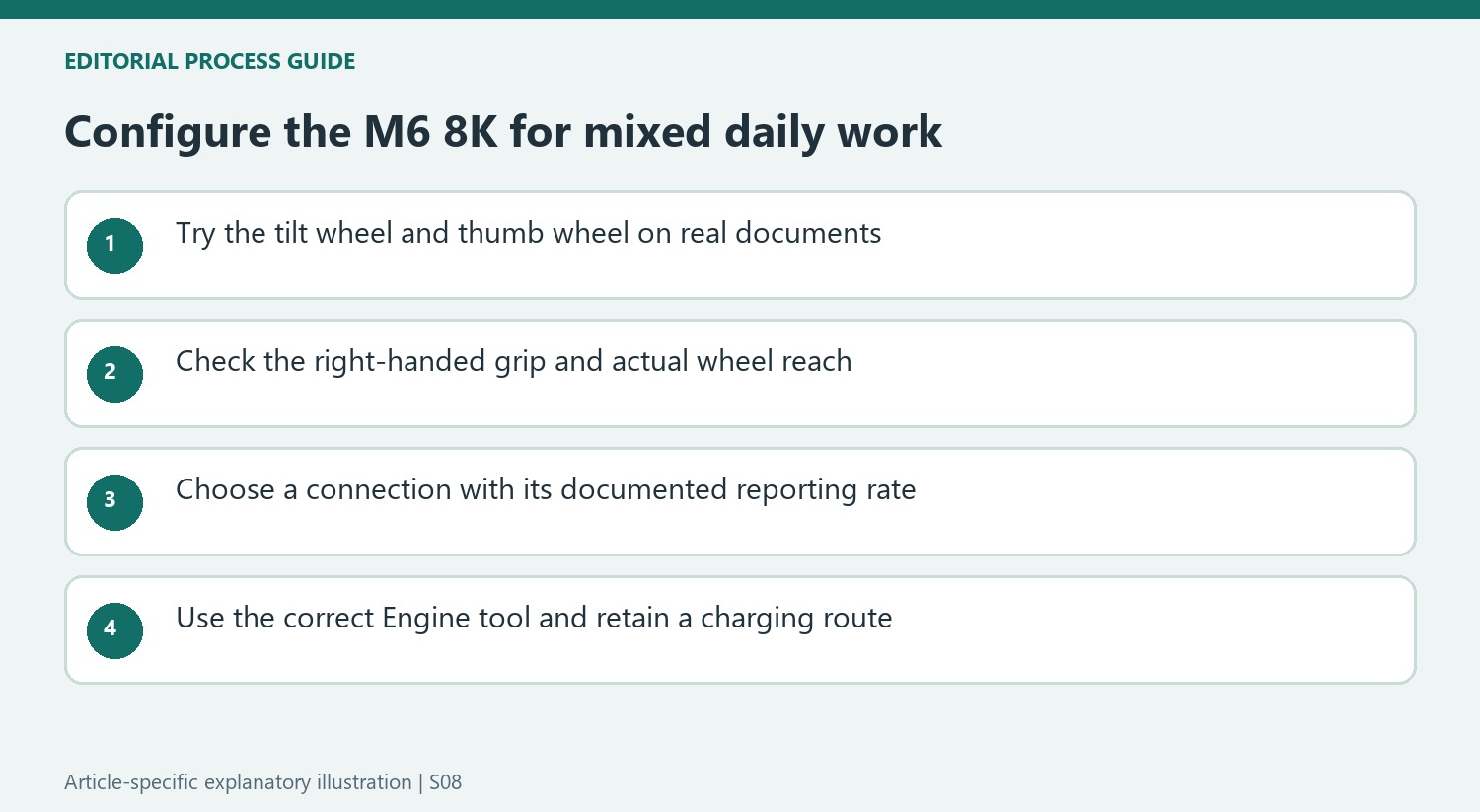
The main wheel can tilt for sideways movement and switch between tactile and free-spinning operation. A separate thumb wheel also helps traverse wide spreadsheets. These controls are useful for different kinds of navigation, but their placement should be tested with ordinary documents. The source describes a right-handed body, and there is no equivalent left-handed version in the review.
Check which connection enables the headline rate
The detailed review lists 8,000Hz polling over the wired connection and 1,000Hz over the 2.4GHz wireless receiver. Bluetooth is a third connection option. That distinction matters when planning cable placement or comparing wireless performance. The sensor's maximum sensitivity and reporting rate describe available settings, rather than proving that everyday office work benefits from using the highest values.
Install the appropriate configuration tool
This model uses the downloadable Keychron Engine for Windows and Mac, rather than the browser-based Launcher used by some other Keychron products. The underside DPI button cycles sensitivity settings that can be configured in software. The source lists a 600mAh battery and a nominal 80-hour figure, while the reviewer found endurance disappointing. Keep that tested limitation alongside the comfortable shape and extensive customization when deciding on a charging routine.
Give each scrolling control a useful task
The main wheel combines vertical scrolling, tilt and a choice between tactile and free-spinning behavior. The thumb wheel supplies another horizontal route. Those features are easiest to evaluate with the documents actually used, such as a wide spreadsheet and a long article. Try controlled small changes as well as large jumps, rather than assuming the fastest spinning mode is the most useful for every kind of reading or editing.
The source found the right-handed shape comfortable for its own grip and medium-sized hand. Check the wheel positions without twisting or stretching to reach them, especially if a different hand size or grip is involved. The lack of a left-handed counterpart matters independently from the software's button assignments. Reversing a command cannot physically move the thumb support and side wheel to the opposite side of the case.
Read the connection-specific reporting figures carefully
The detailed review distinguishes 8,000Hz over the cable from 1,000Hz through the 2.4GHz receiver. Keep those modes explicit when comparing a wireless desk setup with a headline maximum. Bluetooth adds another connection option without establishing the same reporting behavior. If the faster wired mode is a requirement, include a workable cable path and enough movement space in the workstation plan.
Maximum sensor sensitivity also describes an available setting rather than the correct choice for every task. Test ordinary selection and long cursor movement at a controllable value. The source enjoyed high-performance options for games, but their presence does not prove an office task benefits from every maximum being enabled. Pointer behavior, supported application functions and physical fit remain more useful checks for a spreadsheet-heavy routine than selecting the largest numbers in isolation.
Configure with the correct tool and retain charging access
This reviewed model uses downloadable Keychron Engine rather than the browser-based Launcher associated with some other Keychron devices. Confirm the current model and supported software before following another product's configuration guide. The tool can adjust sensitivity levels for the underside selector, remap controls and provide other settings. Begin with the wheel or shortcut action that solves a repeated problem, then verify the result in the intended application.
The source's nominal 80-hour figure is tied to the stated reporting condition and should not become a guarantee for every connection or workload. The reviewer considered endurance a weakness despite liking the rest of the mouse. Preserve an accessible charging lead and compare the actual ownership routine with current alternatives. The most persuasive value is a suitable hand fit and genuinely useful dual scrolling at an acceptable price, with the charging compromise acknowledged rather than hidden by enthusiasm for the sensor.
References
- ‘Like a Logitech MX Master 4 but a lot cheaper’: the Keychron M6 8K is now my favorite productivity and gaming mouse. Tom's Guide; Nikita Achanta.


Bir Cevap Yaz
E-posta adresiniz yayınlanmayacak. Gerekli alanlar * ile işaretlenmişlerdir.