
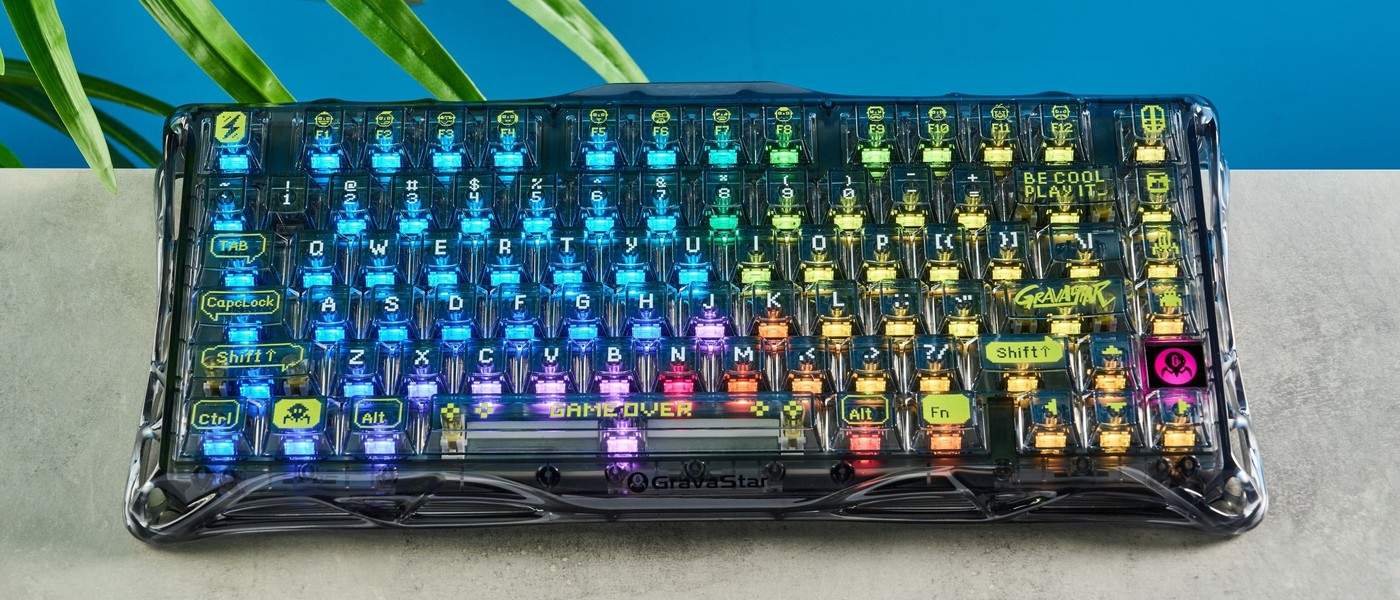
Tom's Guide describes the GravaStar Mercury K1 Lite as a sturdy compact keyboard with transparent shine-through keycaps. Its per-key RGB lighting is especially prominent. The reviewer found its linear switches responsive for typing and casual gaming, with straightforward software for remapping and lighting.
The appearance may be distracting in a restrained shared workspace, and stock switch choice is narrow. Consider both the sound and the light output before choosing its desk position. A good typing result does not make a highly visible design suitable for every room.
Allow room for the actual body
The specification gives an 80-key layout measuring 13.5 by 6.14 inches, with a height of 1.81 inches. That is compact compared with many full-size boards but still needs adequate forearm and mouse space. Its folding feet change the typing angle; use them only if the resulting position suits the hands rather than treating a steeper slope as an automatic improvement.
Check the configuration software by operating system
The keyboard can connect by Bluetooth, a 2.4GHz receiver or a cable, but the review identifies the customization application as Windows-only. Mac users can change lighting effects through key combinations, which is a different level of control. Confirm which remapping, macro and lighting features are needed before assuming the same configuration workflow exists on both operating systems.

Separate switch feel from visual style
The stock linear switches require a reported 40g actuation force, while hot-swap support allows compatible three- or five-pin mechanical switches later. Replacing them adds expense even when the keyboard itself is attractively priced. The reviewer also found some decorative legends less intuitive than ordinary labels. Evaluate readability and preferred typing feedback alongside the transparent keycaps, especially if the desk is used for focused work rather than display.
Assess the keyboard under the lighting used for work
The transparent keycaps make illumination a major part of this board's appearance. That can be attractive on a deliberately expressive desk and distracting in a quieter shared environment. Test a typical brightness and effect during an ordinary document task rather than relying on product photographs. The source's mixed response to the design is a reminder that a positive typing review and a suitable visual presence are separate judgments.
Some legends also replace familiar labels with decorative language or symbols. That matters especially for users who still glance down for function keys or less frequently used commands. Try a real editing session that includes those actions, not only a test of letter keys. The white version is described differently from the completely transparent black example, so check the actual chosen variant rather than assuming all colorways produce the same light and legend visibility.
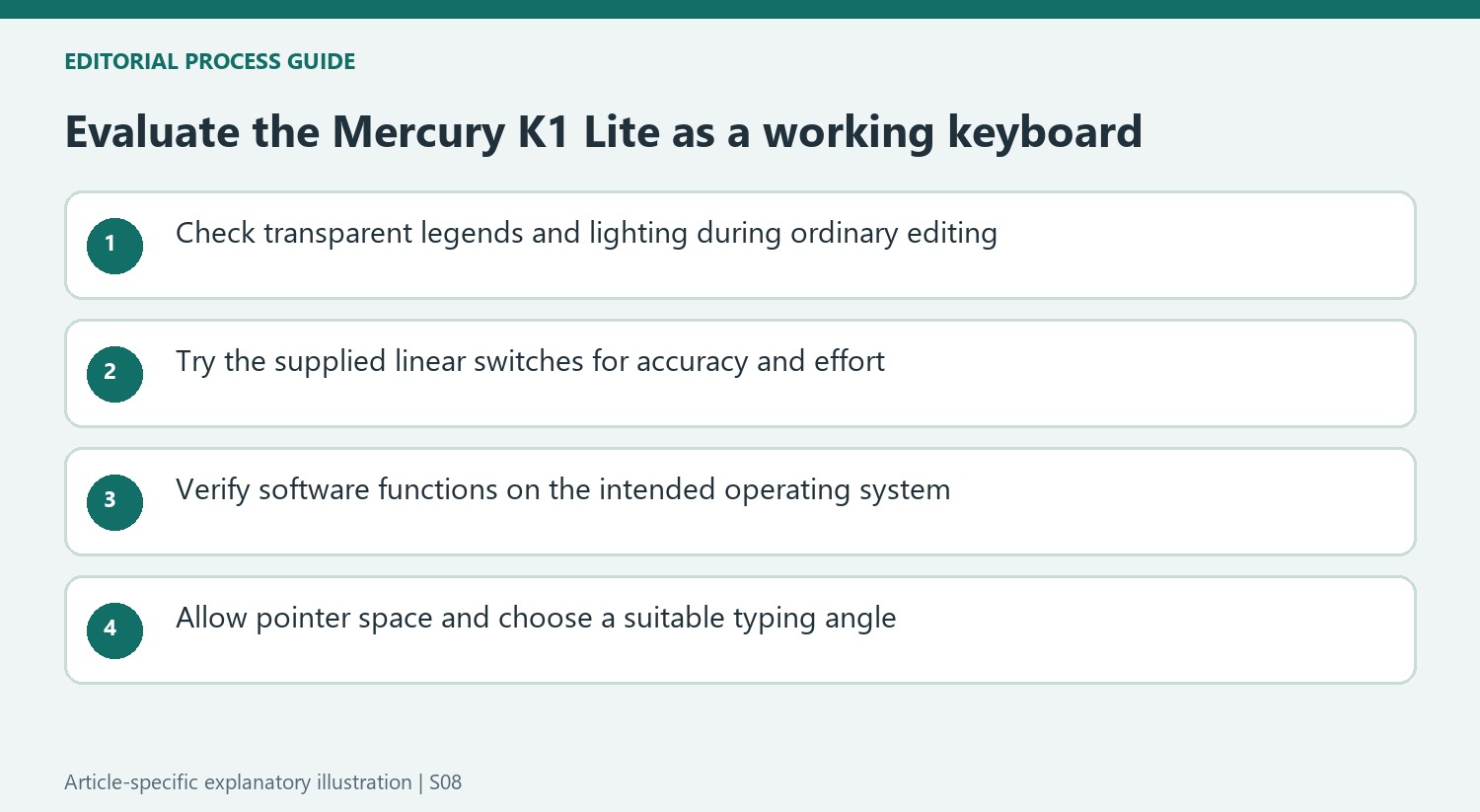
Compare switch preference with the complete purchase cost
The stock linear switches responded well in the review, with relatively light actuation and travel that allowed commands before bottoming out. Those observations describe this switch and the reviewer's technique, not a promise of faster typing for every user. Consider accuracy and accidental presses alongside effort. Someone who prefers a tactile indication may judge the same smooth switch differently even if the overall construction and sound damping remain appealing.
Hot-swap support allows compatible mechanical replacements, but it does not make a different switch set free. Include the additional parts and the current installation instructions if replacement is already expected. Check compatibility rather than transferring support for ordinary three- and five-pin mechanical switches to unrelated magnetic systems. A lower initial price is most meaningful when the supplied configuration already suits the user, instead of depending on several immediate purchases to obtain the desired feel.
Match connection and software to the intended computer
Bluetooth, a receiver and a wired route offer flexibility, while customization remains a separate question. The reviewed companion program runs on Windows; Mac lighting key combinations do not establish equivalent access to macros, firmware tools or full remapping. List the features needed and verify the current software support before standardizing the board across different computers. A successful wireless connection alone says little about the configuration options available on that operating system.
The source found casual gaming responsive but did not provide a specified polling rate. Keep that result within its tested context rather than converting it into a numerical competitive-gaming claim. The compact 80-key body still needs room for the pointer and a comfortable hand position, with the folding feet used only when helpful. Evaluate the complete desk arrangement, including sound and light, so the keyboard's distinctive styling supports rather than dominates its everyday role.
References
- I just tested a keyboard that's so bright it could help land planes — but its performance is killer. Tom's Guide; Nikita Achanta.


Bir Cevap Yaz
E-posta adresiniz yayınlanmayacak. Gerekli alanlar * ile işaretlenmişlerdir.