
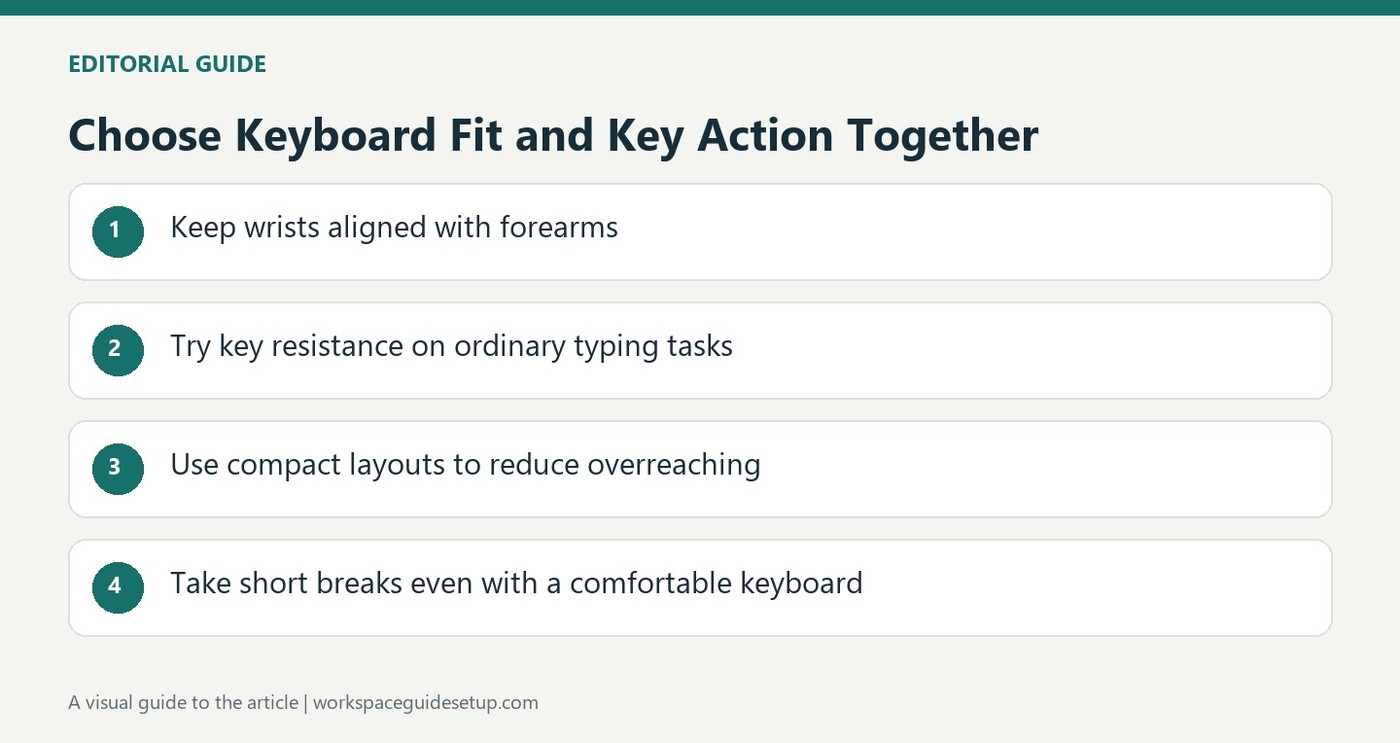
CCOHS connects keyboard height and position with device size, key action and the ability to work without overreaching.
Consider size as well as shape
A shorter keyboard can reduce the need to reach outward and create more options for mouse placement. Split or tented designs may help certain users find a suitable arm position, while the key action should not require heavy force or trigger accidental extra input. A separate number pad can also provide flexibility that a permanently attached keypad does not.
Place it as part of the workstation
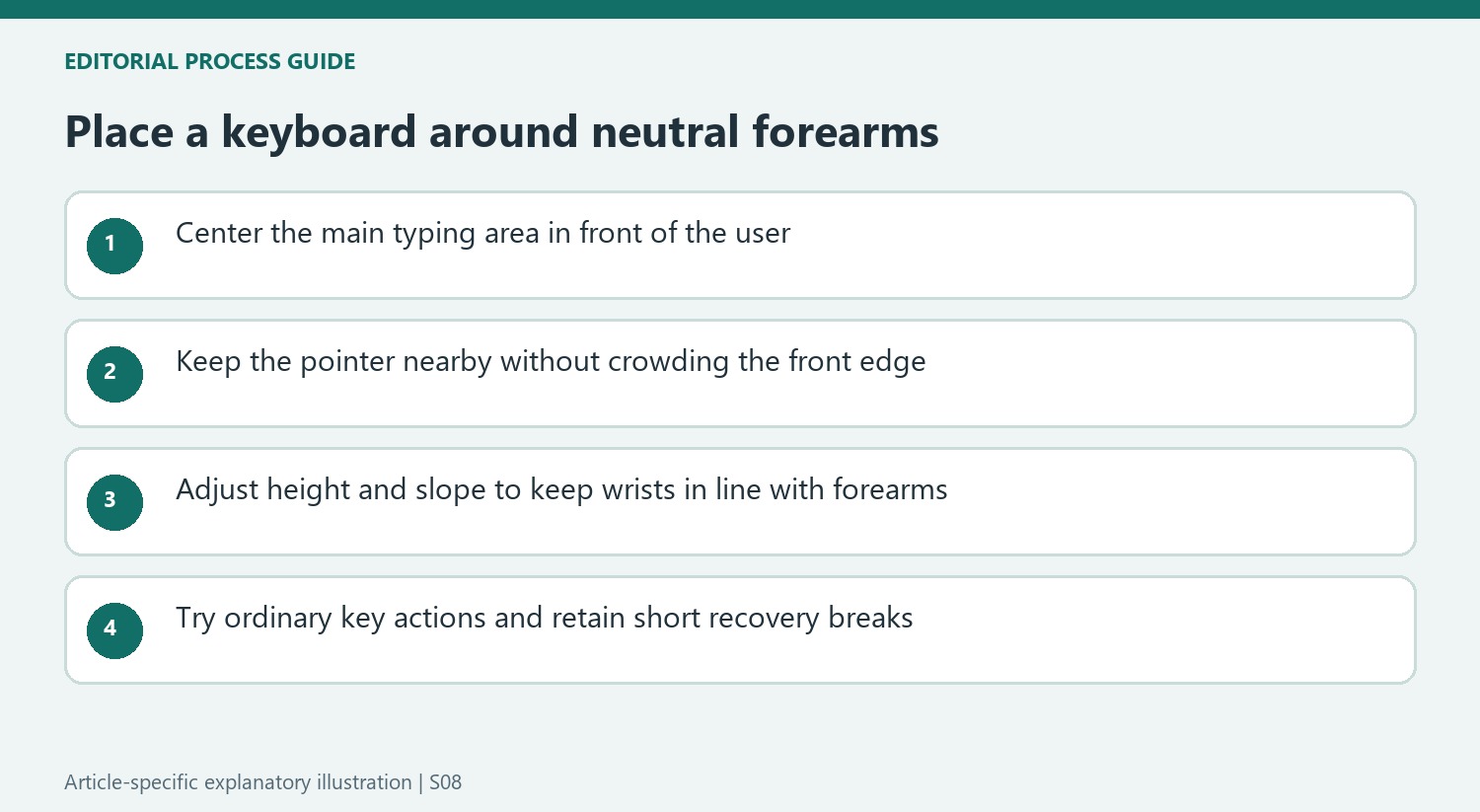
The keyboard should be directly ahead, with relaxed shoulders, elbows near the body and wrists in line with the forearms. Height and tilt should be adjusted to maintain that alignment. The guide cautions against resting the wrists heavily on the desk and recommends evaluating any wrist support within the whole setup. Even a comfortable design does not remove fatigue from prolonged keyboard use, so short breaks and changes in activity remain important.
Test key action before changing the whole layout
CCOHS warns that an overly sensitive keyboard can cause extra characters that require corrective movement, while heavy keys demand unnecessary effort. The desired action therefore is neither simply the lightest nor the most resistant. Try a familiar typing task and observe whether the chosen keys and layout support neutral wrists without frequent corrections. A separate number pad can also let frequently used typing keys remain centered while creating room for the pointer. The source treats split and tented designs as options to evaluate for individual needs, not universal replacements. Keep short recovery breaks in the routine even when a new keyboard initially feels more comfortable than the old one.
Center the typing task rather than the entire plastic case
The fact sheet connects shorter keyboards with less reaching and more freedom to place a mouse. The useful comparison is therefore the location of the keys actually used relative to the person, not simply whether the outside edges look symmetrical on the desk. A built-in number pad can move the typing area away from the center when the whole case is centered. A separate pad provides another option when frequent number entry and ordinary writing need different arrangements.
Place both keyboard and pointer within a comfortable reach while keeping the shoulders relaxed. This is a coordinated adjustment with the chair and desk, rather than an instruction to push the board to the extreme front edge. Check a familiar task from the normal seated position. If the elbows repeatedly move far outward or the body leans forward to reach a device, the layout deserves attention before a more unusual keyboard design is treated as the only answer.
Use tilt according to wrist alignment
A keyboard's rear feet are an option for changing its slope, not a universal instruction to make it steeper. CCOHS discusses arrangements that can raise either end when that helps maintain a straight wrist-to-forearm line. Observe the hand position at the actual desk height and adjust the support accordingly. The aim is a neutral position rather than reproducing a product photograph or treating the highest setting as the most comfortable one by definition.
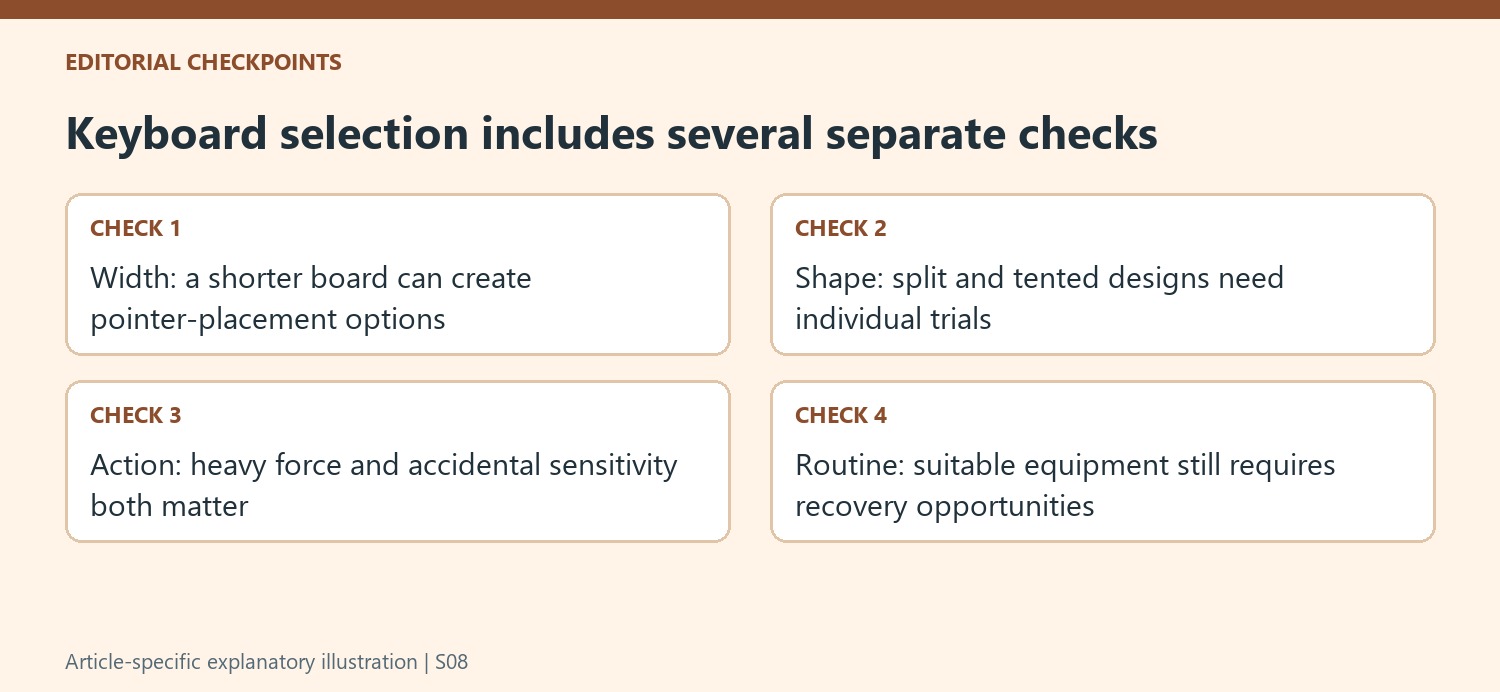
Split and tented designs also address different physical arrangements. The source recommends trying models and explicitly avoids naming a universally best keyboard. A design that suits one person's arm position may require a learning period or fail to suit another's tasks. Include shortcuts, frequently used keys and pointer transitions in the trial. The value of the shape is whether it supports suitable alignment during real work, not the unfamiliar appearance itself.
Evaluate key effort and recovery together
The appropriate key action avoids both unnecessary force and excessive sensitivity that produces corrective typing. Read the result of a familiar passage and note whether unwanted characters lead to repeated corrections. A lighter switch is not automatically the more suitable switch, just as a heavier one does not prove better control. These observations should be considered alongside hand position rather than used as an isolated ranking of keyboard quality.
The guidance also makes clear that sustained use can tire the hands, arms, shoulders and back even with a suitable device. Keep short breaks and changes in activity within the routine after making adjustments. A wrist support should be assessed as part of that same workstation, with attention to avoiding heavy contact pressure. The practical objective is a repeatable arrangement that supports ordinary work while allowing recovery, rather than assuming one purchase removes the effects of prolonged keyboard use.
References
- Office Ergonomics - Keyboard Selection and Use. Canadian Centre for Occupational Health and Safety.


Bir Cevap Yaz
E-posta adresiniz yayınlanmayacak. Gerekli alanlar * ile işaretlenmişlerdir.