
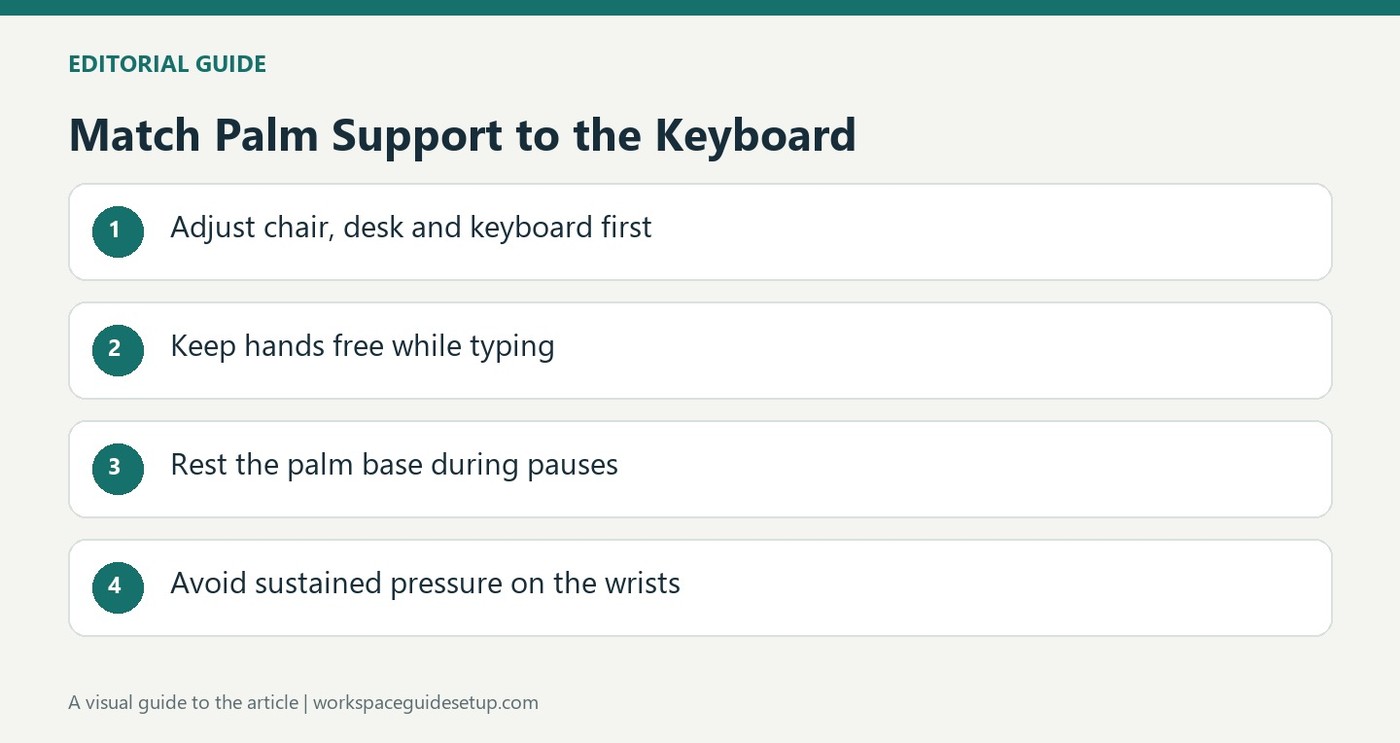
CCOHS advises coordinating the keyboard, chair and support so the hands can move freely without sustained pressure on the wrists.
Understand what the support is doing
CCOHS explains that a rest can reduce contact with a sharp desk edge, but heavy or prolonged pressure on the underside of the wrist can create problems. A person with an appropriately adjusted desk and chair may need little support. The device is therefore part of a coordinated workstation rather than an automatic requirement for every keyboard user.
Match the pad to the keyboard
The guidance recommends keeping the hands free and elevated while typing; during a pause, the support should contact the palm or heel of the hand instead of the wrist. Its height and slope should match the keyboard's front edge, and the surface should be soft and rounded enough to limit pressure. Neutral wrist alignment remains the objective. Individual preference matters, and research about wrist rests should not be presented as a simple guarantee against injury.
Check the front edge before buying a pad
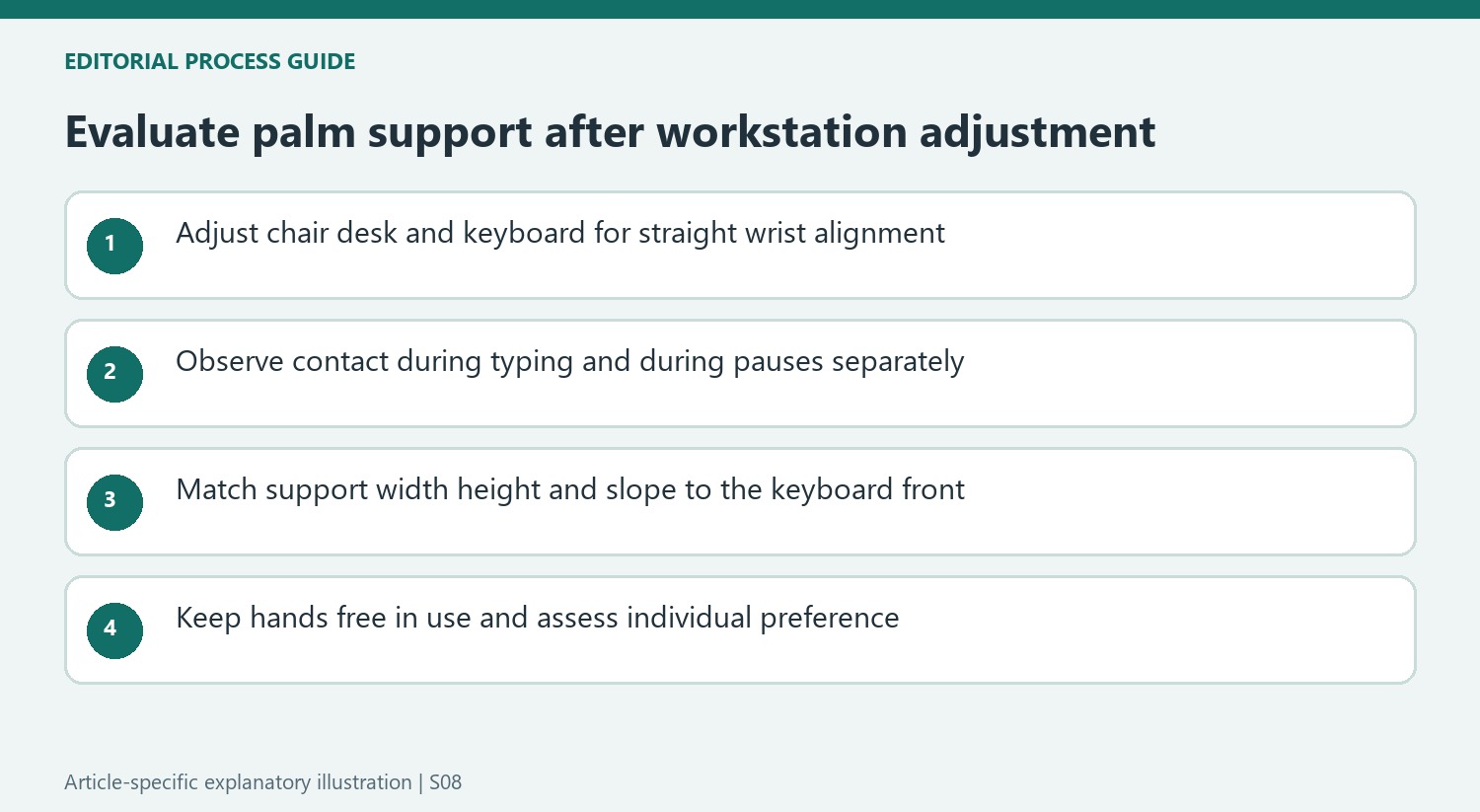
The fact sheet recommends matching a support to the keyboard's width, height and slope, with a soft, rounded surface at least 1.5 inches deep. A pad that is visibly too tall can interfere with the desired alignment instead of helping it. Begin by adjusting the chair, desk and keyboard, then reassess whether support is needed during pauses. The source also distinguishes typing from resting: the hands should be free to move while keys are being used. A product called a wrist rest is therefore not an instruction to press the delicate underside of the wrist against it throughout the working day.
Observe the current contact point before adding support
The fact sheet's debate is understandable because a soft pad can replace a sharp edge while sustained pressure can still create a problem. Inspect where the hands actually rest during a pause and what happens while typing. A product named a wrist rest does not require the underside of the wrist to remain pressed against it. The location, amount and duration of contact matter as much as the presence of a padded accessory.
Begin with the chair, desk and keyboard adjustments that allow a straight wrist-to-forearm line. Someone whose setup already provides suitable height and reach may need little additional support. Conversely, a pad placed on an unsuitable surface cannot by itself coordinate the entire workstation. This approach follows the source's emphasis on the whole arrangement rather than treating every keyboard as incomplete until a separate cushion has been purchased.
Compare the support with the keyboard's front profile
Width alone is an incomplete fit check. The support's height and slope should work with the keyboard's front edge so the user is not forced into a new bend. CCOHS cites guidance for a relatively soft, rounded surface with sufficient depth, but those features still need to be assessed in the actual setup. A tall pad beside a low-profile keyboard can create a mismatch even if its material feels comfortable when touched briefly.
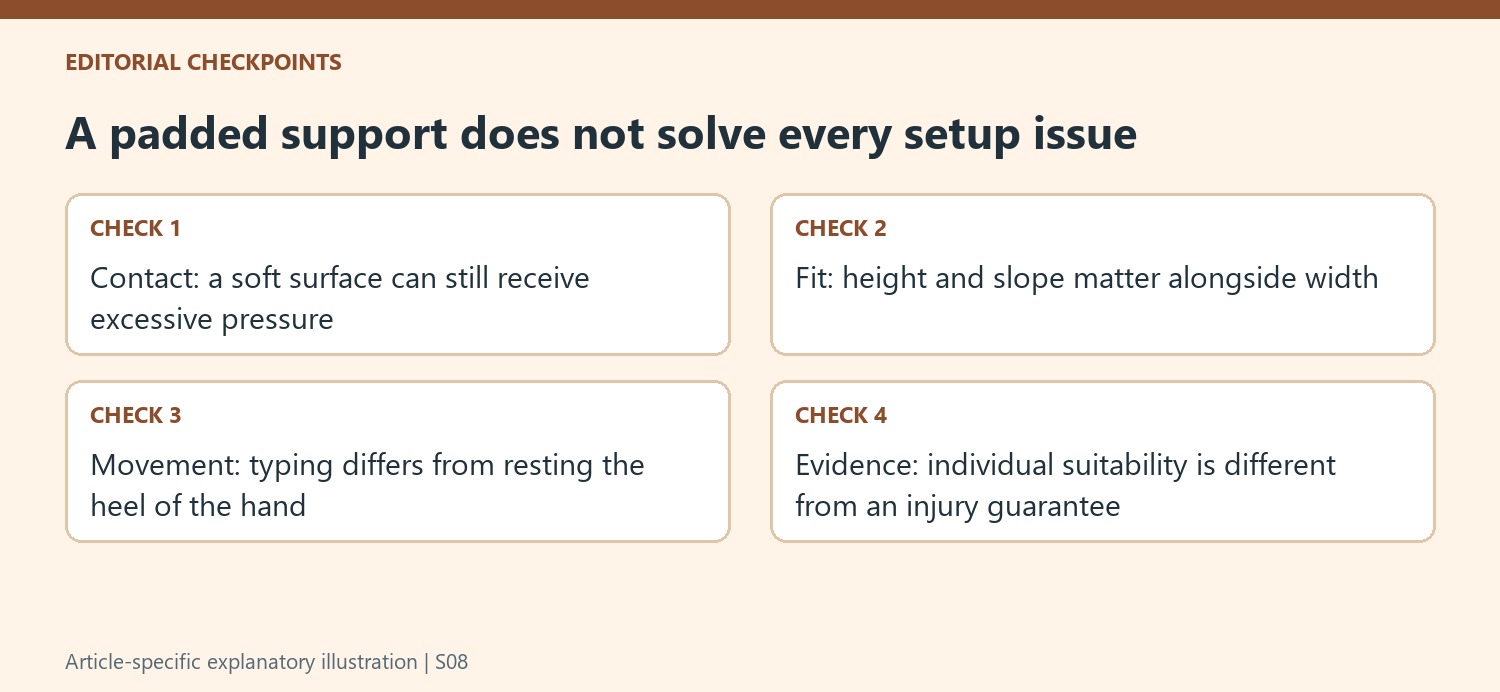
Try the ordinary typing posture without anchoring the hands heavily. The source recommends keeping the hands free and elevated while keys are being used, with the heel or palm supported during rest. Check whether reaching for distant keys or the pointer changes that pattern. The objective is useful freedom of movement and limited pressure, not obtaining the most substantial cushion or deliberately preventing the hands from moving across the working area.
Use personal preference within a coordinated trial
The usefulness of palm support depends on workstation design, the task, typing skill and preferred posture. Those variables help explain why users may reasonably reach different conclusions about the same accessory. Compare a normal work period with the support adjusted appropriately and note whether it interferes with neutral alignment or movement. A pleasant first impression is relevant, but it is less informative than observing how the hands actually use it during the task.
Research and the source's discussion should not be reduced to a promise that a rest always prevents injury or always causes it. The fact sheet describes competing considerations and stresses individual fit. Retain changes in activity and opportunities to pause while evaluating equipment. If the pad remains useful, keep its contact surface and placement aligned with the keyboard rather than allowing the arrangement to drift as other devices are moved around the desk.
References
- Office Ergonomics - Wrist Rests. Canadian Centre for Occupational Health and Safety.


Bir Cevap Yaz
E-posta adresiniz yayınlanmayacak. Gerekli alanlar * ile işaretlenmişlerdir.