
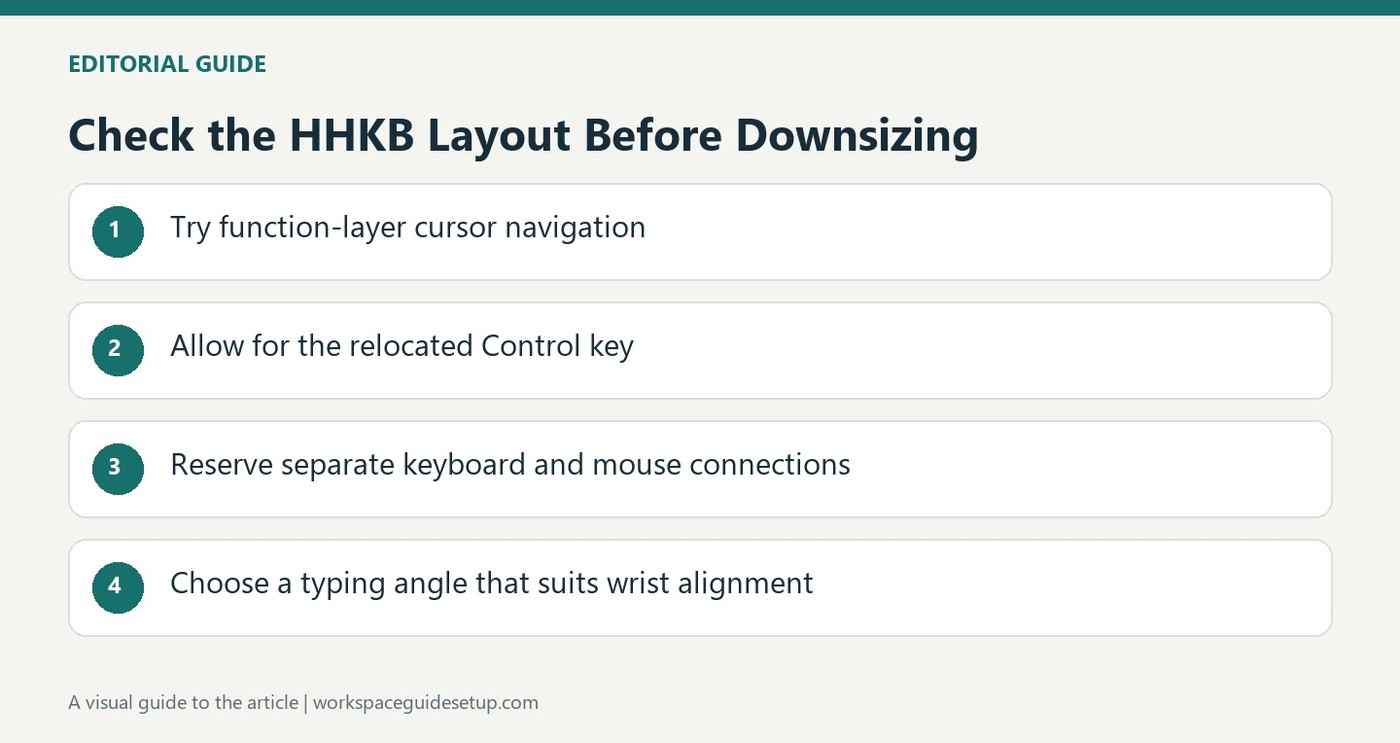
TechRadar describes the HHKB Professional Classic Type-S as a specialist keyboard built around a compact 60-key layout and silenced Topre mechanisms. Dedicated cursor keys and a number pad are absent, so users must learn function-key combinations for tasks that a larger board handles directly. Its small footprint may suit a crowded workstation, but that saving comes with a substantial learning curve.
The reviewed model connects over USB-C and uses physical DIP switches for some configuration. It does not provide a USB pass-through port for the mouse. The reviewer also found the dark legends difficult to read and questioned its expensive price. Before buying, consider how often navigation keys and numeric entry feature in everyday work, not just how much desk surface the keyboard frees.
Distinguish this model from wireless HHKB versions
The Professional Classic Type-S in the review is a wired USB-C keyboard. Other HHKB products have different connection options, so do not assume the family name means Bluetooth is available here. The supplied connection also lacks a mouse hub. If a laptop has limited ports, account for both keyboard and pointer connections before treating the small board as a complete cable-saving solution.
Try navigation as well as ordinary typing
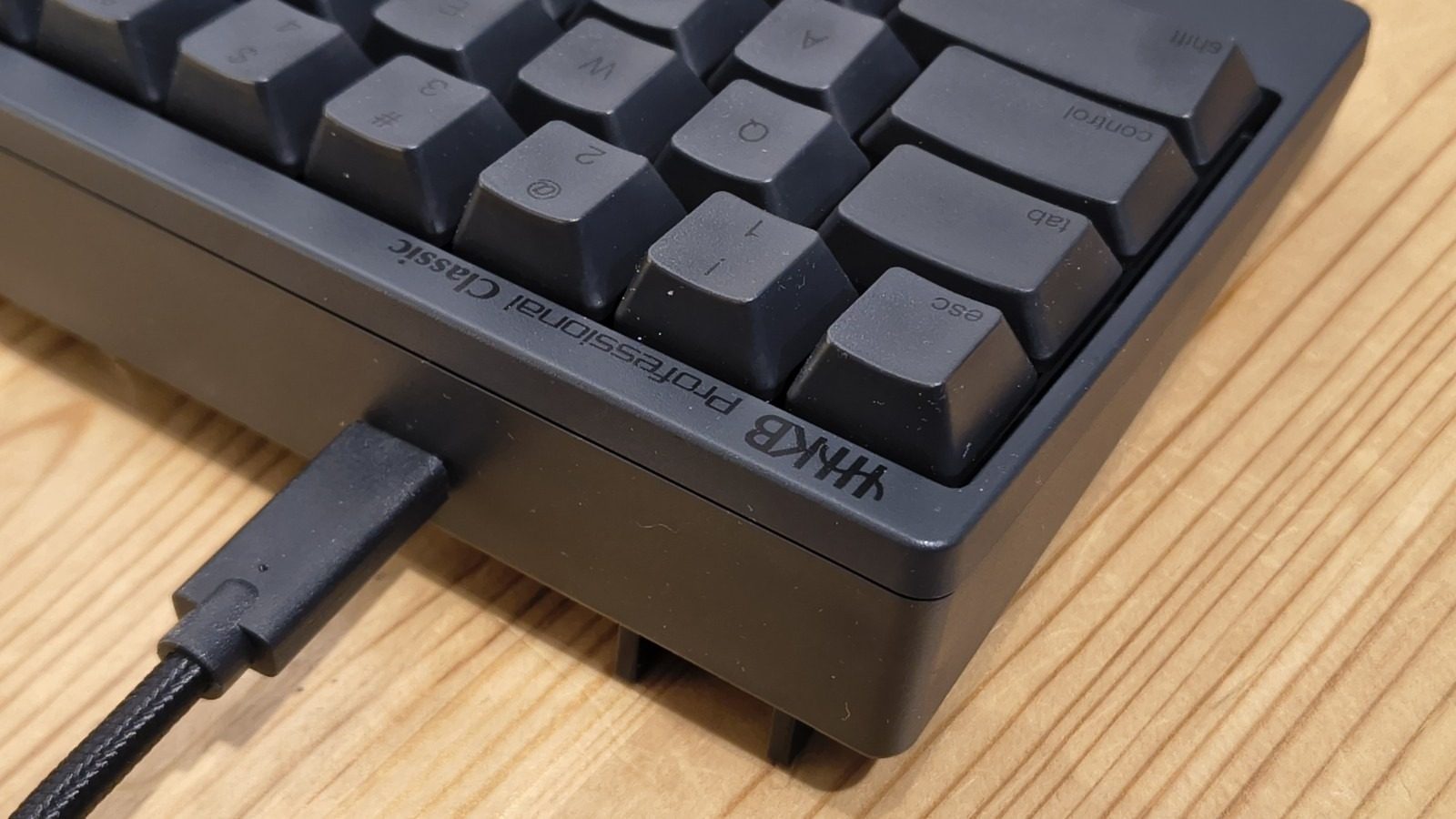
The compact body measures 294 by 110 millimeters, with no dedicated cursor cluster. Control also occupies the position commonly used for Caps Lock. Those changes are particularly important when selecting text, moving through spreadsheets or using editing shortcuts. Test those daily actions before deciding the footprint reduction is worth relearning. Fast alphabetic typing alone does not show whether the layout suits the job.
Choose the angle for alignment rather than appearance
Two-stage rear feet provide three typing positions. The 45g Topre mechanisms and PBT keycaps describe the feel and materials, but they do not determine the correct angle for an individual user. Set the board so the hands can remain appropriately aligned with the forearms. The review's criticism of dark legends also makes lighting and label readability practical checks, especially during the learning period.
Evaluate the missing keys against the real task
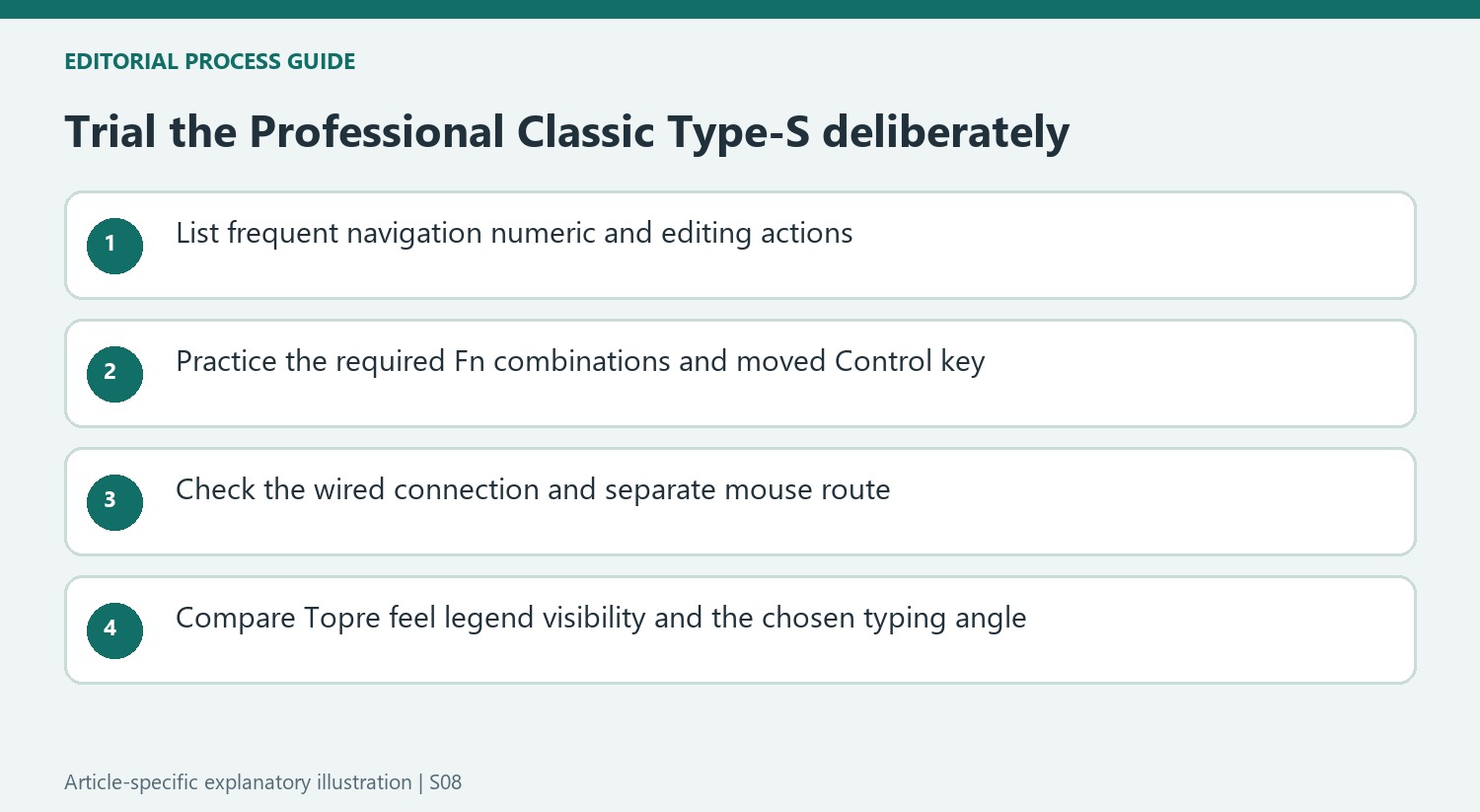
The compact body saves surface area by moving common functions behind combinations rather than simply shrinking every key. That trade-off matters most when navigation, page movement or numeric entry is frequent. Make a list of ordinary actions in the main applications and try their equivalent combinations. A short passage of uninterrupted letter typing does not reveal how often the missing dedicated keys will interrupt editing or spreadsheet work.
Control also changes position, which affects familiar shortcuts even when the letter arrangement remains QWERTY. The reviewer regarded relearning as a substantial ownership cost alongside the price. That is an individual assessment rather than proof that the layout is either inefficient or superior for everyone. Allow for a realistic trial, and compare any reduction in hand movement with the attention needed to perform commands that were previously automatic.
Keep the model and its connection limits precise
The Professional Classic Type-S tested here uses a wired USB-C connection. Bluetooth in other HHKB products does not transfer to this version, and the socket does not provide a hub for attaching a mouse. Account for the pointer's own connection when considering a laptop with limited ports. The source's observation is about a specific model, so compare its current documentation rather than inferring functions from the broader product family's reputation.
Physical DIP switches and the mapping utility also serve different configuration roles. The source describes limits on reassignment rather than an unlimited macro system. Check that the needed operating-system mode and key changes are supported before assuming software can recreate every familiar layout. Keep the configuration reference available during the trial, particularly when moving between computers, so a mode difference is not mistaken for an unreliable switch or missed keystroke.
Judge feel and readability independently
Topre mechanisms combine a particular capacitive design and tactile response that cannot be fully evaluated from a force number. The reviewer's preference was mixed despite the quiet character. Try the supplied keys in ordinary work and decide whether the action suits the user, without treating specialist construction as an automatic improvement. The premium price makes that direct assessment more useful than assuming enthusiasm from existing owners will translate to the same experience.
The charcoal legends created a separate readability problem in the review. Other offered color schemes differ, so check the exact variant under the lighting where it will be used. The three support positions also need an individual choice that preserves suitable hand alignment; a raised rear edge is not inherently the correct setting. The best case for this keyboard joins a useful compact layout, readable controls and preferred key feel, with the learning period and connection limitations accepted deliberately.


Bir Cevap Yaz
E-posta adresiniz yayınlanmayacak. Gerekli alanlar * ile işaretlenmişlerdir.