
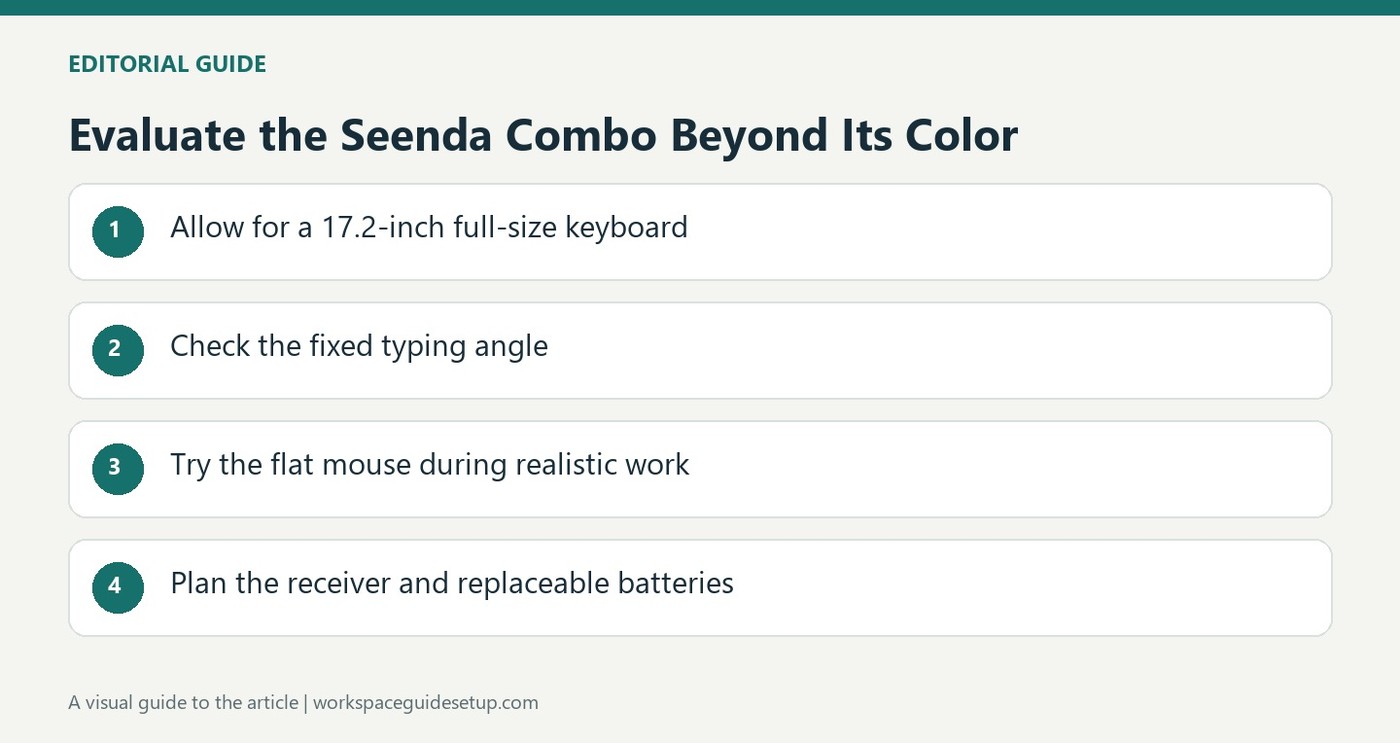
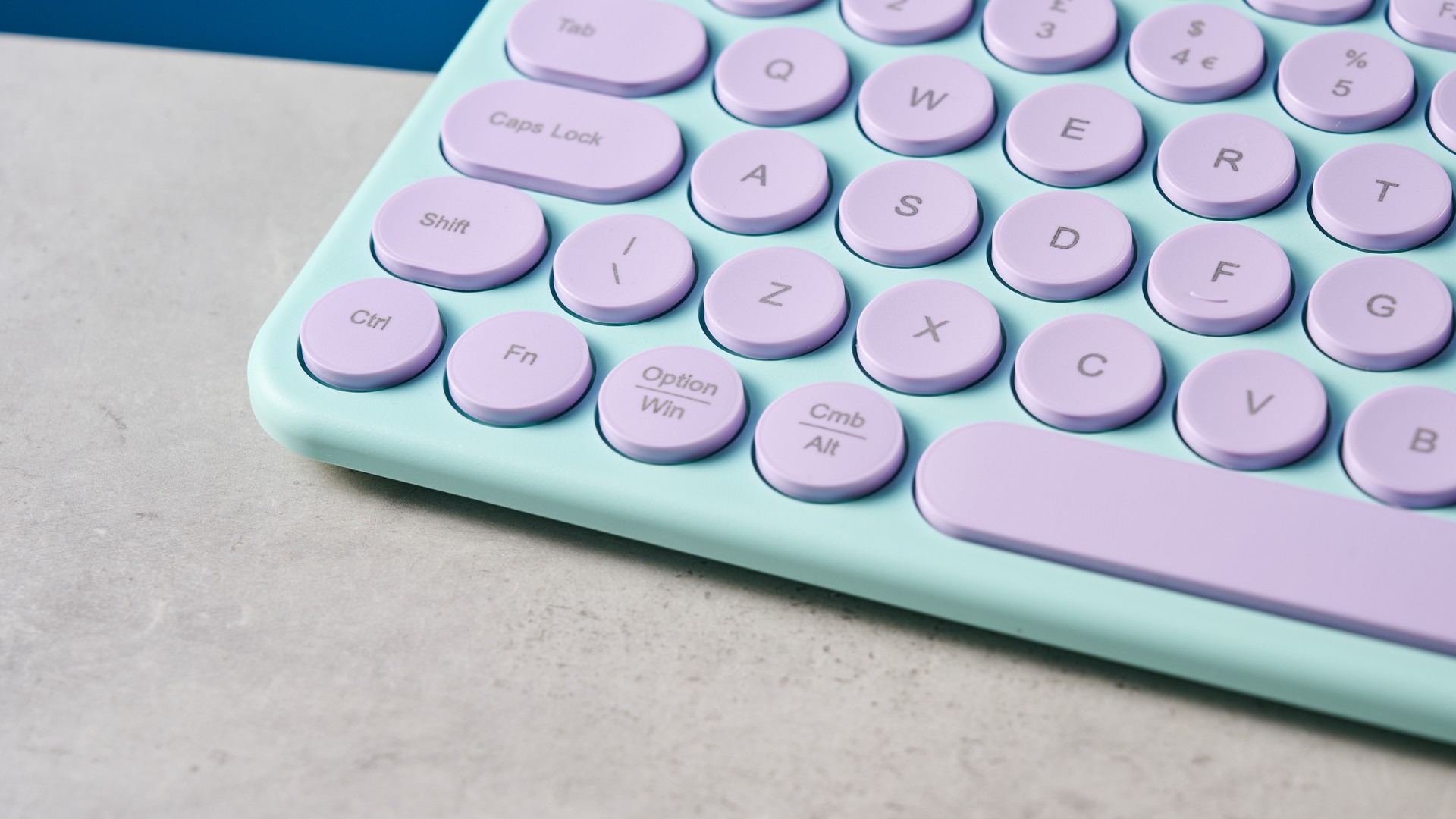
The Seenda SK73-3 bundles a full-size keyboard with a matching mouse and rounded pebble-style keys. Tom's Guide found the design attractive and the mouse responsive, with typing acceptable for short sessions. Those strengths make the combination visually appealing for a coordinated desk on a modest budget.
The same review reports loud, rickety typing and a flat mouse that became uncomfortable during extended use. Both accessories rely on replaceable batteries, and the set lacks Bluetooth. Before choosing it for an all-day workstation, weigh the USB receiver arrangement, noise and hand fit against its appearance. A matching color scheme does not establish that a keyboard-and-mouse combination will suit long office sessions.
Measure the full-size keyboard accurately
The specification lists 110 keys and a width of 17.2 inches. Despite the playful styling, it is not a small number-pad-free board. Measure that width beside the planned mouse area before choosing it for a restricted desk. The shallow body may look unobtrusive in a photograph while still occupying substantial horizontal space in daily use.
Compare the fixed angle with your working position
The board has an upward typing angle that cannot be adjusted through alternative foot positions. Tom's Guide found the rounded keys usable for short sessions, but the lack of contouring and the rickety construction affected the reported accuracy. Those observations explain why a brief favorable impression does not establish comfort for a full day of typing.
Check the mouse limitations separately
The supplied mouse has a fixed 1600 DPI setting and a low, flat body. The reviewer found it responsive but uncomfortable during extended use. That means the mouse's shape and lack of sensitivity adjustment deserve their own assessment, even if the keyboard's color scheme is appealing. Include the USB receiver and spare battery arrangements in the desk plan rather than assuming this matching set offers rechargeable multi-device convenience.
Plan the complete width rather than the visual impression
Rounded keys and a shallow case can make this set look light on the desk, but the keyboard retains a full-size layout and number pad. Its 17.2-inch width needs to be measured beside the actual pointer area. A coordinated photograph does not show whether the mouse sits within comfortable reach for the person using it. Position the typing area first, then check the remaining space instead of fitting the mouse into whatever small gap is left.
The set's appeal is clearest as an inexpensive matching design for light duties. That is different from an all-day typing recommendation, which the source explicitly declines to make. Decide how long and how intensively each device will be used. A spare desk for occasional messages and a main workstation for prolonged writing create different expectations, even when both owners like the same purple-and-green styling.
Try the keyboard's sound and fixed slope in real work
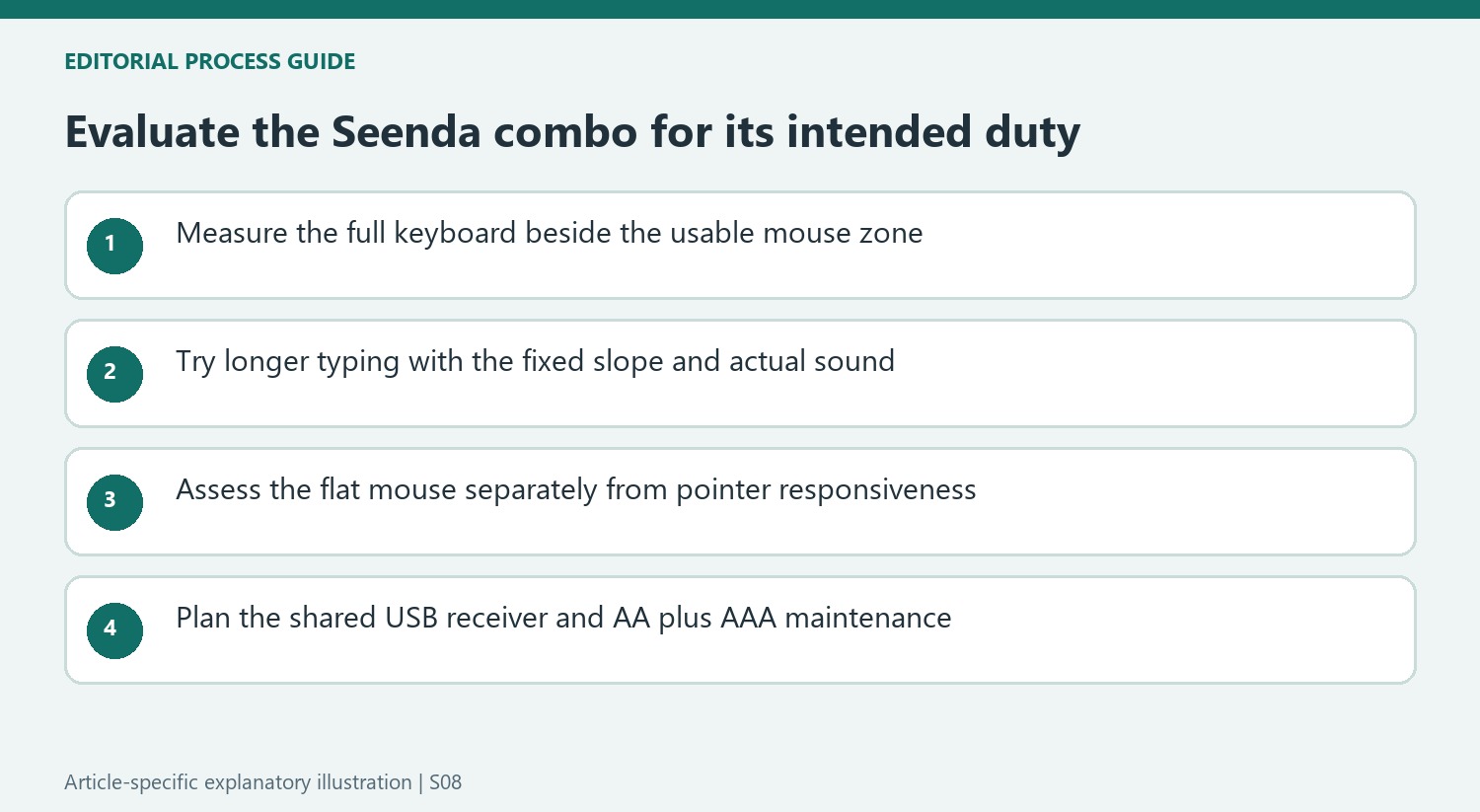
The reviewer initially found the pebble keys easy to use but reported poorer accuracy and more fingertip effort over a working day. Those observations should remain together rather than selecting only the favorable first impression. Include corrections, shortcuts and longer passages in a trial. The absence of key contouring and the rickety feel were relevant to the source's result, though they do not establish an identical typing score for every user.
The upward angle is fixed rather than selectable through several foot positions. Check that it suits the actual desk and chair instead of treating the visible slope as universal ergonomic support. Listen to ordinary typing in the intended room as well. The source found the noise distracting for office use, so the attractive color scheme should not obscure the sound produced by repeated everyday work.
Assess the supplied mouse and receiver as separate decisions
The mouse responded adequately in the test, while its low profile and limited hand support became uncomfortable during extended use. Responsiveness therefore does not settle the fit question. Try the shape from the normal working position and consider the fixed sensitivity specification separately. A small flat body may save storage space, yet the operating hand still needs a suitable grip and enough room to move without dragging awkwardly across the surface.
One dual-ended receiver connects the pair through a compatible USB-A or USB-C port. That saves a second receiver but does not provide Bluetooth or general multi-device flexibility. Keep the receiver's storage location and the two battery types in the routine: the keyboard uses AAA power and the mouse AA. The review describes replaceable batteries rather than built-in USB charging. Compare that complete maintenance and connection arrangement with current alternatives before allowing matching appearance to decide both devices at once.
References
- Seenda SK73-3 Wireless Keyboard and Mouse review. Tom's Guide; Ashley Thieme.


Bir Cevap Yaz
E-posta adresiniz yayınlanmayacak. Gerekli alanlar * ile işaretlenmişlerdir.