
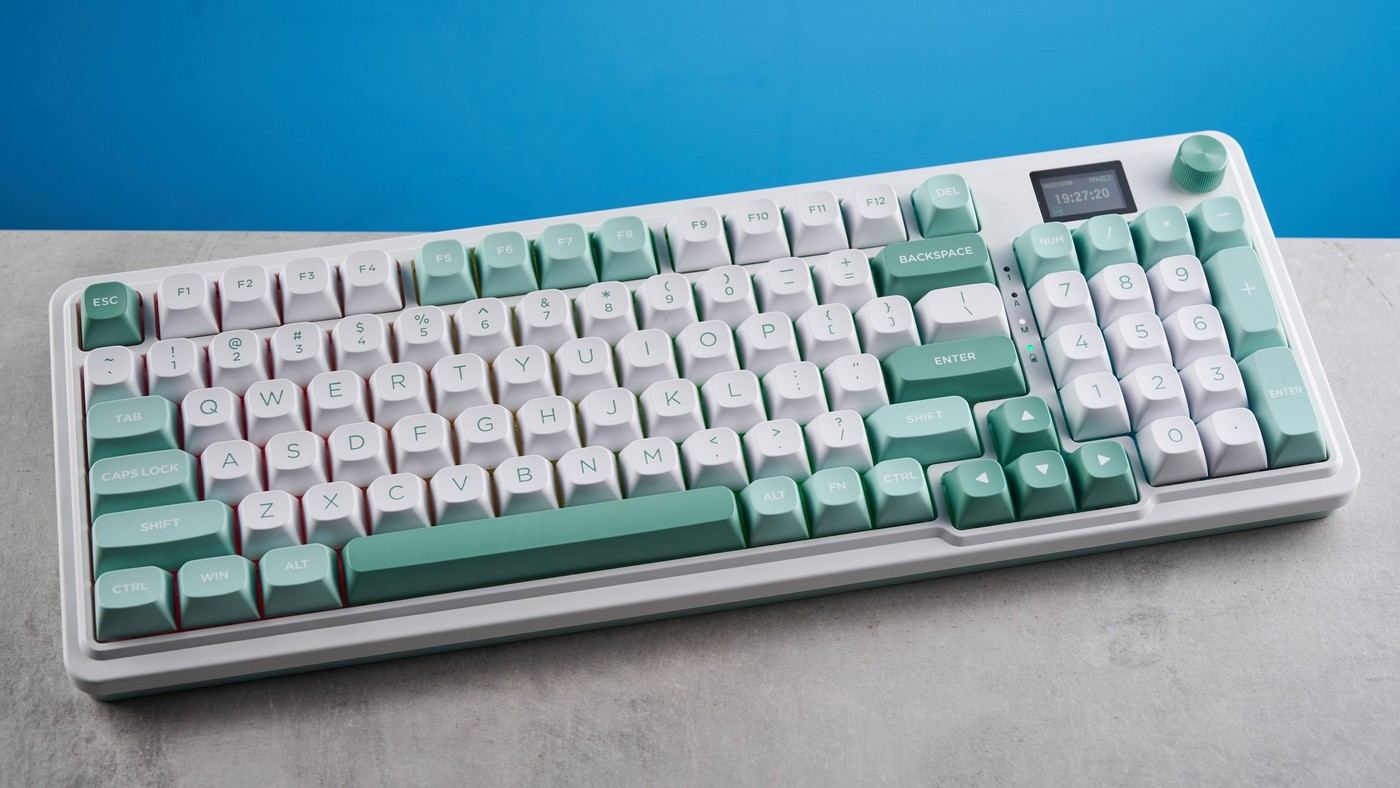
Tom's Guide's Redragon Galatin Pro K719 review highlights light Mint Mambo switches, three adjustable angles and a ninety-six-percent layout. The board retains a substantial key set while taking less space than a conventional full-size keyboard. A small GIF display and green accents add visual character.
The reviewer found the space bar clacky and noted missing interchangeable macOS keycaps. Backlighting also disappointed. For a work desk, compare the actual key spacing and angle positions with your habits; the compact full-featured layout is useful only if the retained keys remain comfortable to reach and the sound suits the room.
Check retained keys against the physical footprint
The Galatin specification lists 95 keys in a body 15.2 inches wide and 5.4 inches deep. Its number pad remains present, so the design compresses the arrangement rather than removing numeric input. That can suit regular figure entry, but the benefit depends on where the pointer and forearms then fit. Compare the actual measurements with the present board instead of assuming every 96-percent model occupies the same space.
Choose a useful connection mode
Bluetooth, a 2.4GHz receiver and a wired option provide different ways to connect the board. The receiver has a storage position at the right side. That is helpful when moving the keyboard between locations, while the permanent desk still needs an accessible charging or wired route. The review notes that the polling rate is unspecified, so serious gaming performance should not be inferred from the connection list alone.
Keep the screen secondary to the typing task
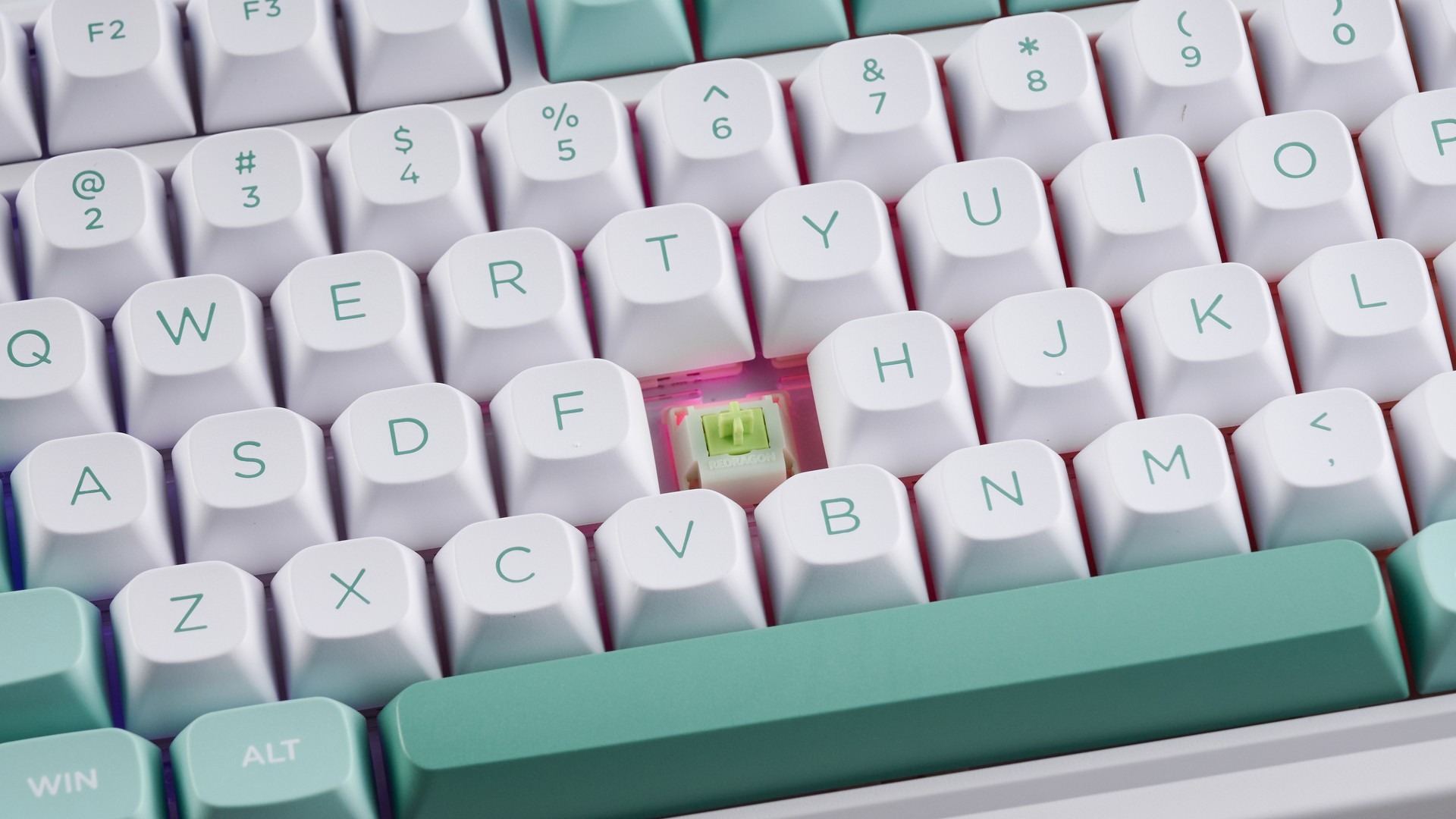
The small display shows connection and lighting information and can display a chosen GIF through the Windows software. That is a customization feature rather than a requirement for using the keys. The reviewer liked the light 40g switches but heard a metallic, clacky spacebar. Evaluate those repeated keystrokes in the intended room before deciding a decorative screen makes this the right everyday workstation keyboard.
Compare retained functions with the real mouse zone
The 96-percent layout compresses a substantial key set, including the number pad, into a narrower arrangement. That can be useful for regular numeric work, but it does not recover the same space as removing the pad entirely. Measure the board and place the pointer beside the actual typing area. The source's comparison with another keyboard gives context, while the useful dimensions are those of the equipment and desk being considered.
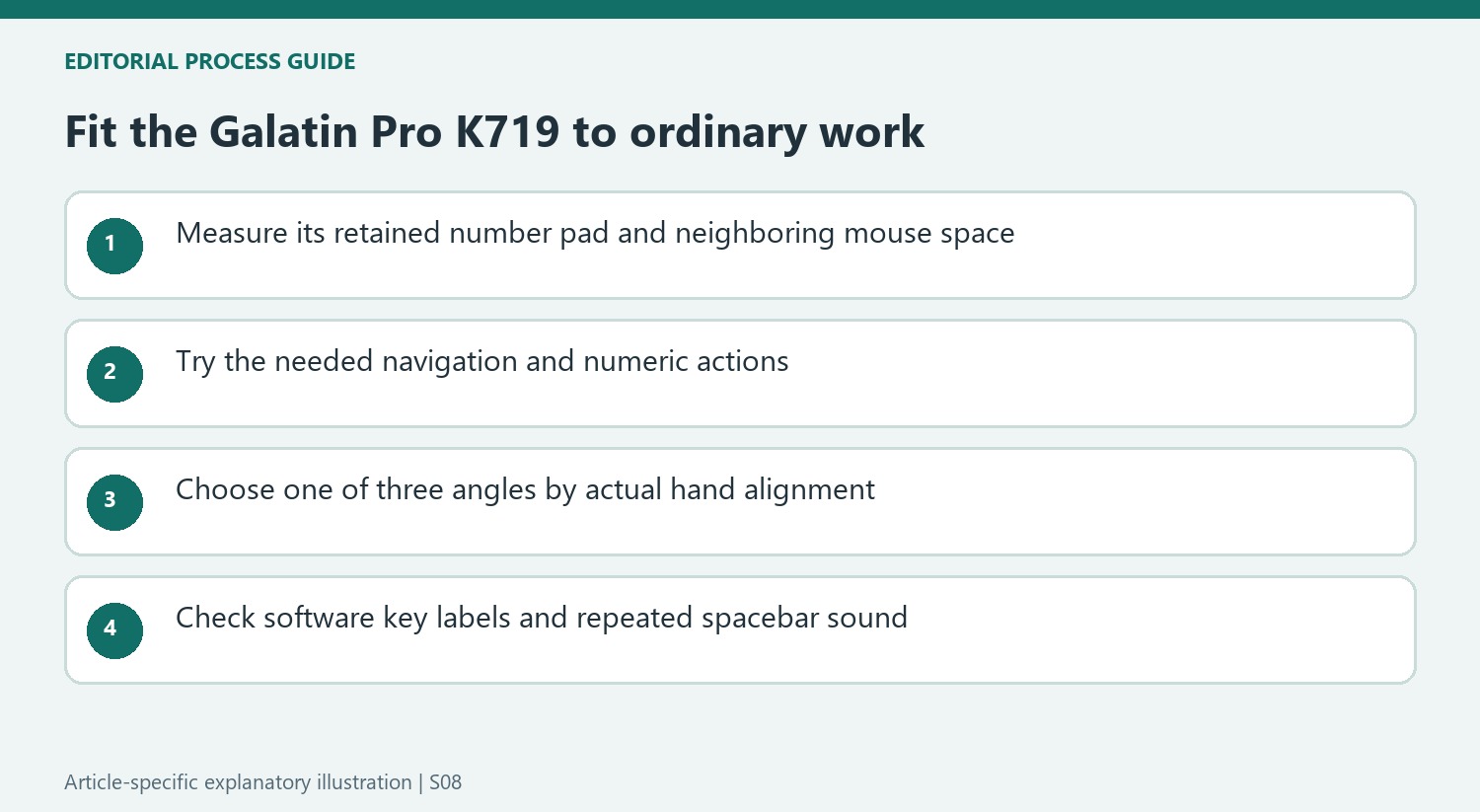
Try navigation and number entry as well as ordinary text. A retained key is useful only if its new location and the surrounding spacing work naturally in the main applications. The reviewer's comfortable typing result describes her use, not a guarantee that every compact full-featured arrangement suits every person. Decide whether the saved width makes transitions easier without introducing a different shortcut or reach problem.
Choose the angle and switches by feel rather than the label
Three support positions provide a meaningful choice, but the reviewer's preference for the highest one should not become an instruction for all users. Select the position that works with the actual desk height and allows appropriate wrist alignment. Use a familiar passage to judge the result, including longer periods of repeated spacebar use. The board's angle, switch force and overall desk geometry act together rather than independently determining comfort.
The Mint Mambo linears impressed the source with light actuation and a soft character. Hot-swap sockets provide another option for compatible mechanical switches, though replacement adds parts and effort. The metallic, clacky spacebar sound remains a separate finding from the pleasant letter-key feel. Listen to the full board in the intended room, especially where colleagues or calls make repeated key noise more noticeable.
Keep display customization secondary to software and host fit
The small screen and adjacent knob expose status information and lighting changes without navigating every setting elsewhere. Uploading a decorative GIF is another feature through the reviewed Windows application. Check the current supported software before assuming an identical customization routine on a Mac. The missing alternate macOS keycaps also matter for users who rely on visible shortcut labels rather than remembered key positions.
Three connection routes offer useful flexibility, and storing the receiver in the board can help during transport. They do not supply a polling-rate measurement that the source says was unspecified. Avoid presenting the connection list as evidence of serious gaming performance. The stronger purchasing comparison is the compact number-pad layout, useful controls, available software and acceptable sound at the current complete price. Decorative lighting and the GIF are additions to that working arrangement, rather than reasons to overlook a practical mismatch.
References
- This keyboard is a productivity dream, but I wish it had a few other features. Tom's Guide; Ashley Thieme.


Bir Cevap Yaz
E-posta adresiniz yayınlanmayacak. Gerekli alanlar * ile işaretlenmişlerdir.