
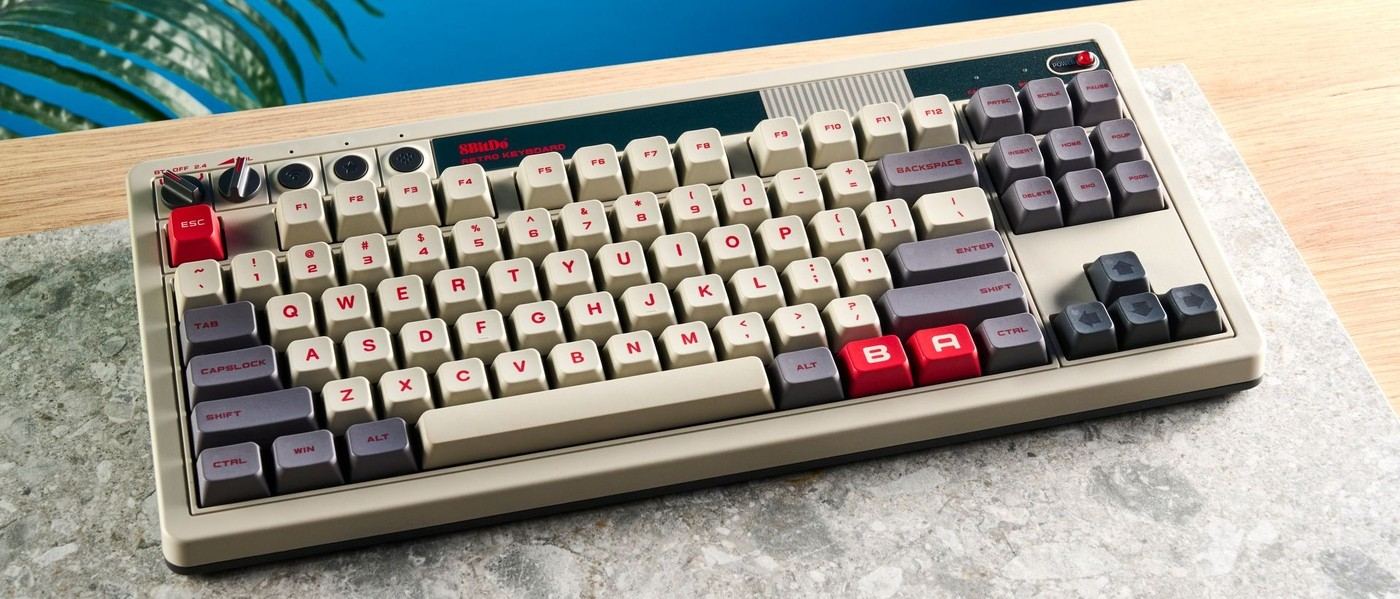
Tom's Guide found the 8BitDo Retro Mechanical Keyboard striking, sturdy and enjoyable to type on. The eighty-percent layout uses hot-swappable switches and PBT keycaps, with companion software for customization. Its retro styling is a prominent part of the appeal.
The separate Dual Super Buttons introduce another desk-space decision. The reviewer notes their large footprint and potentially limited usefulness, so plan their location rather than assuming the main keyboard dimensions describe the complete setup. Buyers can weigh those optional controls against the smooth typing and build that the review praised.
Count the separate buttons in the footprint
The main keyboard measures 14.8 by 6.6 inches, while the Dual Super Buttons add another 6.3 by 2.9 inches. Their cable connects at the back of the keyboard. Those dimensions explain why the accessory needs its own location instead of being treated as a negligible extra. Keep it where its assigned action is easier than the original shortcut without pushing the pointer farther away.
Assign a real shortcut before keeping the accessory out
The review demonstrates programming a shortcut with the keyboard's Star button rather than opening the configuration software for every assignment. That makes the buttons potentially useful for a repeated command. If no frequent task benefits from them, their visual appeal alone may not justify permanent desktop space. The source also mentions multiple button connections, but expanding the set increases the same placement question.
Match the switch sound to the room
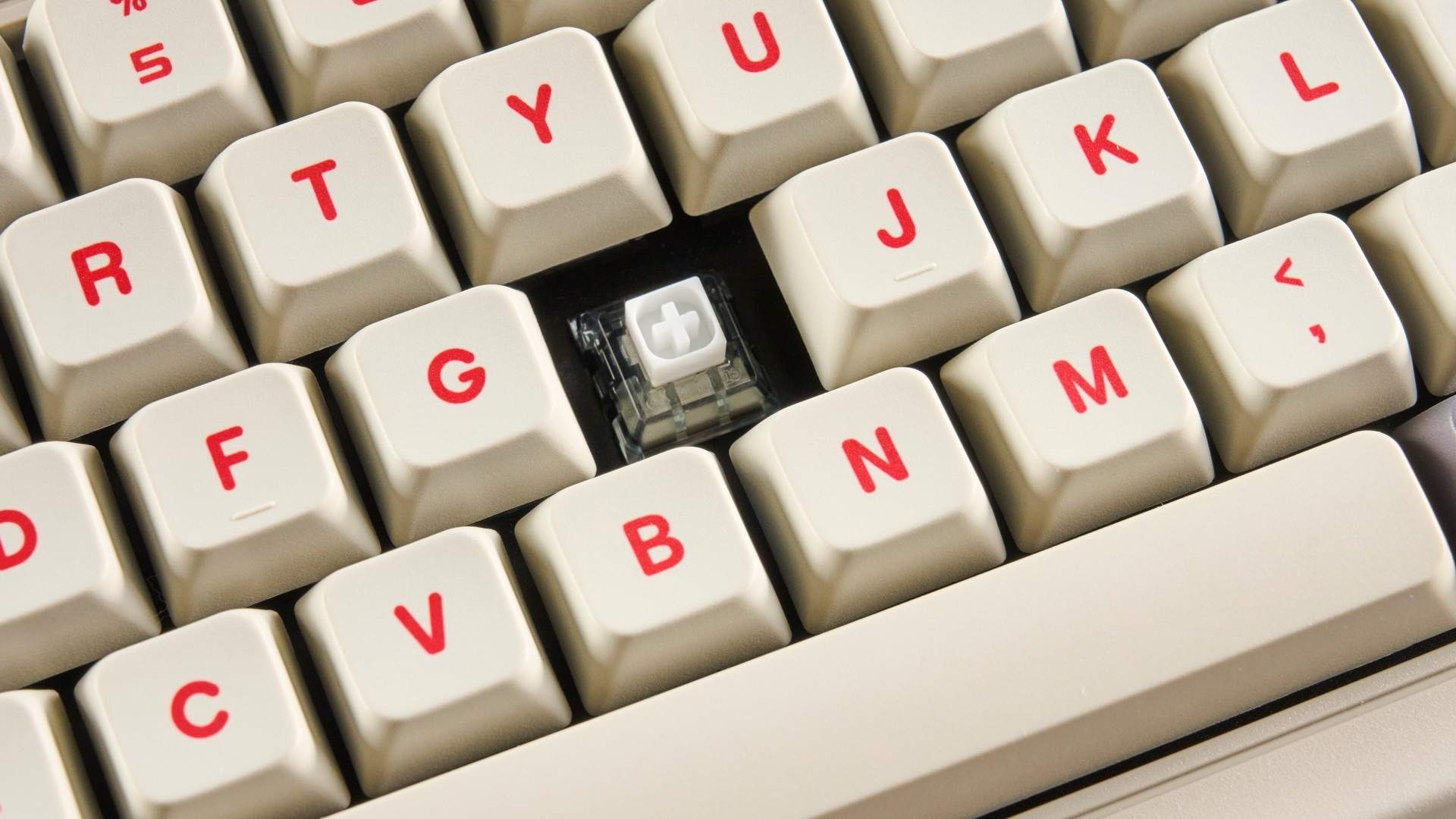
The tested clicky Kailh switches contribute strongly to the retro feel. The source also describes a linear-switch option with a quieter character. Hot-swap support permits compatible replacements, but changing switches is a separate choice from selecting a color edition. Consider the sound during ordinary work, especially in a shared room, while preserving enough clear desk area for the keyboard's connection controls and charging lead.
Separate the main board from the optional desktop arrangement
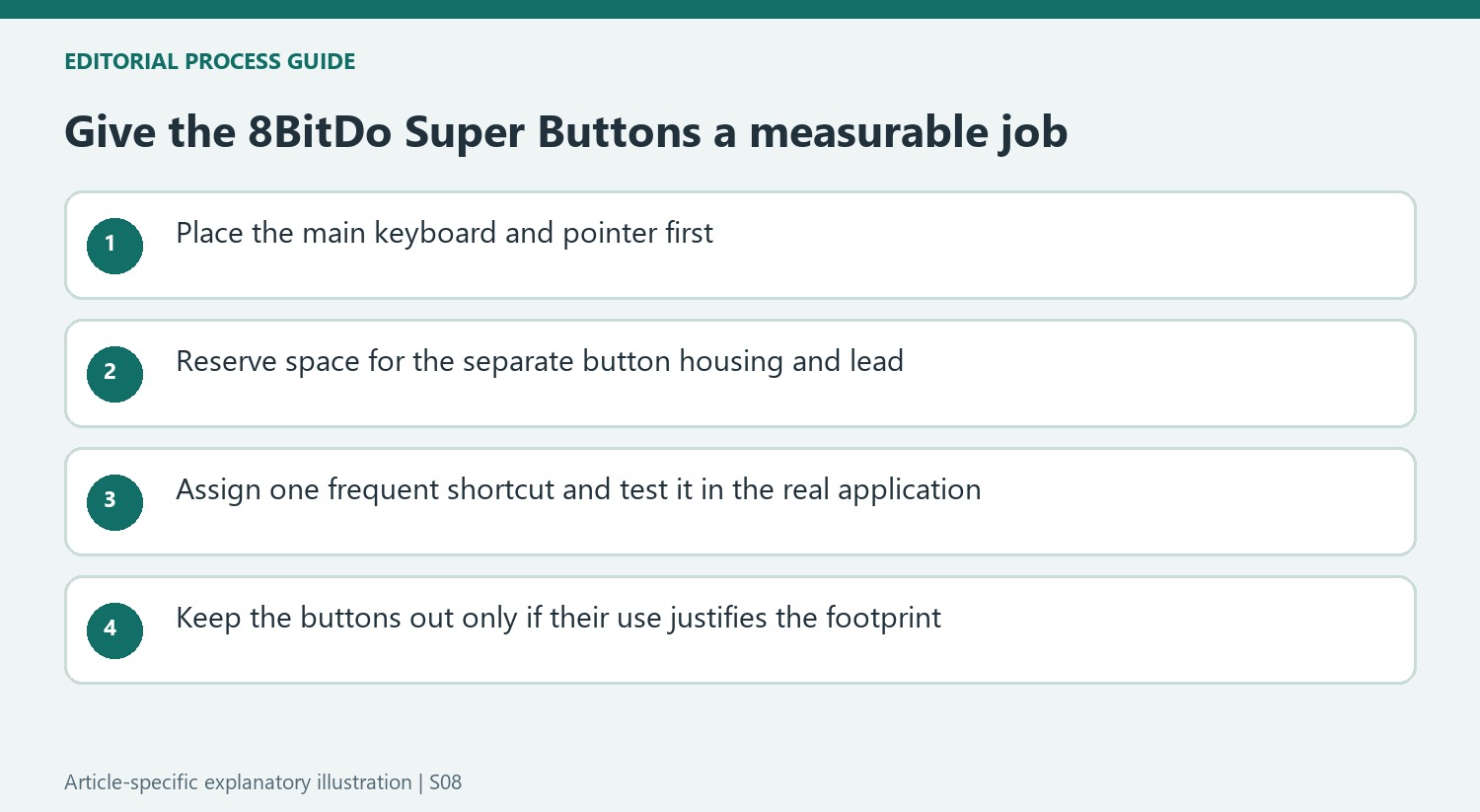
The keyboard's dimensions describe only part of the kit when the Dual Super Buttons remain out. Their separate housing and rear connection lead need their own usable position. Place the keyboard and pointer first, then find out whether the buttons can sit within easy reach without displacing either. The source's objection is not that extra controls cannot help, but that a large accessory may consume more space than its assigned tasks justify.
The keyboard can accommodate additional button pairs, which expands that same trade-off rather than removing it. Begin with the supplied pair and a concrete repeated command before considering more. If using a button requires a longer reach than the original shortcut, the visual novelty may be its main remaining benefit. It is reasonable to keep an enjoyable main keyboard while deciding the separate controls do not need permanent desk space.
Program one repeated action and test its value
The Star-button method in the review offers a direct way to record an assignment without opening the software for every simple change. Try a command used frequently in the actual application, then confirm the result before relying on it during work. The article's paste-related example illustrates the idea rather than prescribing the same shortcut to everyone. Different applications can use different combinations for similarly named actions.
The companion utility provides more extensive remapping and macro work on supported Windows and Mac systems. The source also describes saving profiles to the keyboard's internal memory. Check the current tool and firmware instructions, especially when the keyboard moves between computers with different application habits. A small reliable set of assignments is more useful than many unfamiliar macros that are rarely used, and easier to assess against the desktop area given to the buttons.
Choose sound and switch feel along with the retro design
The tested clicky switches are a major part of the board's nostalgic character. The source enjoyed that sound while noting a quieter linear option. Listen to the actual configuration in the room where it will be used rather than assuming the edition's appearance determines every part of the typing experience. A home setup chosen for distinctive sound and a shared office may place different values on the same repeated keystrokes.
Compatible hot-swap replacements allow later changes, but they are a separate purchase decision from color and styling. Try the supplied action first and include any expected replacement cost in the comparison. The source's strong typing result is one reviewer's experience, not a universal speed improvement. The practical case combines preferred key feel, acceptable sound and useful controls with enough remaining room for ordinary pointing and writing, whether or not the separate buttons ultimately stay on the desk.
References
- 8BitDo Retro Mechanical Keyboard review: The best-looking keyboard I’ve ever tested. Tom's Guide; Nikita Achanta.


Bir Cevap Yaz
E-posta adresiniz yayınlanmayacak. Gerekli alanlar * ile işaretlenmişlerdir.