
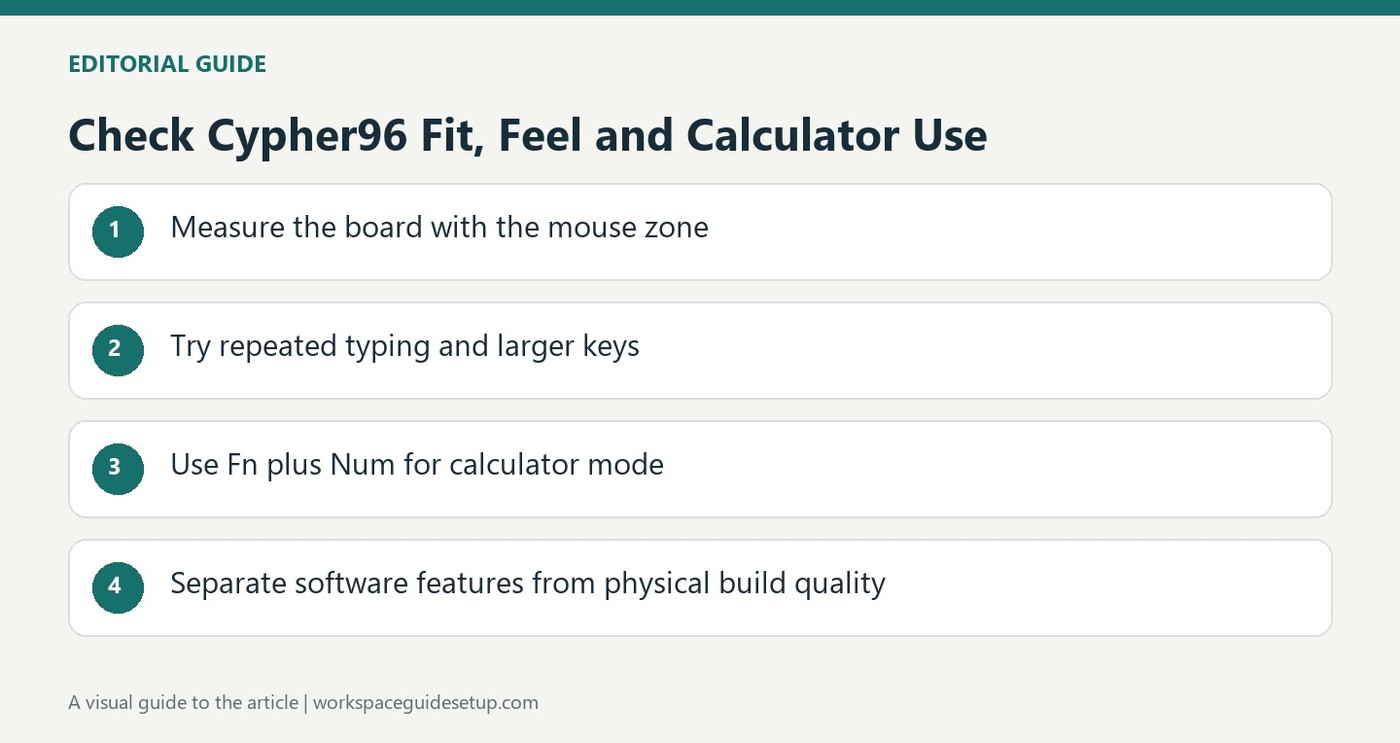
The Epomaker Cypher96 is a 96-percent mechanical keyboard whose screen can act as a calculator. Tom's Guide praised the feel of its pre-lubricated linear switches and the sound dampening, as well as the straightforward companion software. Its layout aims to retain useful keys while occupying less space than a conventional full-size board.
The review also found body flex, metallic ringing from certain keys and limited stock switch choices. These are worth checking if the keyboard will sit in a quiet shared office. The integrated calculator is a distinctive convenience for desk work, but sound, stiffness and key feel still determine much of the everyday experience. Treat those construction findings separately from the appeal of the screen.
Use the calculator without changing applications
The small display sits above the number pad and normally shows time and connection information. The review identifies Fn plus Num as the combination that changes it into calculator mode. That location is useful for someone repeatedly entering figures, but it should be assessed against the actual workflow rather than treated as a reason to accept an unsuitable typing feel.
Allow space for a substantial compact board
The listed dimensions are 15.5 by 5.7 inches, and the keyboard weighs 3.5 pounds. A 96-percent label therefore does not mean an especially light travel board. Measure its width together with the mouse zone and any palm support. The retained number pad can be valuable, but a desk that rarely needs it may gain more reach space from a different layout.
Separate configuration from construction quality
Epomaker's software can remap keys, record macros, control lighting and synchronize the screen's clock on supported Windows and macOS systems. It cannot remove the body flex or metallic key sounds noted by the reviewer. The board supports compatible hot-swap switches, yet replacing linear stock switches adds another cost. Decide whether the construction trade-offs are acceptable before concentrating on the screen and lighting settings.
Evaluate the calculator within a real number-entry routine
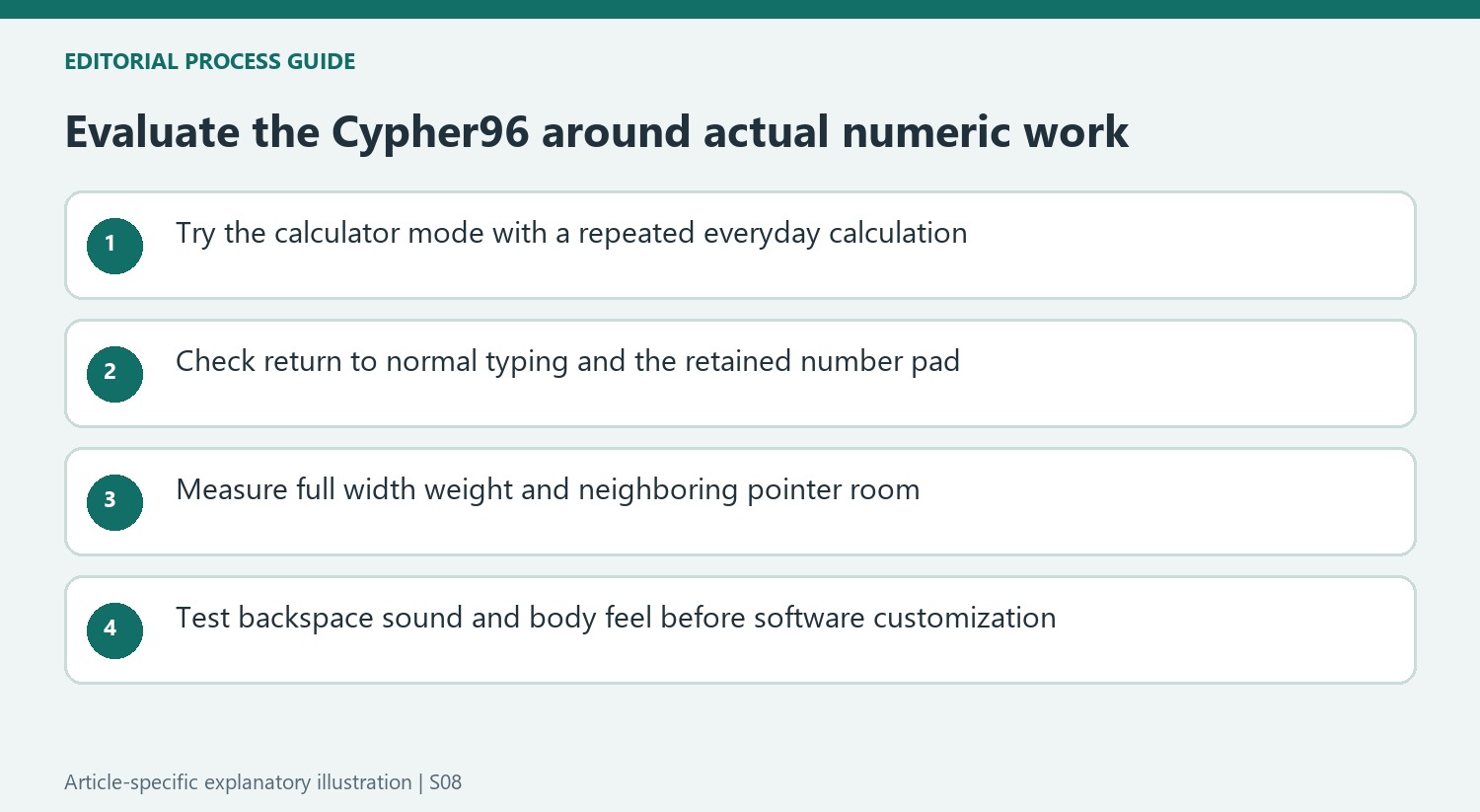
The screen's position above the number pad makes the calculator function easy to understand, but the benefit depends on how often calculations interrupt the actual work. Try the documented mode combination and a typical sequence of numbers. Confirm that returning to ordinary input is straightforward. Someone who rarely calculates may value the clock and connection status more, while someone using a spreadsheet continuously may already have an efficient calculation method in the main application.
The source presents the feature as convenient rather than evidence that the keyboard replaces every calculator workflow. Avoid assuming unmentioned functions, result-transfer behavior or specialist calculation modes. The worthwhile question is whether the supported operation saves attention during repeated tasks. That is a more useful comparison than letting an unusual display decide the purchase before the layout, typing action and construction have been tried.
Keep the compact label in proportion to its size and weight
The retained numeric area creates a substantial board despite the compressed layout. Measure its 15.5-inch width alongside the pointer space, and include any palm support in the depth requirement. The listed weight also makes this a different proposition from a small travel keyboard. A fixed desk may benefit from that substantial presence, while someone carrying equipment daily should compare the complete bag rather than only the percentage used to describe the layout.
Try the keys used for navigation and shortcuts as well as the number pad. Compact full-featured arrangements save space by changing separation and positioning, so the actual work remains the relevant trial. The source liked the Wisteria linear action and PBT surfaces, with stock alternatives still limited to linear types. If another feel is already preferred, include compatible replacement switches in the expected cost instead of treating hot-swap capability as an included choice of every action.
Separate software conveniences from physical reservations
The reviewed application can synchronize the clock, remap controls, record macros and adjust lighting on supported computers. These functions can tailor behavior but cannot establish a stiffer body or remove every sound noted in the hardware review. The source found flex and more key movement than preferred, alongside an otherwise enjoyable typing action. Keep both observations visible rather than reducing the board to either its useful software or its physical shortcomings alone.
The metallic backspace ping was particularly noticeable within an otherwise pleasing sound profile. Include repeated corrections in a trial, since they can expose a sound that ordinary letter typing misses. Do not turn that observation into an unproven durability prediction; the article reports a reservation rather than a measured future failure. At the current price, compare construction, sound, supplied switches and the calculator's actual usefulness together. The software feature list is only one part of that complete judgment.
References
- Epomaker Cypher96 review: 96% layout, 70% good. Tom's Guide; Nikita Achanta.


Bir Cevap Yaz
E-posta adresiniz yayınlanmayacak. Gerekli alanlar * ile işaretlenmişlerdir.