
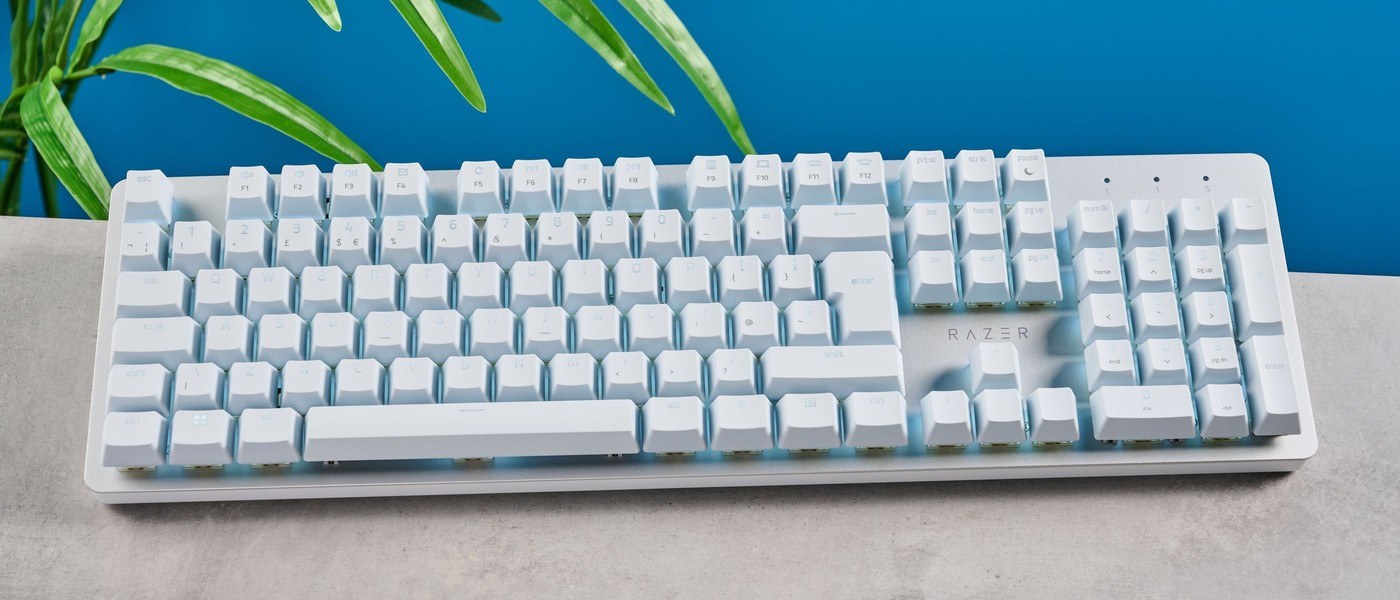
Tom's Guide found the Razer Pro Type Ultra pleasant to type on and visually suited to an office. Its cushioned wrist rest was a highlight, although it does not attach magnetically and could be knocked out of position. Allow room for both pieces when arranging the keyboard area.
The review also criticized ABS keycaps, metallic ringing and a louder typing sound than expected. Those details matter in a shared room even when the design looks restrained. The included rest is useful to assess alongside keyboard height, stability and noise rather than treating it as an automatic comfort solution.
Count the rest as part of the working depth
The published keyboard dimensions, 17.3 by 5.2 inches, exclude the cushioned support. That makes the combined depth more relevant than the keyboard measurement alone when planning the front edge of a small desk. Leave enough space for both pieces without forcing the typing keys too far away. The review's favorable comfort impression does not remove the need to check the resulting hand position.
Choose the device-switching arrangement deliberately
The board can use its receiver alongside Bluetooth connections to several other devices. That is useful when a desk serves a laptop, desktop and tablet, but the keyboard still needs a defined charging route. Locate the rear receiver compartment before putting the board into a permanent arrangement. The plain white backlighting is visually quieter than many gaming models, although the source found the typing sound less restrained.
Separate responsive switches from a quiet office experience
The Razer Yellow switches have a short reported actuation point and 45g operating force, which the reviewer liked for typing. The same review nevertheless heard metallic ringing and criticized the ABS keycap feel. Those qualities can coexist. Test repeated keys and the larger spacebar in the intended room rather than assuming a productivity label guarantees silence or that responsive action automatically means the keyboard suits everyone nearby.
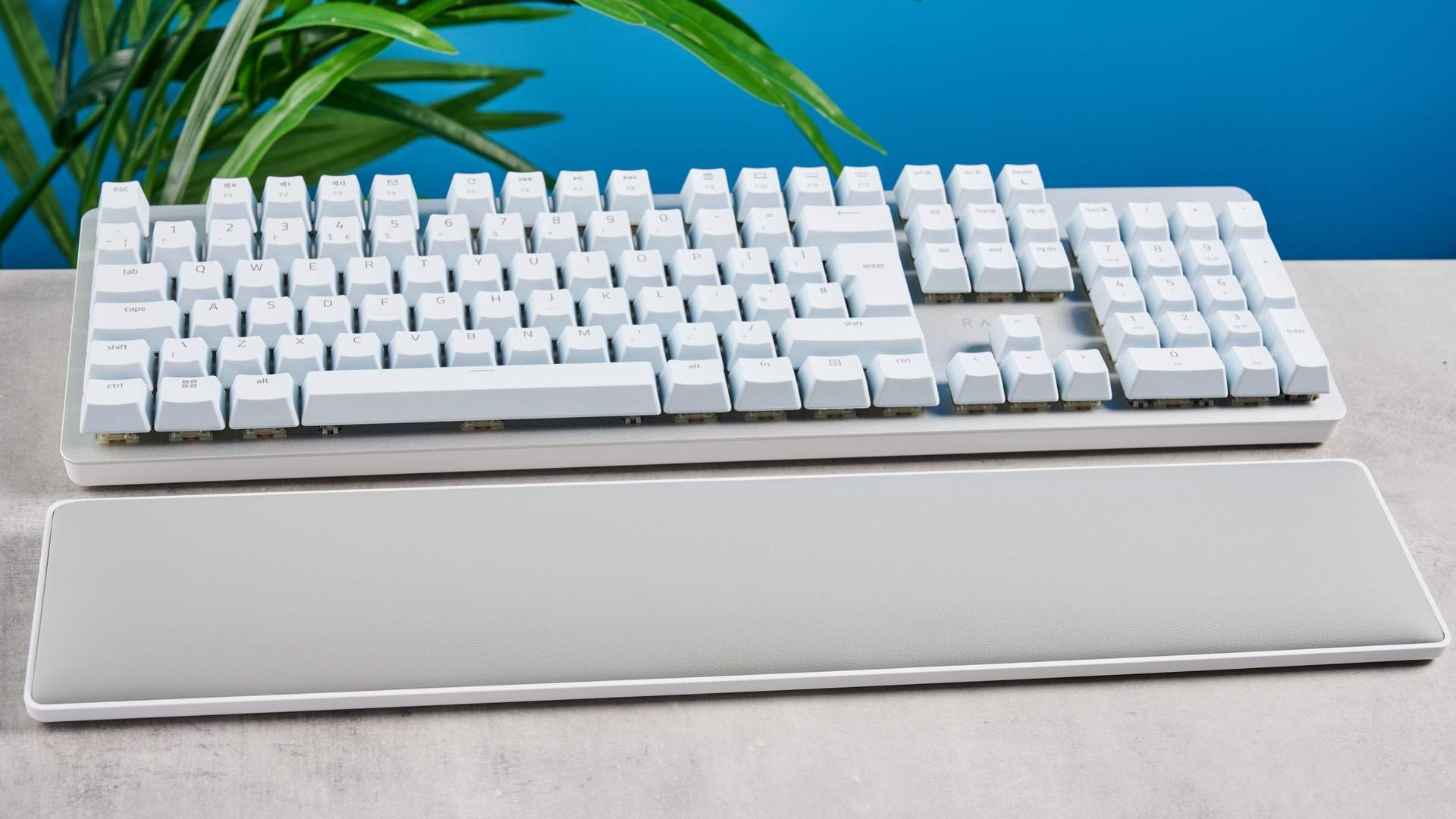
Arrange the separate support before judging the footprint
The published depth excludes the cushioned rest, so it cannot describe the complete occupied area during use. Place both pieces together and check whether the typing keys remain comfortably reachable from the normal chair position. A shallow-looking keyboard can still require substantial front-to-back room once a separate support is included. The review's comfort praise is useful context, while the actual fit depends on the desk and person using the combination.
Because the rest does not attach magnetically, its position can shift independently of the board. The reviewer noticed this during sudden movement. Test ordinary transitions between typing and pointing and see whether the chosen arrangement stays useful without repeated realignment. A soft surface alone is not the whole support decision; its location, the keyboard's front height and the space left for free hand movement also affect the working setup.
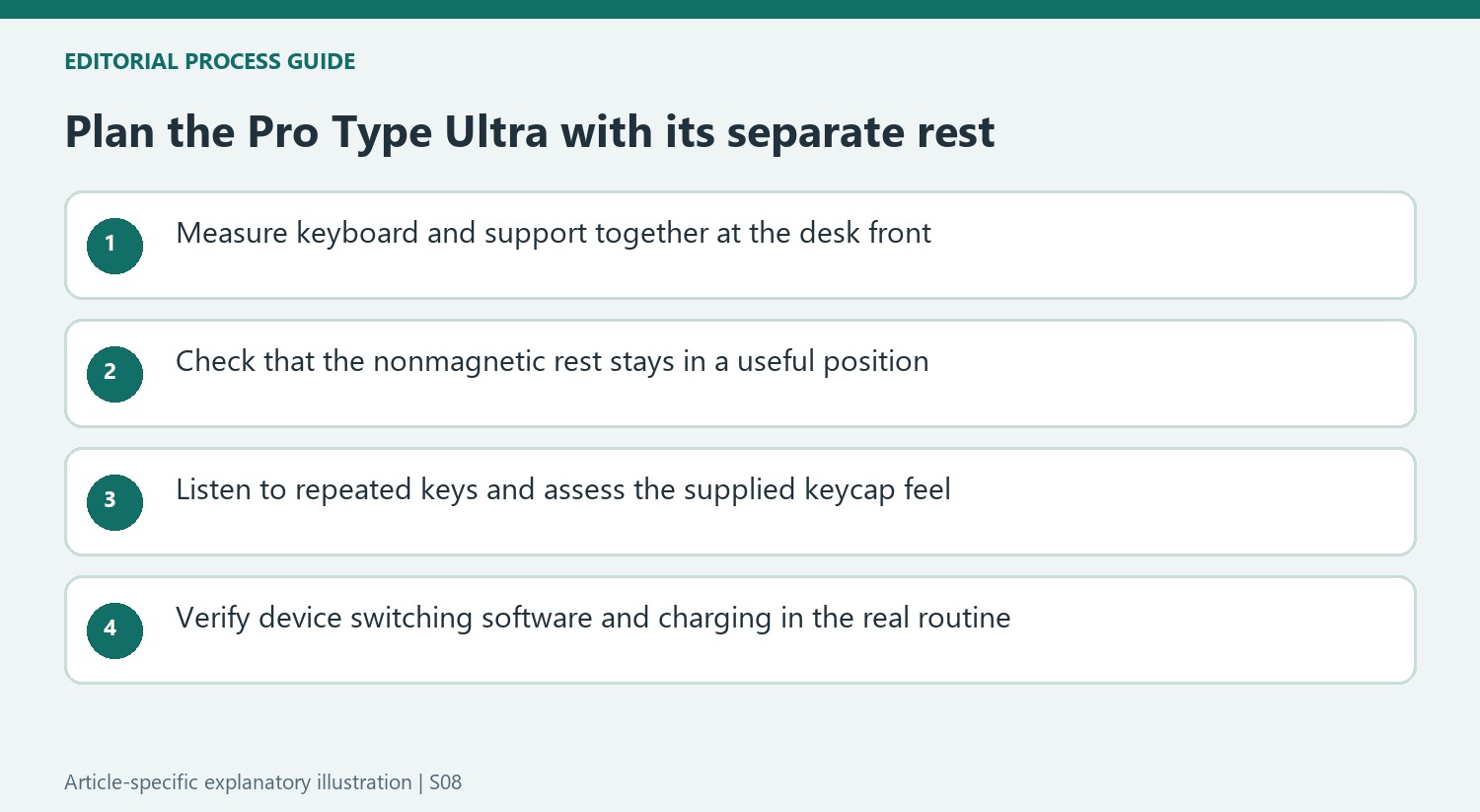
Test sound and surface feel during a sustained task
The Razer Yellow action impressed the source for responsiveness, with a short activation point and moderate force. That does not settle the sound question. The same test heard metallic ringing and more noise than expected from the quiet-office positioning. Listen to frequently repeated keys in the actual room, especially the larger ones, instead of treating a subdued white exterior and plain lighting as evidence that the keyboard is equally unobtrusive acoustically.
The coated ABS keycaps also drew a separate criticism about feel and later shine. Consider the supplied surfaces directly rather than assuming the brand's gaming reputation determines the productivity model's materials. This board is not hot-swappable, so replacing the stock switches is not the straightforward alternative available on many custom keyboards. Decide whether the supplied action and sound are acceptable before relying on software to personalize behavior that cannot change those physical characteristics.
Plan the multi-device routine around actual switching
The receiver and Bluetooth arrangements can serve several devices, but the useful comparison is how frequently the user changes between them. Test the laptop, desktop or tablet that will actually share the board, checking the current supported configuration. Keep the receiver compartment and charging route accessible when arranging the desk. A wireless appearance does not remove battery maintenance or establish identical software features on every connected system.
The source found Synapse straightforward for remapping, macros and lighting, with some game-oriented options that may be irrelevant to ordinary office typing. Start with repeated work commands rather than enabling every feature because it is available. Historical price and battery ratings should remain contextual, with present terms checked separately. The complete comparison includes the rest's stability, supplied keycaps, acceptable noise and the switching functions that will be used, rather than the office label alone.
References
- Razer Pro Type Ultra review: A little too loud for a 'silent' keyboard. Tom's Guide; Nikita Achanta.


Bir Cevap Yaz
E-posta adresiniz yayınlanmayacak. Gerekli alanlar * ile işaretlenmişlerdir.