
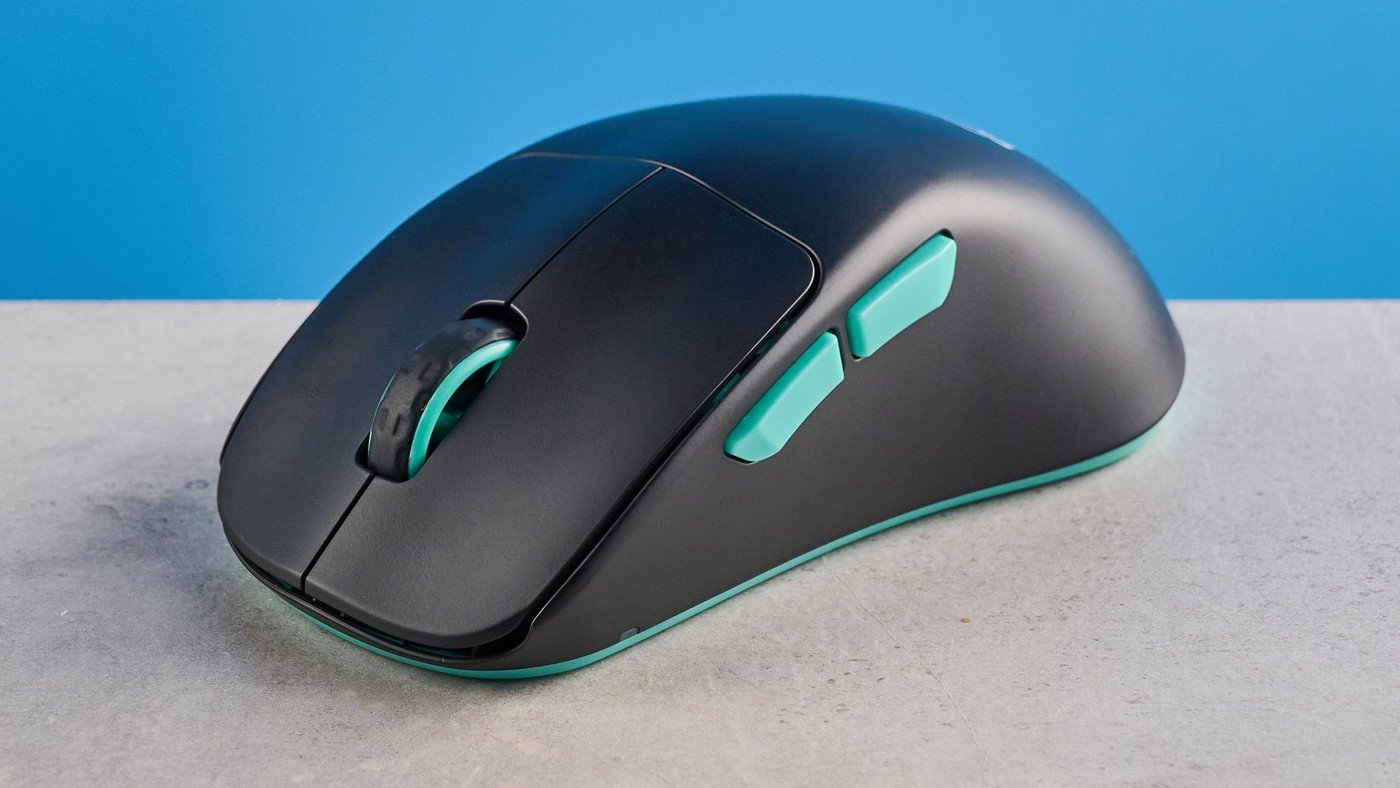
Tom's Guide praised the Cherry XTRFY M64 Wireless for its understated appearance and comfortable right-handed form. The reviewed mouse offers up to 26,000 DPI and 1,000Hz polling, with receiver or wired operation. Its 1.87-ounce weight keeps the body relatively light.
However, there is no Bluetooth or companion customization software, and the USB-C port's awkward position limits comfortable wired use. Think about where the charging cable will travel across the desk and whether the available controls meet your needs. The review found those omissions significant at the asking price.
Inspect the side connector before planning wired use
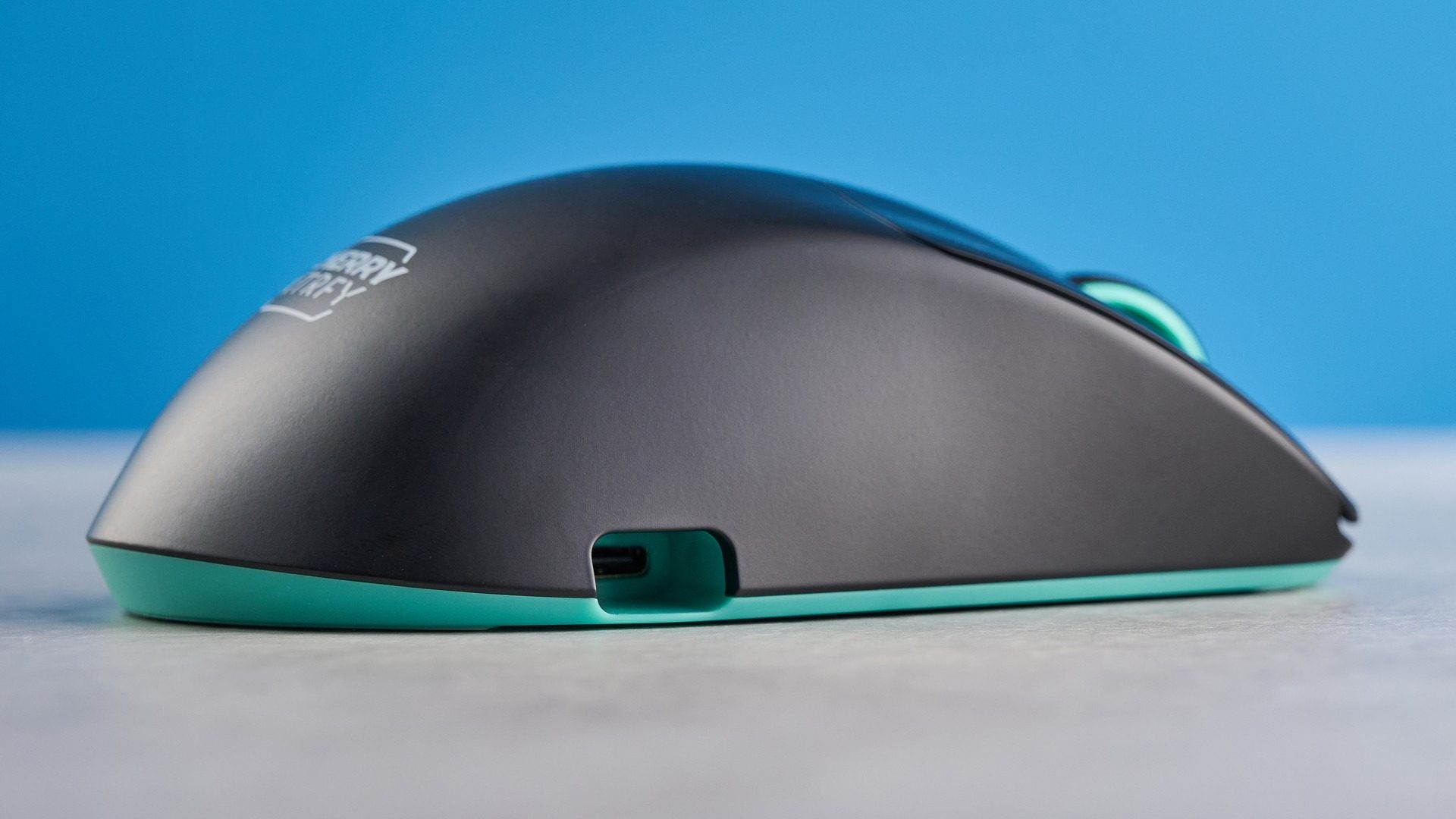
The USB-C socket is positioned on the right-hand edge, where the reviewer's hand pressed against the connected plug. That makes its cable route a more important issue than with a conventional front-facing charging port. If a mouse is often used while charging, try that configuration explicitly rather than evaluating only its cable-free fit. The reported comfortable wireless shape does not describe the same experience with a side plug attached.
Keep the receiver in a defined place
Wireless operation depends on the 2.4GHz dongle because Bluetooth is absent. The review also notes no storage slot for the receiver on the body. Give it a reliable storage location when moving the mouse between computers or packing it away. A missing receiver can disrupt the intended setup even when the rechargeable mouse itself is fully charged and ready.
Decide whether onboard adjustment is enough
Sensitivity and other parameters use controls on the device rather than companion software. The stated maximum DPI and 1000Hz polling do not indicate how much remapping flexibility is available for office shortcuts. Identify which settings need to change regularly before choosing it for mixed work and gaming. The right-handed form and reported small-to-medium-hand fit also make individual comfort more relevant than its modest weight alone.
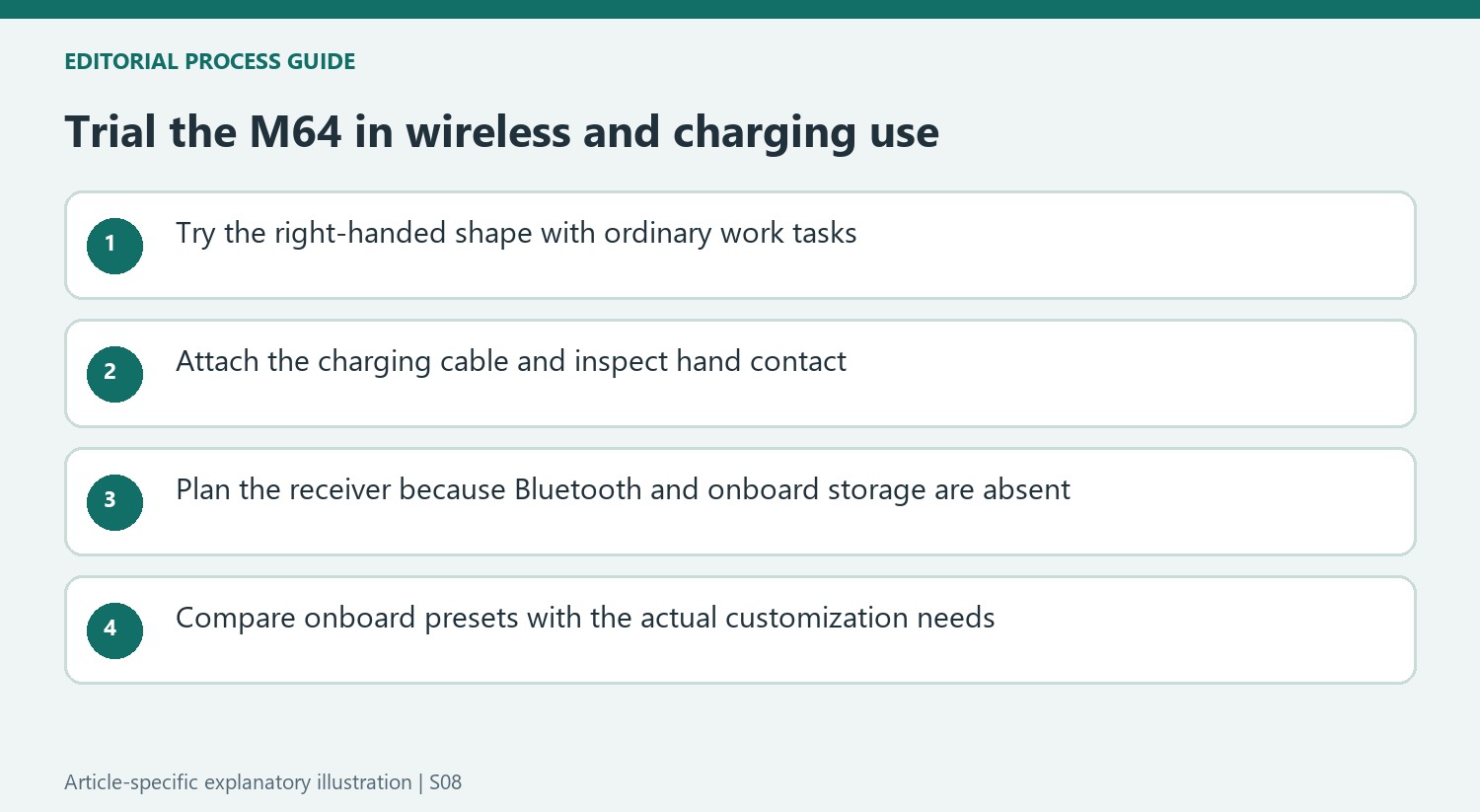
Trial the mouse with a charging cable attached
The side-mounted socket creates a different hand-and-cable relationship from a conventional front connection. The reviewer's comfortable wireless grip became much less satisfactory when the plug occupied the right edge. If use while charging is likely, include that condition in the trial. Evaluating only the disconnected shape would omit the feature that generated one of the source's strongest practical reservations.
Check where the lead runs across the actual mouse area and whether its plug contacts the operating hand. Follow the product's current cable guidance rather than forcing an unsuitable connector into a tight angle. The source reports a design limitation; it does not establish that every aftermarket cable or adapter resolves it. A reliable wireless charging routine may reduce how often the issue arises, but it should be considered deliberately rather than hidden behind the headline weight or sensor specification.
Keep receiver-dependent operation distinct from Bluetooth
Wireless use depends on the included 2.4GHz receiver. There is no Bluetooth fallback in the reviewed model, so a computer's built-in Bluetooth does not replace a missing dongle. Confirm an appropriate available port or supported connection arrangement on each intended computer. This is especially relevant for a mouse carried between a desktop and a laptop, where connection convenience can matter as much as performance once the device is in hand.
The body has no receiver-storage position according to the source. Assign a consistent place for the small component when moving equipment or packing the mouse away. A rechargeable battery and a light case do not make the complete kit self-contained when its wireless link remains elsewhere. Compare the actual transported set, including receiver and charging lead, rather than only the object resting on the desk during a product photograph.
Assess onboard settings against the required shortcuts
The review distinguishes preset adjustments on the device from the absent companion software. Sensitivity, polling and debounce choices do not provide the same flexibility as unrestricted button remapping. List the shortcuts and custom values expected from the mouse, then compare them with the current documented controls. A high maximum DPI cannot establish that an office-specific command or application profile can be assigned.
The source liked the right-handed form for its own hand and praised casual gaming performance. Those are useful findings without implying equal fit for every hand size or grip. Test ordinary selection, scrolling and the side buttons alongside any gaming use. At the historical premium price, the missing software, Bluetooth and convenient wired operation shaped the review's value judgment. Check today's alternatives against that complete set of needs rather than treating the largest sensor number as the deciding advantage.


Bir Cevap Yaz
E-posta adresiniz yayınlanmayacak. Gerekli alanlar * ile işaretlenmişlerdir.