
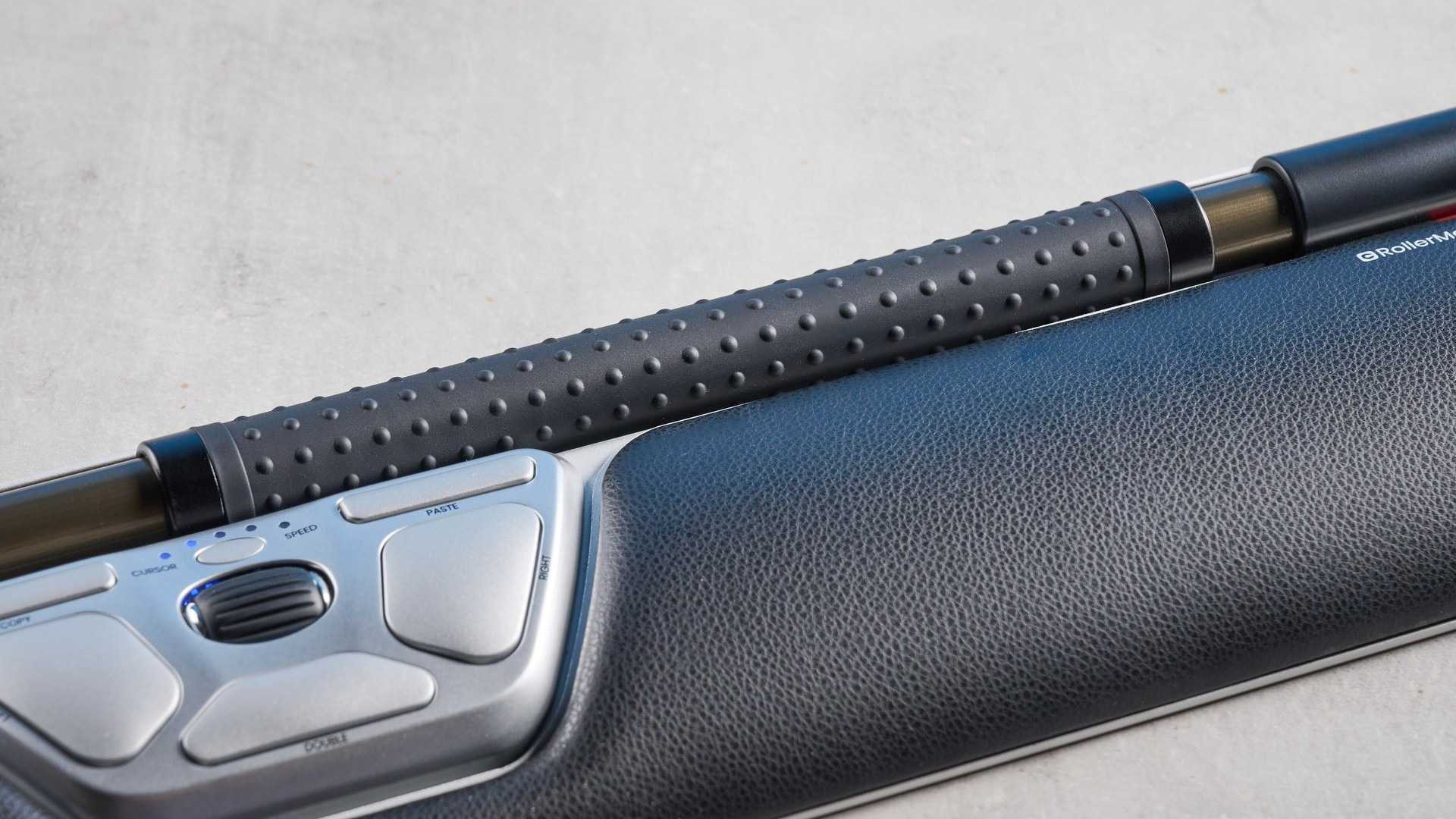
The Contour RollerMouse Red Wireless places a rollerbar and wrist support directly in front of the keyboard. Tom's Guide's reviewer appreciated being able to operate the pointer with smaller hand movements and reported less shoulder and neck discomfort during testing. The device offers customizable sensitivity and USB-C, Bluetooth or receiver connections.
The review also identifies important compromises: the near-$400 price, fiddly keyboard adjustment and less precise control for detailed work. Different wrist-rest sizes change the amount of desk space required. Treat the reviewer's comfort findings as an individual experience, rather than a medical promise, and check the full keyboard-and-rest arrangement before assuming this unusual input device will fit an existing workstation.
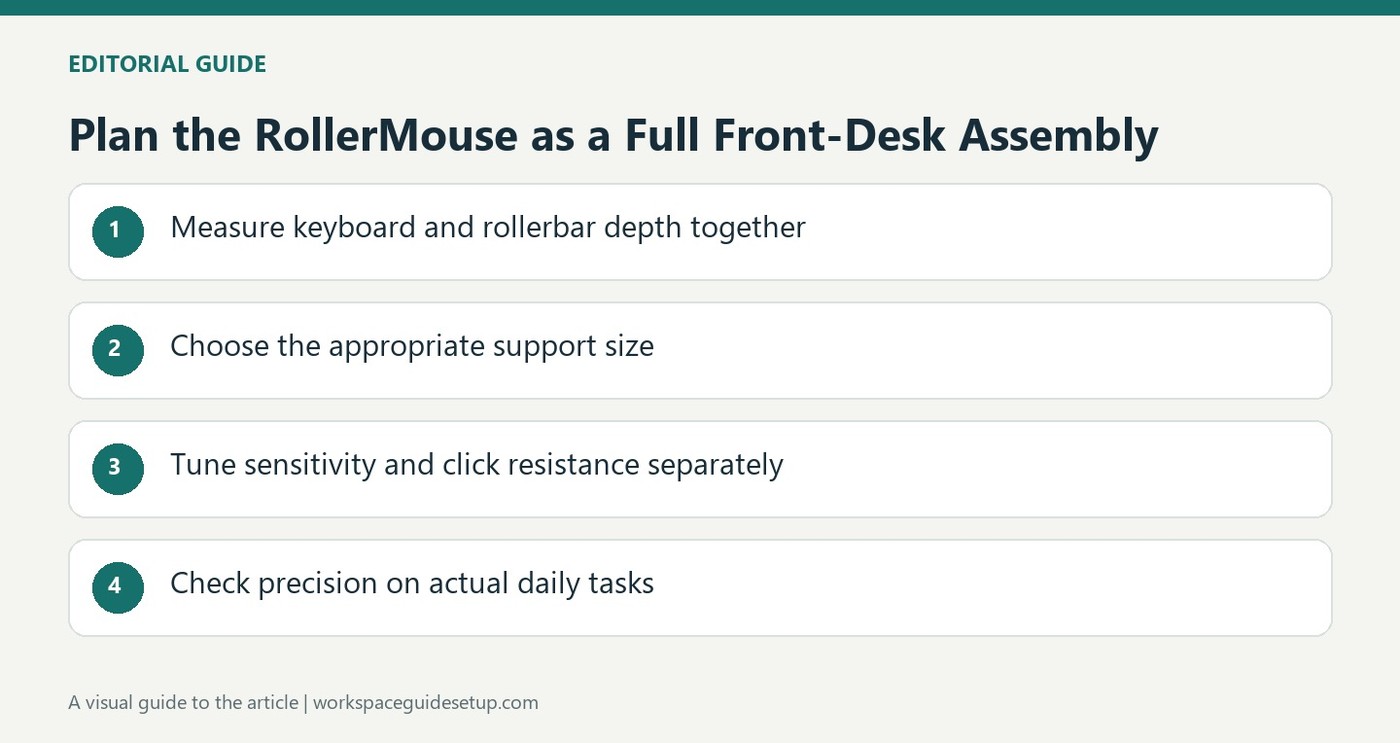
Measure the full assembly in front of the keyboard
The specification lists 17.6 inches of width and 5.5 inches of depth for the reviewed arrangement. Its 11.8-inch rollerbar creates a broad control area, while the optional Slim, Plus and Max supports change the overall relationship to the desk and arms. Check the chosen version against the keyboard and available front-to-back room. A centrally placed pointer saves side reach but still occupies a substantial part of the working surface.
Adjust click resistance separately from pointer speed
The review describes ten sensitivity settings from 600 to 2800 DPI and five levels of rollerbar click resistance. Those are distinct controls: the first changes pointer travel, while the second changes how the bar responds when pressed. Evaluate them with routine document work before judging whether the device feels precise enough. The writer still found intricate control difficult despite the available adjustments.
Keep a charging route even for a stationary device
USB-C wired use, Bluetooth and a receiver provide several connection choices. The source notes that the stationary arrangement can remain usable during charging, which makes an accessible lead useful. That convenience does not settle the overall value or personal comfort question. Treat the reported reduction in discomfort as one reviewer's experience, and assess the actual keyboard-height adjustment and full support configuration before choosing it.
Measure the front-to-back arrangement as a whole
A central rollerbar can reduce the need to move sideways to a conventional mouse, but its broad support still occupies desk area. Measure the chosen rest together with the keyboard and normal seating position. The source tried different supports and preferred the smaller one for its own desk. That preference explains a particular fit rather than proving the smallest version supplies the right support for every user or keyboard.
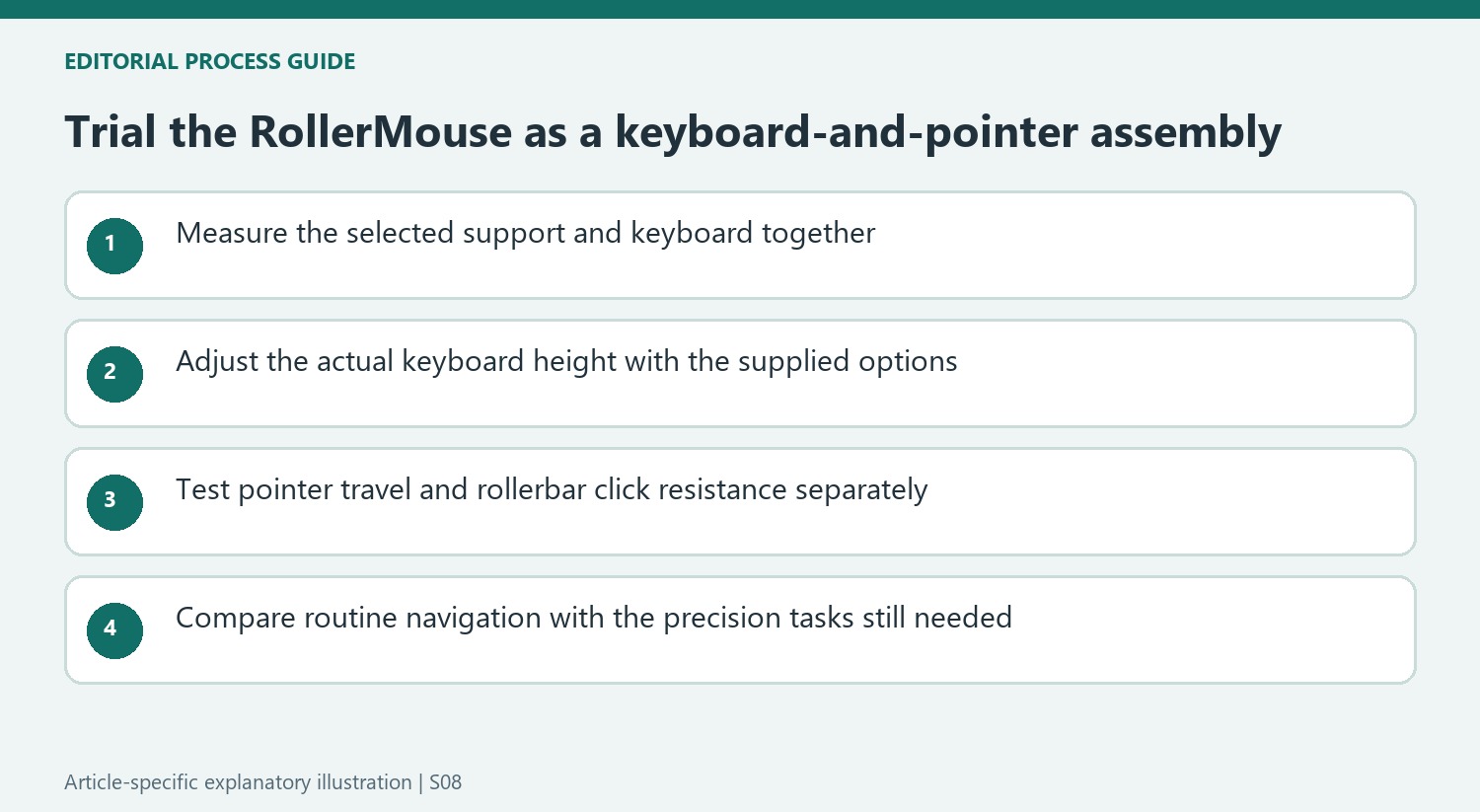
The keyboard risers need attention because they establish the relationship between the typing surface and the roller device. The reviewer found their adjustment fiddly and distinguished slim keyboards from higher mechanical boards. Trial the actual keyboard rather than assuming one supplied riser position works with every model. A central pointer is useful only if reaching the keys over its front assembly remains practical and the hands can move appropriately between controls.
Adjust movement and pressing as separate controls
Ten sensitivity levels change cursor travel, while the rollerbar's five resistance levels change the pressure required for its click action. These are independent settings. Begin with ordinary navigation and text work, then try the selection and dragging tasks used most frequently. A setting that makes the pointer cross a large screen easily may still leave accidental bar clicks or an awkward press, so evaluate both behaviors rather than treating sensitivity as the only adjustment.
The source found detailed image work difficult despite the available settings and sometimes returned to another pointer. Keep that limitation within the comparison instead of assuming customization removes every precision concern. Retaining a conventional mouse for particular work can be a reasonable outcome of the trial. The useful question is which daily actions benefit from the central control, balanced against the space and learning effort of maintaining another device when necessary.
Weigh personal comfort reports against complete ownership needs
The reviewer's reduced shoulder and neck discomfort is an individual observation from the test, not a demonstrated treatment for every user's symptoms. Fit, task and previous arrangement can differ substantially. Use the account to identify what to assess at the workstation, including hand movement and keyboard height, while avoiding promises based solely on the ergonomic product category or the substantial price.
Wireless options and direct USB-C use create several connection choices. A stationary device can remain usable during charging, so preserve a reachable lead even when most sessions are wireless. Battery ratings in the source should not be converted into guaranteed durations for every workload. Compare the current complete version, support size and price with the functions actually needed. The premium is easier to assess when central access, acceptable precision and a workable keyboard relationship have all been tried together.
References
- This is the mouse design to revolutionize office work — but the price tag makes me feel queasy. Tom's Guide; Ashley Thieme.


Bir Cevap Yaz
E-posta adresiniz yayınlanmayacak. Gerekli alanlar * ile işaretlenmişlerdir.