
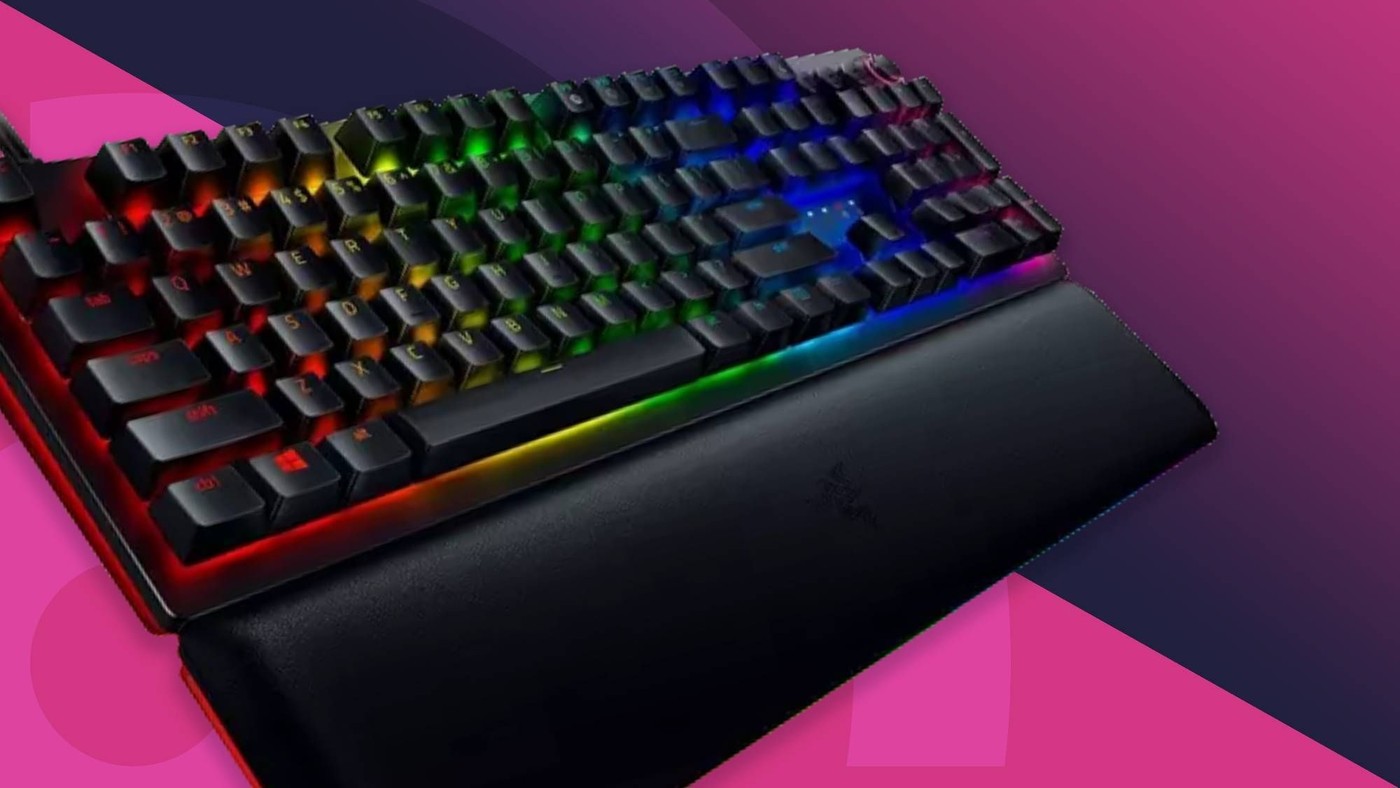
TechRadar's gaming keyboard roundup includes substantially different layouts rather than a single ideal size. The Corsair K70 Pro Mini Wireless uses a sixty-percent format that removes the dedicated function row, arrow cluster and number pad. That smaller footprint changes how everyday shortcuts are accessed.
A larger model such as the Razer Huntsman V2 Analog includes a wrist rest and a full-size arrangement. Compare the actual keys and support you use before prioritizing advanced actuation settings. A compact board can release mouse space, while a larger layout keeps more commands directly accessible without function-layer combinations.
Separate travel size from everyday navigation
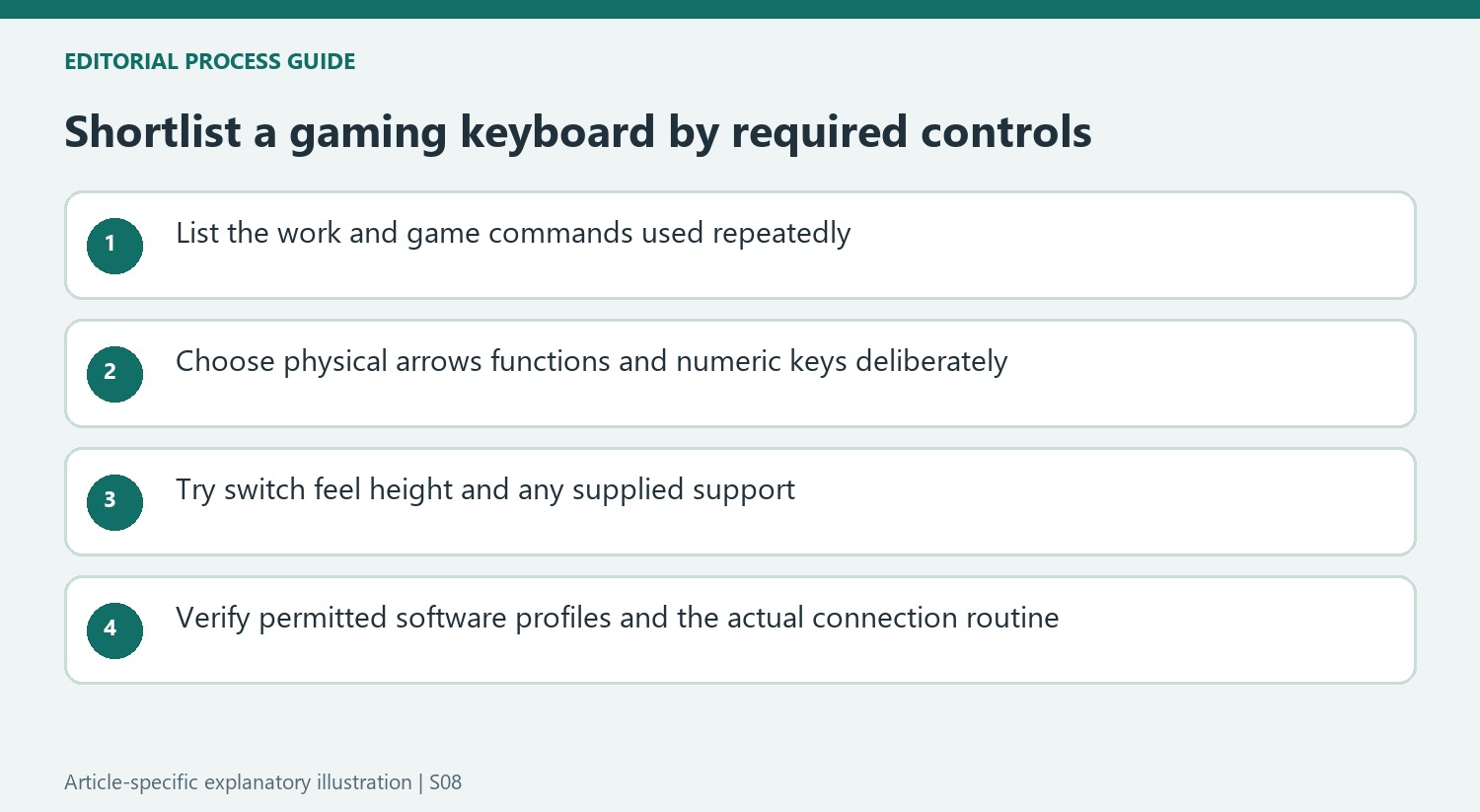
The roundup's 60-percent Corsair example removes dedicated navigation and function keys to keep the body compact. That may suit travel or create more mouse space, but it moves common commands onto combinations. Before downsizing, list the shortcuts used in documents, spreadsheets and games. A number-pad-free TKL board may offer a different compromise if arrow keys remain important.
Compare switch feel and support independently
The guide includes membrane, mechanical, optical and adjustable magnetic designs, with different typing experiences and accessories. The SteelSeries Apex 3 example emphasizes a softer membrane feel and an included palm rest, while other choices focus on actuation customization. A sophisticated switch feature does not establish that the board's height or supplied support suits the desk. Examine both the physical arrangement and the response of frequently used keys.
Check whether customization needs software access
Several recommendations rely on applications such as Synapse or iCue for remapping, lighting or advanced actuation settings. That can be useful on a personal machine but may be less convenient on a managed work computer. Confirm the permitted configuration method before choosing hardware mainly for a software feature. The best layout for a shared work-and-play desk is the one whose essential keys and settings remain available in both roles.
Choose the required physical keys before advanced features
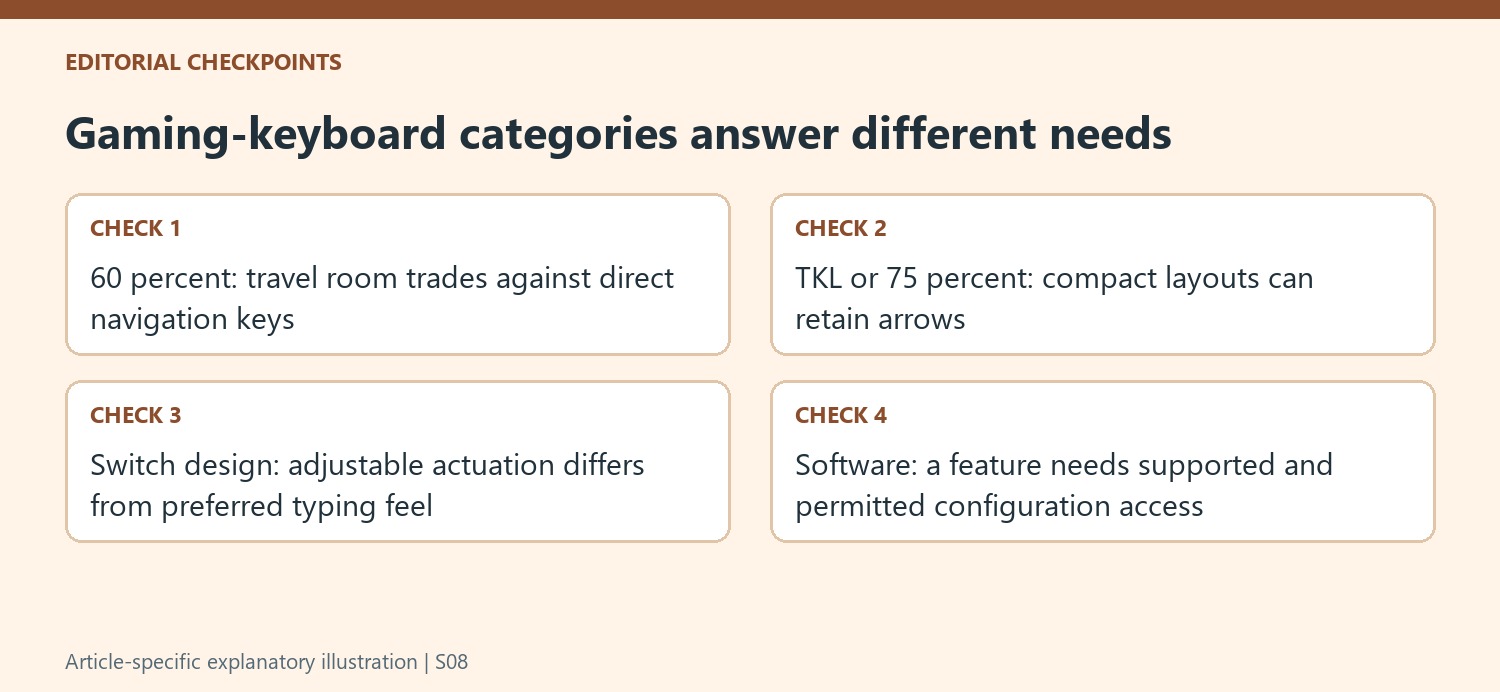
The roundup covers several sizes because portability and direct access are competing priorities. The 60-percent Corsair example makes room by moving ordinary navigation and function commands onto combinations. A TKL or 75-percent option can preserve more direct controls while omitting a number pad. Compare these choices with both work and play, since a game using a narrow key group does not describe the demands of a spreadsheet or a long editing session.
Make a small list of commands used repeatedly and locate them on the proposed board. Try them without assuming that programmability removes the need to learn a new layer. The guide's Asus example specifically retains dedicated arrows within a compact arrangement, illustrating a different compromise from the smallest models. The important result is a useful balance of mouse room, familiar navigation and travel size rather than choosing a percentage as though it were a quality score.
Evaluate switch technology through the actual task
Membrane, mechanical, optical and magnetic descriptions identify different designs, but a technology label alone does not establish the preferred feel. The guide includes both a softer membrane option and boards focused on adjustable actuation. Try representative repeated commands, typing and ordinary corrections. Advanced trigger settings may be useful for a particular game while contributing little to the document work performed on the same desk.
The supplied support is another independent comparison. The guide notes a palm rest with the Apex 3 while pointing out its absence on another recommendation. Include the complete front-to-back space requirement and appropriate hand alignment rather than assuming every board with an advanced switch system arrives with equivalent support. Key height, sound and the actual rest arrangement can matter more during a long work session than a performance headline considered in isolation.
Check configuration and connection in the intended environment
Applications such as Synapse and iCue provide much of the advertised customization on several models. Confirm the supported operating system and whether installation is permitted on a managed work computer. Onboard profiles can help where explicitly supported, but do not transfer that feature from one recommendation to all the others. A function unavailable on the intended machine should not be the main reason for choosing the hardware.
Connection options also differ across the guide. Compare the actual receiver, Bluetooth or cable routine with the computers and games involved, and check current model specifications rather than treating all wireless modes as identical. The reviewer's results can guide a shortlist without promising zero latency or automatic gaming improvement. A shared desk benefits most from essential keys and settings that remain usable in both roles, with advanced features added only when they solve an identified need.
References
- The best gaming keyboard in 2026: our top tested picks for mechanical, optical, wireless, and more. TechRadar; Christian Guyton; Marcus Mears III; Rob Webb; John Loeffler.


Bir Cevap Yaz
E-posta adresiniz yayınlanmayacak. Gerekli alanlar * ile işaretlenmişlerdir.