
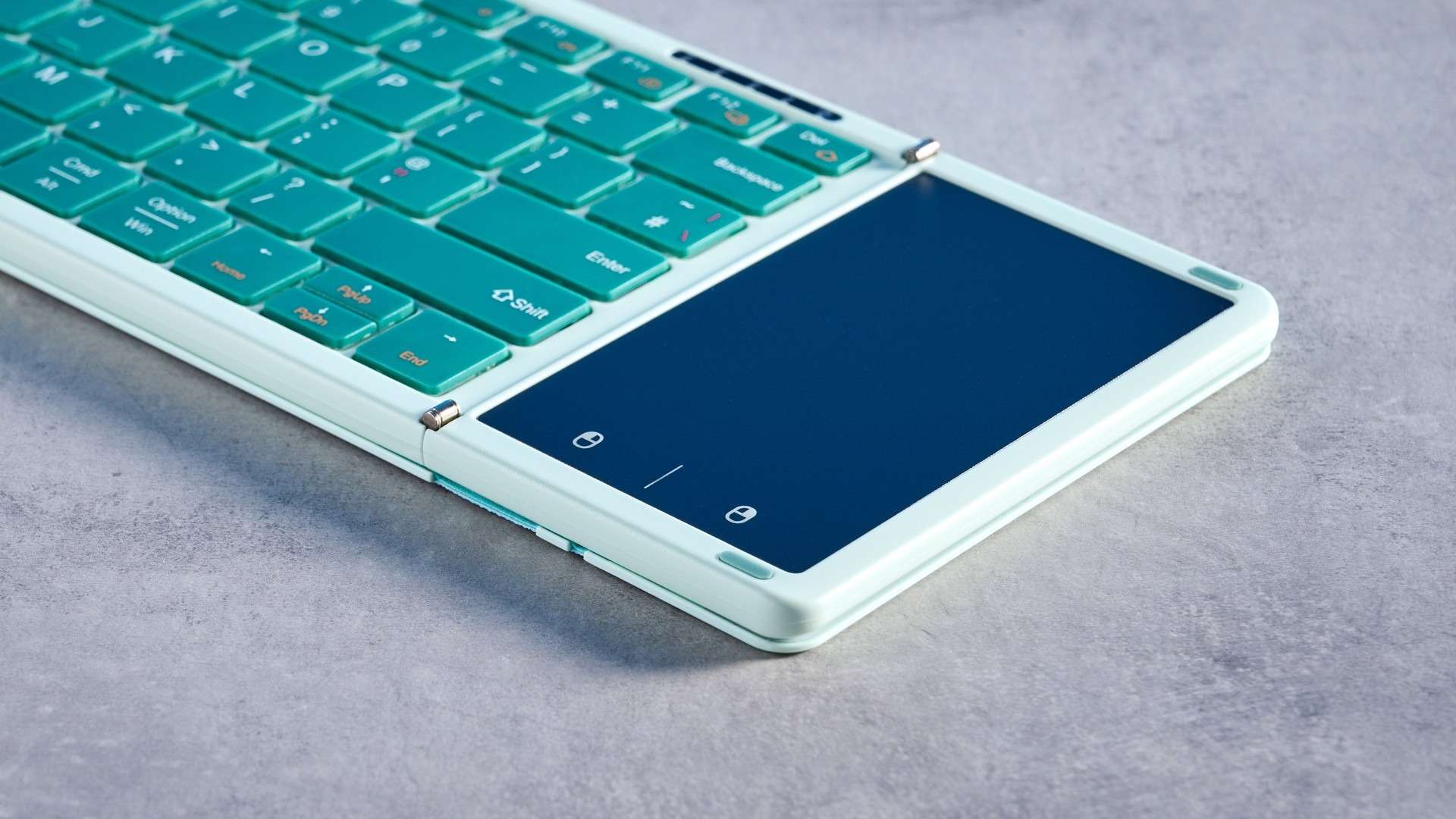
Seenda's Foldable Bluetooth Keyboard with Touchpad combines two input devices in a small package. Tom's Guide liked its portability, multipoint connection and claimed battery endurance, noting that it can connect with up to three devices. A built-in protective case helps explain its appeal for a temporary desk while traveling.
However, the reviewer encountered missed letters, noisy and rickety keys, and a touchpad that scrolled too sensitively while failing to recognize some clicks. Those problems weaken the advantage of leaving a separate mouse at home. For occasional travel, compactness may matter, but test typing reliability and touchpad behavior before depending on the keyboard for a full working day away from the main workstation.
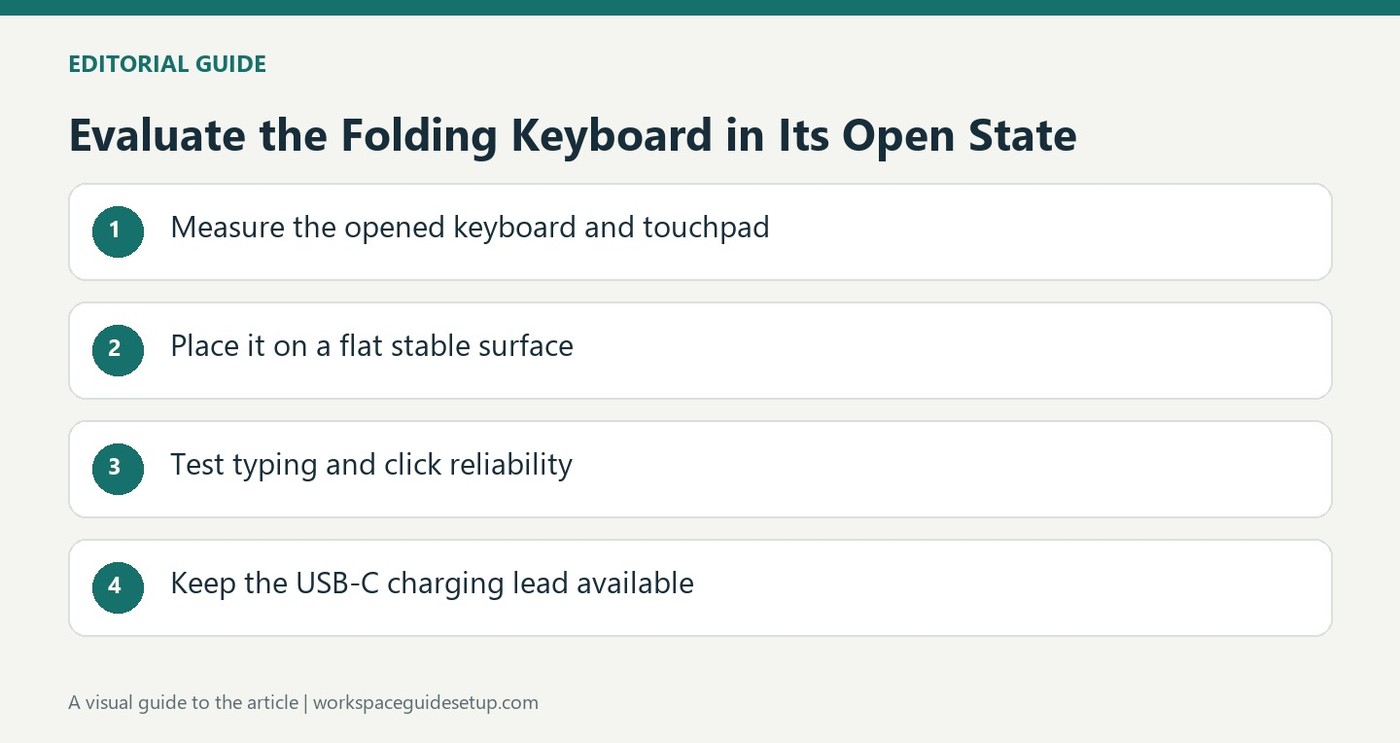
Measure the opened keyboard as well as the folded case
The source lists a folded size of 7 by 4.5 inches, expanding to 13.4 by 4.6 inches in use. That makes packing relatively easy, but the temporary table still needs enough width for the deployed touchpad and keys. The reviewer also found some overextension when unfolded, which reinforces the need for a suitably flat support rather than relying on the folding structure alone.
Check switching and battery visibility
Fn with Q, W or E switches between the three Bluetooth device connections in the reported setup. The reviewer successfully moved between an iPad and laptop, but could not see a usable charge percentage through the tested macOS settings. The claimed 70-hour endurance is therefore different from having an accessible remaining-battery reading. Keep the supplied USB-C charging lead available during travel.
Test the touchpad before leaving the mouse behind
The pointer surface can be disabled with Fn and Space, but doing so removes the main advantage of the combined design. The review found scrolling too sensitive and clicks inconsistently recognized, while typing also produced repeated errors. Try a real document and ordinary click-and-drag tasks before depending on this as the only input tool away from home. A small packed size cannot compensate for controls that interrupt the work.
Evaluate the deployed tool as carefully as the folded package
The folded dimensions explain why the keyboard fits easily in a bag, but they do not describe the surface needed after opening it. The full width includes the touchpad and separate folding sections. Try the kit on the sort of temporary table expected during travel, leaving enough space for the laptop or tablet. The source noticed slight overextension in the opened structure, making a flat supporting surface particularly relevant to reliable ordinary use.
The attached protective material helps cover the device in transit, while its presence does not resolve the build reservations reported during typing. Compare packing convenience with the actual work session rather than giving both the same score. A compact accessory earns its place most clearly when it can be deployed repeatedly without interrupting the task, not simply when it occupies little room beside other equipment in a closed bag.
Test text entry and pointer actions together
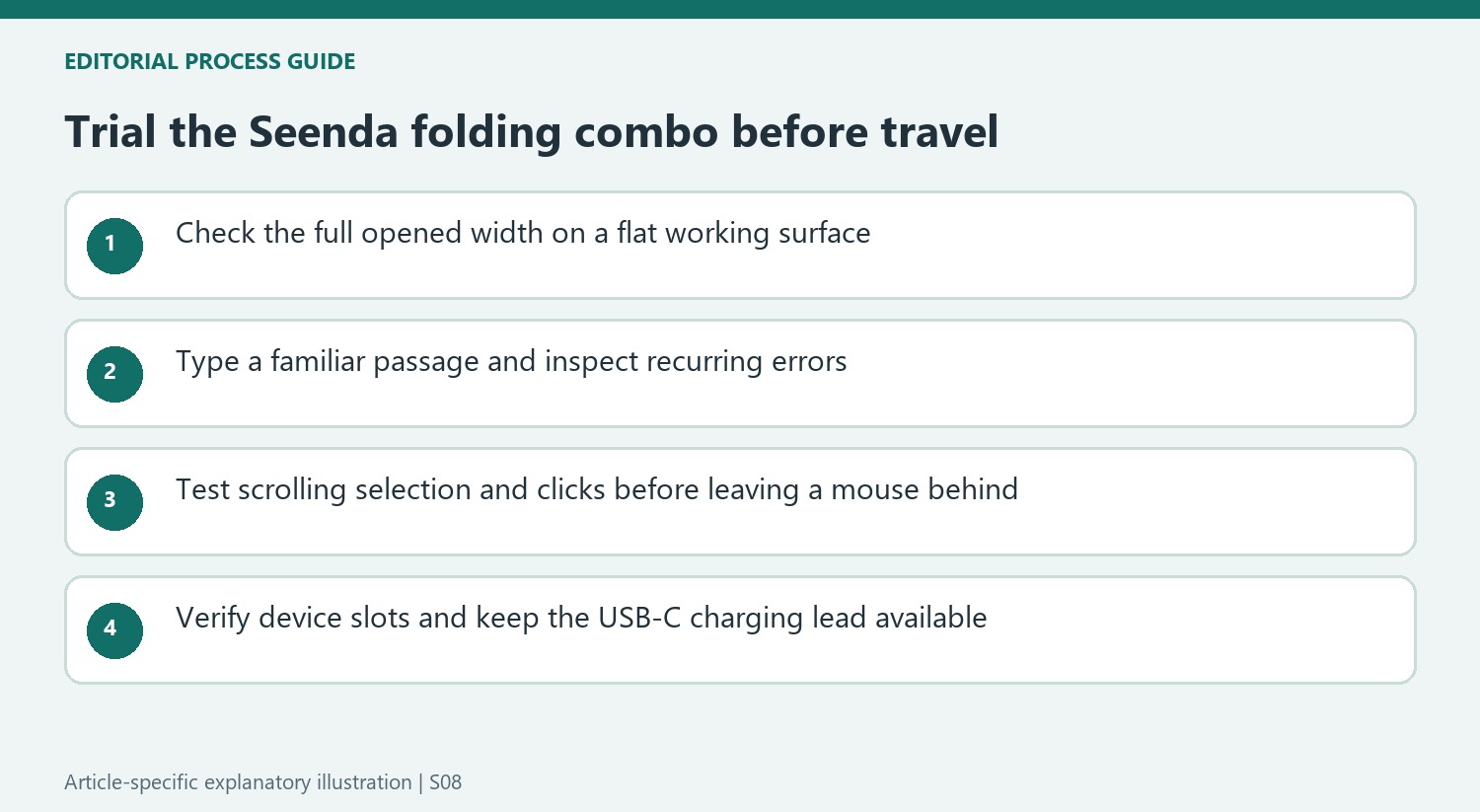
The reviewer encountered repeated missed or unwanted input, including a particular letter and extra spaces. Those findings concern the reliability of completing work, not only the subjective sound of a keyboard. Try a familiar paragraph and review the result for recurring corrections. Include the actual editing shortcuts needed on the intended system, since an acceptable first impression from tapping a few keys may miss problems that recur during a sustained writing task.
The touchpad adds a second independent test. Use ordinary selection, scrolling and dragging, noting whether both movement and clicks behave consistently. The source found excessive scrolling sensitivity alongside missed commands, so describing the combined design as a mouse replacement without those qualifications would be misleading. Disabling the pad is possible, but then a separate pointer may be needed, changing the packed-space advantage that made the all-in-one concept attractive.
Plan switching and charging without overstating the battery claim
The reported three-device switching sequence worked conveniently between the reviewer's tablet and laptop. That is useful evidence for that combination rather than a guarantee across every operating system in the compatibility list. Test the intended devices before departure and learn which connection slot belongs to each. A simple repeatable switching routine is more useful on a trip than discovering a pairing problem while depending on the keyboard for urgent work.
The quoted endurance is a rating, while the tested Mac setup did not expose a useful remaining-charge percentage. Keep the included USB-C lead available and plan a charging opportunity rather than interpreting the rating as a precise countdown. At the current complete price, compare the required typing accuracy, pointer control and support surface with a separate compact keyboard and mouse. The review's negative conclusion came from those practical limitations despite the sensible travel concept.
References
- Seenda Foldable Bluetooth Keyboard with Touchpad review. Tom's Guide; Ashley Thieme.


Bir Cevap Yaz
E-posta adresiniz yayınlanmayacak. Gerekli alanlar * ile işaretlenmişlerdir.